NoiseFit Halo Smartwatch - Limited Edition
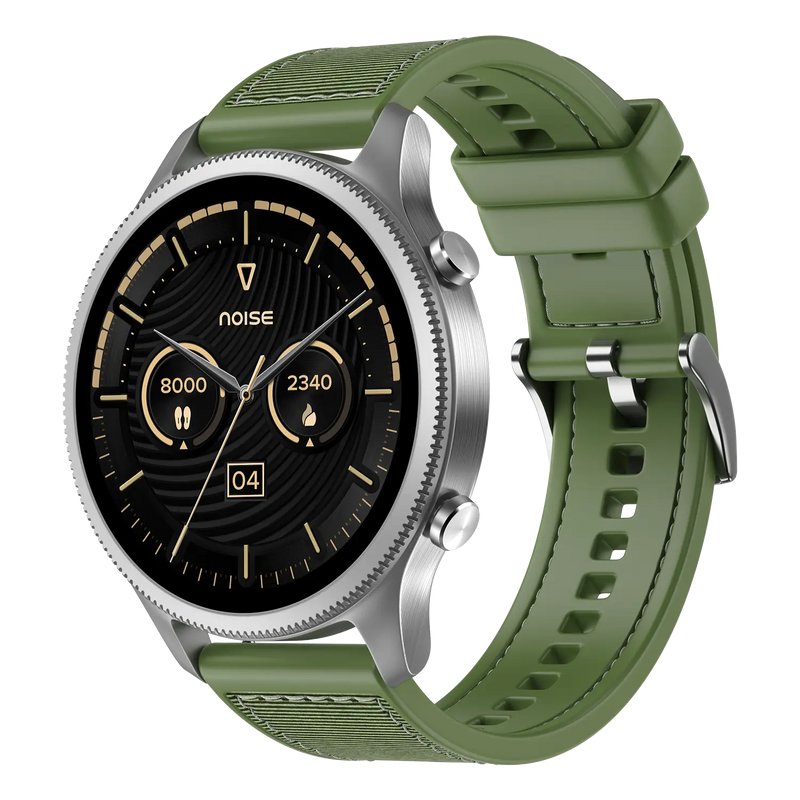
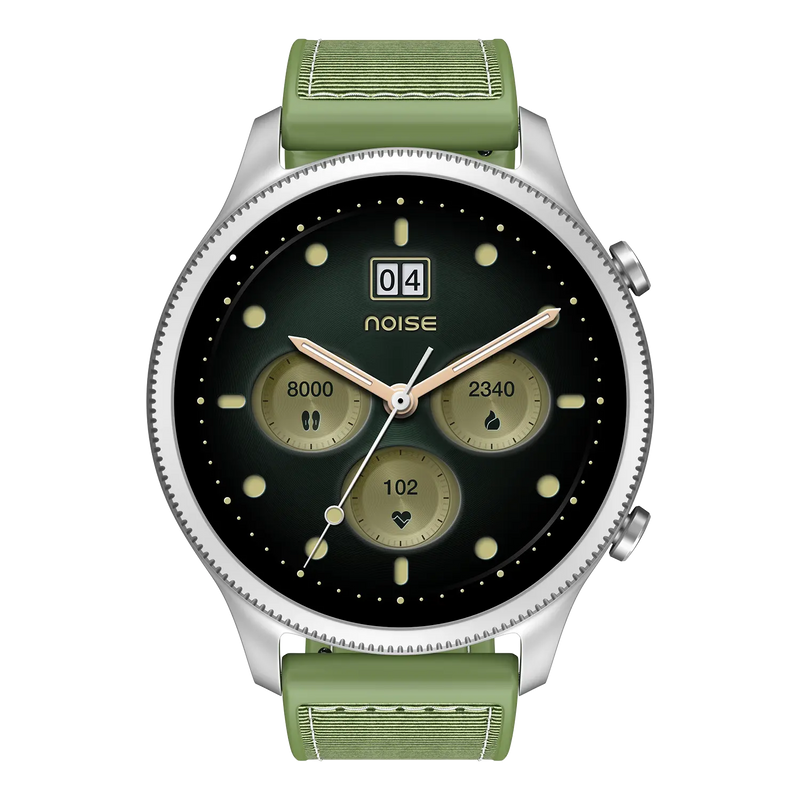
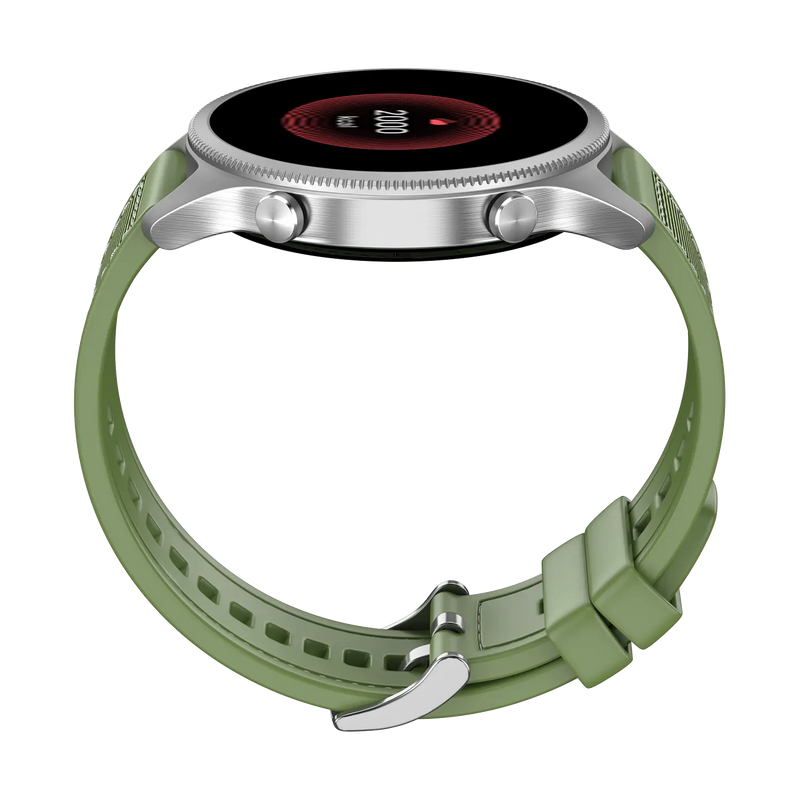
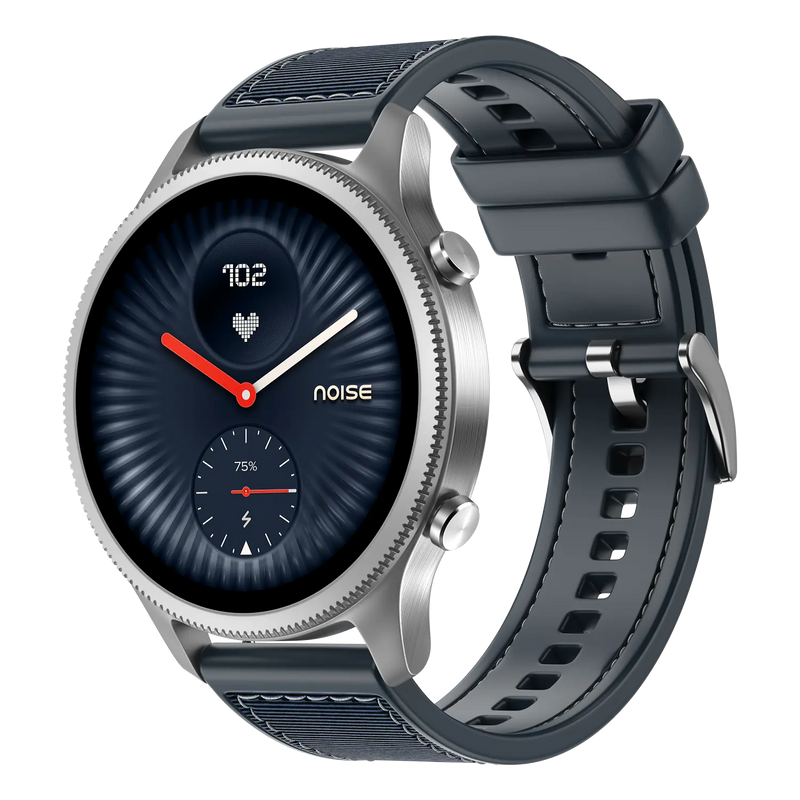
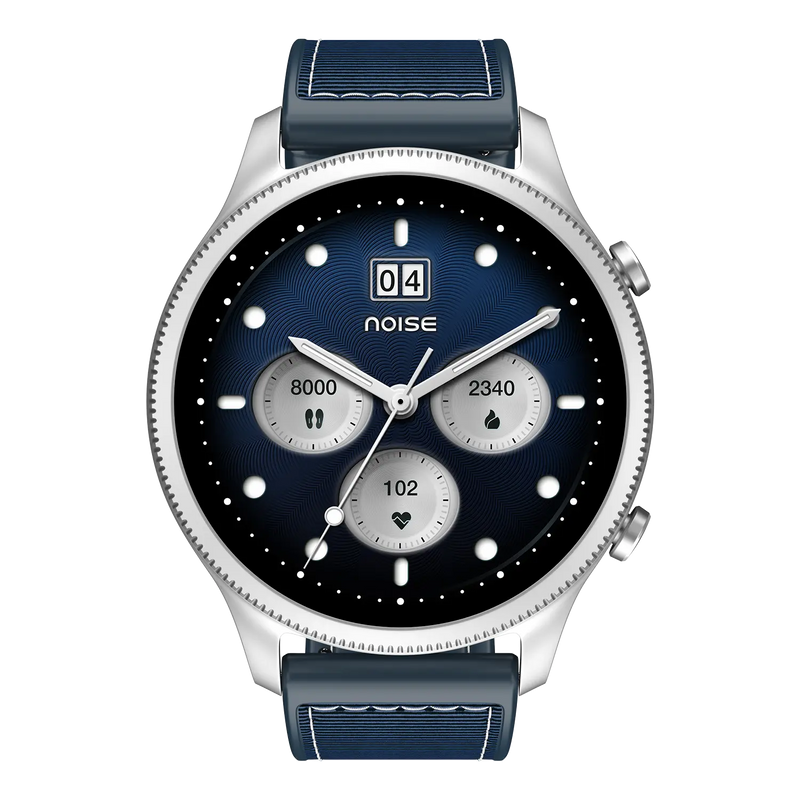
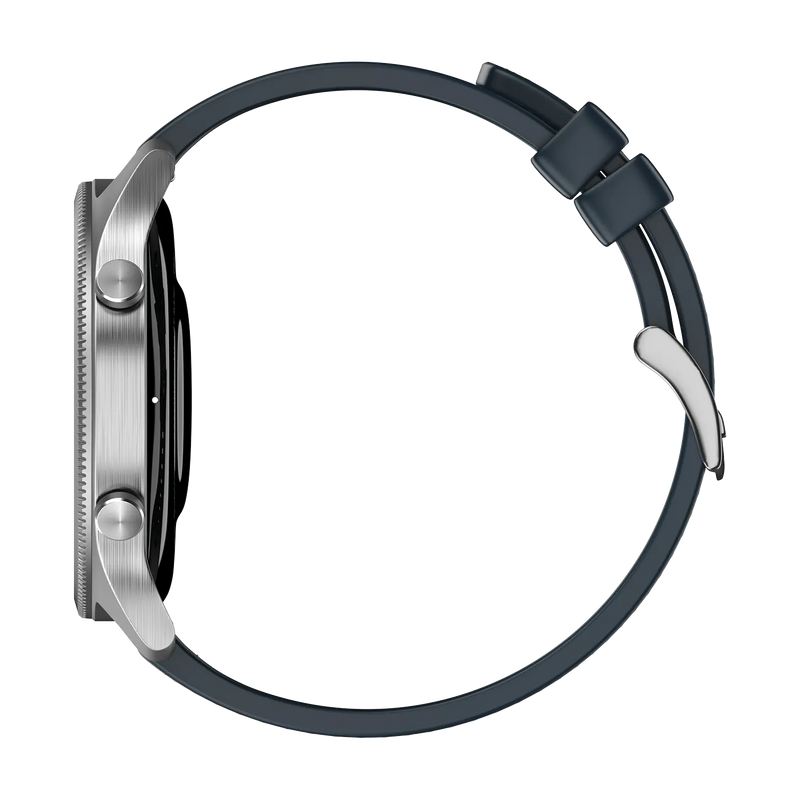
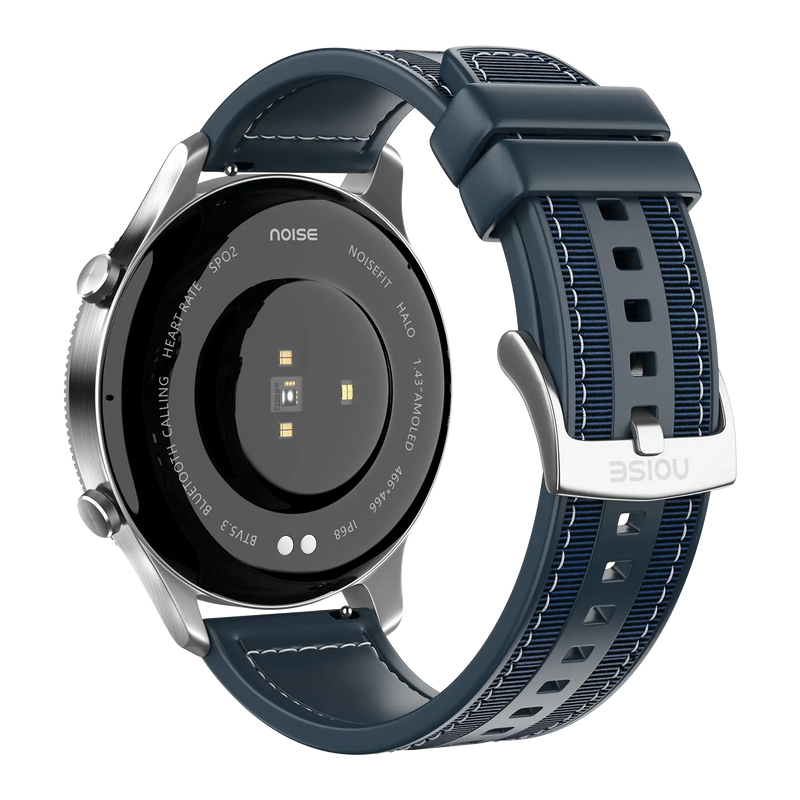
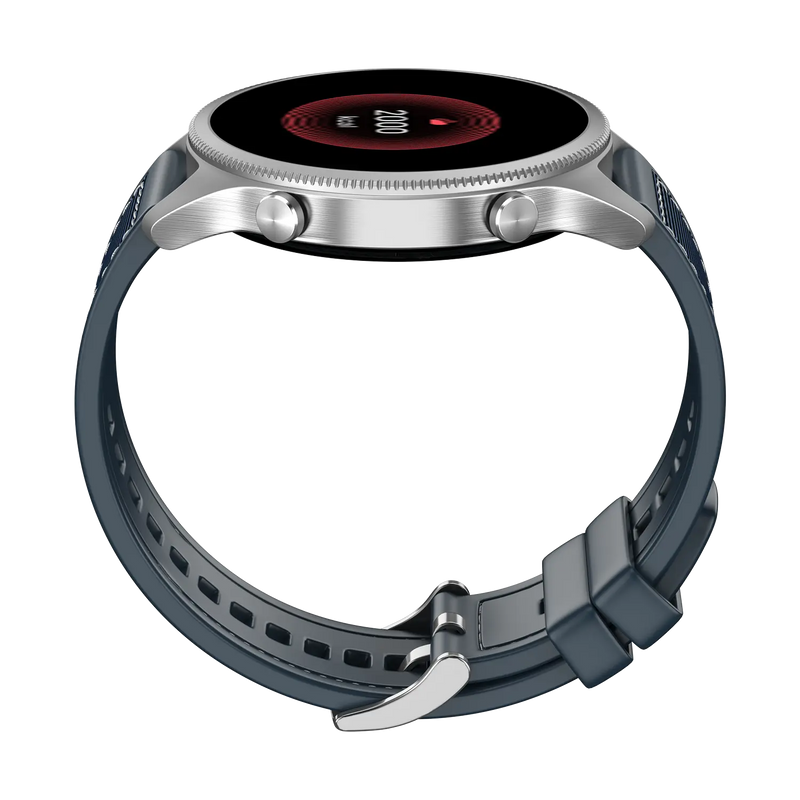
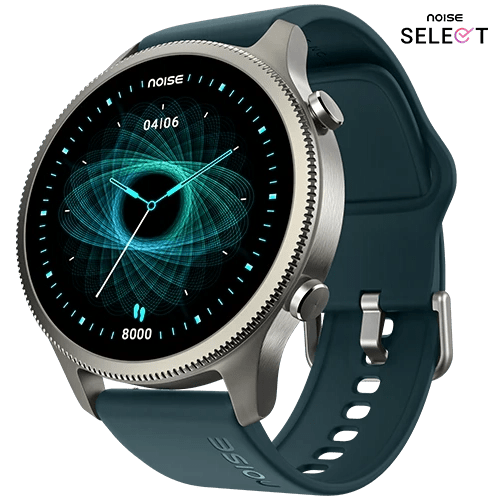
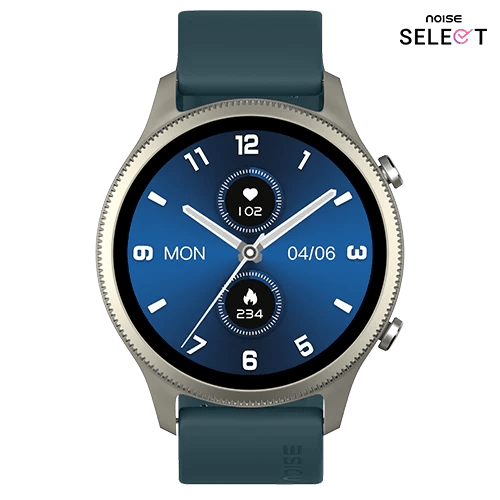
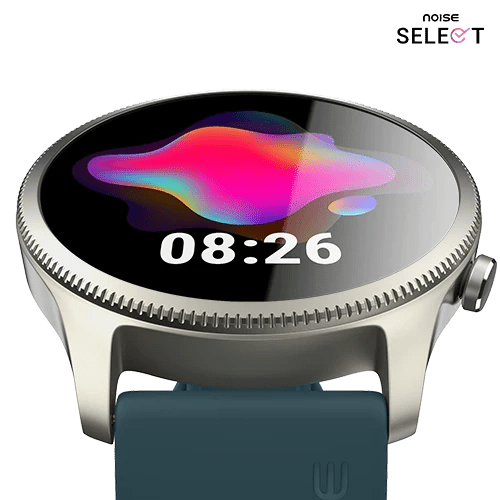
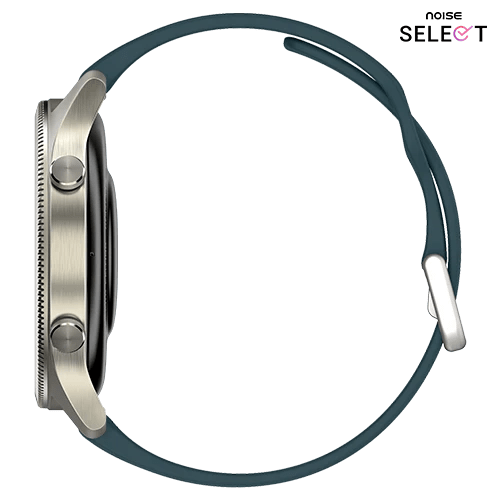
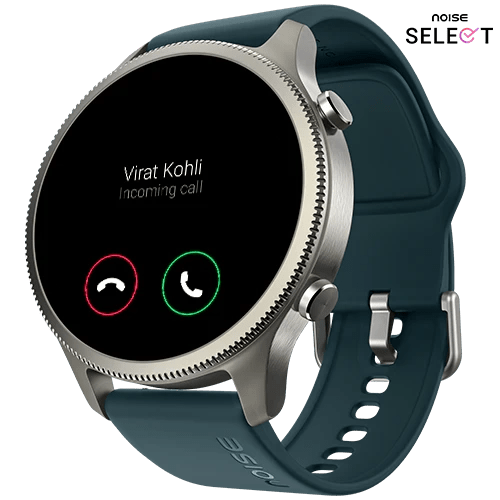
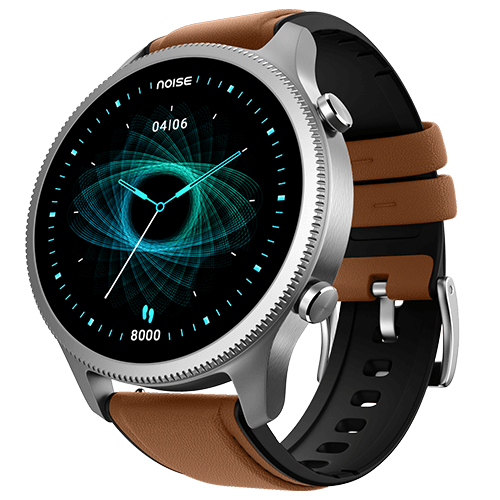
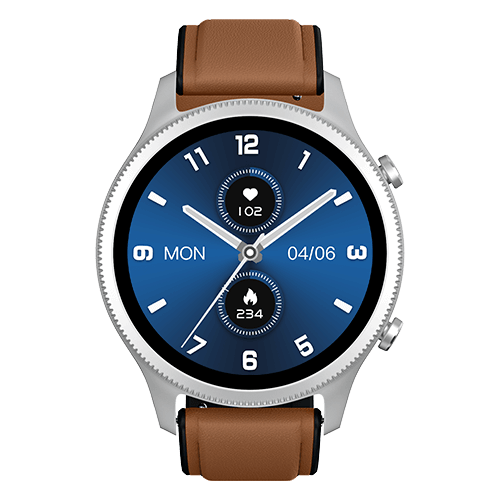
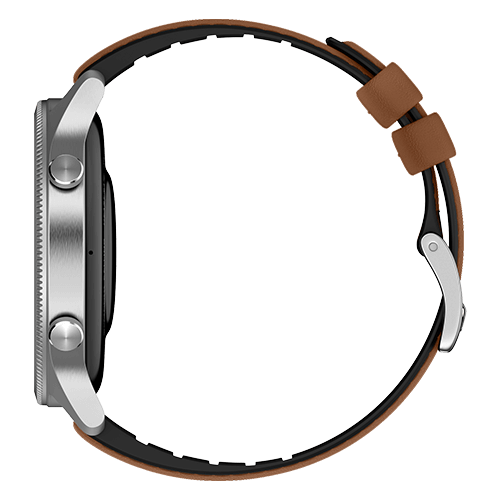
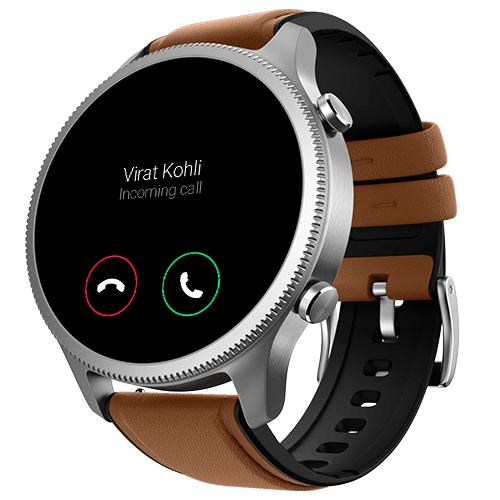
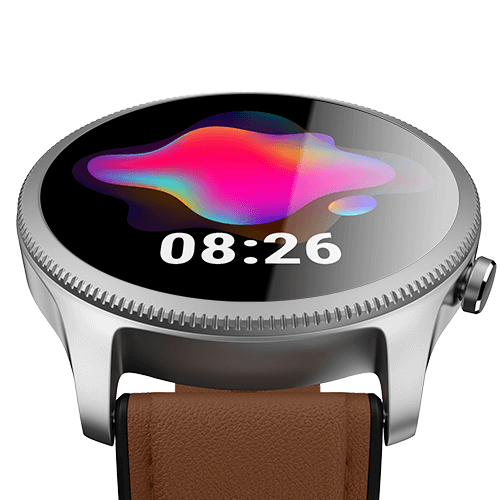
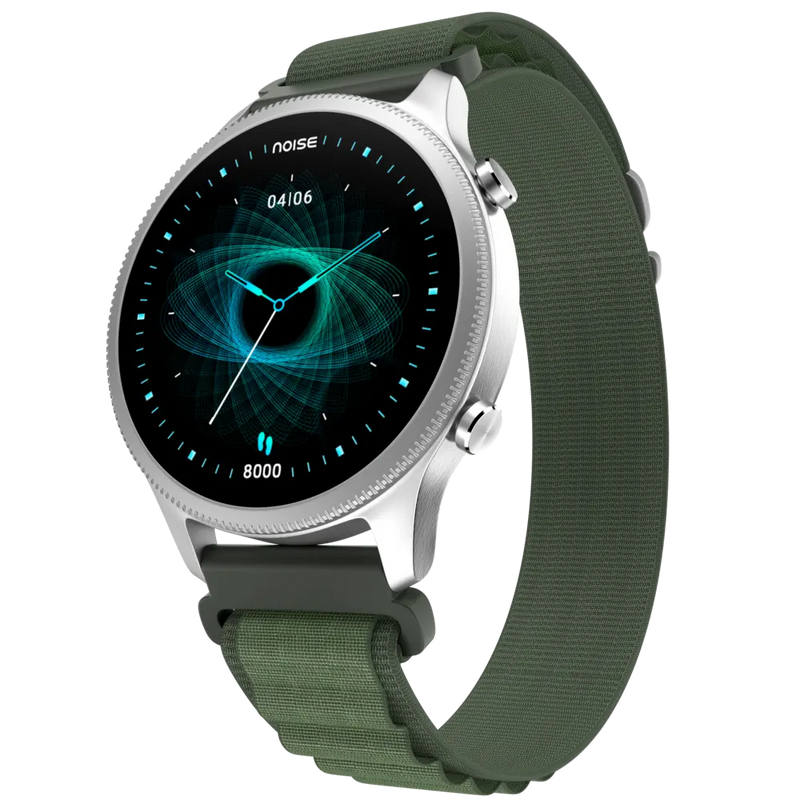
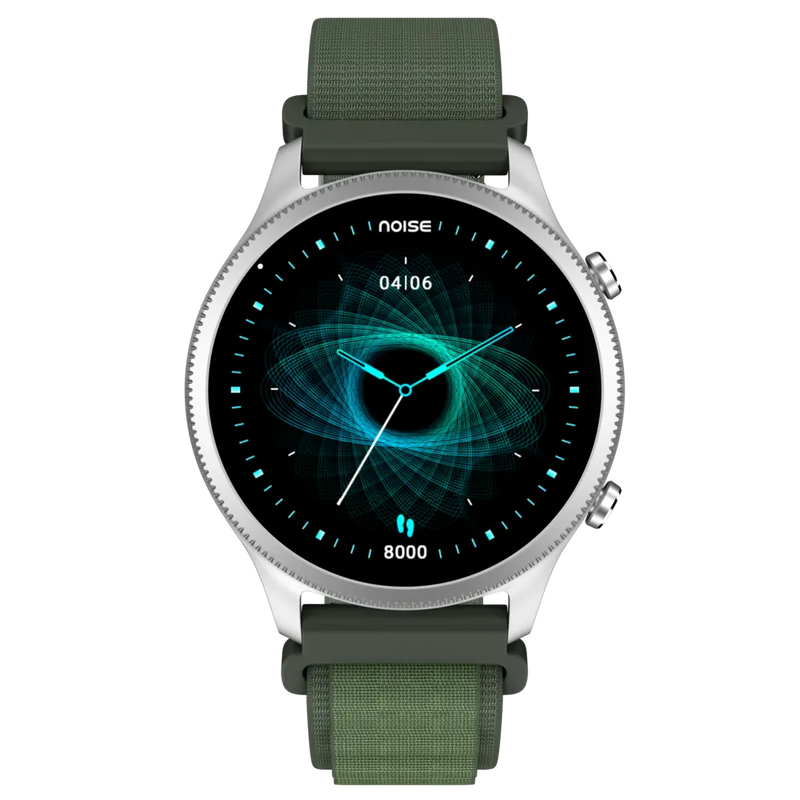
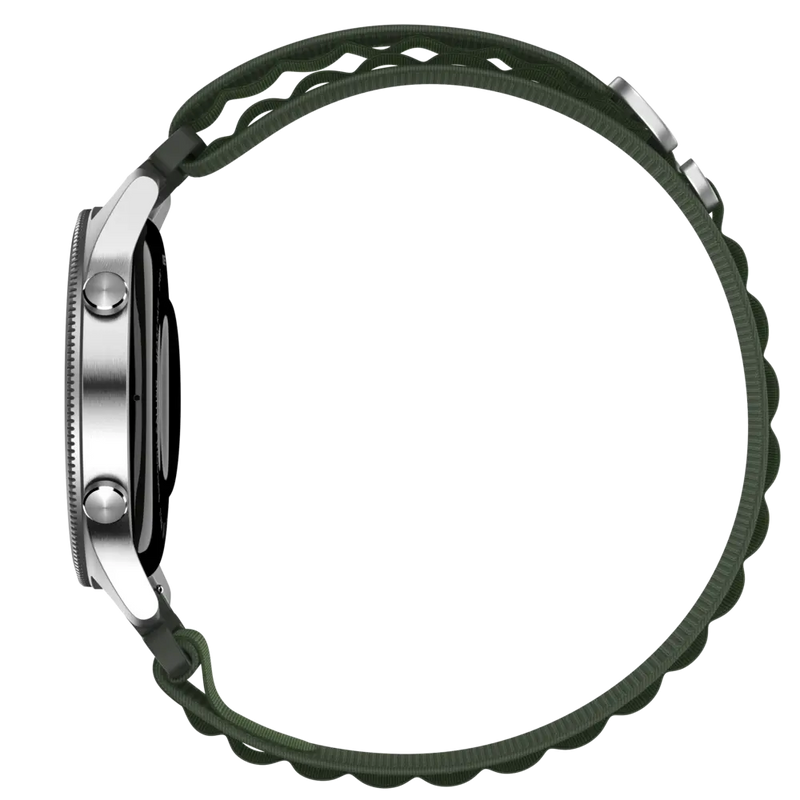
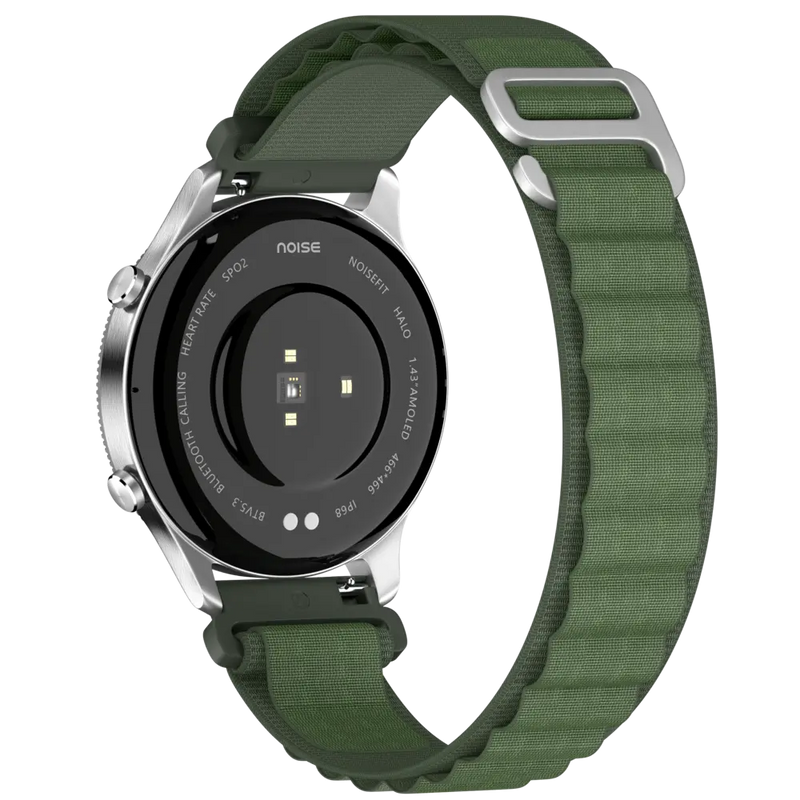
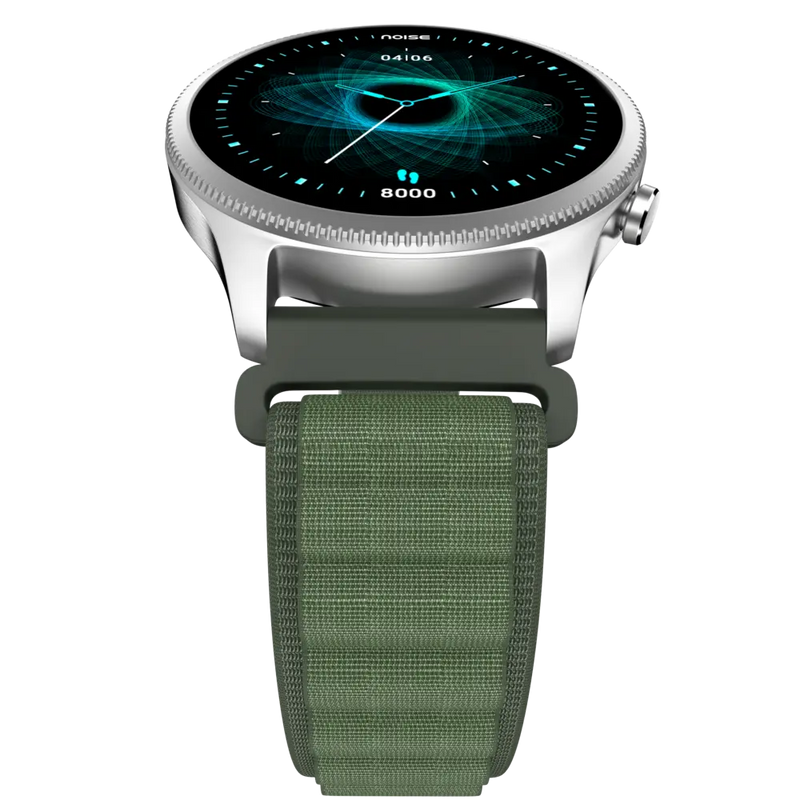
Experience the NoiseFit Halo Smartwatch with a vivid 1.43" Amoled Display, Round Dial, convenient BT Calling, 100 Sports modes, 150+ watch faces and many more. ✯ Free Shipping ✯ Shop now!
Customer Rating
4.82 out of 5.0 stars based on 38 reviews
Quick Specifications
| Bluetooth Version | v5.3 |
|---|---|
| System Requirement | ios 17.0 + or Android 9.0 + |
| Display technology | AMOLED |
| Screen Size | 1.43” |
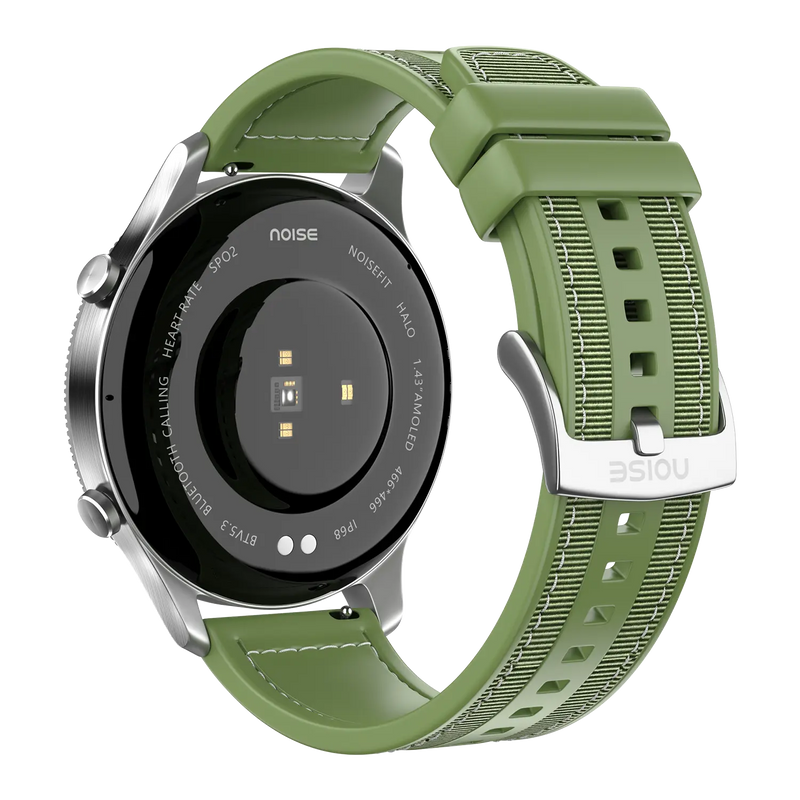
| Heart rate sensor | Yes |
| SpO2 sensor | Yes |
| Typical Usage Time | Up to 7 days |
| Standby Time | Up to 45 days |
| Charging Time | Up to 2 hours |
Specifications
| Country of Origin | India |
|---|---|
| Package Contents | 1 device, 1 charging cable, 1 user manual, warranty card |
| Marketed & Imported By | Nexxbase Marketing Pvt. Ltd, Khasra No-146/25/2/1, Jail Road Badshahpur, Gurugram Haryana-122101 |
CONNECTIVITY
| System Requirement | |
| ios 17.0 & + or Android 9.0 & + | |
| BT | |
| v5.3 |
DISPLAY
| Display technology | |
| AMOLED | |
| Size | |
| 3.63cm(1.43”) | |
| Resolution | |
| 466*466 | |
| Cloud-based watch faces | |
| Yes |
SENSORS
| Heart rate sensor | |
| Yes | |
| Accelerometer | |
| Yes | |
| SpO2 sensor | |
| Yes |
BATTERY & CHARGING
| Typical Usage Time | |
| 7 days | |
| Standby Time | |
| 45 days | |
| Capacity | |
| 300mAh | |
| Charging Time | |
| Up to 2 hours | |
| Charging Cable | |
| Yes |
PHYSICAL SPECIFICATION
| Watch Case Material | |
| Polycarbonate | |
| Weight | |
| 56.8 grams | |
| Dimension | |
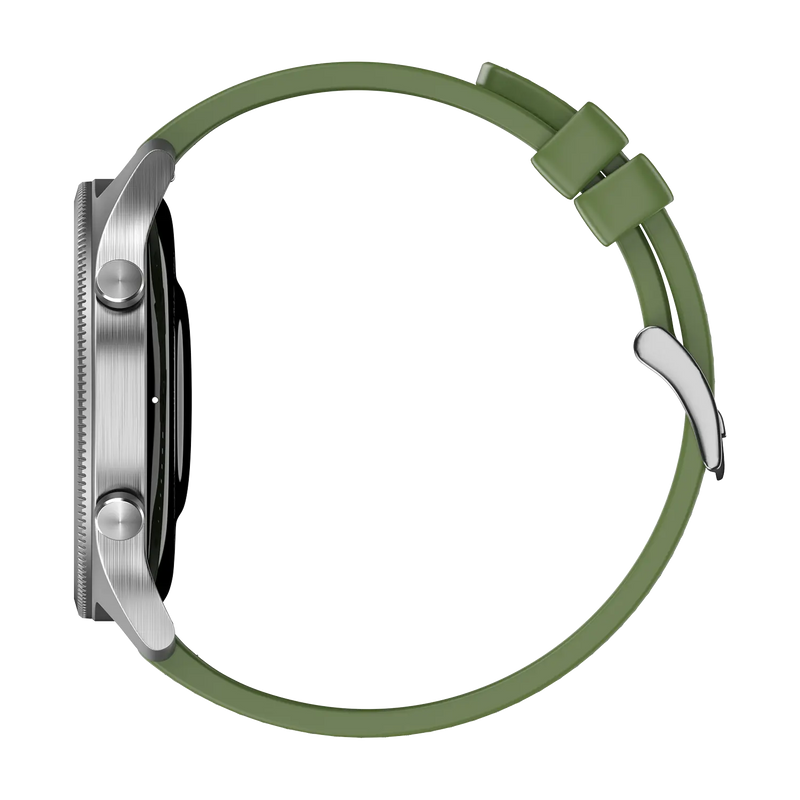
| 47.4*47.4*11mm | |
| Strap Size & Material | |
| 22mm & Silicone | |
| Water Resistance Rating | |
| IP68 |
HEALTH MONITORING FEATURES
| Heart rate monitor | |
| SpO2 monitor | |
| Stress monitor | |
| Step tracker | |
| Calories burned | |
| Distance travelled | |
| Activity history | |
| Sleep monitor | |
| Female Health Tracking | |
| Breathe | |
| Sports modes |
SMART FEATURES
| Caller name information | |
| Call rejection | |
| Find my phone | |
| Low Battery reminder | |
| Remote music control | |
| Remote camera control | |
| Stopwatch | |
| Timer | |
| Alarm | |
| Wake gesture | |
| Vibration alert | |
| Do not disturb mode | |
| Screen brightness | |
| Smart DND | |
| OTA upgrade |
FAQs
What display does the NoiseFit Halo have and does it stay always on?
The NoiseFit Halo has a large 1.43-inch round full-touch AMOLED display with a 466 x 466 pixel resolution and up to 500 nits brightness, plus an Always On feature so you can check the time at a glance. To adjust brightness, wake the screen, swipe right from the home screen, select Brightness and set your preferred level.
Is the NoiseFit Halo shockproof?
No, the NoiseFit Halo is not shockproof. While it has a premium metallic build and round dial, it is not rated to survive drops or hard impacts, so avoid dropping it from a height or knocking it against hard surfaces, as this can damage the display or body. Treat it as a stylish everyday watch rather than a rugged outdoor device.
Is the NoiseFit Halo waterproof and can I swim with it?
The NoiseFit Halo carries an IP68 rating, so it resists dust, splashes and moisture and can be used in the shower, withstanding submersion up to 1.5 metres for up to thirty minutes. It is not suitable for swimming, diving or high-pressure water activities, and you should avoid saunas, hot water and salty ocean water. Always dry the watch and your hands before handling it.
Does the NoiseFit Halo support Bluetooth calling, and can I reject calls from it?
Yes. The NoiseFit Halo offers Tru Sync-powered Bluetooth calling through Noise Buzz, so once paired with your phone you can make and take calls from your wrist using its dial-pad, view recent callers and save up to 10 contacts on the watch itself. You can answer or reject incoming calls directly from the smartwatch without reaching for your phone.
Can the NoiseFit Halo help me find my phone?
Yes. The NoiseFit Halo has a Find My Phone option to help you locate a misplaced handset. Wake the watch, swipe right from the home screen and select Find My Phone to make the connected phone ring or alert. This works only while your phone and the watch are paired over Bluetooth and within range of each other.
What gesture controls and vibration settings does the NoiseFit Halo have?
The NoiseFit Halo has a raise-to-wake gesture that turns on the display when you lift your wrist, plus smart-touch gestures: double-tap the screen to wake it, cover it with your palm to turn off the display, and cover it during an incoming call to silence it. You can also adjust the vibration level so alerts and haptics are as subtle or strong as you like.
Can the NoiseFit Halo take photos or play music?
The NoiseFit Halo does not have a camera, so it cannot take photos. It also cannot store music on the watch itself. What it does offer is remote music control: while paired and synced within Bluetooth range, it can play, pause and skip tracks playing on your phone, including audio routed to a Bluetooth headset that is connected to the same phone.
What is the Bluetooth range, and can I use earbuds at the same time?
The NoiseFit Halo has a Bluetooth range of up to 18 metres in open conditions, with walls and obstacles reducing usable distance. Both your earbuds and the watch can be paired to the same smartphone at once, so you can keep the watch connected for notifications and calls while your earbuds handle audio, without having to disconnect one to use the other.
How many watch faces does the NoiseFit Halo have and how do I change them?
The NoiseFit Halo offers more than 150 cloud-based, customisable watch faces. To change a face from the watch, touch and hold the home screen, then swipe to pick one. From the NoiseFit App, open Watch Faces, select your choice and tap Save, where you can also customise faces to your liking, so you can refresh the watch's look whenever you want.
How do I use the stopwatch on the NoiseFit Halo?
To use the stopwatch, open the Stopwatch app on your NoiseFit Halo. Tap Play to start timing, and tap Play again to pause it whenever you need. Tap Stopwatch to return to the previous screen. It is handy for timing workouts, intervals or everyday tasks directly from your wrist without needing your phone at hand.
What sensors does the NoiseFit Halo have and does it include GPS?
The NoiseFit Halo includes a heart-rate sensor, an accelerometer and an SpO₂ sensor, which power its health tracking and 100 sport modes. It does not have built-in GPS, so outdoor workouts rely on connected GPS from your phone for route and distance data rather than tracking your location independently from the watch.
What is included in the NoiseFit Halo box?
Inside the NoiseFit Halo box you will find the smartwatch itself, one magnetic charging cable, a user manual with setup and usage guidance, and a warranty card that you should keep safe for any future service requests. Charge the watch fully with the supplied cable before your first setup for the smoothest start.
What notifications and messages can I see on the NoiseFit Halo, and what if they stop arriving?
Once synced with the NoiseFit App and within Bluetooth range, the Halo shows notifications for calls, SMS, calendar, email and apps like WhatsApp, Instagram, Facebook, Messenger, X, YouTube, LinkedIn, Gmail, Outlook, Snapchat, Telegram and Slack. You can view caller information and read incoming messages on the watch, including previously received ones. If alerts stop, check Bluetooth is connected, notification and call permissions are on in the app, DND is off, and the app is running in the background.
Which app does the NoiseFit Halo use and what can I manage in it?
The NoiseFit Halo connects through the NoiseFit App. From it you can manage your profile under Settings and Profile, view your health and activity data, and customise watch faces and preferences. Note that the measurement units are fixed once chosen during initial setup and cannot be changed later in the app, so pick your preferred units carefully at first pairing.
How do I track my workouts and connect with friends in the NoiseFit app?
In the NoiseFit App, review your workouts and daily activity in the Daily Report section on the Home page. You can also stay motivated socially: open the Find My Buddy section to connect with friends, then compare your progress and compete on the Buddy ranking under Leaders, turning your daily activity into a bit of friendly competition.
What is the battery life and how should I charge the NoiseFit Halo?
The NoiseFit Halo has a 300 mAh battery delivering up to 7 days of use and up to 45 days of standby, with real runtime depending on brightness, Always On and sensor use. A full charge takes about two hours, and the watch shows a 100% message when done. Use a low-power adapter or a laptop/PC USB port, and avoid fast chargers, which can damage it over time.
How do I check and extend the NoiseFit Halo's battery life?
To check the charge on the NoiseFit Halo, wake the screen and swipe up to see the current battery level. To make a charge last longer, lower the screen brightness, turn off the Always On display and disable All-Day Heart Rate measurement. These three settings are the biggest drains, so switching them off noticeably extends the time between charges.
Which phones is the NoiseFit Halo compatible with?
The NoiseFit Halo works with both iPhone and Android phones through the NoiseFit App. It supports iPhones running ios 17 and above and Android smartphones running Android 9 and above. For the full experience, including notifications, health syncing and firmware updates, install the NoiseFit App and keep Bluetooth enabled on a supported device.
How do I set up my NoiseFit Halo?
Make sure your phone and the watch are charged and kept close together, connecting the charging cable to power the watch on if needed. Download the NoiseFit App, open it and allow Bluetooth and location permissions. Enter your personal details and health goals, then go to the add-device page, select the device type and link the Halo to finish pairing and syncing your preferences.
What should I do if my NoiseFit Halo won't sync or set up?
Sync problems are usually a lost Bluetooth link, so keep the watch and phone in range and make sure the NoiseFit App is running and locked in the background. If setup itself fails, reset the Halo from its System Settings menu and try pairing again from the app. Confirming Bluetooth and location permissions are enabled also helps the process complete cleanly.
How do I restart, power off or reset the NoiseFit Halo?
All three are done from the watch under Settings, then System Settings. Select Reboot to restart the watch while keeping your data, or Power Off to switch it off completely. To reset, choose Reset and confirm; note that a reset restores factory defaults and clears the watch's data, so use it only for troubleshooting or before passing the device on.
What health metrics can the NoiseFit Halo track?
The NoiseFit Halo measures blood-oxygen with its SpO₂ monitor, tracks sleep, and counts your daily steps through an in-built pedometer, all part of the Noise Health Suite. It records your sleep even when the watch is not connected to your phone, showing daily sleep data on the watch and syncing the details to the NoiseFit App once you reconnect, so nothing is lost overnight.
How does the NoiseFit Halo track heart rate and calories?
The NoiseFit Halo measures heart rate manually or automatically and shows detailed trends in the NoiseFit App. From this it estimates calories burned using your heart rate, activity duration, steps, distance and your height, weight and age. If no heart-rate reading appears, make sure the watch is worn snugly against your wrist with no gap, as a loose fit prevents the sensor from reading accurately.
What strap size does the NoiseFit Halo use and how do I replace it?
The NoiseFit Halo uses 22 mm straps and supports multiple strap styles including leather, textured silicone and standard silicone. To change a band, use the quick-release mechanism on the underside of the strap where it meets the watch body. Genuine replacement straps can be purchased from the official Noise website at gonoise.com, where you can choose the options offered for this model.
How does the NoiseFit Halo sync my data?
The NoiseFit Halo syncs your activity, workout and health data over Bluetooth with the NoiseFit App on your phone. For reliable, up-to-date syncing, keep Bluetooth on, the watch within range and the app running and locked in the background, so your steps, heart rate and sleep data transfer automatically without you having to trigger each update manually.
Does the NoiseFit Halo have a warranty and how do I register it?
Yes. The NoiseFit Halo comes with a 1-year manufacturer's warranty covering manufacturing defects, calculated from the date of delivery. To activate coverage, register your product at gonoise.com/pages/warranty-registration and keep your order details or invoice handy in case you need to raise a service request during the warranty period.