Noisefit Halo 3 Smartwatch with AI Pro
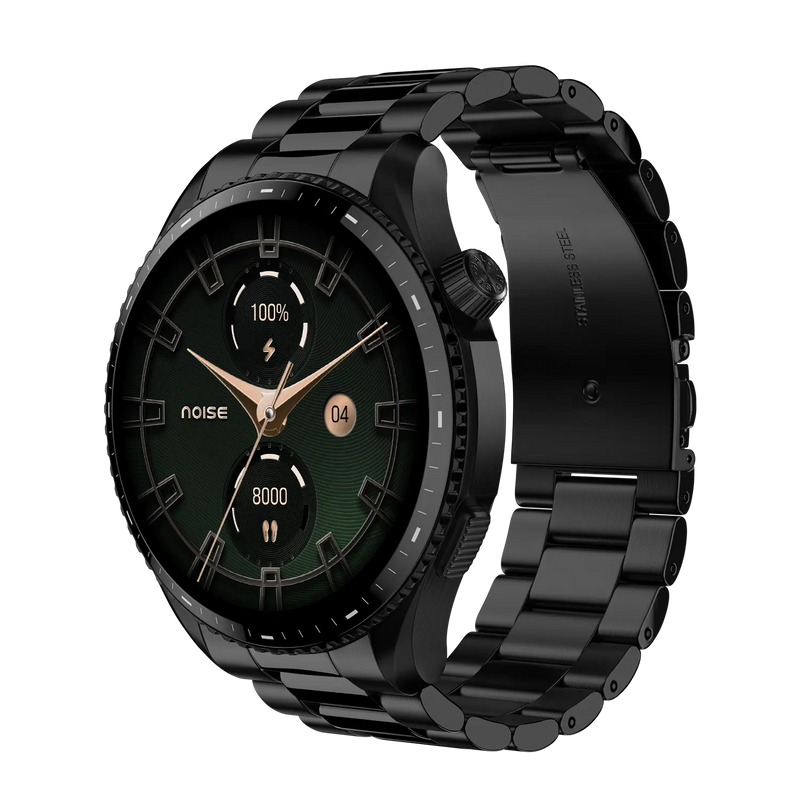
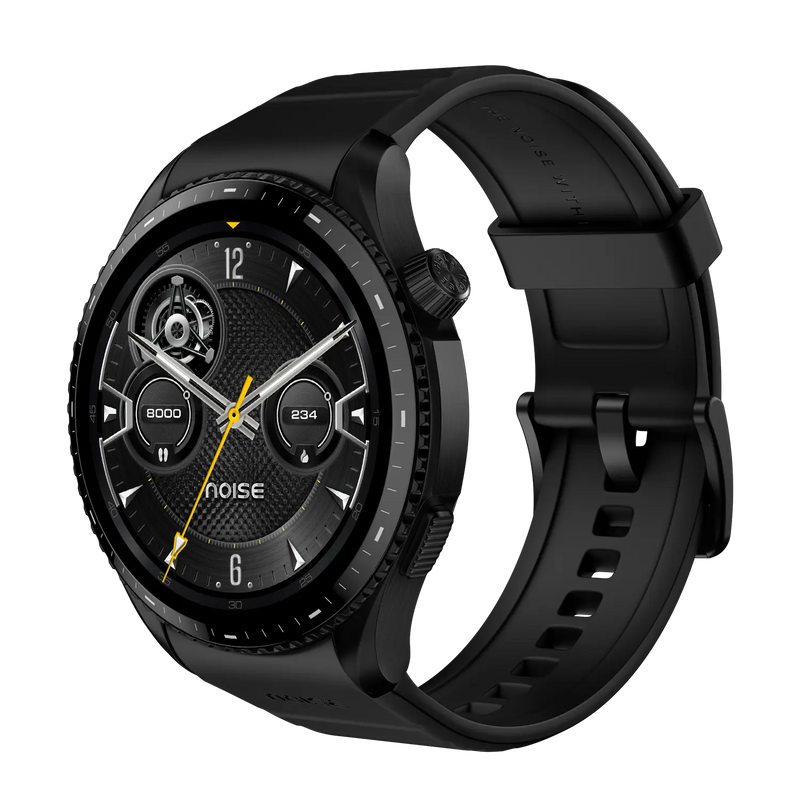
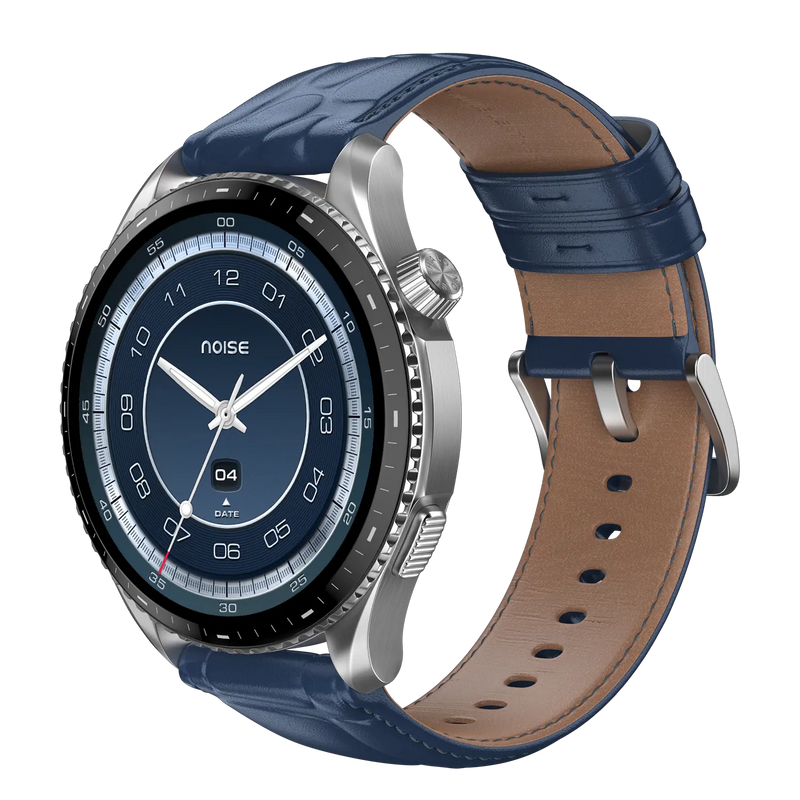
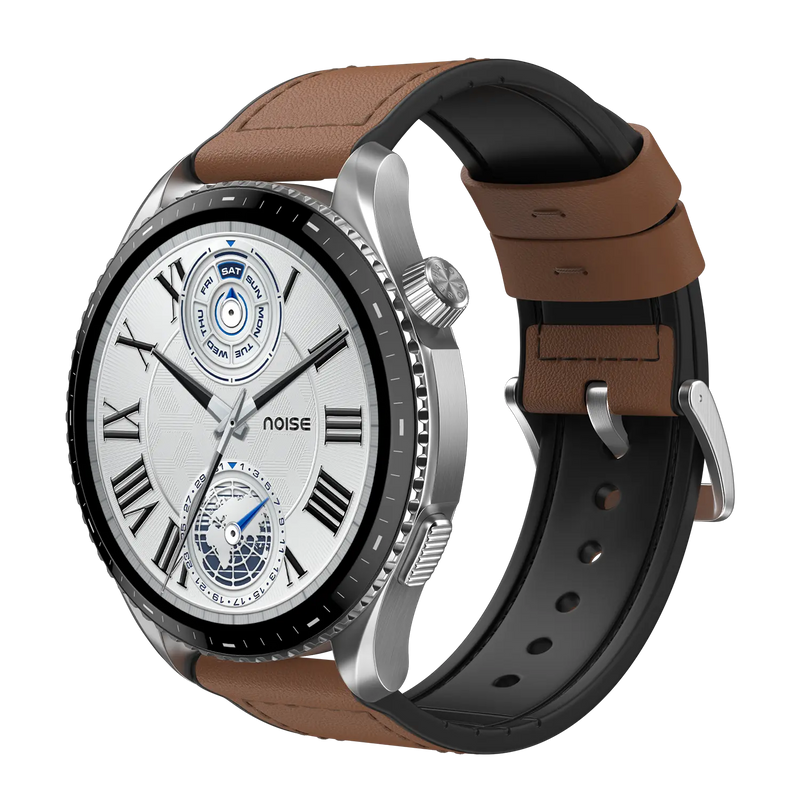

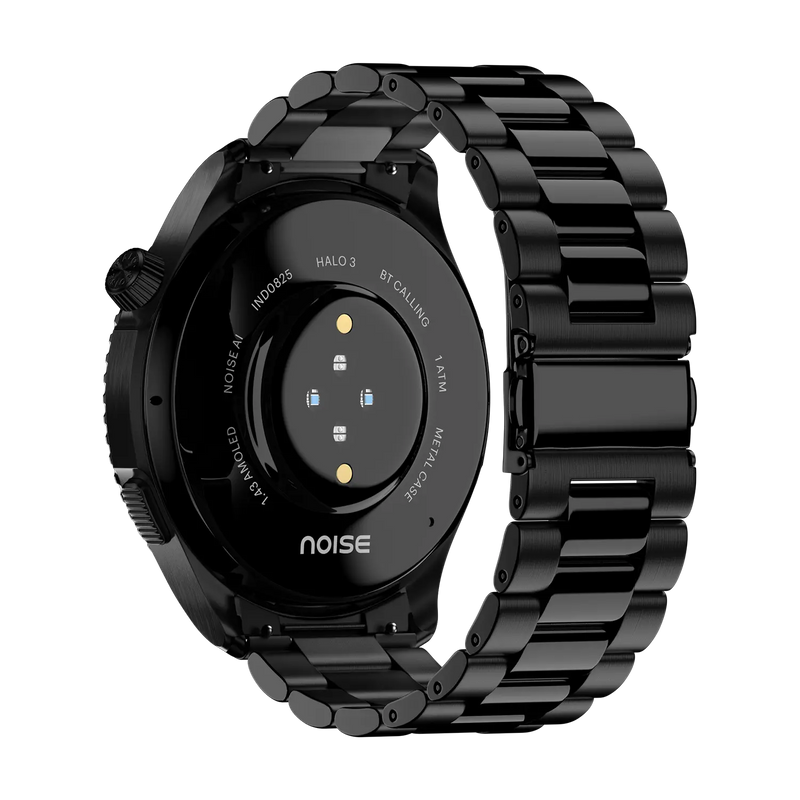
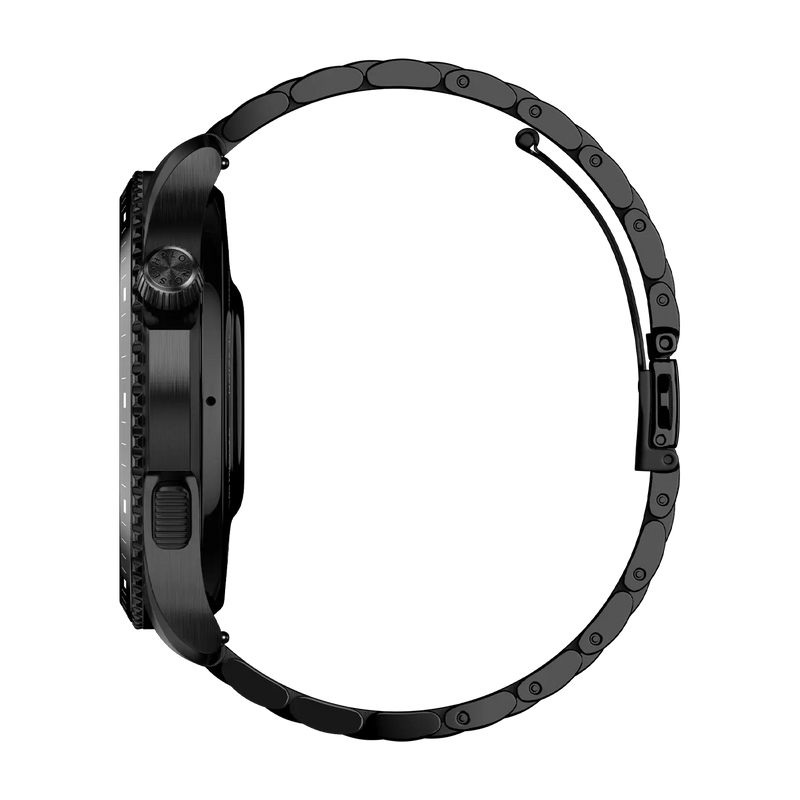
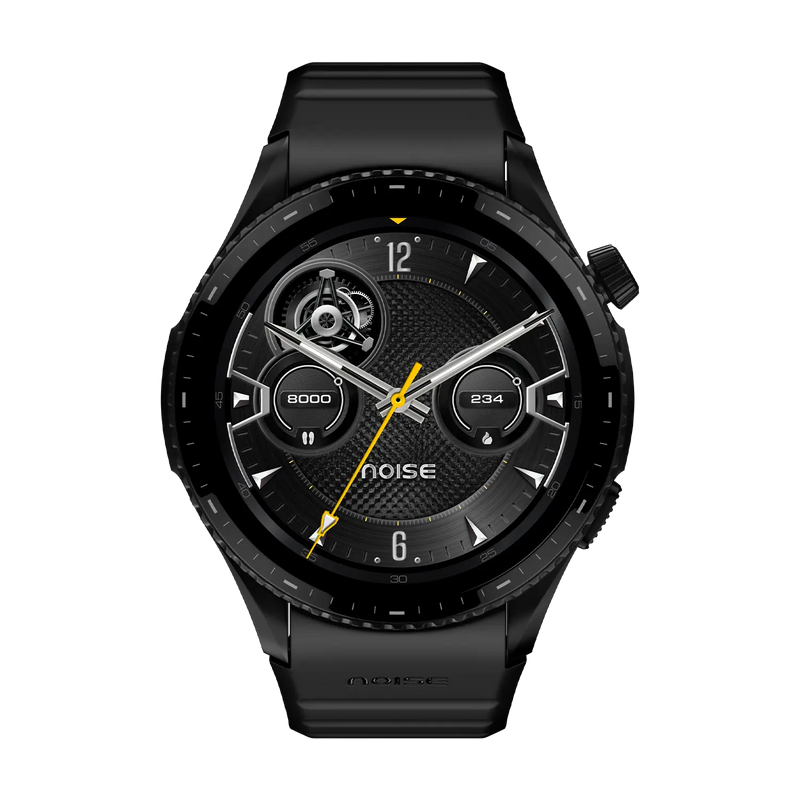
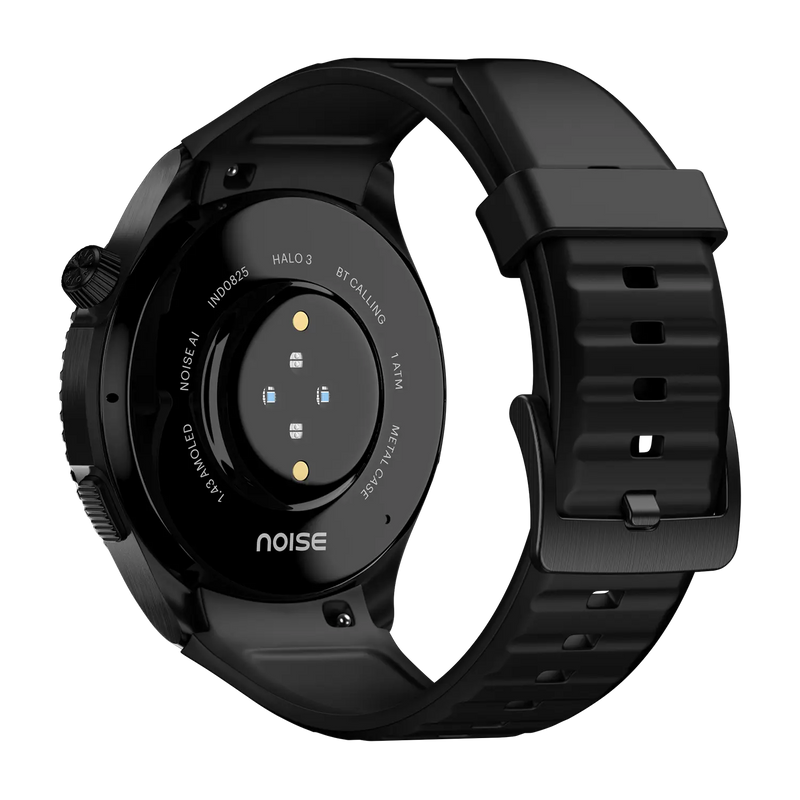
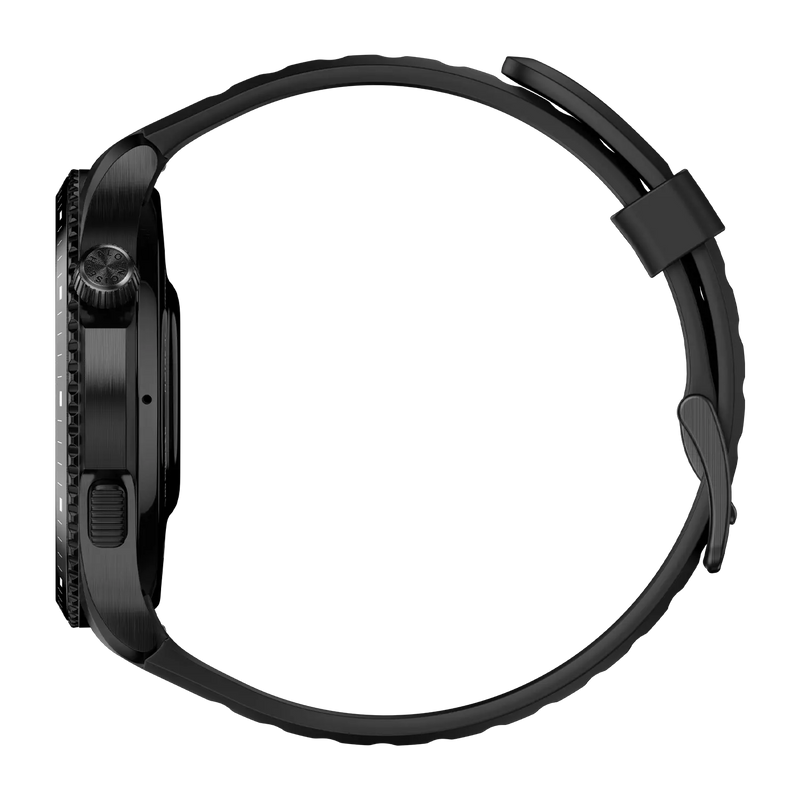
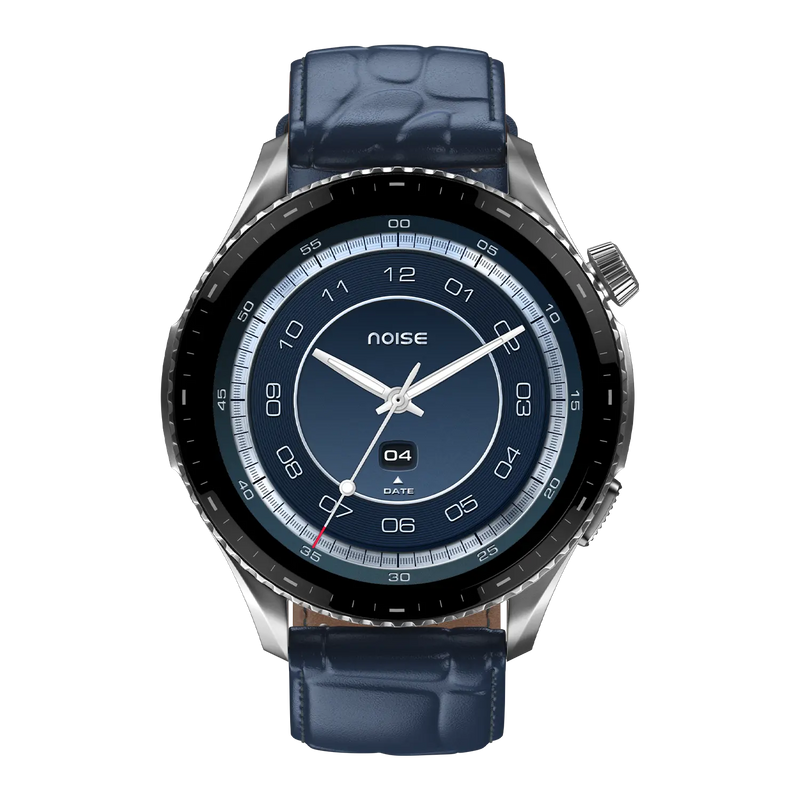
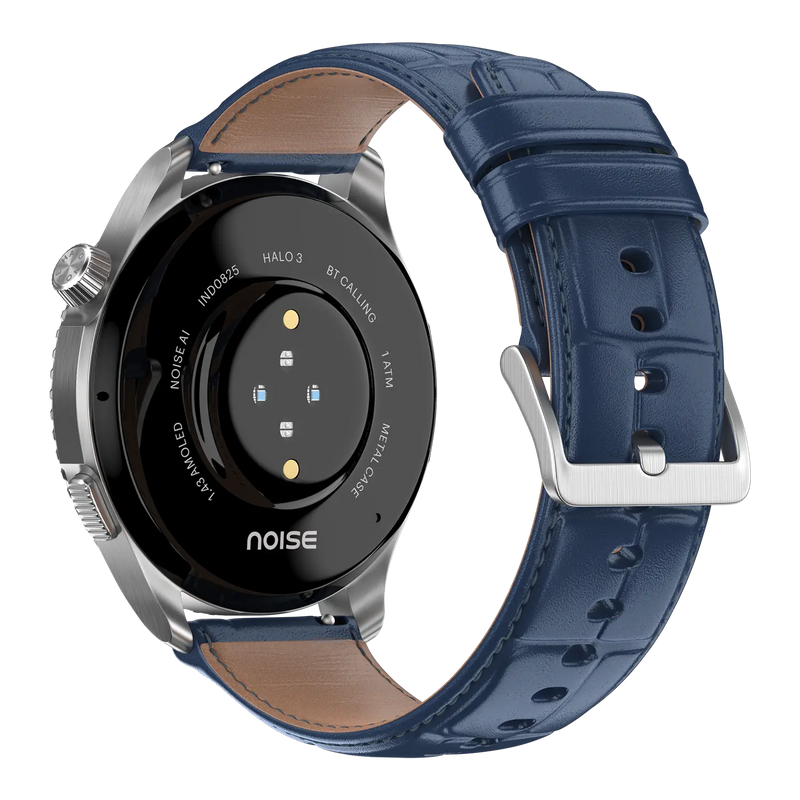
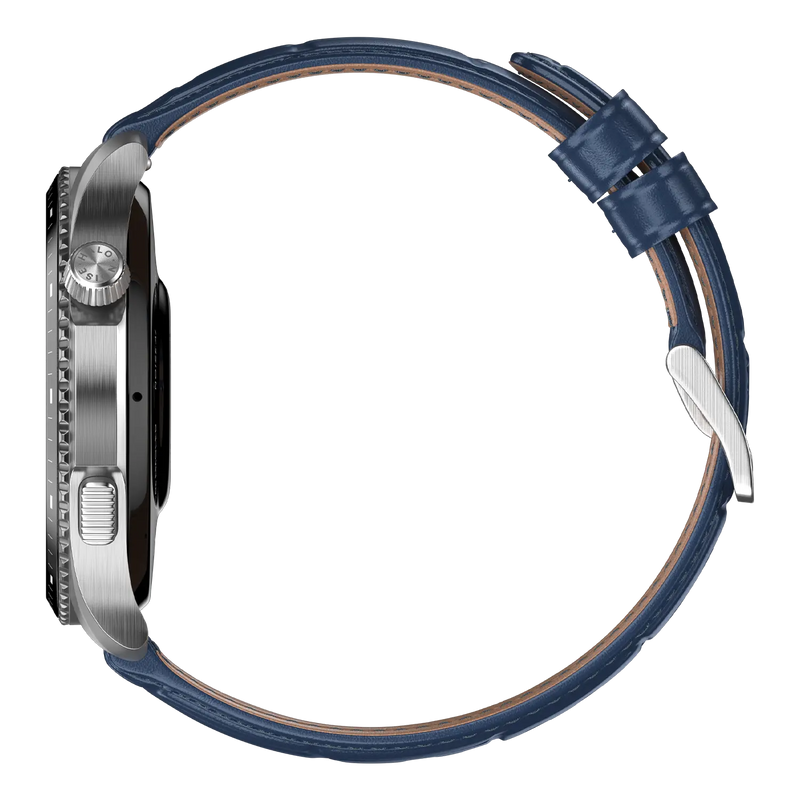
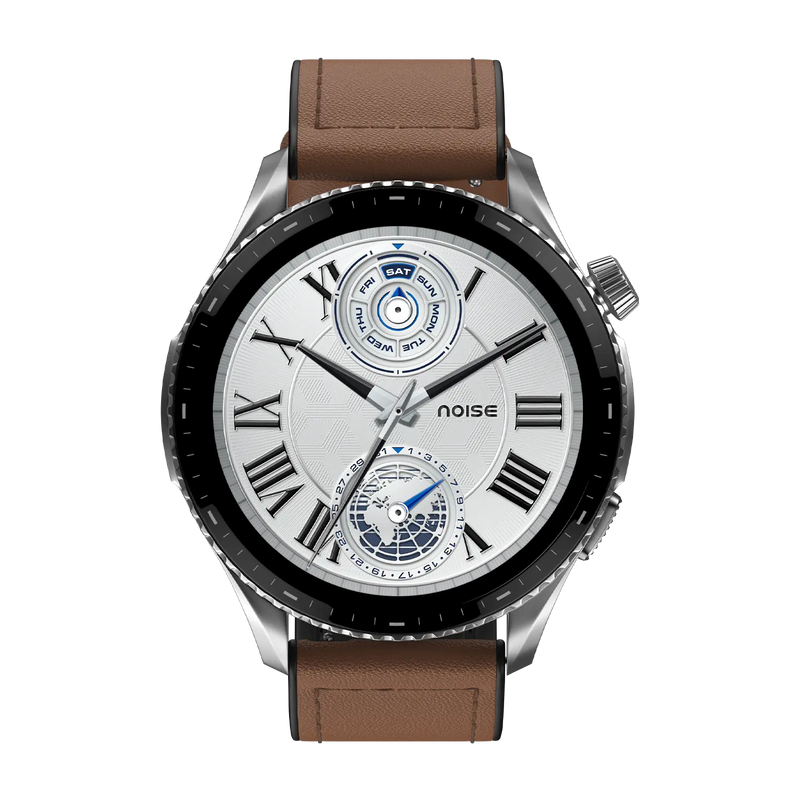
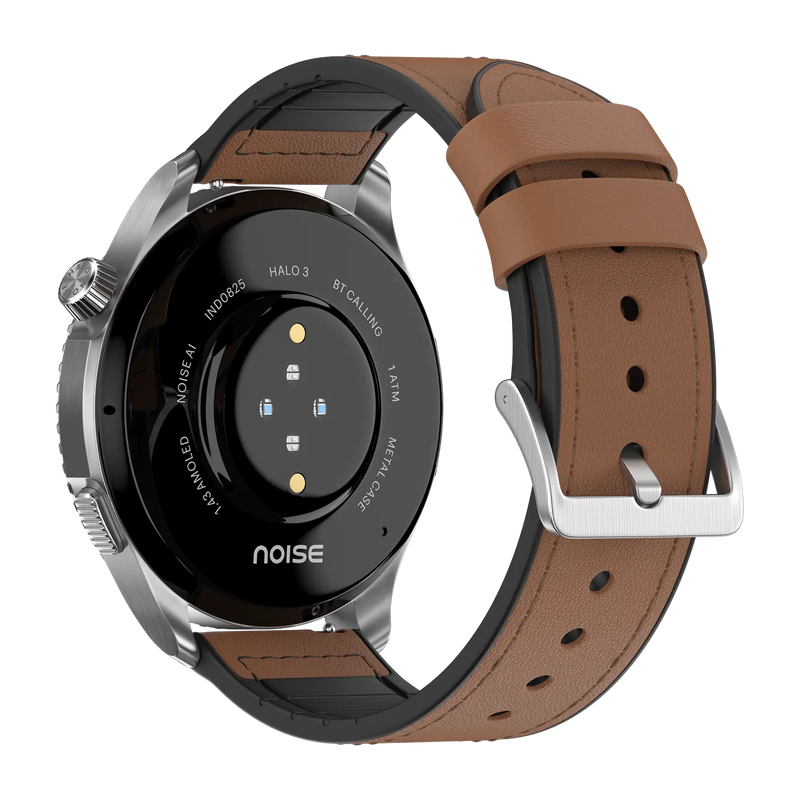
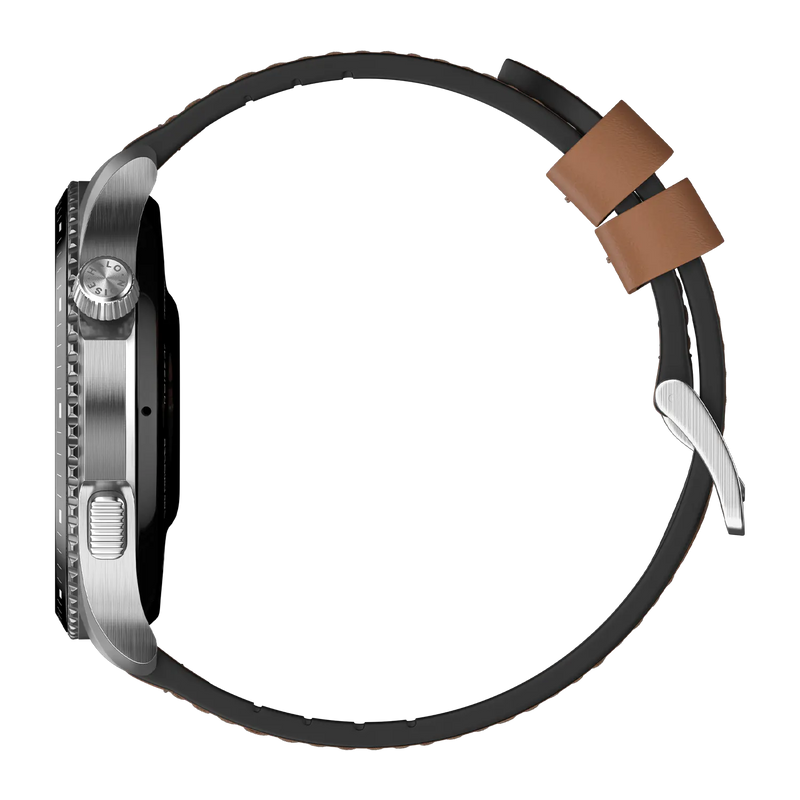
Discover the NoiseFit Halo 3 – a premium smartwatch powered by AI Pro, featuring a stunning AMOLED display and advanced health and safety features for everyday excellence.
Key Features:
- AMOLED Display – Vibrant 1.43" screen at 466x466 resolution with crystal-clear clarity
- AI Pro Smart Features – Intelligent AI-powered assistance for a smarter daily experience
- Bluetooth Calling – Make and receive calls directly from your wrist
- SOS Emergency Alert – One-touch safety feature for peace of mind
- 8-Day Battery Life – Extended usage for worry-free daily wear
- 100+ Sports Modes – Track every workout with dedicated activity modes
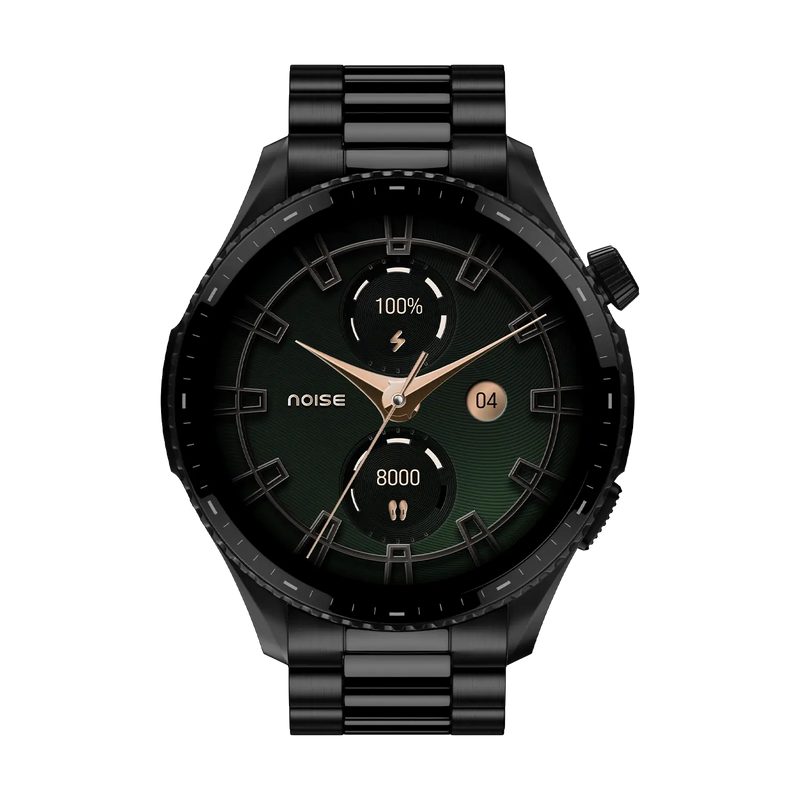
- 150+ Cloud-Based Watch Faces – Endless customisation for every style and occasion
- Women's Health Tracking – Dedicated cycle tracking and comprehensive wellness suite
- Heart Rate, SpO2 and Stress Monitoring – Complete health awareness throughout your day
- Sleep Tracking – Monitor and improve your sleep quality
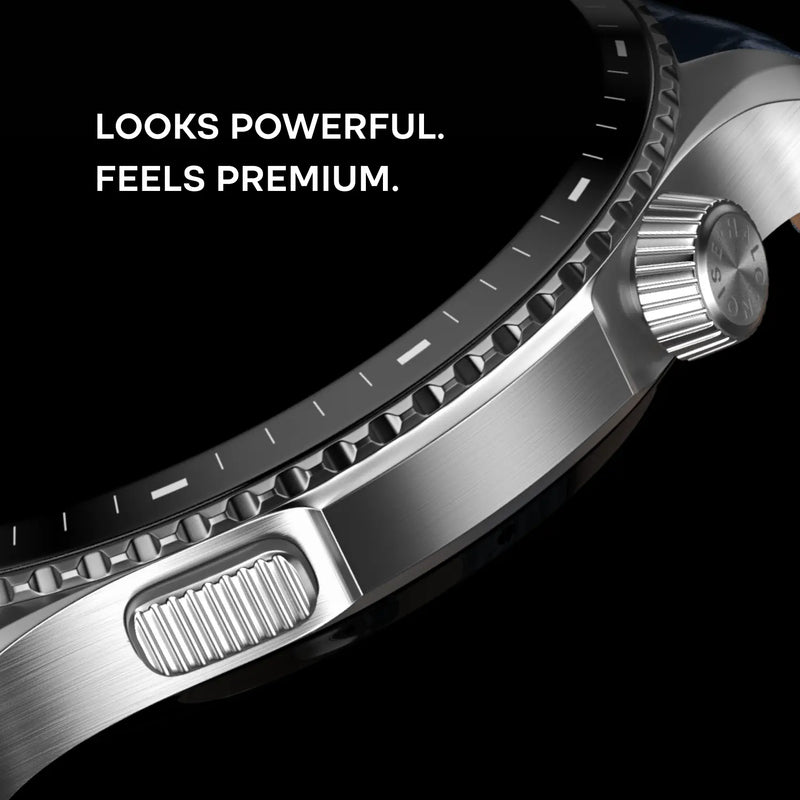
- Stainless Steel Frame – Premium build quality for a sophisticated look
- 1 ATM Water Resistance – Splash-proof for everyday wear
- 22mm Strap Width – Compatible with a wide range of strap options
- 4 Color Variants – Elite Black, Rich Black, Vintage Blue, Vintage Brown
Perfect For: Professionals and fitness enthusiasts who want AI-powered smartwatch features with premium design. Ideal for daily wear, fitness tracking, and staying connected.
Elegance meets intelligence. Powered by AI Pro.
Customer Rating
4.72 out of 5.0 stars based on 72 reviews
Quick Specifications
| Bluetooth Version | v5.3 |
|---|---|
| System Requirement | ios 17.0 + or Android 9.0 + |
| Display technology | AMOLED |
| Screen Size | 1.43” |
| Heart rate sensor | Yes |
| SpO2 sensor | Yes |
| Typical Usage Time | Up to 7 days |
| Standby Time | Up to 30 days |
| Charging Time | Up to 2 hours |
Specifications
| Country of Origin | P.R.C. |
|---|---|
| Package Contents | 1 device, 1 charging cable, 1 user manual, warranty card |
| Marketed & Imported By | Nexxbase Marketing Pvt. Ltd, Gurugram, Haryana |
Connectivity
| System Requirement | ios 17.0 + or Android 9.0 + |
|---|---|
| BT | v5.3 |
Display
| Display technology | AMOLED |
|---|---|
| Size | 1.43” |
| Resolution | 466*466 |
Sensors
| Heart rate sensor | Yes |
|---|---|
| Accelerometer | Yes |
| SpO2 sensor | Yes |
Battery & Charging
| Typical Usage Time | Up to 7 days |
|---|---|
| Standby Time | Up to 30 days |
| Charging Time | Up to 2 hours |
Physical Specifications
| Watch Case Material | Metal |
|---|---|
| Strap Size & Material | 22mm (silicone) |
| Water Resistance Rating | 1 ATM |
Health Monitoring Features
| SpO2 | |
| Sleep monitor | |
| Stress measurement | |
| NoiseFit App |
Smart Features
| Noise AI Pro | |
| Morning Briefs | |
| AI Voice Notes | |
| Voice Commands | |
| Super Notifications | |
| Noise Vault | |
| Customisable Widgets | |
| 1000 nits AMOLED Display | |
| Reminder | |
| Alarm | |
| Stopwatch | |
| Timer | |
| Weather | |
| Do not disturb mode | |
| Screen brightness control | |
| Wrist awake | |
| Vibration alerts |
FAQs
What display does the NoiseFit Halo 3 have and how do I adjust its brightness?
The NoiseFit Halo 3 has a full-touch 1.43-inch AMOLED display that reaches up to 1000 nits of brightness, so it stays clear and readable both indoors and in direct sunlight while responding smoothly to taps and swipes. To change the brightness, wake the screen, swipe up from the home screen to open the control panel and tap the brightness icon to set your preferred level.
Does the NoiseFit Halo 3 support voice commands and what can I ask?
Yes. The NoiseFit Halo 3 supports voice commands for quick, hands-free control. You can ask things like 'How many steps did I walk today?', 'What's my current heart rate?' or 'Set a timer for 1 minute', and act without tapping through menus. The exact set of supported commands may expand or change with software updates over time.
What is Noise AI Pro on the NoiseFit Halo 3?
Noise AI Pro is the intelligent layer on the NoiseFit Halo 3 that learns your usage patterns to deliver timely insights and assistance through the day. It powers features such as Morning Briefs, AI Voice Notes, Voice Commands and Super Notifications, working quietly in the background so you stay informed and organised without being pulled out of the moment.
What are Morning Briefs on the NoiseFit Halo 3?
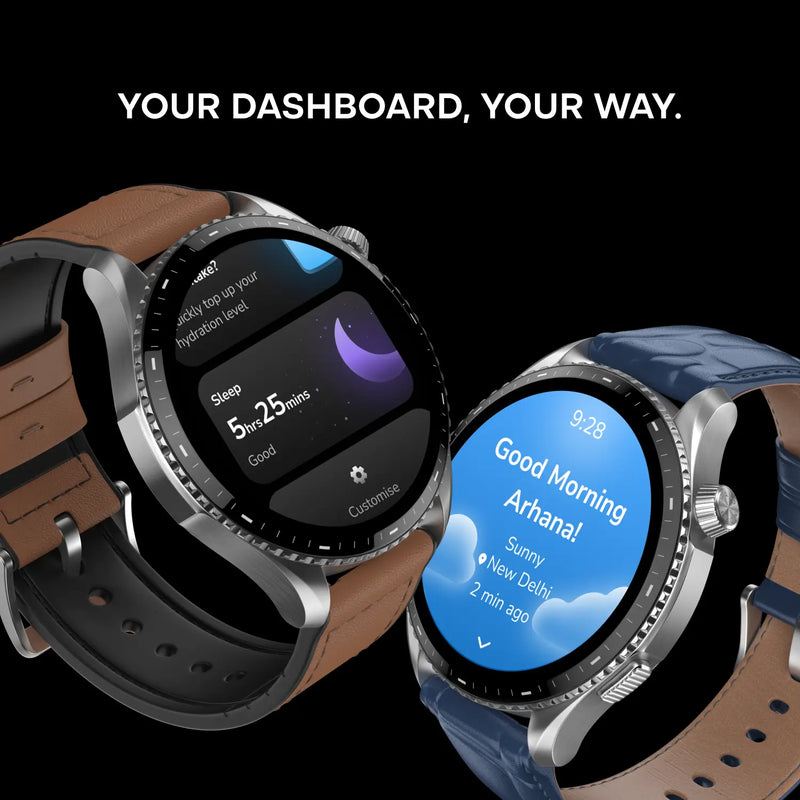
Morning Briefs help you start the day with clarity by surfacing the information that matters directly on your wrist. Each brief pulls together your activity from the previous day, your sleep summary and your hydration, so you get a quick, consolidated snapshot of how you are doing the moment you check your watch in the morning.
What are AI Voice Notes on the NoiseFit Halo 3?
AI Voice Notes let you record conversations, reminders and meeting points directly from your wrist and turn them into organised notes. The captured audio can also be transcribed into readable text inside the NoiseFit App, so you can revisit and search what you recorded later without having to type it out yourself, keeping quick thoughts and tasks in one place.
What are Super Notifications on the NoiseFit Halo 3?
Super Notifications surface time-sensitive, real-world alerts on your wrist, such as ride arrivals, reminders and order or delivery updates, so you can act on them at a glance without reaching for your phone or losing focus. They are part of the Noise AI Pro experience that keeps the most relevant information in front of you at the right time.
What is Noise Vault on the NoiseFit Halo 3?
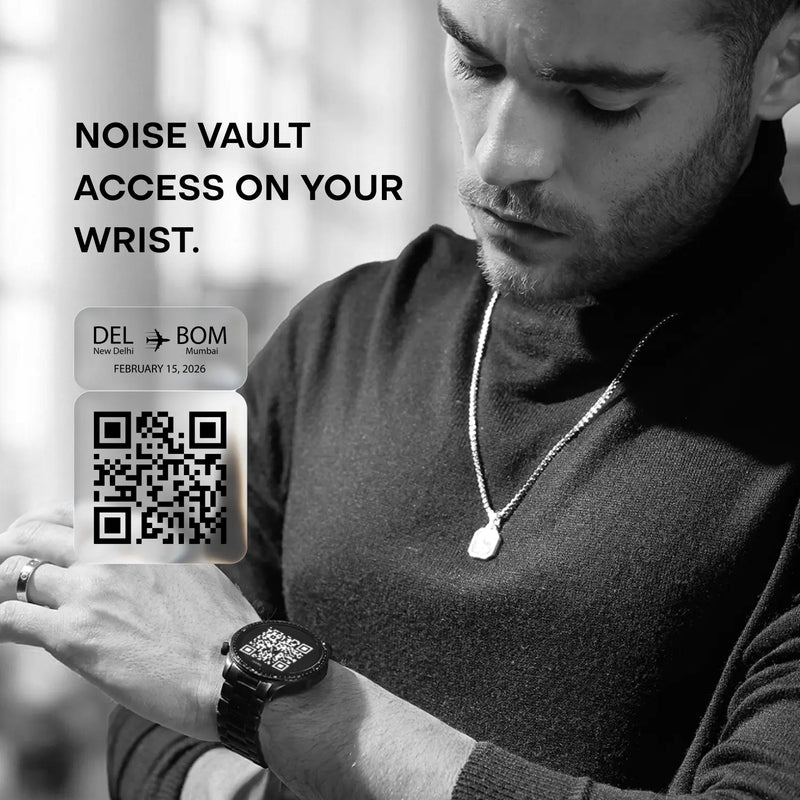
Noise Vault is a secure space on the NoiseFit Halo 3 for the essentials you reach for most often. It lets you pull up things like payment QR codes, boarding passes and event tickets straight from your wrist, so you can pay, travel or gain entry quickly even when your phone is not in hand, keeping everyday necessities within easy reach.
Does the NoiseFit Halo 3 support customisable widgets?
Yes. The NoiseFit Halo 3 lets you customise the widgets shown in the dashboard area so the information you care about most is a swipe away. You can add and arrange widgets for music control, reminders, health insights, time zones and more, tailoring the watch's quick-access panel around your own daily priorities and routine.
Does the NoiseFit Halo 3 support Bluetooth calling?
Yes. The NoiseFit Halo 3 supports Bluetooth calling, so once it is paired with your phone you can take and make calls straight from your wrist using its built-in speaker and microphone. This is handy when your phone is nearby but out of reach, letting you handle calls hands-free while the watch stays connected over Bluetooth within range.
Can I use earbuds and the NoiseFit Halo 3 at the same time with one phone?
Yes. Both your earbuds and the NoiseFit Halo 3 can stay connected to the same smartphone simultaneously, depending on your device's compatibility. That means you can keep the watch paired for notifications and calls while your earbuds handle audio, without constantly disconnecting one to use the other during workouts or daily use.
How many watch faces does the NoiseFit Halo 3 have and can I customise them?
The NoiseFit Halo 3 supports multiple watch faces that you can browse, apply and customise through the NoiseFit App. From the app you can switch between the available designs and adjust them to suit your style, so you can match the watch's look to different occasions or simply refresh it whenever you want a change.
What is included in the NoiseFit Halo 3 box?
Inside the NoiseFit Halo 3 box you will find the Halo 3 smartwatch itself, one magnetic charging cable, a user manual with setup and usage guidance, and a warranty card that you should keep safe for any future service requests. Charge the watch fully with the supplied cable before your first setup for the smoothest start.
Is the NoiseFit Halo 3 water-resistant?
The NoiseFit Halo 3 carries a 1 ATM water-resistance rating, which makes it splash-proof for everyday situations such as hand-washing, sweat and light rain. It is not designed for swimming, showering or submersion, so keep it out of the pool and away from heavy water exposure, and dry it if it does get wet to keep it in good condition.
What notifications and messages can I see on the NoiseFit Halo 3?
Once connected over Bluetooth and synced with the NoiseFit App, the NoiseFit Halo 3 shows notifications for calls, SMS and supported apps like WhatsApp, Instagram, Gmail, LinkedIn and Telegram. You can view caller information and read incoming messages and notifications directly on the watch, so you can stay on top of what matters without reaching for your phone every time an alert arrives.
Which app does the NoiseFit Halo 3 use and what can I manage in it?
The NoiseFit Halo 3 pairs with the free NoiseFit App, available on the App Store and Play Store. From the app you can manage your profile and preferences under Device Settings, change measurement units, customise watch faces and widgets, and view your health and activity data. Keeping the app installed and running in the background also ensures reliable syncing and notifications.
What is the battery life of the NoiseFit Halo 3 and how should I charge it?
The NoiseFit Halo 3 offers up to 7 days of battery life and up to 30 days of standby, with real-world runtime depending on brightness, always-on features and usage. A full charge takes about two hours. Charge it using the supplied cable connected to a low-power adapter or a laptop or PC USB port, and avoid unsupported high-power fast chargers, which can damage the battery over time.
How do I check the battery level and know when the NoiseFit Halo 3 is fully charged?
To check the charge on the NoiseFit Halo 3, wake the screen and swipe up, or open the battery widget from your dashboard, to see the current level. While charging, the on-screen battery indicator shows the level rising and displays a full-charge status once it is completely topped up, so you know when it is ready to come off the cable.
Which phones is the NoiseFit Halo 3 compatible with?
The NoiseFit Halo 3 works with both iPhone and Android phones through the NoiseFit App, covering recent iOS and Android versions. For the full experience, including notifications, health syncing and firmware updates, install the NoiseFit App and keep Bluetooth enabled on a supported device. Check the app listing for the current minimum iOS and Android versions before pairing.
How do I set up my NoiseFit Halo 3?
Before you start, make sure both your phone and the NoiseFit Halo 3 are charged and kept close together. Download the NoiseFit App on your smartphone, turn on Bluetooth and grant the permissions the app requests, then open the app and pair the Halo 3 when it appears. Finish the on-screen setup and sync your preferences so notifications and health tracking work correctly.
What should I do if my NoiseFit Halo 3 won't sync or isn't showing notifications?
Most sync and notification issues come down to the Bluetooth link. Make sure Bluetooth is on, the watch and phone are within range, and the NoiseFit App is running and allowed to work in the background. For missing notifications, also confirm notification permissions are enabled in the app and that Do Not Disturb is turned off on the watch, then re-sync from the app.
How do I restart or reset the NoiseFit Halo 3?
To restart the NoiseFit Halo 3, wake the screen, open Settings and select Restart, which simply reboots the watch while keeping your data. To reset it, open Settings, choose Reset and confirm; note that a reset returns the watch to factory defaults and clears its data, so use it only when troubleshooting or before handing the device on.
What health and fitness metrics can the NoiseFit Halo 3 track?
The NoiseFit Halo 3 tracks heart rate through its built-in optical sensor, measures blood-oxygen with SpO₂ monitoring, and covers stress and sleep, showing insights on the watch and in the NoiseFit App. It also includes an in-built pedometer for daily step counting, giving you a well-rounded picture of your daily activity and wellbeing in one place.
Can I replace the straps on the NoiseFit Halo 3, and where do I buy them?
Yes. The straps on the NoiseFit Halo 3 are replaceable, so you can swap them for a fresh look or to suit different occasions and activities. Genuine replacement straps can be purchased from the official Noise website at gonoise.com, where you can choose from the options offered for this model to ensure a correct, secure fit.
How does the NoiseFit Halo 3 sync my data?
The NoiseFit Halo 3 syncs your activity, health and settings data over Bluetooth with the NoiseFit App on your phone. For reliable, up-to-date syncing, keep Bluetooth switched on, the watch within range and the app allowed to run in the background, so your steps, sleep, heart rate and other insights transfer automatically without you having to trigger each update manually.
Does the NoiseFit Halo 3 have a warranty and how do I register it?
Yes. The NoiseFit Halo 3 comes with a 1-year manufacturer's warranty covering manufacturing defects, calculated from the date of delivery. To activate coverage, register your product at gonoise.com/pages/warranty-registration and keep your order details or invoice handy in case you need to raise a service request during the warranty period.