NoiseFit Halo 2 Smartwatch
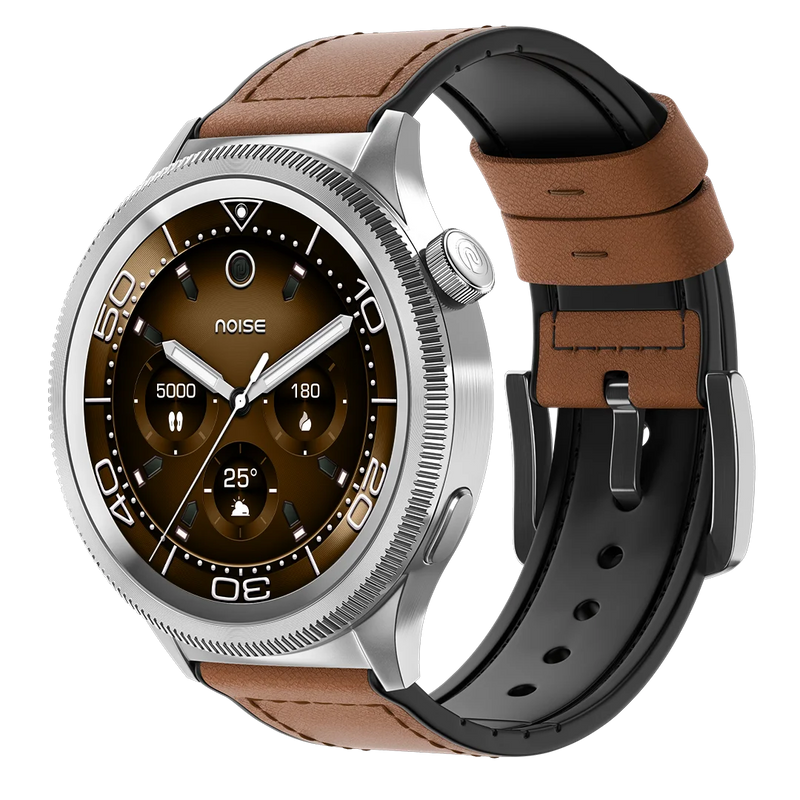
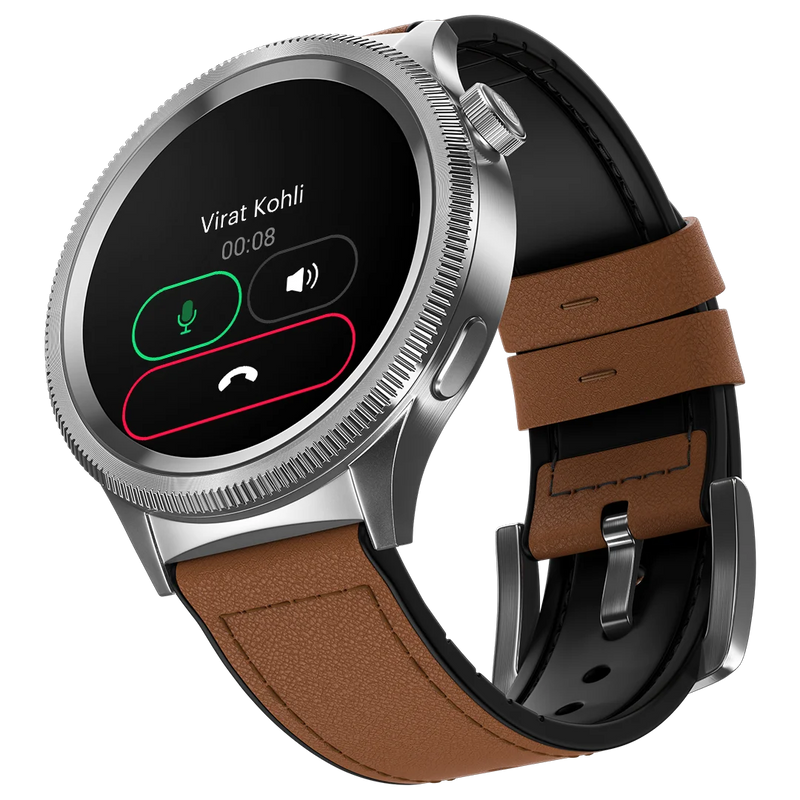
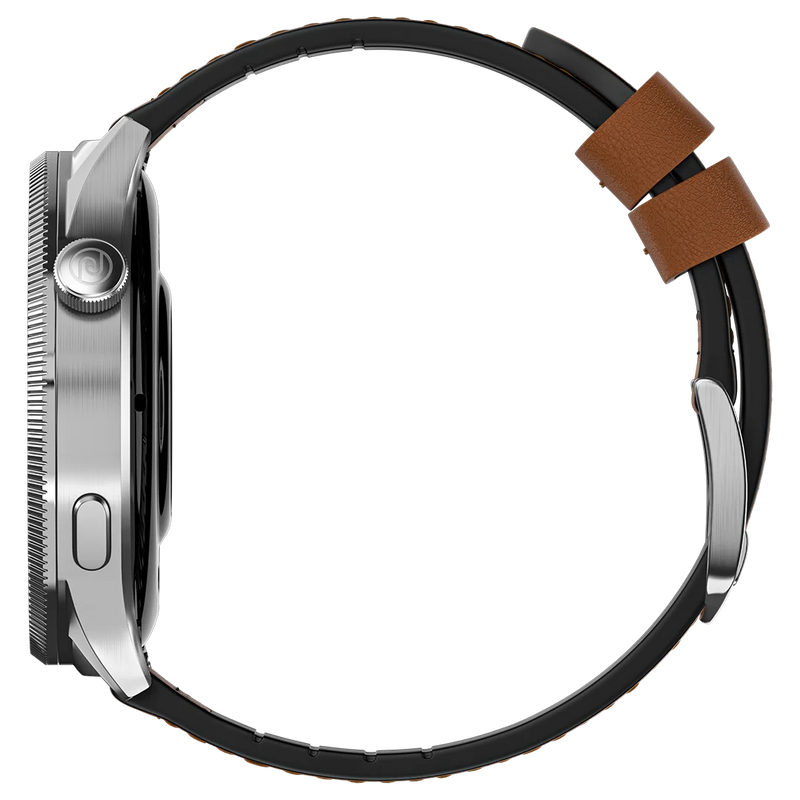
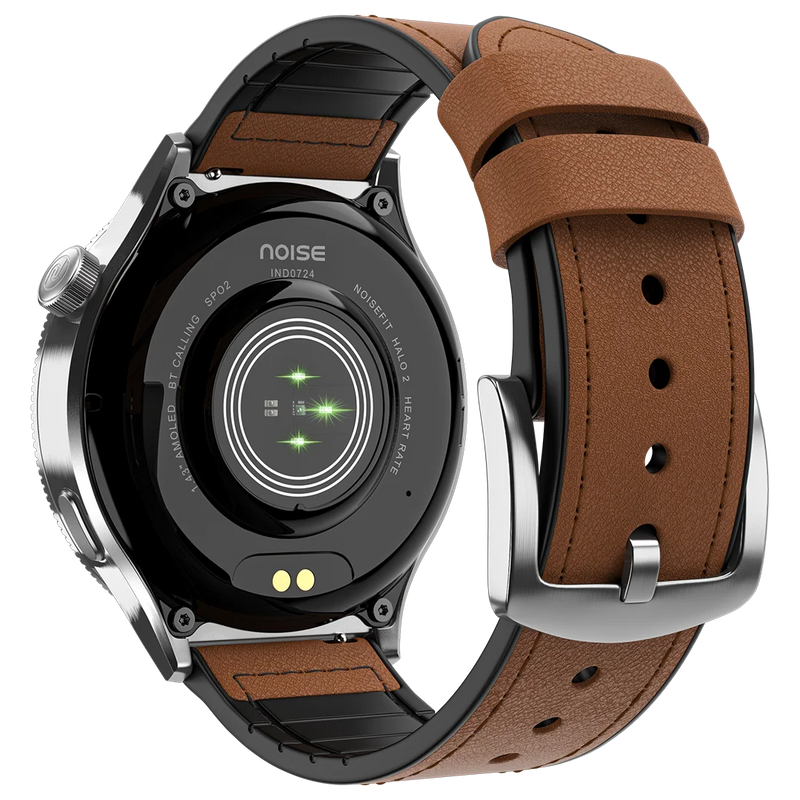
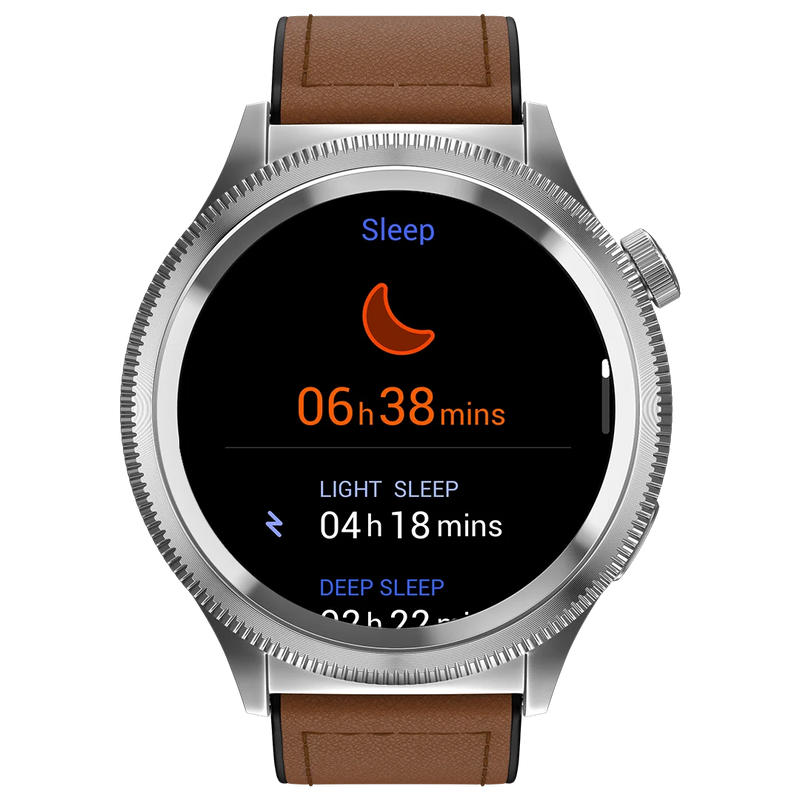
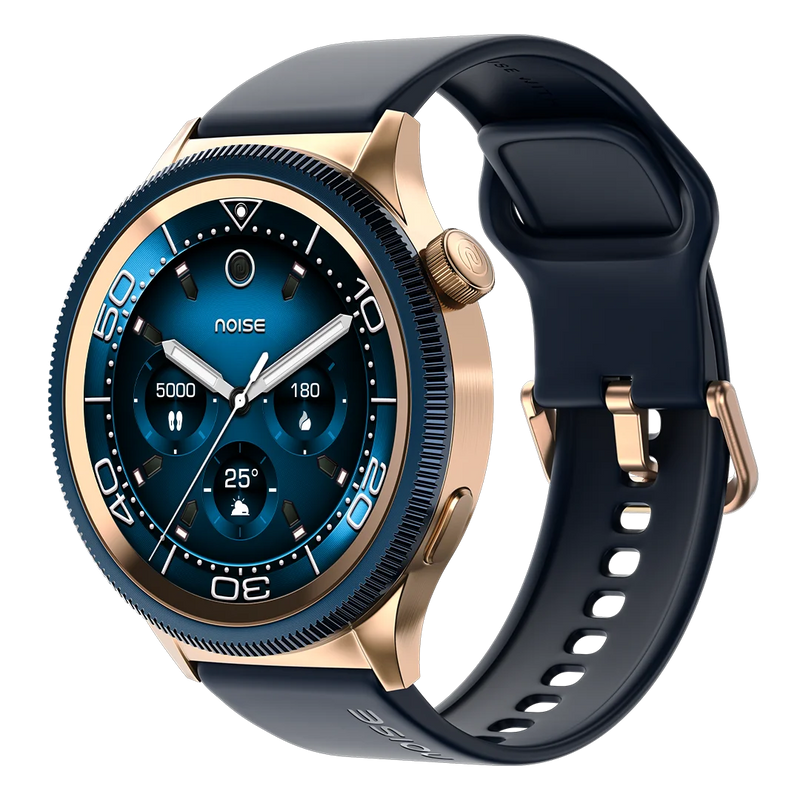
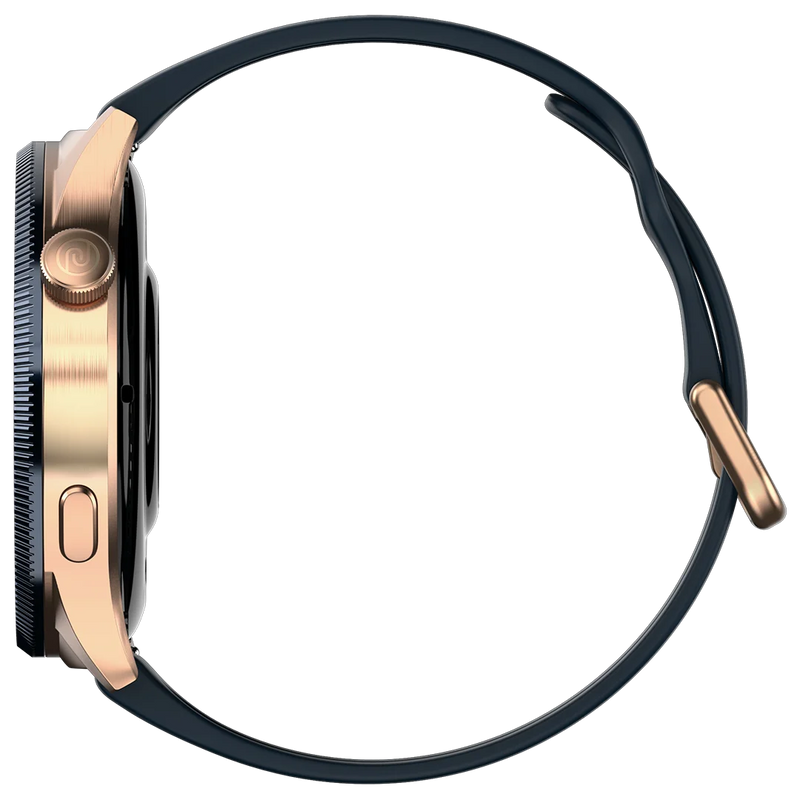
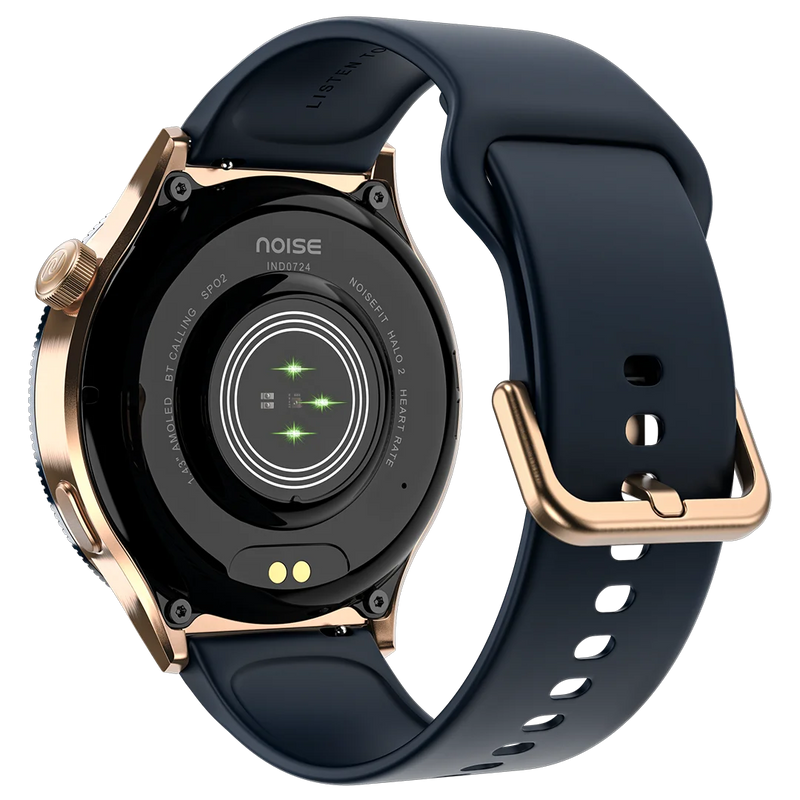
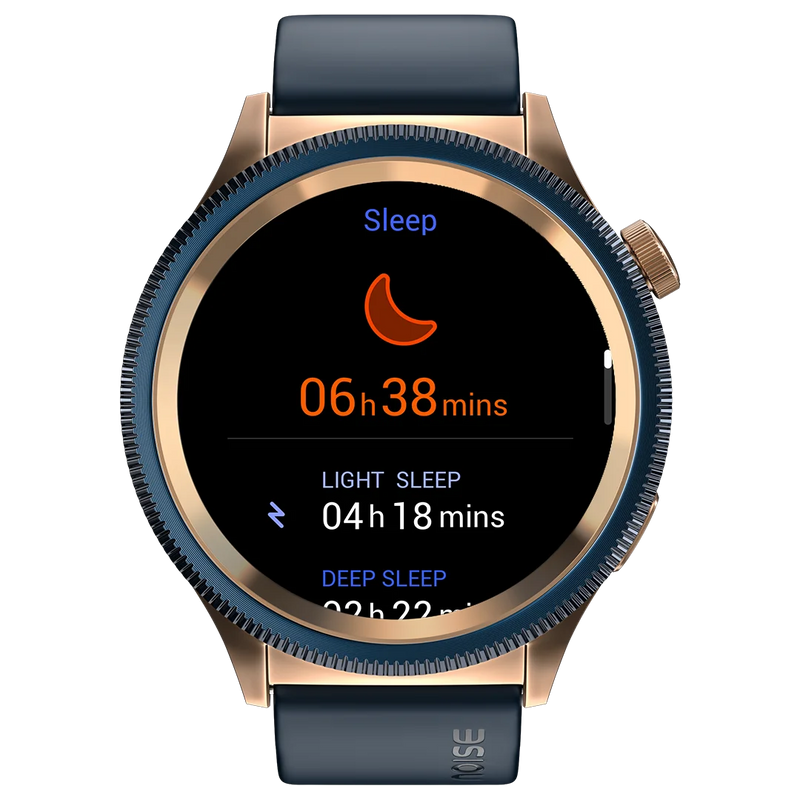
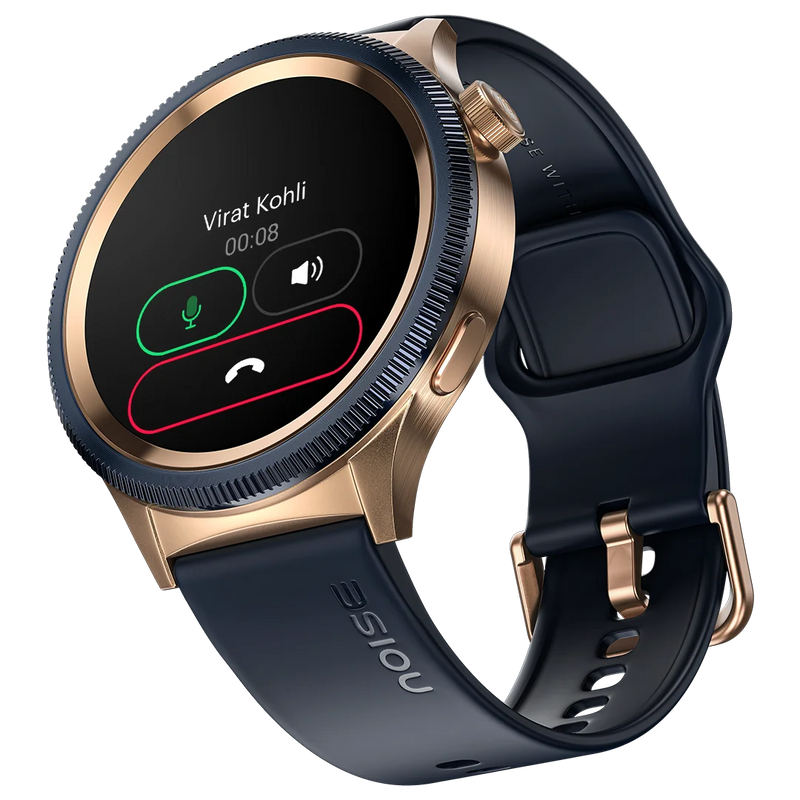
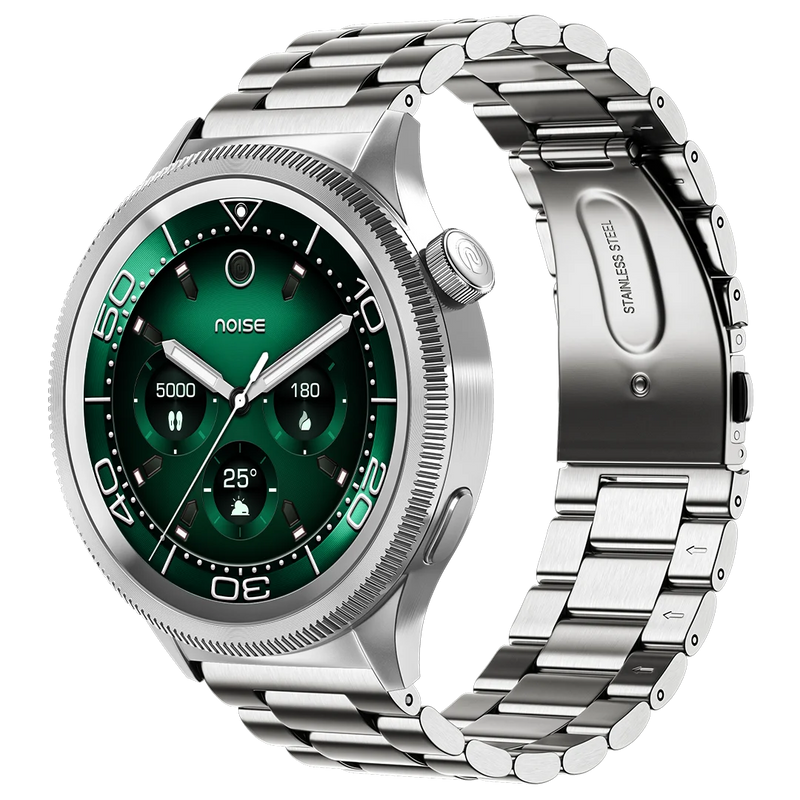
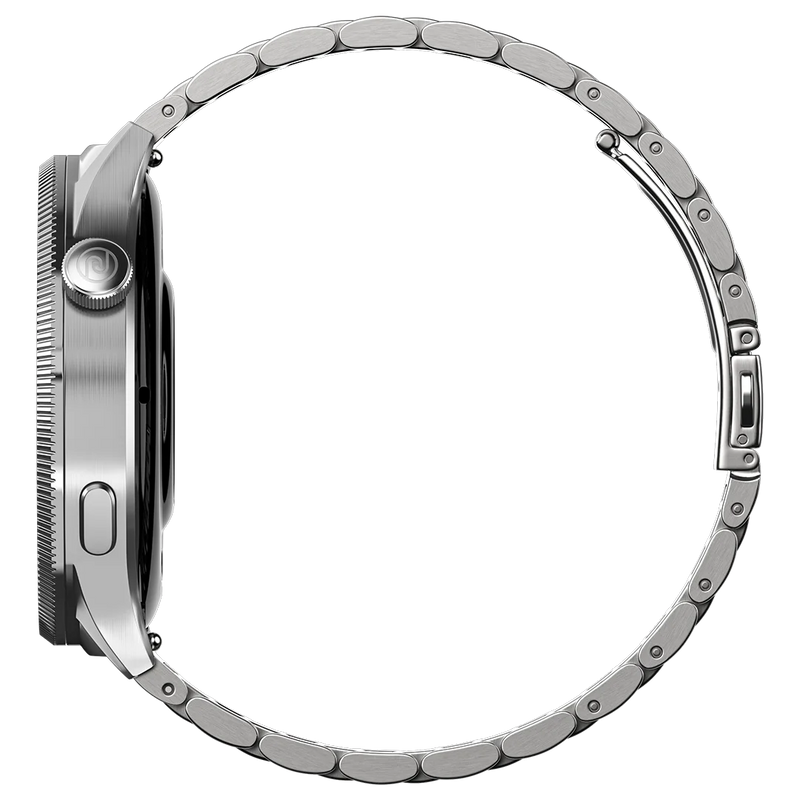
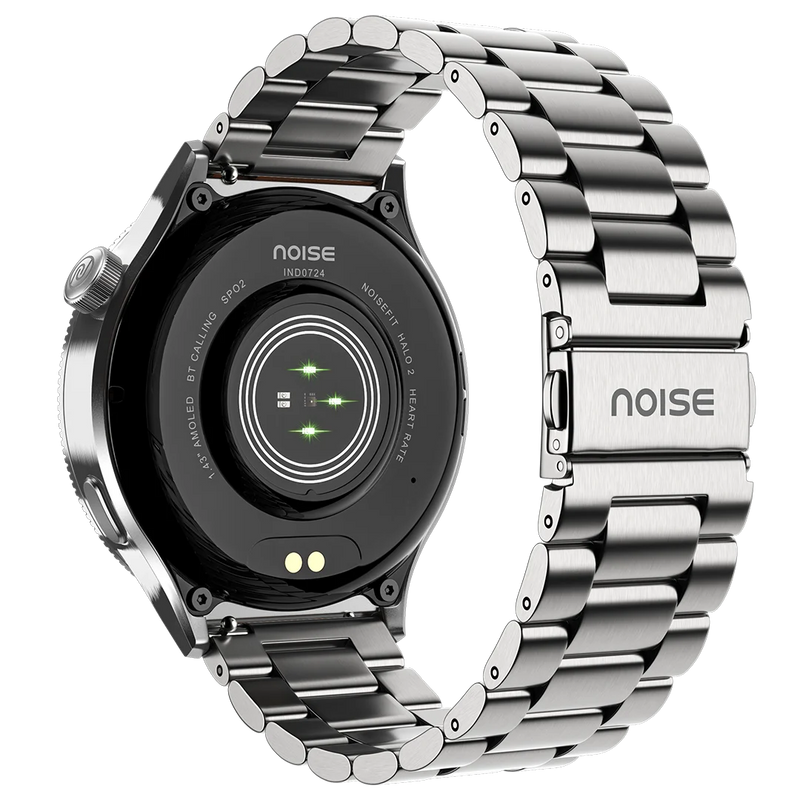
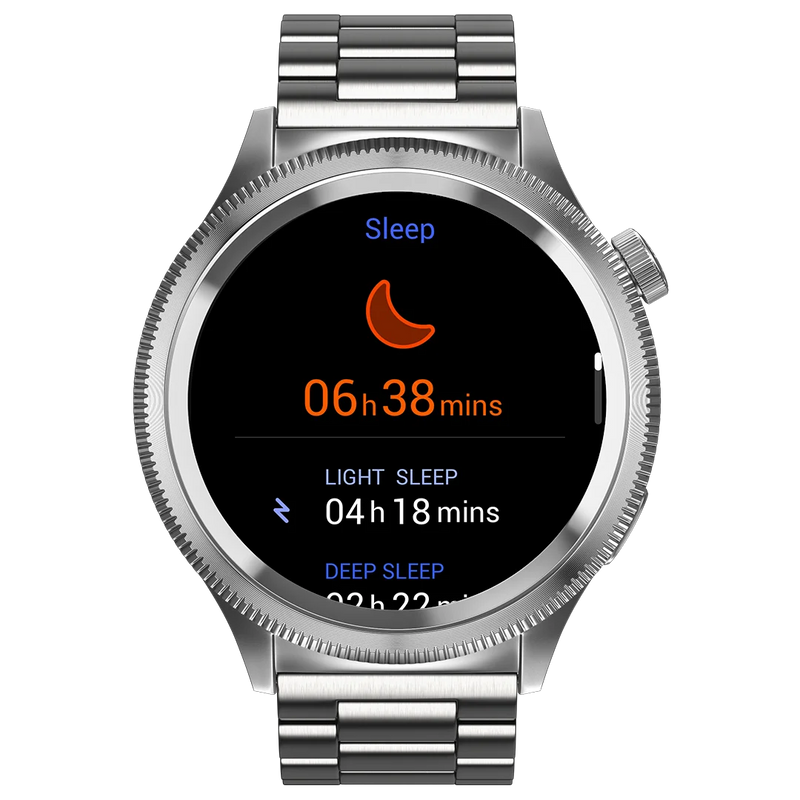
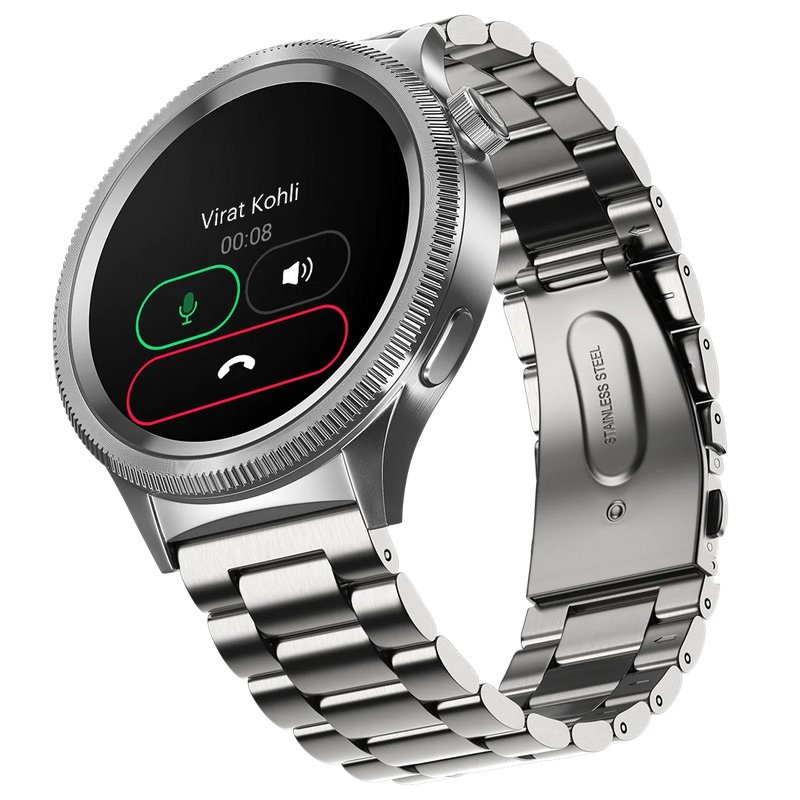
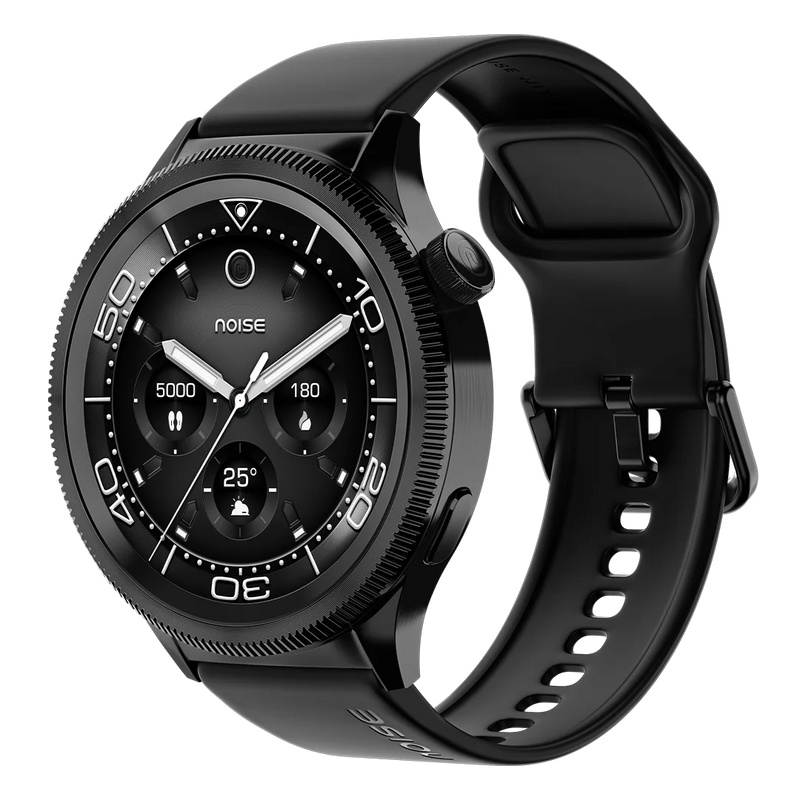
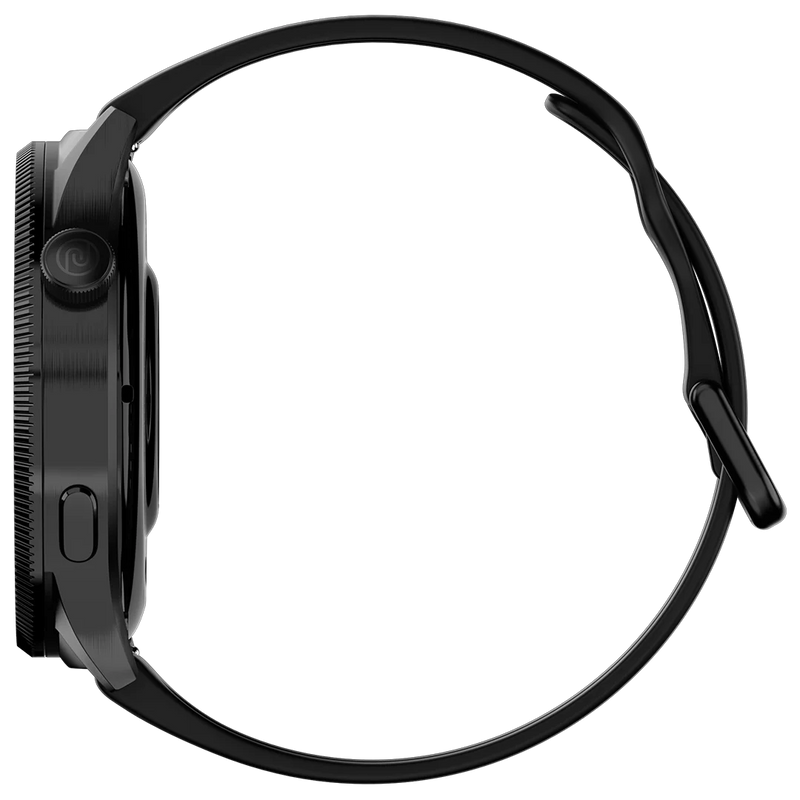
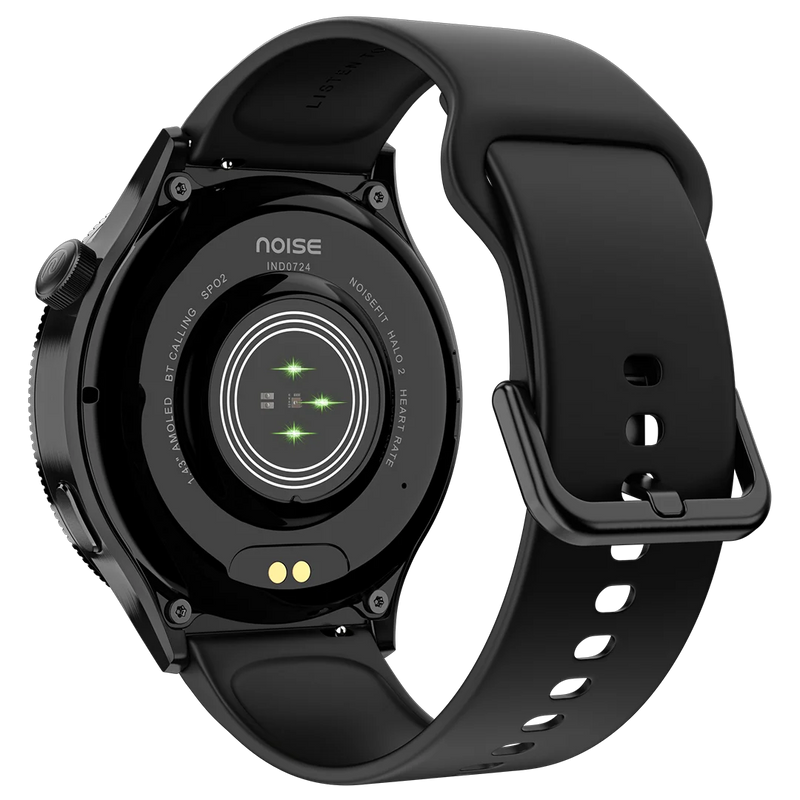
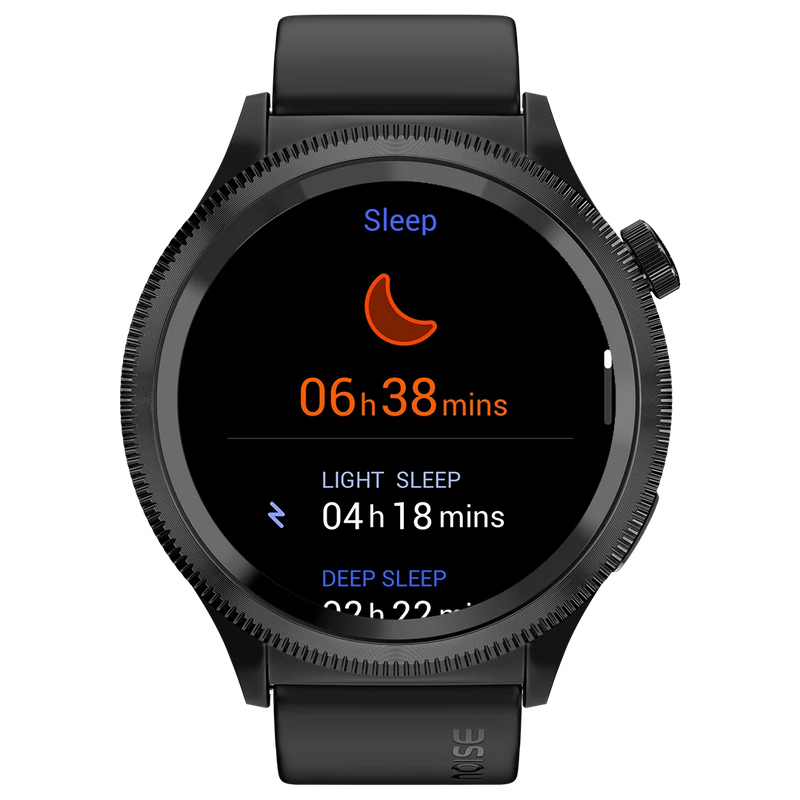
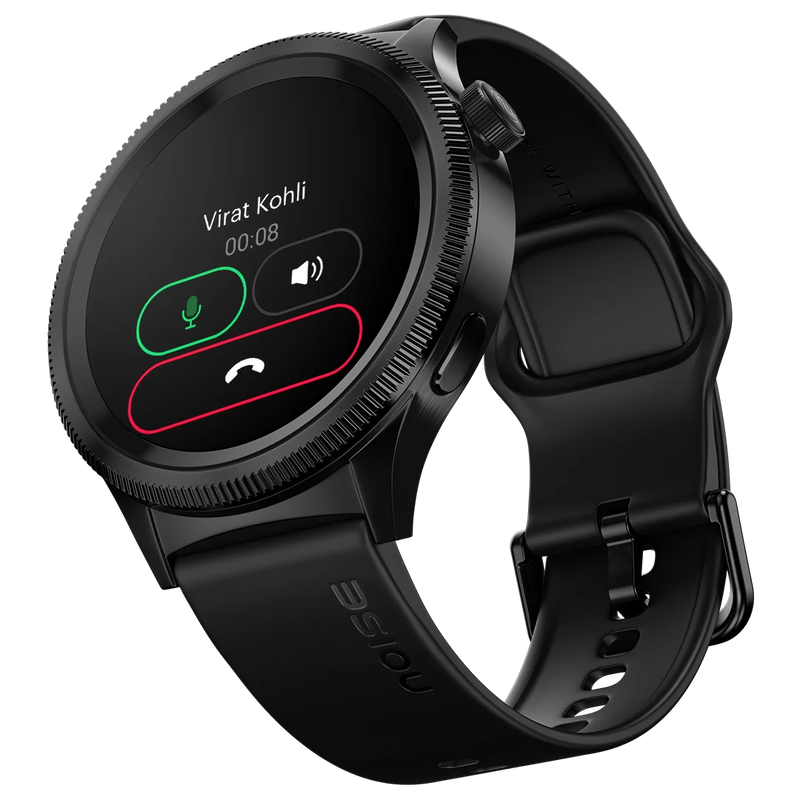
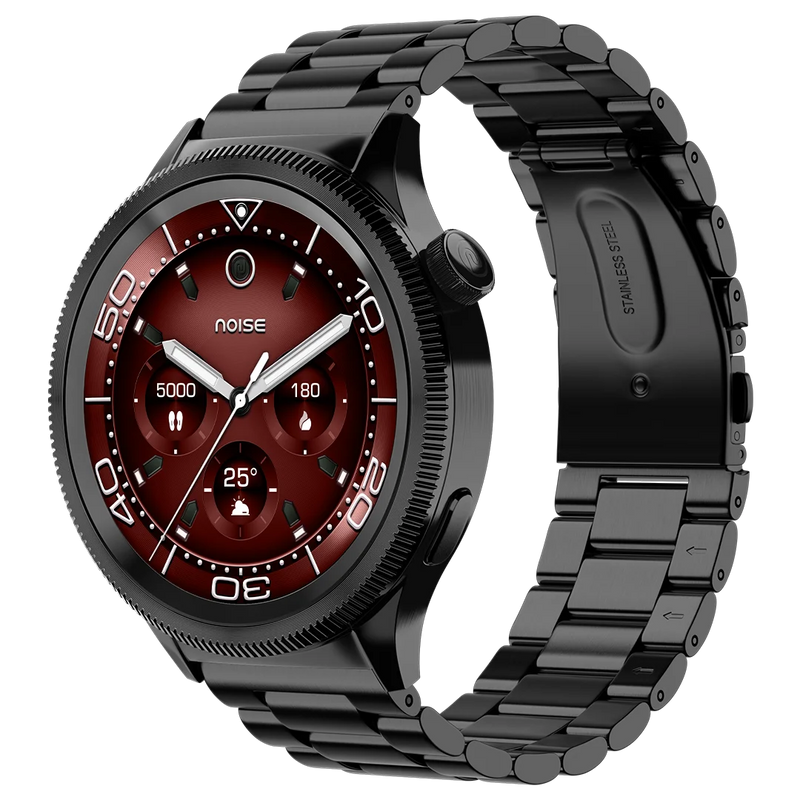
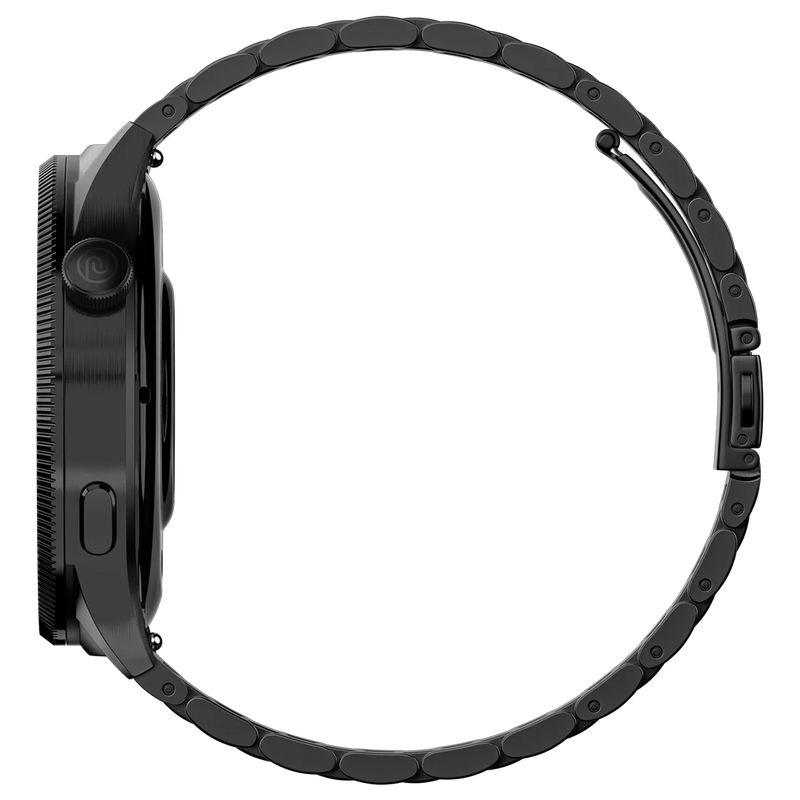
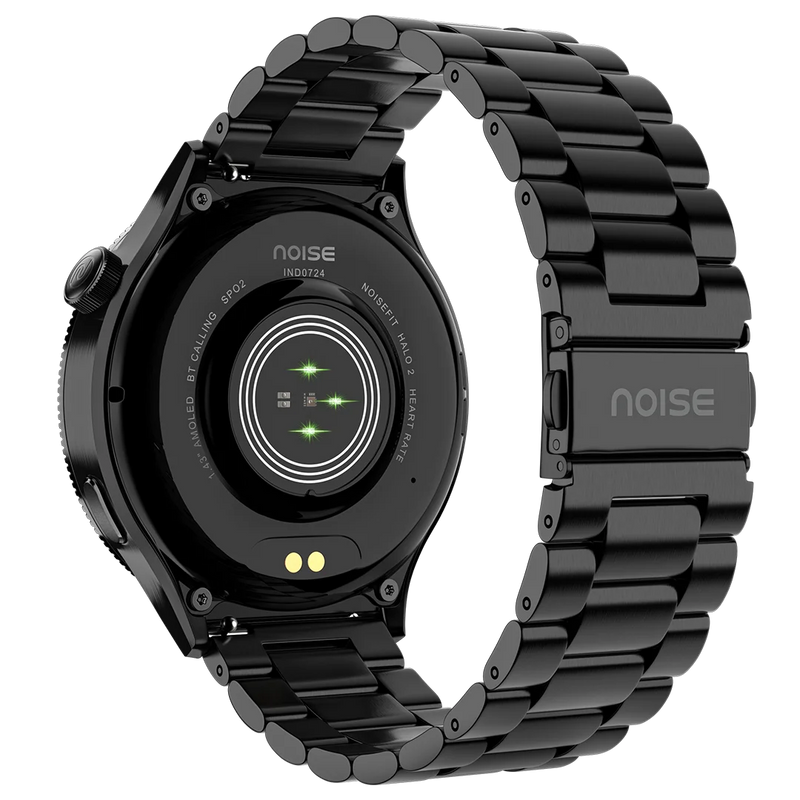
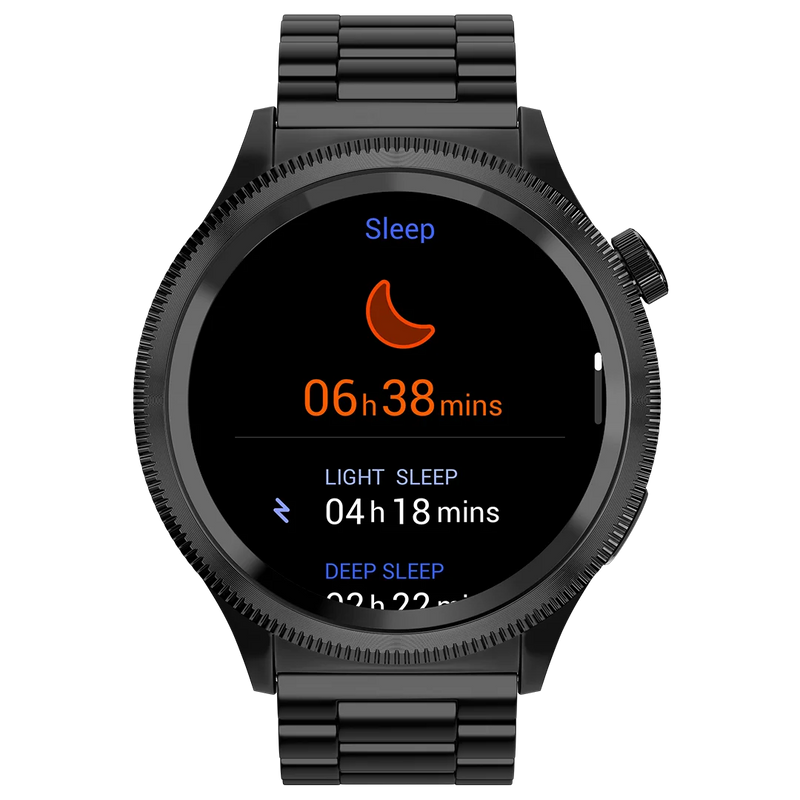
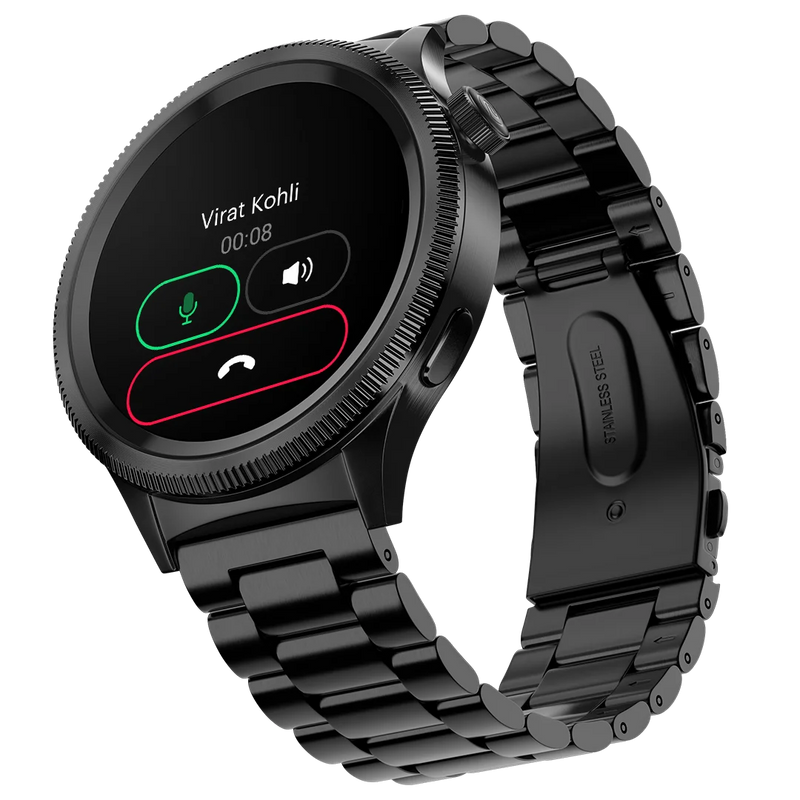
Introducing Halo 2 Smartwatch with a 1.43'' AMOLED display, axe-cut bezel, custom transition effects, BT Calling, and much more features. Grab yours at a special launch price with limited stocks—style meets functionality like never before!"
Customer Rating
4.82 out of 5.0 stars based on 427 reviews
Quick Specifications
| Bluetooth Version | v5.3 |
|---|---|
| System Requirement | ios 17.0 + or Android 9.0 + |
| Display technology | AMOLED |
| Screen Size | 1.43” |
| Heart rate sensor | Yes |
| SpO2 sensor | Yes |
| Typical Usage Time | Up to 7 days |
| Standby Time | Up to 30 days |
| Charging Time | Up to 2 hours |
Specifications
| Country of Origin | China |
|---|---|
| Package Contents | 1 device, 1 charging cable, 1 user manual, warranty card |
| Marketed & Imported By | Nexxbase Marketing Pvt. Ltd, Khasra No-146/25/2/1, Jail Road Badshahpur, Gurugram Haryana-122101 |
Connectivity
| System Requirement | ios 17.0 + or Android 9.0 + |
|---|---|
| BT | v5.3 |
Display
| Display technology | AMOLED |
|---|---|
| Size | 1.43” |
| Resolution | 466*466 |
Sensors
| Heart rate sensor | Yes |
|---|---|
| Accelerometer | Yes |
| SpO2 sensor | Yes |
Battery & Charging
| Typical Usage Time | Up to 7 days |
|---|---|
| Standby Time | Up to 30 days |
| Charging Time | Up to 2 hours |
| Charging Cable | Yes |
Physical Specifications
| Watch Case Material | Metal |
|---|---|
| Strap Size & Material | 22mm (silicone) |
| Water Resistance Rating | IP67 |
Health Monitoring Features
| Heart Rate | |
| SpO2 | |
| Sleep monitor | |
| Stress measurement | |
| NoiseFit App |
Smart Features
| Caller name information | |
| Call rejection | |
| Stopwatch | |
| Timer | |
| Alarm | |
| Reminder | |
| Weather | |
| Vibration alert | |
| Do not disturb mode | |
| Screen brightness | |
| Functional crown | |
| Wrist awake |
FAQs
What kind of display does the NoiseFit Halo 2 have?
The NoiseFit Halo 2 has a 1.43-inch full-touch AMOLED display with a sharp 466 x 466 pixel resolution. A rotatable axe-cut bezel adds a tactile way to navigate menus, and you can personalise the screen with 100+ watch faces accessed and customised through the NoiseFit app.
Is the NoiseFit Halo 2 waterproof, and can I swim with it?
The NoiseFit Halo 2 carries an IP67 rating, so it withstands dust, sweat, rain and submersion up to 1.5 metres for up to 30 minutes. You can wear it in the shower, but do not use it for swimming or diving, and avoid saunas, hot water and ocean water, since heat and salt can damage the device and band.
Is the NoiseFit Halo 2 shockproof?
No, the NoiseFit Halo 2 is not shockproof. While it is built for everyday wear and light workouts, dropping it from a height or subjecting it to hard impacts can damage the AMOLED display or internals, so handle it with reasonable care and avoid knocks against hard surfaces.
What notifications can I get on my NoiseFit Halo 2?
You get notifications for SMS, calls, WhatsApp, LinkedIn, Instagram, FB messenger, Skype, X, Facebook, YouTube, Gmail, Outlook, Snapchat, and Telegram, as long as the notification feature is turned on and your phone and smartwatch are in BT range and synced.
Does the NoiseFit Halo 2 support Bluetooth calling?
Yes, the NoiseFit Halo 2 supports Bluetooth calling. Once paired with your phone over Bluetooth, you can take and make calls directly from the watch using its built-in speaker and microphone, access your synced contacts and call log, and use the on-wrist dial pad within the roughly 10-metre Bluetooth range.
Does the NoiseFit Halo 2 have voice assistant support?
Yes, the NoiseFit Halo 2 supports voice assistant control. When the watch is connected to your smartphone over Bluetooth, you can trigger your phone's native voice assistant from your wrist to run quick commands, hands-free, without reaching for the phone.
How do I change or customise the watch face on the NoiseFit Halo 2?
Yes, you can change the watch faces. From the watch, touch and hold the home screen, swipe, and choose a face. From the app, go to the watch face section, select a face, and tap Save. You can also customise a face or create your own using AI Create from the + icon in the same section.
What sensors and health features does the NoiseFit Halo 2 have?
The NoiseFit Halo 2 includes a heart rate monitor, an SpO2 (blood oxygen) sensor, sleep monitoring and stress measurement. Together these power 24/7 heart-rate tracking at five-minute intervals, blood-oxygen readings, sleep-stage analysis and stress scores, with detailed trends viewable in the NoiseFit app. It also has a built-in pedometer for step tracking.
Does the NoiseFit Halo 2 have built-in GPS?
No, the NoiseFit Halo 2 does not have built-in GPS. For distance and route tracking during outdoor workouts, keep your smartphone with you and use the NoiseFit app's connected-GPS feature, which uses your phone's location to map your activity while the watch records your fitness metrics.
Can I use my earbuds and the NoiseFit Halo 2 at the same time with one smartphone?
Yes. Your smartphone can stay connected to both the NoiseFit Halo 2 and a pair of Bluetooth earbuds at the same time. The watch handles notifications, calls and health tracking while your earbuds handle audio, so you can listen to music or take calls without unpairing either device.
What makes the NoiseFit Halo 2's rotating bezel useful?
The NoiseFit Halo 2 features a rotatable axe-cut bezel, a first in its segment. Turning the bezel lets you scroll through menus, watch faces and app tiles without smudging the screen, giving a premium, tactile feel alongside the touchscreen. It is especially handy when your fingers are wet or you are on the move.
How do I set up my NoiseFit Halo 2 smartwatch?
Before setting up, make sure that your smartphone and NoiseFit Halo 2 are charged and next to each other. Connect the charging cable to turn on the watch. Download the NoiseFit app on your smartphone. Open the app and allow Bluetooth and location access. Enter your personal information and health goals, then go to the My Device page, select the device type, and link the watch.
Why won't my NoiseFit Halo 2 sync with the app?
Syncing usually fails when the watch loses Bluetooth connectivity with your phone. Make sure Bluetooth is on, the watch is within about 10 metres of the phone, and the NoiseFit app is running and locked in the background. On Android, disable battery optimisation for the app; if it still fails, restart both devices and reconnect.
How do I restart, power off, or reset my NoiseFit Halo 2?
All three live in Settings. Wake the screen and swipe up to open Settings. Choose Restart to reboot the watch, Power Off to switch it off, or Reset to restore factory settings. A reset erases the watch's data and unpairs it, so back up or sync with the app first, then set it up again afterwards.
What is the battery life and standby time of the NoiseFit Halo 2?
The NoiseFit Halo 2 offers up to 7 days of typical battery life on a single charge and up to 30 days in standby mode. Standby is the maximum tested time a charge lasts when the watch is used only as a basic timepiece. Real-world battery life varies with brightness, always-on features and continuous heart-rate tracking.
How long does the NoiseFit Halo 2 take to charge and how do I know it is full?
The NoiseFit Halo 2 takes approximately 2 hours to charge fully using its magnetic charging cable. While charging, the screen shows a rising battery percentage, and once it reaches full capacity it displays a 100% 'Charged' message. Wipe the charging contacts clean and dry before attaching the cable for reliable charging.
Which adapter should I use to charge my NoiseFit Halo 2?
Use a standard low-power (5V) adapter, or plug the magnetic charging cable into a laptop or PC USB port. Avoid fast-charging adapters and power banks with high output, as the higher voltage can damage the watch's battery and internals over time and may affect your warranty.
Which app does the NoiseFit Halo 2 work with?
The NoiseFit Halo 2 pairs with the free NoiseFit app, available for Android (9.0 and above) and iOS (11.0 and above). The app is where you sync health and activity data, manage watch faces, configure notifications, set goals and update the watch, so it is essential for the full experience.
How does the NoiseFit Halo 2 sync my data?
The NoiseFit Halo 2 syncs over Bluetooth with the NoiseFit app. When the watch and phone are connected and the app is open, activity, heart-rate, SpO2 and sleep data transfer automatically. Keep the app running and locked in the background for continuous syncing; you can also pull down to refresh in the app to sync on demand.
Why isn't my NoiseFit Halo 2 receiving notifications from my phone?
This is usually a connectivity or permissions issue. Ensure the watch and phone are within Bluetooth range, notifications are enabled in the NoiseFit app, and the app is running and locked in the background (on Android). Also turn off Do Not Disturb on the watch, and in your phone settings allow the NoiseFit app to read notifications.
Can I read full incoming messages on the NoiseFit Halo 2?
Yes. Once the watch is connected to the NoiseFit app, you can read the text of incoming messages on the Halo 2 as they arrive, not just see an alert. Previously received notifications are also stored on the watch so you can scroll back through them, though you cannot reply from the watch.
How does the NoiseFit Halo 2 estimate the calories I've burned?
The NoiseFit Halo 2 estimates calories burned using your heart rate, activity duration, steps taken, distance covered, and the height, weight and age you enter in the NoiseFit app profile. Keeping your profile accurate and wearing the watch snugly improves the accuracy of these estimates.
What does the SpO2 sensor on the NoiseFit Halo 2 do?
The SpO2 sensor measures your blood oxygen saturation, the percentage of oxygen your red blood cells are carrying. On the NoiseFit Halo 2 you can take an on-demand reading from the wrist and review trends in the NoiseFit app. It is intended for general wellness insight, not medical diagnosis.
Does the NoiseFit Halo 2 track sleep even when the app isn't connected?
Yes. The NoiseFit Halo 2 tracks your sleep on the watch itself even when it is not connected to your phone. The data is stored locally and transfers automatically to the NoiseFit app the next time the two are connected. You can also view your daily sleep summary directly on the watch.
Does the NoiseFit Halo 2 track stress?
Yes, the NoiseFit Halo 2 includes stress measurement. Using heart-rate variability data from its sensor, it estimates your stress level through the day so you can spot high-stress periods and use guided breathing to relax. Detailed stress trends are available in the NoiseFit app for general wellness reference.
Which phones is the NoiseFit Halo 2 compatible with?
The NoiseFit Halo 2 works with both platforms. It is compatible with iPhones running ios 17.0 and above and Android phones running Android 9.0 and above. You will need to install the free NoiseFit app and keep Bluetooth enabled to pair the watch and sync your data.
What is the strap size of the NoiseFit Halo 2, and can I replace it?
The NoiseFit Halo 2 uses a 22 mm wide strap. The band is user-replaceable using the quick-release mechanism on the underside of the strap, so you can swap in other 22 mm straps. Genuine replacement straps are available on the official Noise website.
Is there a warranty on the NoiseFit Halo 2 and how do I register it?
Yes, the NoiseFit Halo 2 comes with a 1-year manufacturing warranty from the date of delivery, covering manufacturing defects. To activate it, register your product at https://www.gonoise.com/pages/warranty-registration and keep your order invoice handy as proof of purchase.