Noise Tune Elite Sport Neckband Earphones with Mic
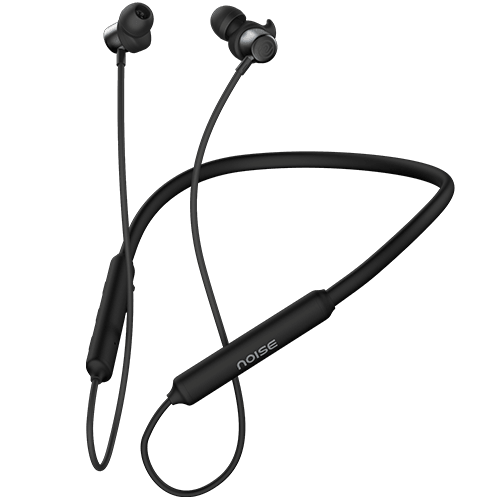
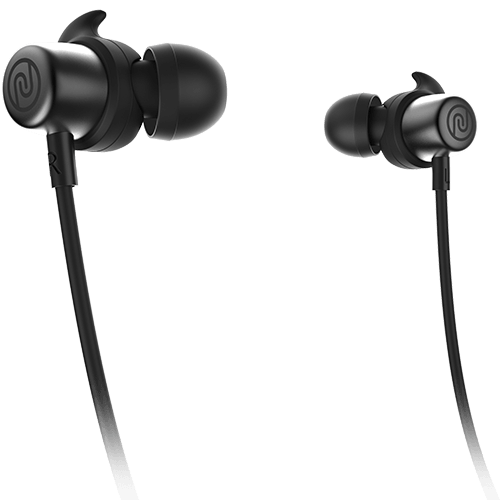
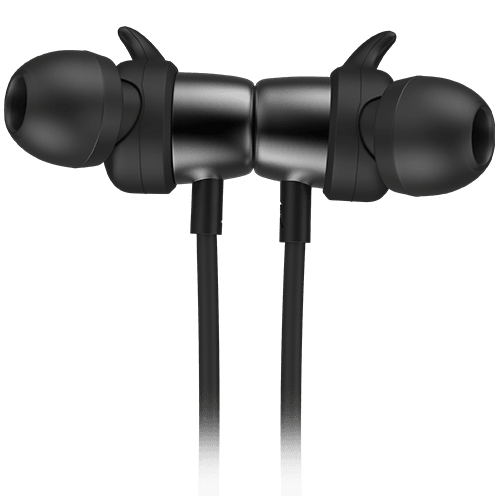
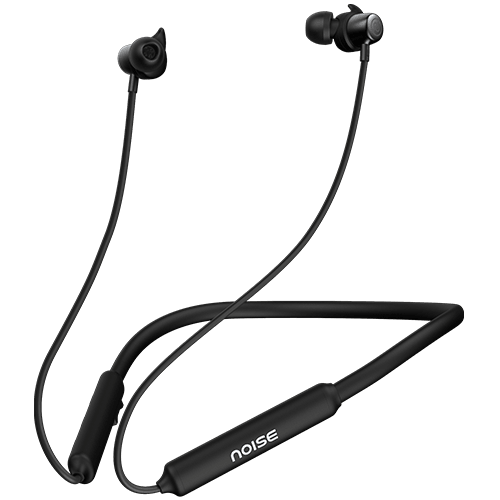
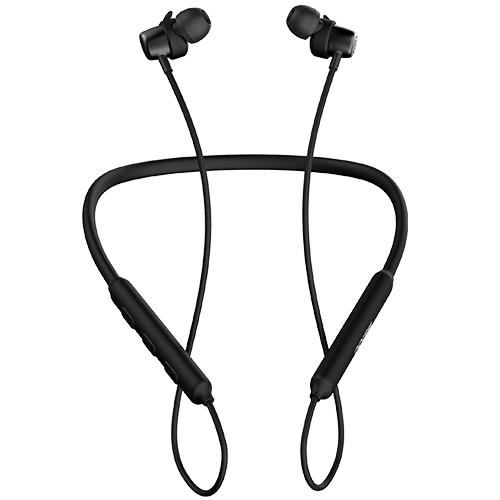
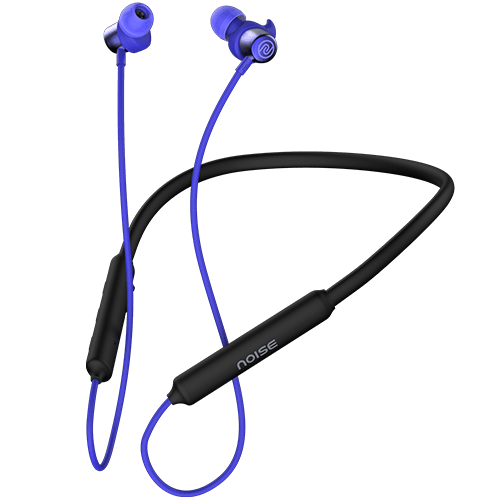
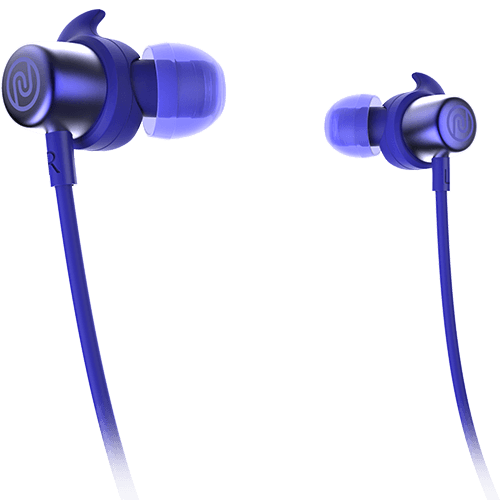
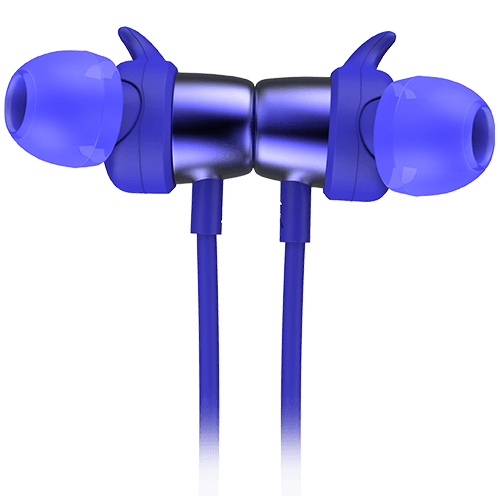
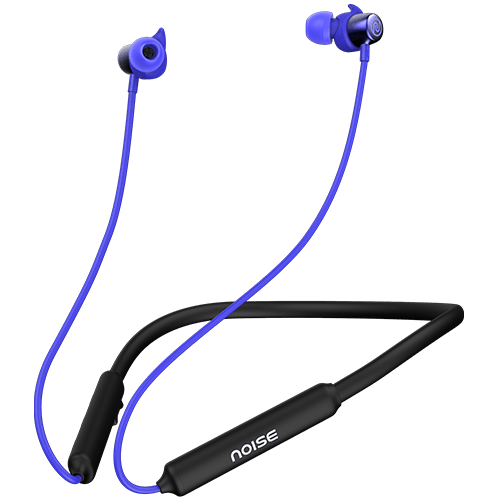
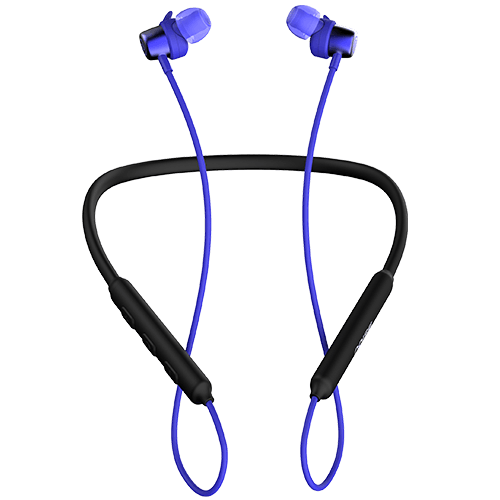
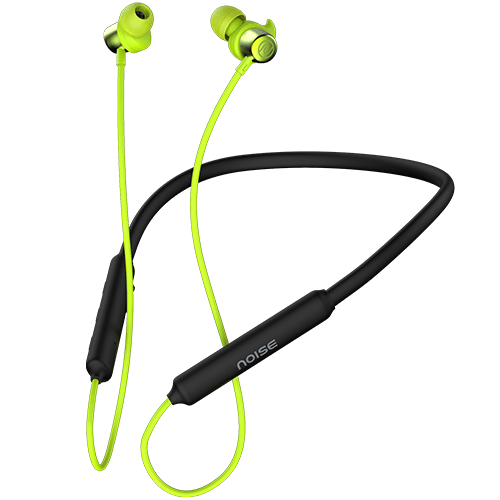
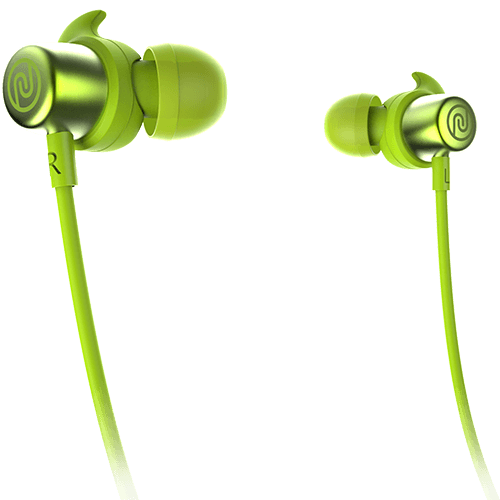
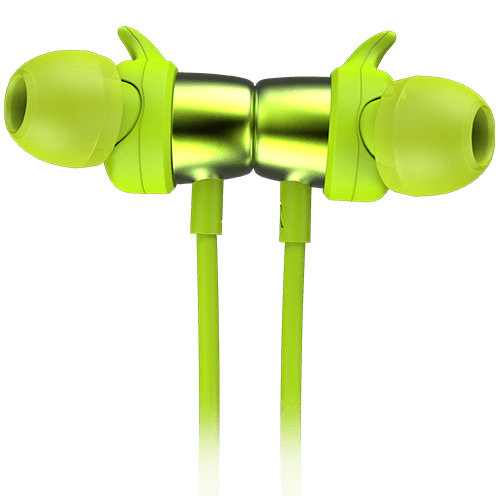
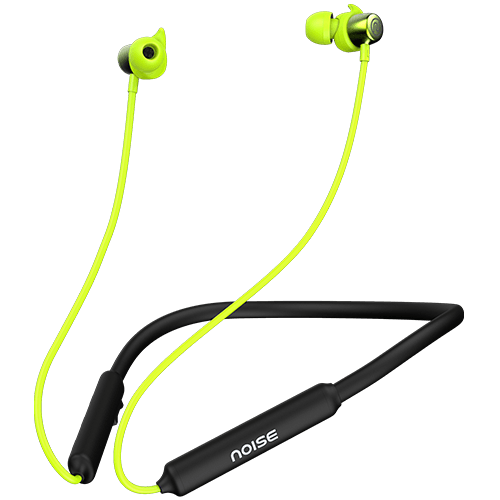
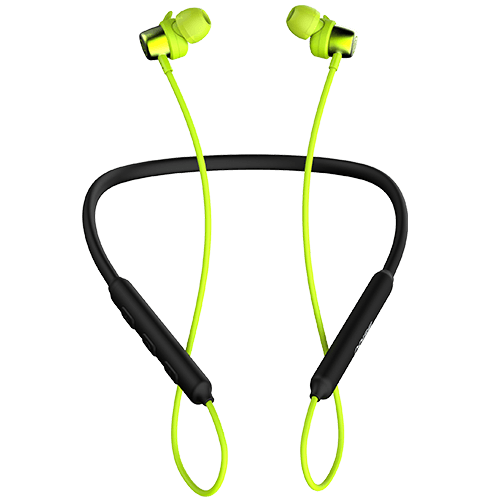
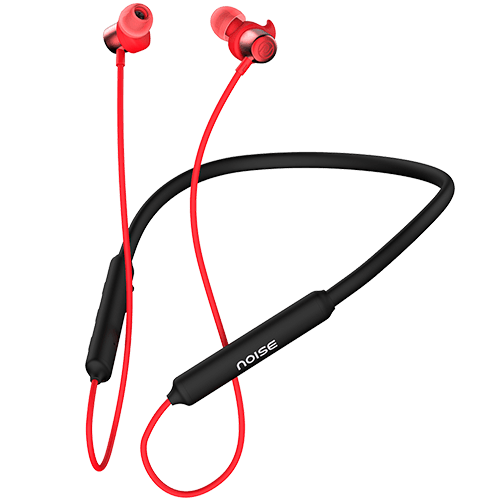
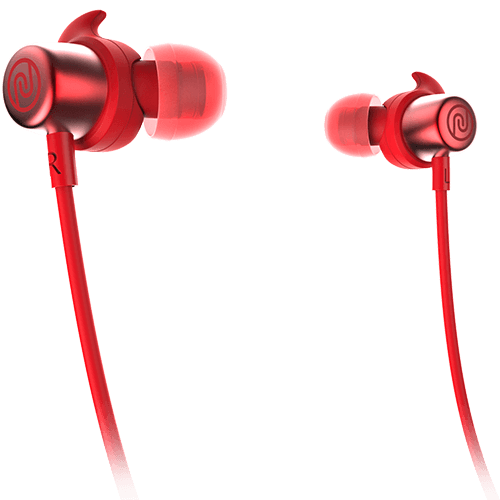
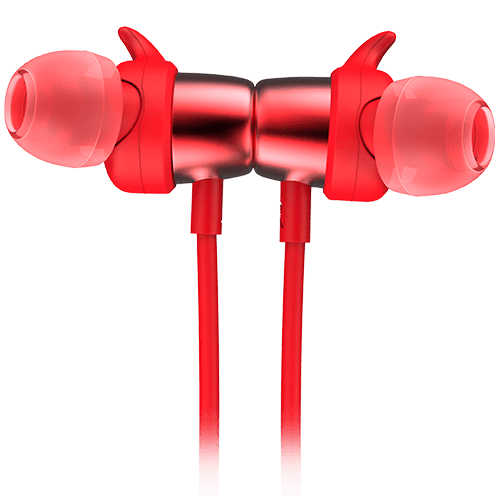
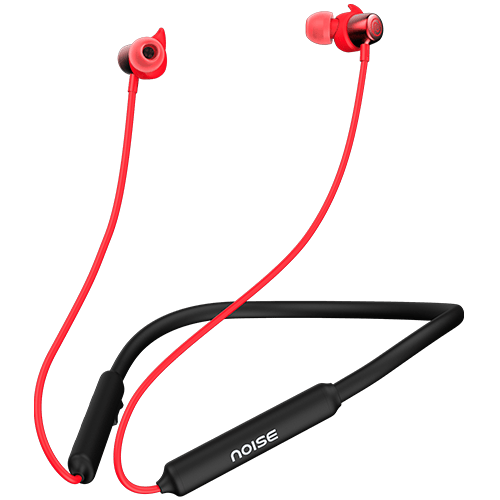
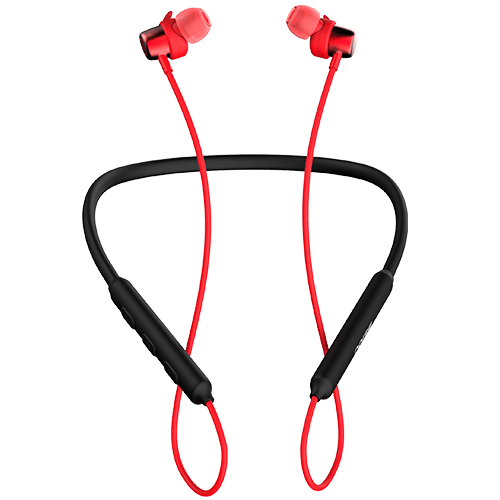
Buy the Noise Tune Elite Sport neckband earphones with 10 mm dynamic drivers, 6 hr playtime, IPX4 water resistance, hands free calling, and more. Get it from the Noise official website now.
Customer Rating
4.64 out of 5.0 stars based on 176 reviews
Specifications
| Country of Origin | China |
|---|---|
| Package Contents | 1 device, 1 charging cable, 1 user manual, warranty card |
| Marketed & Imported By | Nexxbase Marketing Pvt. Ltd, Khasra No-146/25/2/1, Jail Road Badshahpur, Gurugram Haryana-122101 |
AUDIO
| Speaker Driver | |
| 10mm |
CONNECTIVITY
| BT | |
| 5.0 | |
| Wireless Range | |
| 10m | |
| Auto Pairing | |
| Yes | |
| Dual Pairing | |
| Yes | |
| BT Supported Profile | |
| HFP, A2DP, HSP, AVRCP |
BATTERY & CHARGING
| Playtime | |
| 6 hours | |
| Charging time | |
| 70 minutes | |
| Standby time | |
| 120 hours | |
| Charging Indicator | |
| Yes |
PHYSICAL SPECIFICATION
| Earbuds Weight | |
| 16.2 grams | |
| Dimension | |
| 45*8*2mm | |
| Water Resistance Rating | |
| IPX4 | |
| Controls | |
| With remote and mic in line power, volume and voice assistant |
ADDITIONAL FEATURES
| Hands-free calling | |
| Yes | |
| Magnetic earbuds | |
| Yes | |
| Sporty wingtips | |
| Yes |
FAQs
ABOUT THE PRODUCT
Can Noise Tune Elite Sport BT Neckband take calls?
Yes, you can attend calls with Tune Elite Sport BT Neckband as long as it is synced with your smartphone.
Does Tune Elite Sport have noise cancelling feature?
No, Tune Elite Sport BT Neckband does not have noise cancelling feature.
Is Tune Elite Sport waterproof/water-resistant?
Yes, Tune Elite Sport has IPX4 sweat-resistant rating.
What do the inline buttons do?
With the power button, you can play/pause the music, answer, end and reject calls. The +/-buttons are the volume buttons which also support track changes. To activate Siri or Google Assistant, press the multi-function button.
How is the calling?
The call quality is good as long as the network is good and there are no disturbances in the surroundings. And with the noise cancellation mode turned on, there is even more clarity.
SOUND
How do I get the best sound?
Make sure that your mobile is in a good network zone. If you are streaming music, make sure it’s from good quality streaming platforms; the music is playing at 320kbps and is within 10-metre range.
COMPATIBILITY
Is Tune Elite Sport compatible with BT v4.2?
Tune Elite Sport is compatible with devices having BT v4.2. However, it works best with BT v5.0.
What is the BT range of Tune Elite Sport?
Tune Elite Sport has a BT range of 10 meters without any obstruction.
Is it compatible with iOS devices?
Yes, Tune Elite Sport is compatible with iOS devices
Is it compatible with Android devices?
Yes, Tune Elite Sport is compatible with Android devices.
Does Tune Elite Sport support Google Assistant or Siri?
Yes, Tune Elite Sport supports Google Assistant and Siri as long as it is synced with your smartphone. To activate either of them, triple press the Multifunction button.
BATTERY & CHARGING
How can I charge Tune Elite Sport BT Neckband?
You can charge your Tune Elite Sport BT Neckband using USB cable. Plug in the USB end to your laptop/desktop or to a wall adaptor and micro USB port into charging point of the Neckband. Once it’s fully charged, the light will turn white. Note: Use only the USB charger to charge your device.
How long does it take for Tune Elite Sport BT Neckband to get charged?
It takes up to 70 minutes for Tune Elite Sport to get fully charged.
How long does the battery last in Tune Elite Sport?
The playback time of Tune Elite Sport is up to 6 hours.
GETTING STARTED
How do I pair my Tune Elite Sport BT Neckband with my mobile device?
If powered off, long press the multi-function button of Tune Elite Sport for 3 seconds until the LED flashes, indicating that they are in pairing mode. Turn on the device BT and open the BT menu. Select Add Device and from the list of devices, select Tune Elite Sport.
Can I pair two devices with my Tune Elite Sport at the same time?
Yes, you can pair two devices with your Tune Elite Sport. Connect Tune Sport 2 with device 1. Turn off the BT of device 1, and connect Tune Elite Sport with device 2. Turn on BT of device 1, both the devices will be paired and ready to use. Note: When device 1 is playing music, Tune Elite Sport can control the music of device 1. In order to play music in device 2, pause the music in device 1 and play music in device 2.
TROUBLESHOOTING
Only one side of the headphone is working, what do I do?
Please raise a support ticket at support.gonoise.com
WARRANTY REGISTRATION
Is there a warranty for this product?
Yes, there is a 1-year manufacturing warranty from the date of delivery of the product.
Where do I register for the product warranty?
You can register your warranty here.
How do I get the best sound?Make sure that your mobile is in a good network zone. If you are streaming music, make sure it’s from good quality streaming platforms; the music is playing at 320kbps and is within 10-metre range.
,Is Tune Elite Sport compatible with BT v4.2?Tune Elite Sport is compatible with devices having BT v4.2. However, it works best with BT v5.0.What is the BT range of Tune Elite Sport?Tune Elite Sport has a BT range of 10 meters without any obstruction.Is it compatible with iOS devices?Yes, Tune Elite Sport is compatible with iOS devicesIs it compatible with Android devices?Yes, Tune Elite Sport is compatible with Android devices.Does Tune Elite Sport support Google Assistant or Siri?Yes, Tune Elite Sport supports Google Assistant and Siri as long as it is synced with your smartphone. To activate either of them, triple press the Multifunction button.
,How can I charge Tune Elite Sport BT Neckband?You can charge your Tune Elite Sport BT Neckband using USB cable. Plug in the USB end to your laptop/desktop or to a wall adaptor and micro USB port into charging point of the Neckband. Once it’s fully charged, the light will turn white. Note: Use only the USB charger to charge your device.How long does it take for Tune Elite Sport BT Neckband to get charged?It takes up to 70 minutes for Tune Elite Sport to get fully charged.How long does the battery last in Tune Elite Sport?The playback time of Tune Elite Sport is up to 6 hours.
,How do I pair my Tune Elite Sport BT Neckband with my mobile device?If powered off, long press the multi-function button of Tune Elite Sport for 3 seconds until the LED flashes, indicating that they are in pairing mode. Turn on the device BT and open the BT menu. Select Add Device and from the list of devices, select Tune Elite Sport.Can I pair two devices with my Tune Elite Sport at the same time?Yes, you can pair two devices with your Tune Elite Sport. Connect Tune Sport 2 with device 1. Turn off the BT of device 1, and connect Tune Elite Sport with device 2. Turn on BT of device 1, both the devices will be paired and ready to use. Note: When device 1 is playing music, Tune Elite Sport can control the music of device 1. In order to play music in device 2, pause the music in device 1 and play music in device 2.
,Only one side of the headphone is working, what do I do?Please raise a support ticket at support.gonoise.com
,Is there a warranty for this product?Yes, there is a 1-year manufacturing warranty from the date of delivery of the product.Where do I register for the product warranty?You can register your warranty here.