Noise Master Buds 2 Truly Wireless Bluetooth Earbuds - REF
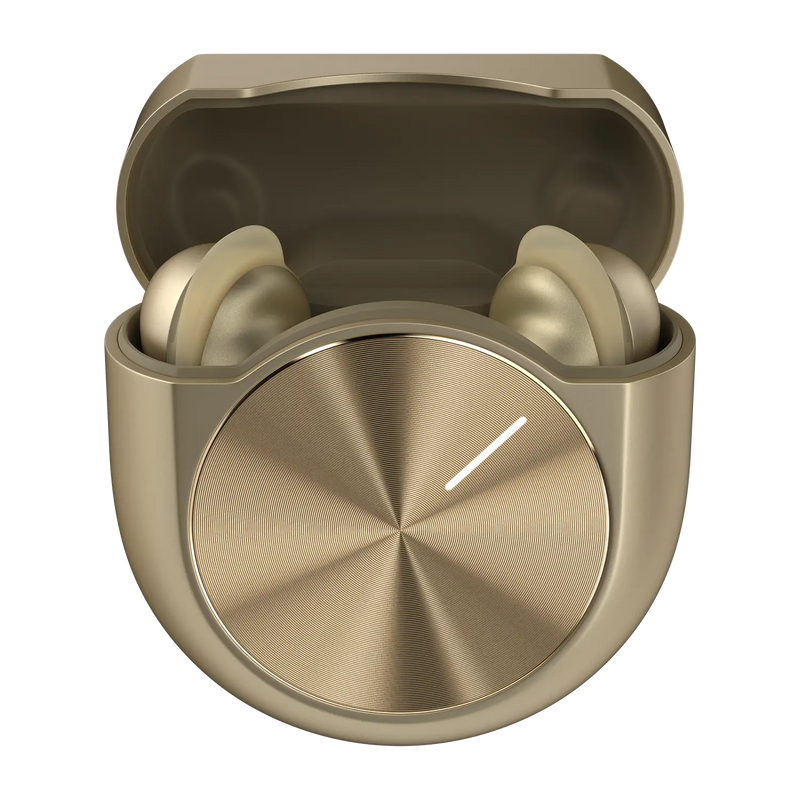
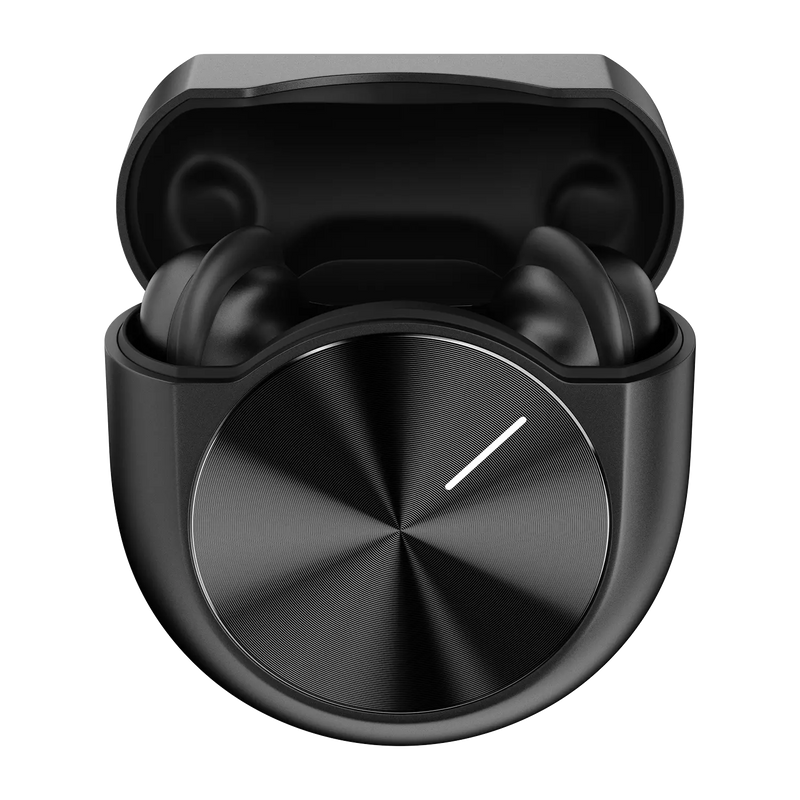
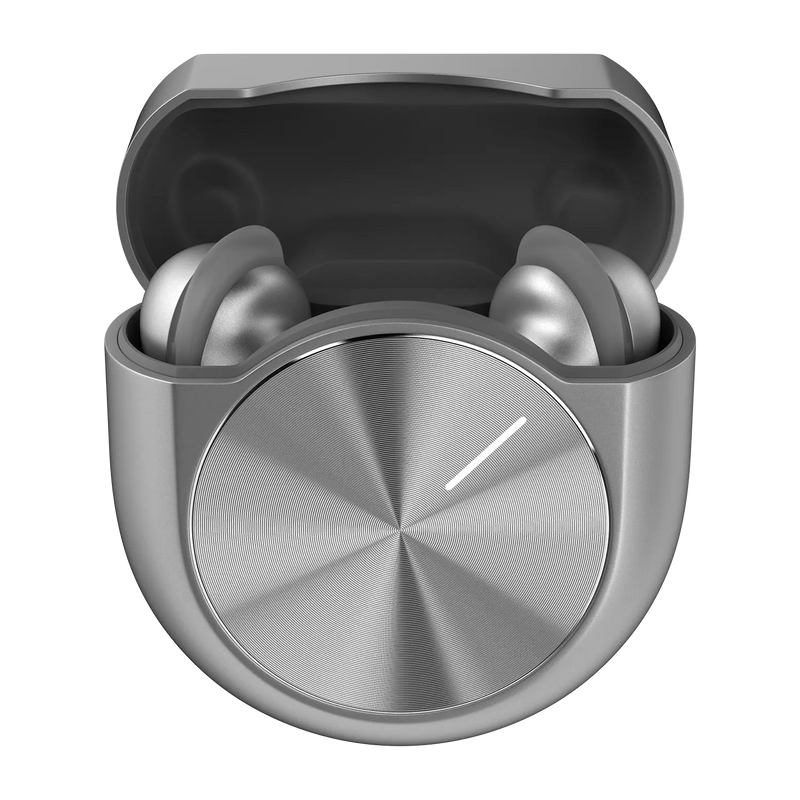
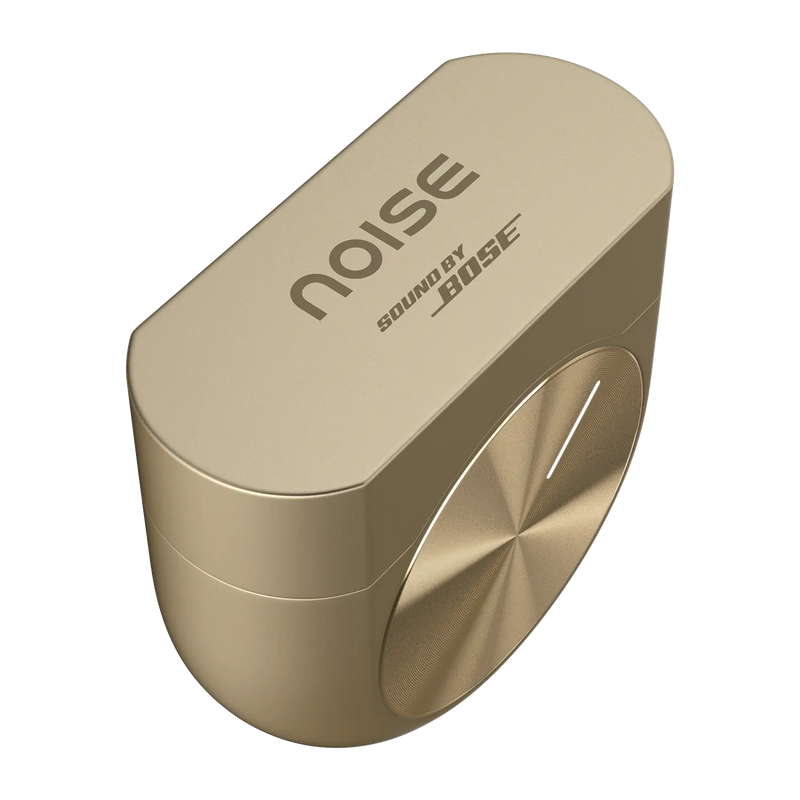
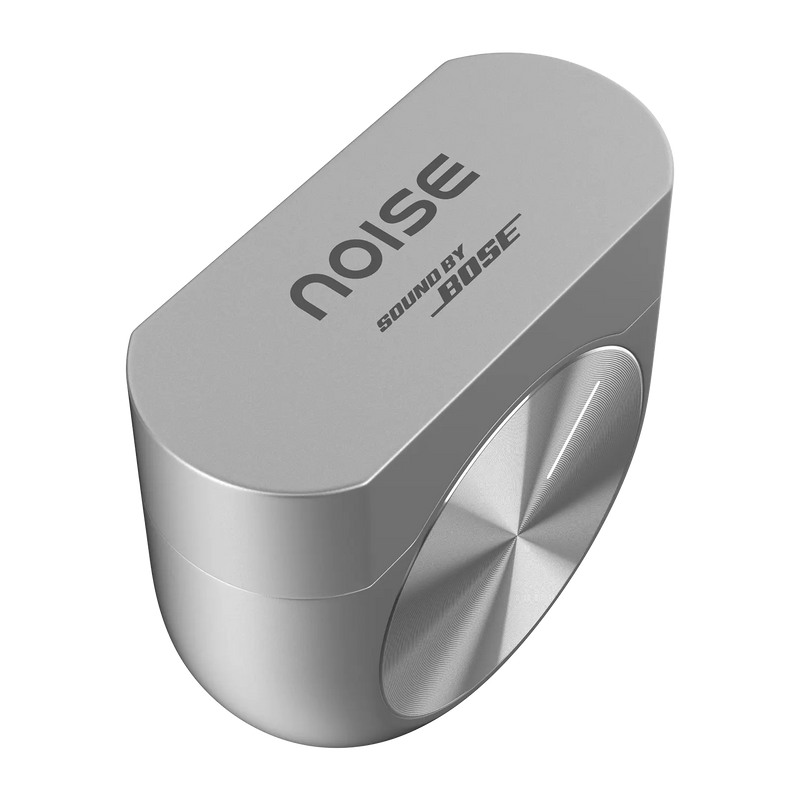
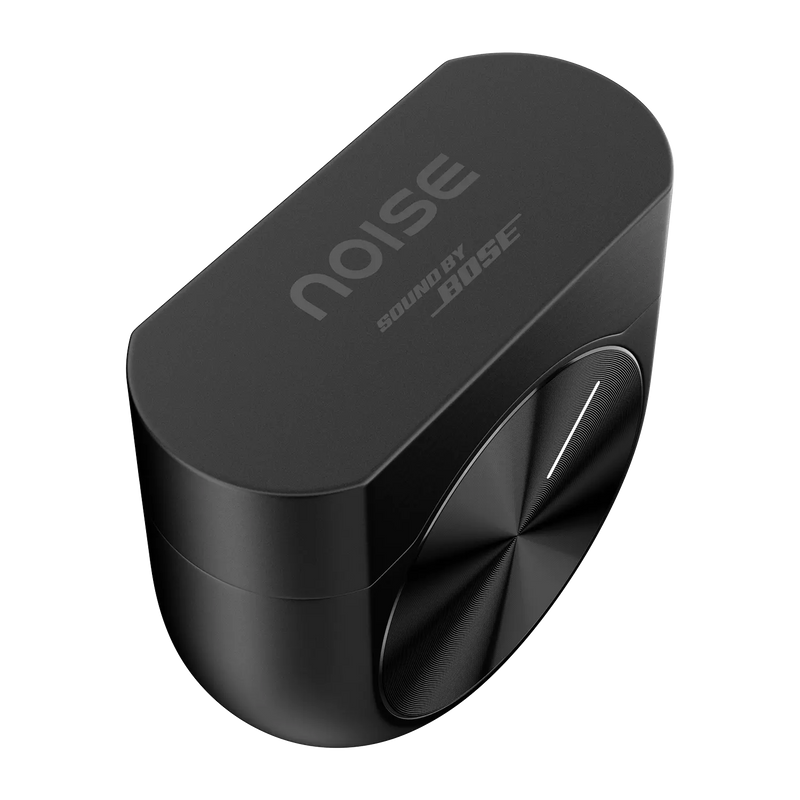

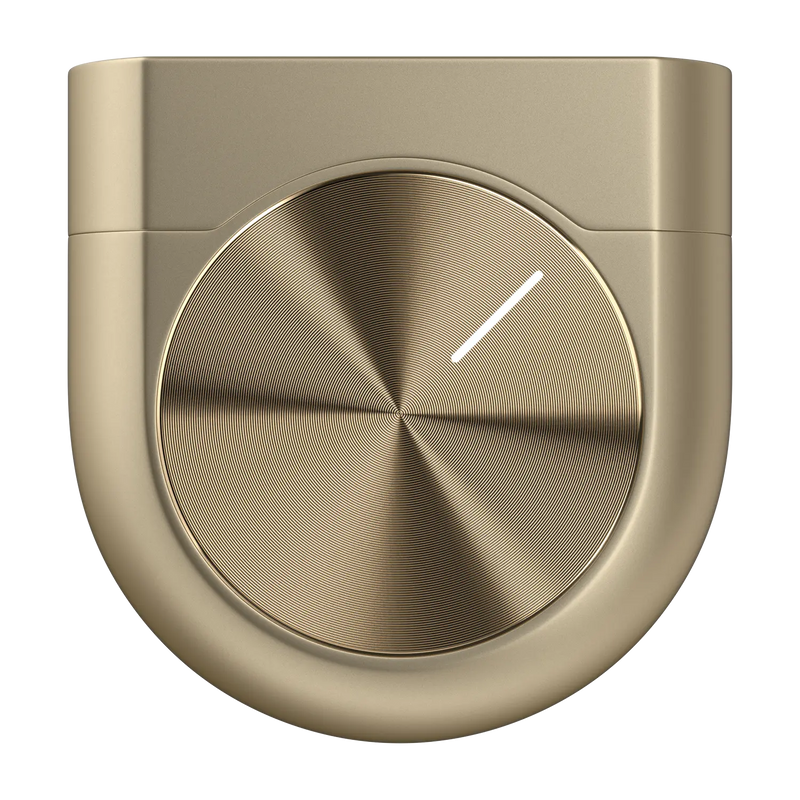
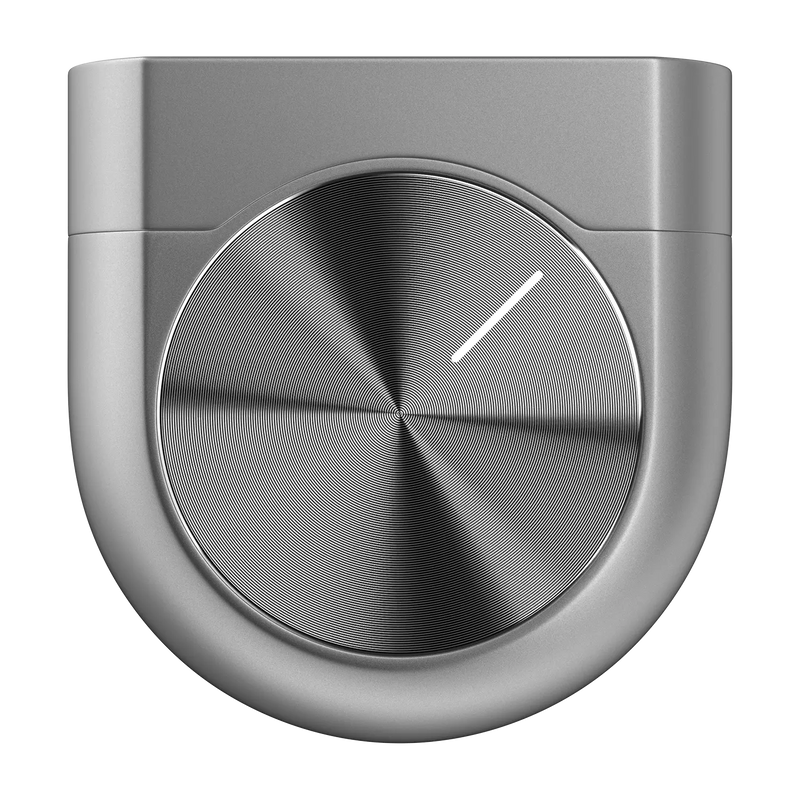
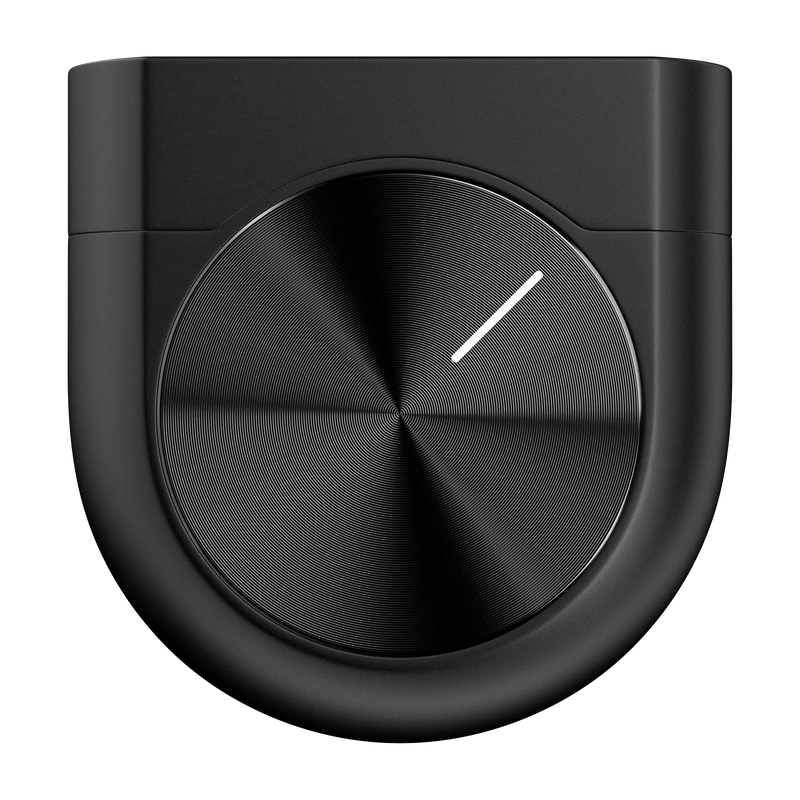
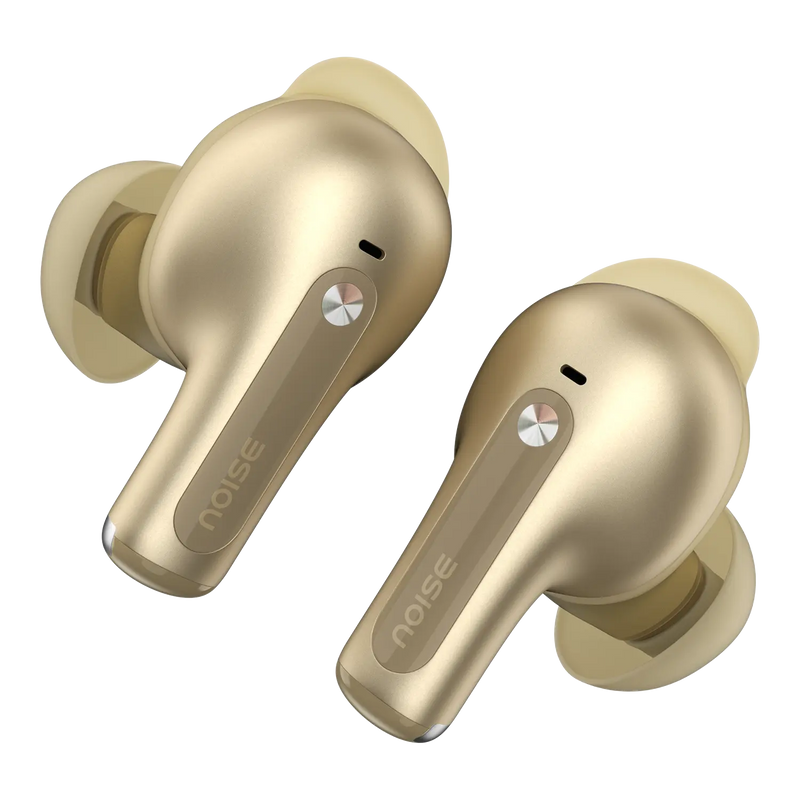
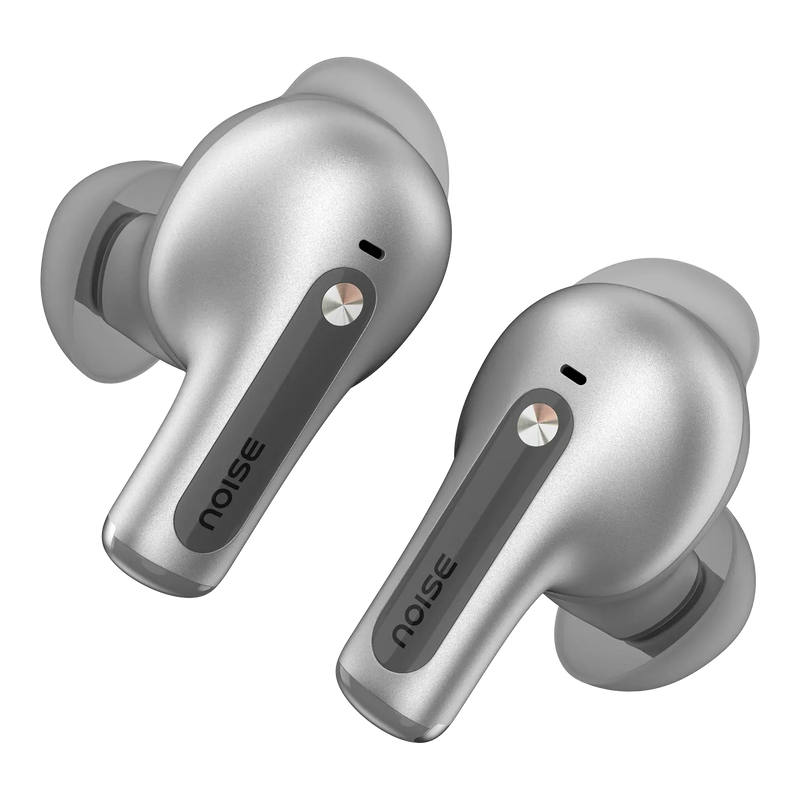
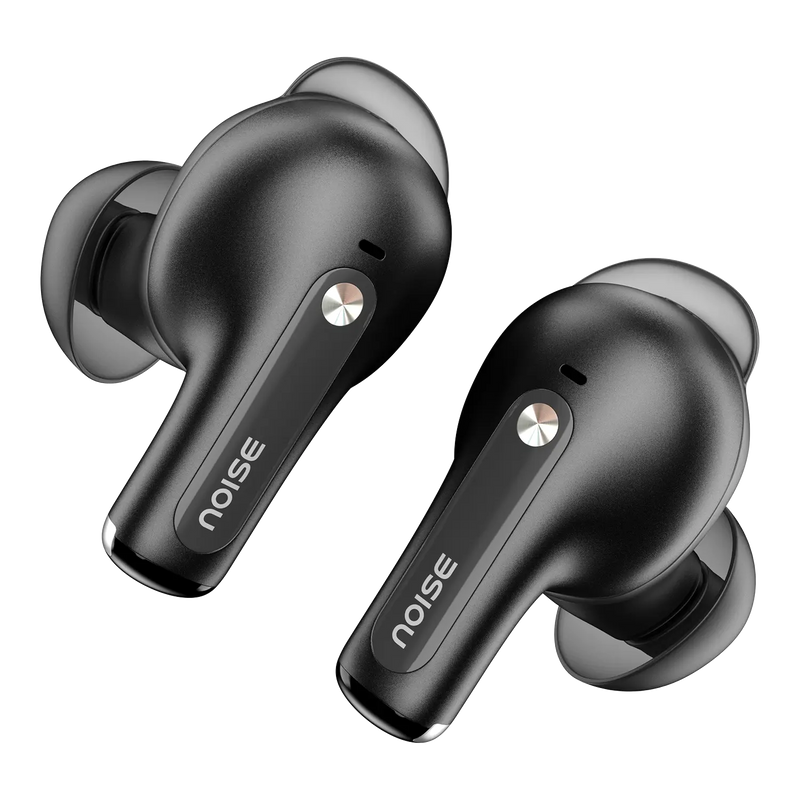
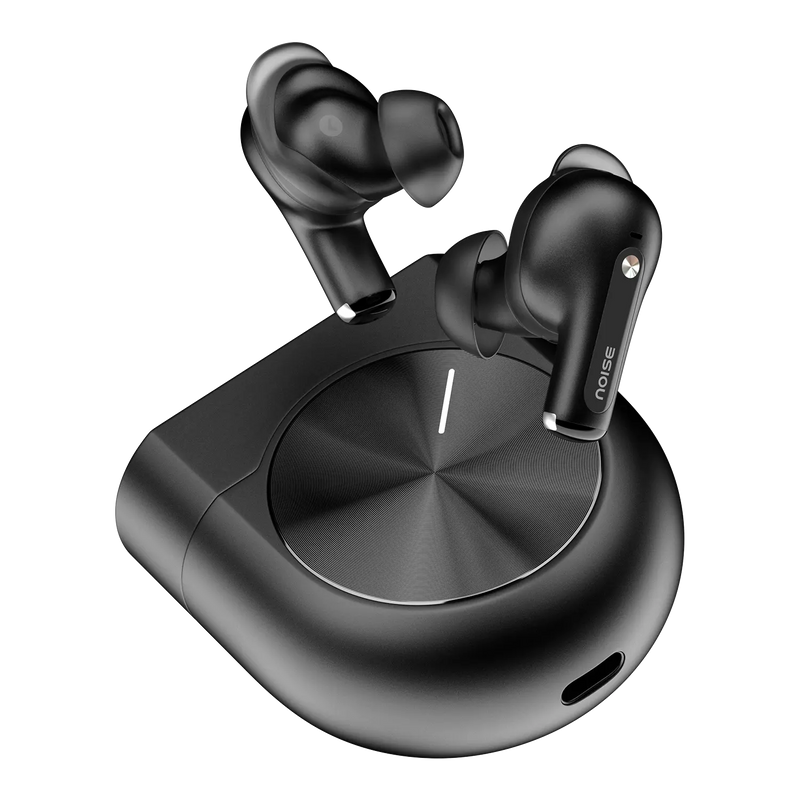
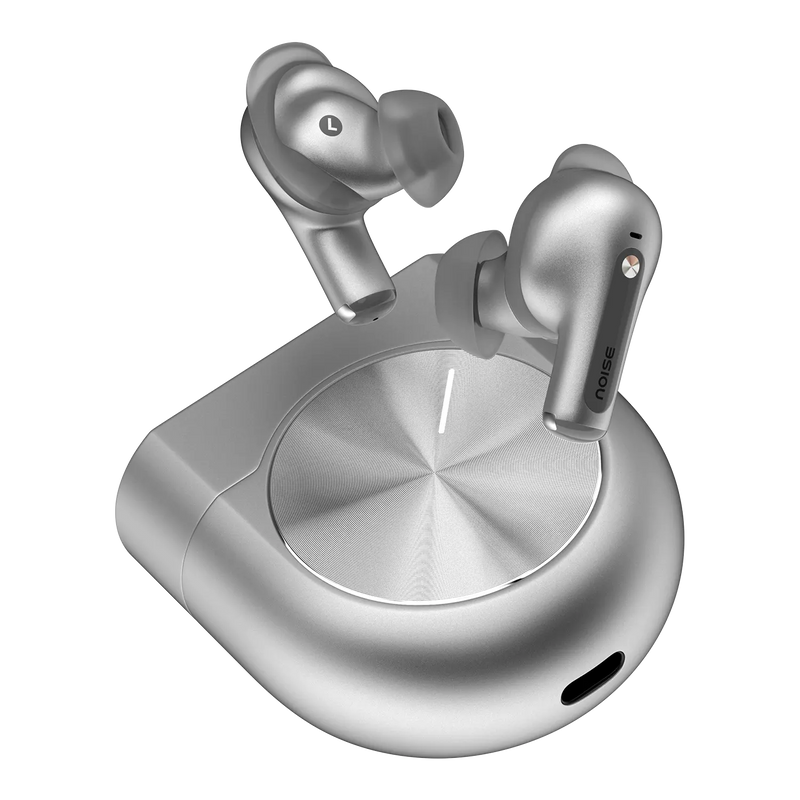
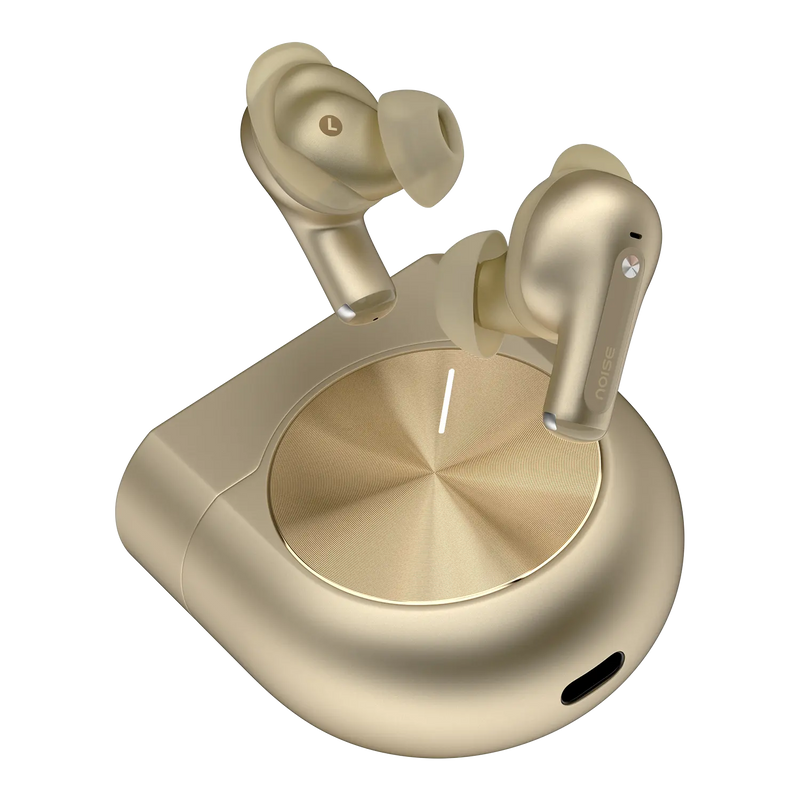
Experience next level audio with the Noise Master Buds 2 Wireless Earbuds – featuring Sound by Bose technology, LHDC 5.0, and Hi-Res Audio support for an unmatched listening experience.
Key Features:
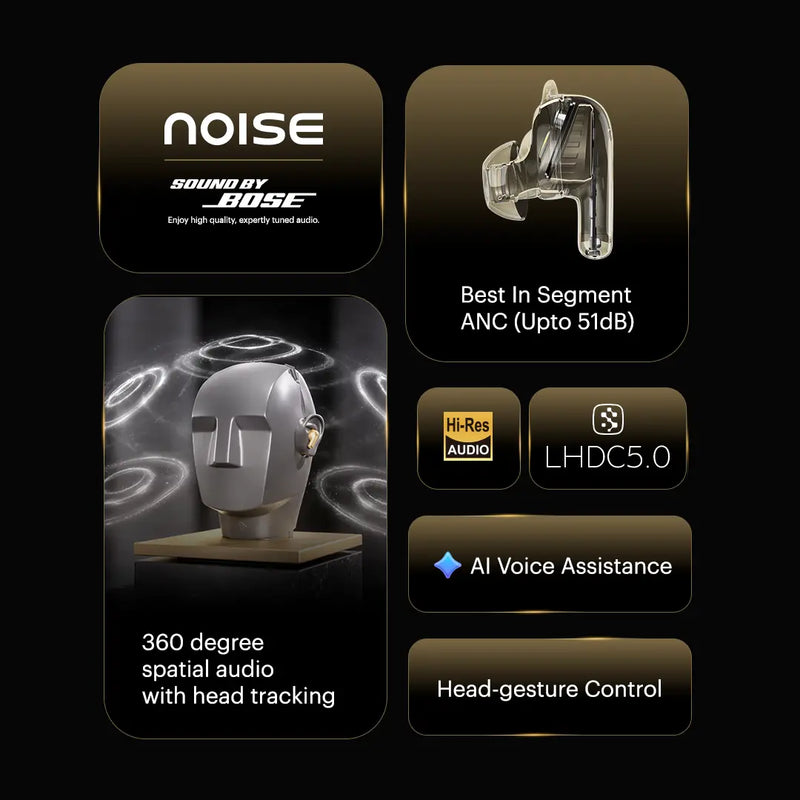
• Sound by Bose Technology – Expertly engineered audio tuning from legendary Bose sound experts
• LHDC 5.0 & Hi-Res Audio – High-resolution audio codec for studio-quality wireless streaming
• 51dB Active Noise Cancellation – Best-in-segment ANC to block out all distractions
• Engineered Cavity Design – Precision-tuned acoustic chamber for superior sound performance
• 10mm Dynamic Drivers – Powerful, rich audio with deep bass and crystal-clear highs
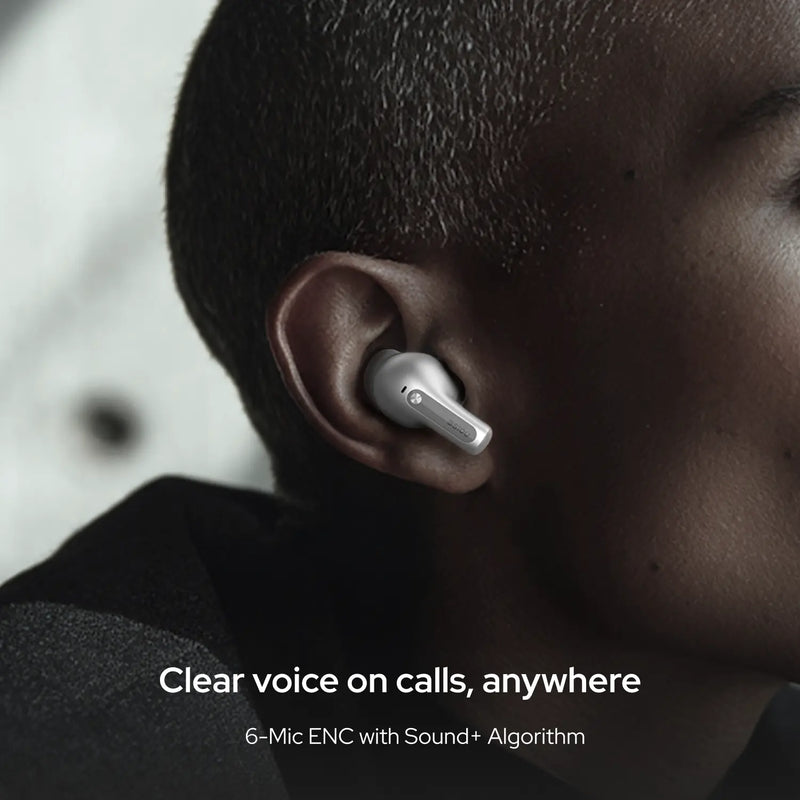
• 6 Microphones with ENC – Crystal-clear calls in any environment
• 30 Hours Total Playtime – Extended listening (ANC OFF)
• Fast Charging – 10 minutes of charging gives 6 hours of playtime
• IPX5 Water Resistance – Sweat and splash-proof for workouts
• Transparency Mode – Stay aware of your surroundings when needed
• Smart Wear Detection – Auto play/pause when you remove earbuds
• Find My Earbuds – Locate your earbuds easily
• Dual Device Pairing – Switch seamlessly between two devices
• Voice Assistant – Siri & Google Assistant support
• 3 Premium Colors – Aurum, Carbon, Mercury
Customer Approved: Rated 4.8★ by 145 verified buyers.
Customer Rating
4.0 out of 5.0 stars based on 1 reviews
Quick Specifications
| Playtime | Up to 30 hours |
|---|---|
| Charging Time | Up to 90 minutes |
| Fast Charging | Yes |
| BT | V6.1 |
| Wireless range | 10m |
| Auto pairing | Yes |
| Dual device pairing | Yes |
| Hands-free calling | Yes |
| Voice assistant | Siri, Google Assistant |
Specification
| Country of Origin | P.R.C. |
|---|---|
| Package Contents | 1 device, 1 charging cable, 1 user manual, warranty card |
| Marketed & Imported By | Nexxbase Marketing Pvt. Ltd.15th floor, DLF City Phase 5, Two Horizon Centre, Golf Course Road, Sector 43, Gurugram, Haryana - 122002 (INDIA) |
Physical Specification
| Charging Case weight | 52g |
|---|---|
| Earbuds weight | 5.2g each |
| Dimensions | 5.88 x 5.83 x 2.63 cm |
| Water resistance rating | IPX5 |
| Speaker driver | 10mm PU + PEEK Drivers |
Connectivity
| BT | v6.1 |
|---|---|
| Wireless range | 10m |
| Auto pairing | Yes, connects with the last paired device |
| BT supported profile | A2DP, AVRCP, HFP, SPP, AVDTP |
| Compatibility | Android & iOS |
Battery Charging
| Playtime | Up to 30 hours |
|---|---|
| Charging Time | Up to 90 mins |
| Fast Charging | Yes |
| Charging Port | C-type |
| Charging Indicator | Yes |
Additional Features
| Instacharge™ | 10 minutes of charge = 6 hours of playtime |
|---|---|
| Low latency | |
| Hands-free calling | Yes |
| Voice assistant | Siri, Google Assistant |
| Dual device pairing | Yes |
| 360° Spatial Audio | Yes |
| Head Tracking | Yes |
| Wear Detection | Yes |
App Usage
| Touch controls | |
| ANC toggling | |
| Equaliser | |
| Find my Earbuds | |
| Software updates | |
| Compatible with | iOS & Android |
|---|---|
| Click here to download for iOS | |
| Click here to download for Android | |
FAQs
How do I control the Master Buds 2?
The Master Buds 2 use touch-enabled controls on each earbud for play and pause, track changes, calls, ANC modes and voice assistant. You can fully remap these gestures in the Noise Audio app under Touch Gestures, assigning actions such as volume, music control, ANC toggling, spatial audio and voice assistance to match how you like to use them.
How is the calling quality on the Master Buds 2?
Master Buds 2 comes with 6-mic ENC, which effectively cuts out disturbances during calls, ensuring your voice is carried clearly. Call quality depends on a good network and the level of background noise, so you'll get the best results in areas with a stable signal and fewer surrounding distractions.
Do the Master Buds 2 announce the caller's name or number?
No, the Master Buds 2 do not read out the caller's name or number on incoming calls. You will hear the ringtone through the earbuds and can answer, reject or end calls with the touch controls, but you will need to check your phone screen to see exactly who is calling before deciding whether to pick up.
Are the Master Buds 2 waterproof or sweat-resistant?
The Master Buds 2 carry an IPX5 rating, so they resist sweat and splashes during workouts and light rain, but they are not waterproof and should not be submerged or worn while swimming. Wipe each earbud dry and let it air out fully before placing it back in the case or charging, to protect the contacts.
What noise cancellation do the Master Buds 2 offer?
Yes. The Master Buds 2 feature Adaptive Active Noise Cancellation of up to 51dB that adjusts automatically to your surroundings, plus a Transparency mode and selectable Low, Medium, Max and Adaptive levels in the app. During calls, 6-mic Environmental Noise Cancellation (ENC) suppresses background noise so your voice stays clear.
What colour options do the Master Buds 2 come in?
The Master Buds 2 are offered in three finishes: Carbon, Aurum and Mercury, matching the on-page colour selector. Every colourway shares the same Sound by Bose tuning, Adaptive ANC and battery performance, so the shade you pick is purely a matter of personal style and does not change how the earbuds perform.
What is the battery life and charging time of the Master Buds 2?
The Master Buds 2 deliver up to 30 hours of total playtime with the charging case, measured with ANC off; runtime is lower with Adaptive ANC engaged. Fast charging tops up the case and buds in about 90 minutes, and a brief charge provides enough backup for a full listening session when you're short on time.
How do I charge the Master Buds 2, and what if they aren't charging?
Charge the Master Buds 2 by connecting the case to a PC, laptop or any standard USB adapter with the supplied cable, then place the buds inside. If they will not charge, clean the charging contacts, make sure the buds are seated correctly and try a different port; if the issue persists, register a complaint at gonoise.com/pages/register-your-complaint.
How do I check the battery level of the Master Buds 2?
Open the Noise Audio app and the current battery level of both earbuds and the charging case is shown on the home screen. On iPhones and Android phones you can also see the connected earbuds' battery in the phone's Bluetooth panel or battery widget once they are paired, giving you a quick reading without opening the app.
What devices are the Master Buds 2 compatible with?
The Master Buds 2 work with virtually any Bluetooth device, including iPhones, Android smartphones, tablets, and laptops or computers that have Bluetooth. They connect over Bluetooth v6.1 for a stable, efficient link and remain backward compatible with devices on Bluetooth v4.0, so both newer and older hardware pair without any issue.
Can the Master Buds 2 connect to two devices at once?
Yes. The Master Buds 2 support dual-device pairing, so they can stay connected to two devices at the same time — for instance your laptop and your phone. You can listen to music on one device and switch instantly to take a call on the other without having to disconnect and manually re-pair each time.
What Bluetooth version and range do the Master Buds 2 support?
The Master Buds 2 run on Bluetooth v6.1 for a fast, power-efficient connection and stay backward compatible with Bluetooth v4.0 devices. They deliver a wireless range of up to 10 metres in open conditions; walls, furniture and other obstacles between the earbuds and your device will reduce the usable distance.
Can I use Siri or Google Assistant with the Master Buds 2?
Yes. The Master Buds 2 let you summon your phone's native voice assistant — Siri on iPhone or Google Assistant on Android — using a touch gesture you assign in the Noise Audio app. Once set, you can make calls, change tracks or ask questions hands-free while your phone stays in your pocket or bag.
How do I contact Noise support about the Master Buds 2?
You can reach Noise support by phone at 022-68056280, Monday to Saturday between 9:30am and 5:30pm, or by email at help@nexxbase.com with your query and order details. You can also raise a support ticket at support.gonoise.com. The team will assist you in resolving your query as soon as possible.
How do I turn the Master Buds 2 on and off?
The Master Buds 2 power on automatically when you open the charging case and remove the earbuds, and they power off and start recharging when you place them back in the case and close the lid. There is no separate power button — simply taking them out or putting them away handles it, which also helps preserve battery between uses.
How do I pair the Master Buds 2 with my phone?
Keep the Master Buds 2 and your phone close together. Open the charging case lid and press the case button until the light starts blinking, indicating pairing mode. On your phone, open the Bluetooth menu, then search for and select the buds (they appear as 'Noise Buds 2') to connect. After the first pairing they reconnect automatically to the last device whenever you open the case.
Which app do the Master Buds 2 use and where can I download it?
The Master Buds 2 pair with the Noise Audio app, which unlocks ANC controls, EQ, gesture customisation, wear detection and firmware updates. It is free to download and available on both the Apple App Store for iPhones and the Google Play Store for Android devices, so you can set up and personalise your earbuds regardless of which phone you use.
How do I connect the Master Buds 2 to the Noise Audio app?
First pair the Master Buds 2 to your phone via the Bluetooth menu. Then open the Noise Audio app and go to the device search page, where the buds appear (listed as 'Noise Buds 2'); tap Connect. It can take up to about 15 seconds to establish the link, after which you can access ANC, EQ and gesture settings.
Can I control ANC through the app?
Yes, you can control ANC through the Noise Control feature in the app. Toggle between ANC and Transparency modes, or switch between Low, Medium, Max and Adaptive levels — use higher levels for noisy commutes, Adaptive to let the buds adjust automatically, and Transparency when you need to stay aware of your surroundings.
Can I customise the equaliser on the Master Buds 2?
Yes, click the Equaliser feature in the Noise Audio app to fine-tune Bass, Mid and Treble levels. You can also select from four preset modes — Default, Jazz, Club and Rock — or build your own sound profile with the Custom option, letting you tailor the tuning to different genres and listening preferences.
What can I customise and manage in the Noise Audio app?
In the app's Touch Gestures section you can remap volume, music controls, ANC toggling, spatial audio and voice assistance, and switch wear detection on or off (so playback pauses when you remove a bud). You can also install firmware updates directly through the app. Note the Noise Audio app is built exclusively for the Master series and does not manage other Noise products.
What do I do if I misplace a Master Buds 2 earbud?
Open the Noise Audio app, go to the settings section and tap Find My Earbuds. Choose the side you have lost and press play; the earbud will emit a sound that gradually gets louder to help you locate it. This works only while the missing earbud still has charge and is within Bluetooth range of your phone.
What should I do if only one Master Buds 2 earbud works, and how do I reset them?
If only one side plays, reset the earbuds: with both charged, remove the buds from your phone's Bluetooth paired list, place both in the case, keep the lid open and long-press the case button for 15 seconds, then pair again. A reset resolves most one-side and connection issues. If it persists, raise a support ticket at support.gonoise.com.
Do the Master Buds 2 have a warranty and how do I register it?
Yes. The Master Buds 2 come with a 1-year manufacturer's warranty covering manufacturing defects, calculated from the date of delivery. To activate coverage, register your product at gonoise.com/pages/warranty-registration and keep your order details or invoice handy in case you need to raise a service request during the warranty period.