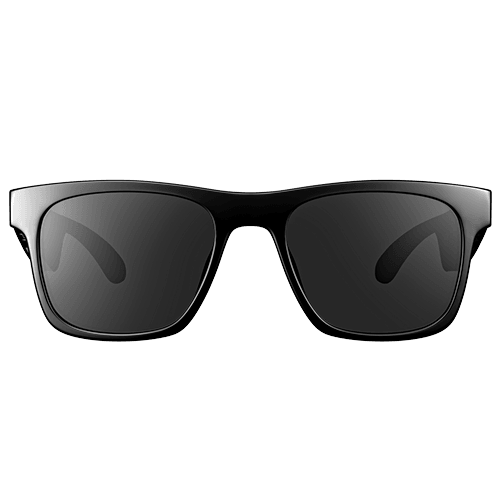
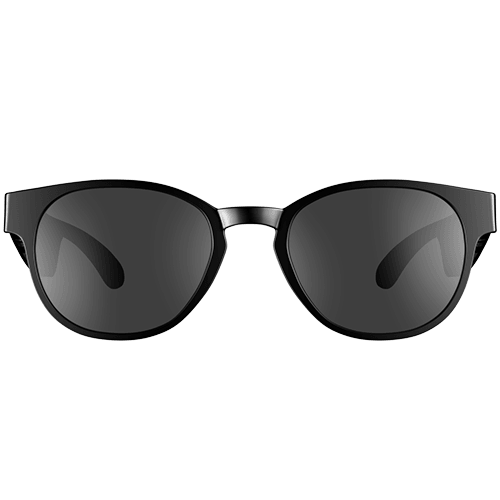
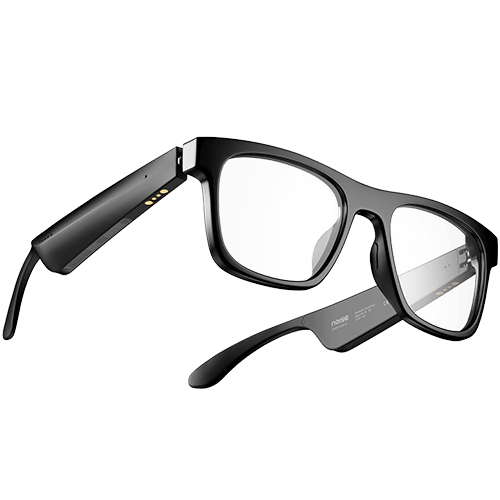
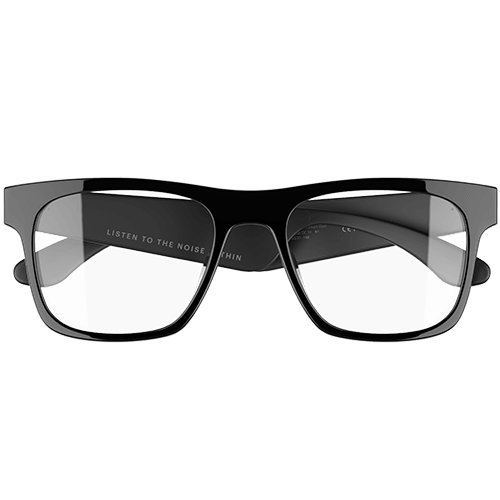
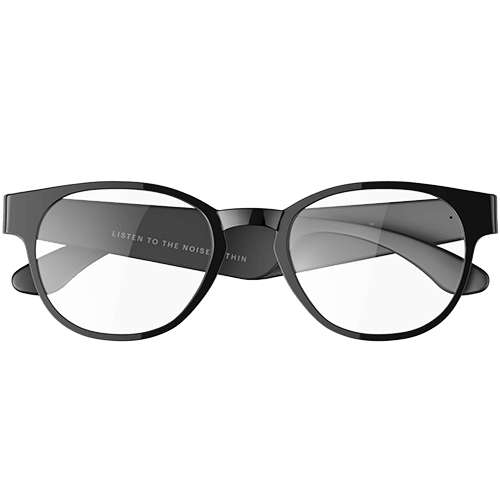
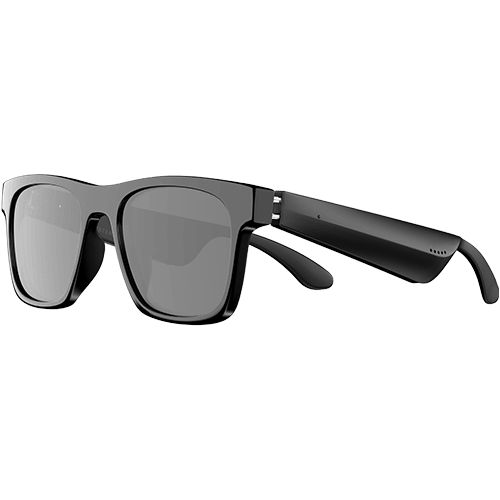
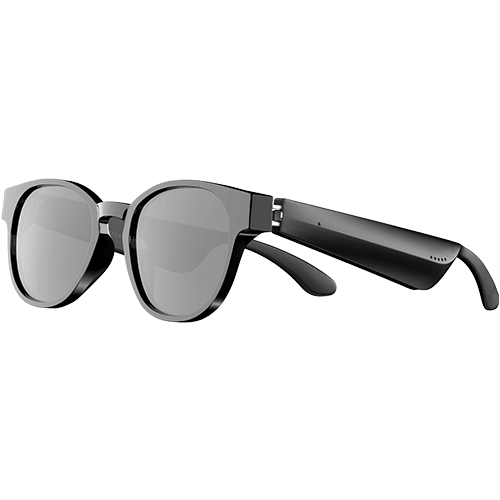
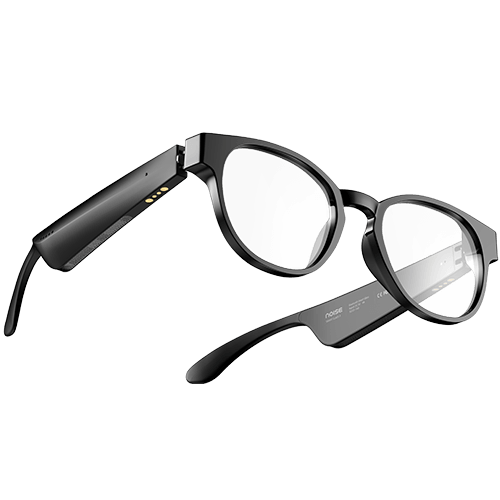
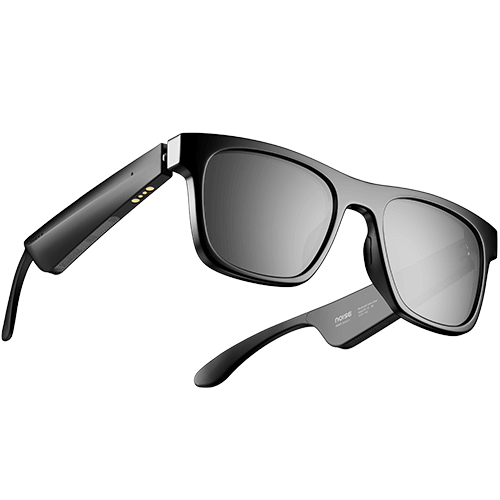
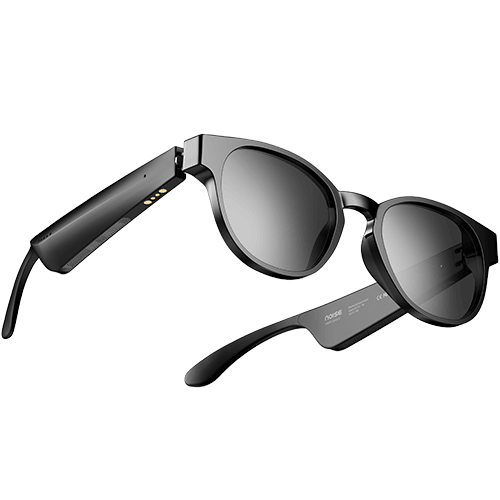
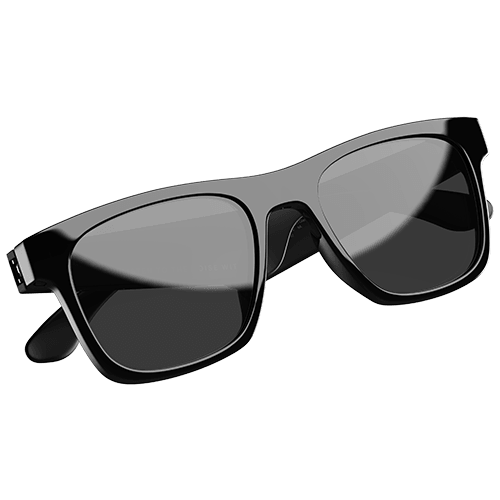
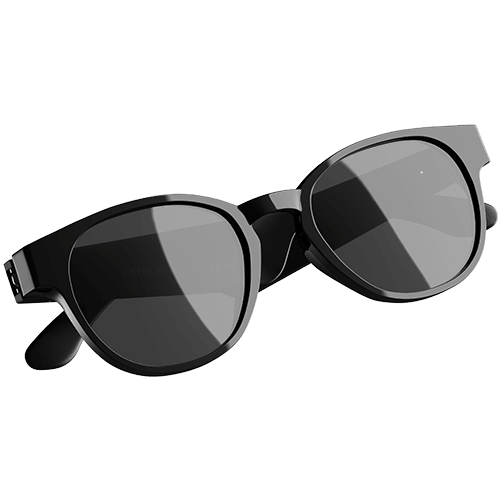
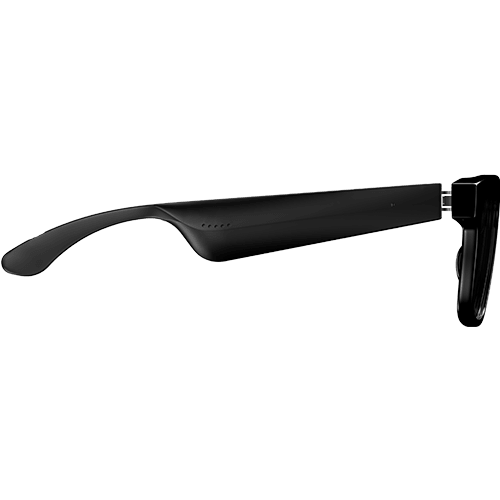
Noise i1 Smart Eyewear
Customer Rating
4.41 out of 5.0 stars based on 94 reviews
Specifications
| Country of Origin | China |
|---|---|
| Package Contents | 1 device, 1 charging cable, 1 user manual, warranty card |
| Marketed & Imported By | Nexxbase Marketing Pvt. Ltd, Khasra No-146/25/2/1, Jail Road Badshahpur, Gurugram Haryana-122101 |
AUDIO
| Speaker Driver | 16.2mm |
|---|
CONNECTIVITY
| BT | 5.1 |
|---|---|
| Wireless Range | 10m |
| BT Supported Profile | AAC, SBC |
| Compatibility | Android & iOS |
BATTERY CHARGING
| Playtime | Up to 9 hours @ 70% volume |
|---|---|
| Charging Time | Up to 1.5 hours |
| Charging Indicator | Yes |
PHYSICAL SPECIFICATION
| Weight | 47 grams |
|---|---|
| Waterproof rating | IPX4 |
ADDITIONAL FEATURES
| Hands free calling | Yes |
|---|---|
| Voice Assistant | Siri, Google Assistant Mic |
| Individual mic in each Temple | |
| Controls | Volume, Music, Call control feature, Siri and Google Assistant |
FAQs
ABOUT THE PRODUCT
Does Noise i1 have UVA/B protection?
Yes, Noise i1 sunglasses come with UVA/B 99% protection.
Does the Noise i1 have touch feature?
Yes, Noise i1 comes with touch feature that’s housed on temples of the glasses.
Can I make phone calls with Noise i1?
You can answer, end and reject calls via Noise i1.
Does Noise i1 have dual pairing?
No, Noise i1 does not have dual pairing feature.
Can the lenses in Noise i1 be replaced with a prescription?
Yes, the lenses in Noise i1 can be replaced with prescription lenses.
How do I control the volume on Noise i1?
You can use the touch interface of the Nose i1 temple to control the volume. Tap the right temple to increase the volume. Tap the left temple to decrease the volume.
Does it have fast pairing option?
Noise i1 come with Hyper Sync™ technology that allows them to pair with any device automatically on opening the temples.
Note: Noise i1 will automatically connect to the last paired devices.
Can I use Siri/Google Assistant?
Yes, you can use Siri & Google Assistant. Tap left or right temple’s touch panel thrice to activate.
What is the range of the BT range?
The BT range is 10 metres without any obstacle.
Is Noise i1 waterproof?
Noise i1 comes with IPX4 water-resistance rating. They are not meant to be used during swimming or other water sports.
Is it compatible with iPhones and Android?
Yes, it is compatible with iPhones and Android devices.
BATTERY CHARGING
What is the battery backup of Noise i1?
The battery backup of Noise i1 lasts up to 9 hours. However, the playback time is dependent upon the music played and the volume at which it is played.
How long does it take to charge?
It takes up to 1.5 hours to fully charge i1.
Does it have fast charging option?
Yes, i1 comes with Instacharge™ feature that delivers up to 120 minutes (2 hours) of playtime in just 15 minutes of charge.
Can I charge Noise i1 with my PC/laptop?
Yes, you can charge the device with your PC/laptop. Plug the USB cable into a power adaptor and the adaptor into an electrical socket. Close the temples of the glasses. Place the magnetic charger on the magnetic charging points of the glasses.
GETTING STARTED
How to turn Noise i1 on and off?
Open both the temples of the glasses to power on. Close both the temples of the glasses to power off.
How to pair Noise i1 with my smartphone?
Turn on the Noise i1 by opening both the temples. Turn on the BT on your device. Select ‘Add device’ and from the list of devices, select ‘Noise i1’. Your Noise smart glasses are now paired with your device and ready to use.
TROUBLESHOOTING
How to reset Noise i1?
Turn on the Noise i1 by opening both the temples. On your paired devices, delete/remove Noise i1 from the list of paired devices in the BT menu. Tap left or right temple 3 times and then press and hold for 5 seconds. The LED on both the temples will blink white 5 times indicating that the smart glasses have been reset.
WARRANTY REGISTRATION
Is there a warranty for this product?
Yes, there is a 1-year manufacturing warranty from the date of delivery of the product.
Where do I register for the product warranty?
Please follow the link to register for the warranty, https://www.gonoise.com/pages/warranty-registration
What is the battery backup of Noise i1?The battery backup of Noise i1 lasts up to 9 hours. However, the playback time is dependent upon the music played and the volume at which it is played.How long does it take to charge? It takes up to 1.5 hours to fully charge i1. Does it have fast charging option? Yes, i1 comes with Instacharge™ feature that delivers up to 120 minutes (2 hours) of playtime in just 15 minutes of charge. Can I charge Noise i1 with my PC/laptop?Yes, you can charge the device with your PC/laptop. Plug the USB cable into a power adaptor and the adaptor into an electrical socket. Close the temples of the glasses. Place the magnetic charger on the magnetic charging points of the glasses.
,How to turn Noise i1 on and off? Open both the temples of the glasses to power on. Close both the temples of the glasses to power off. How to pair Noise i1 with my smartphone? Turn on the Noise i1 by opening both the temples. Turn on the BT on your device. Select ‘Add device’ and from the list of devices, select ‘Noise i1’. Your Noise smart glasses are now paired with your device and ready to use.
,How to reset Noise i1? Turn on the Noise i1 by opening both the temples. On your paired devices, delete/remove Noise i1 from the list of paired devices in the BT menu. Tap left or right temple 3 times and then press and hold for 5 seconds. The LED on both the temples will blink white 5 times indicating that the smart glasses have been reset.
,Is there a warranty for this product?Yes, there is a 1-year manufacturing warranty from the date of delivery of the product.Where do I register for the product warranty?Please follow the link to register for the warranty, https://www.gonoise.com/pages/warranty-registration