Noise Colorfit Icon 2 Smart Watch


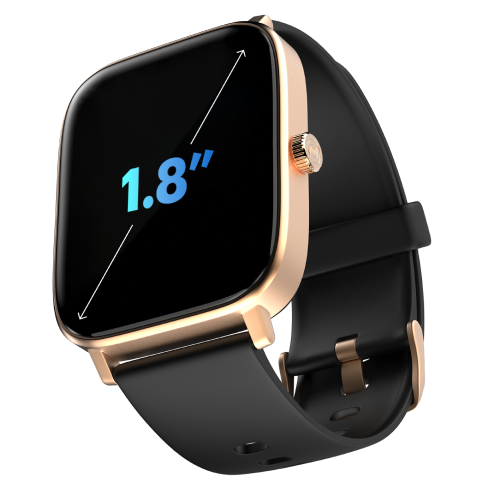
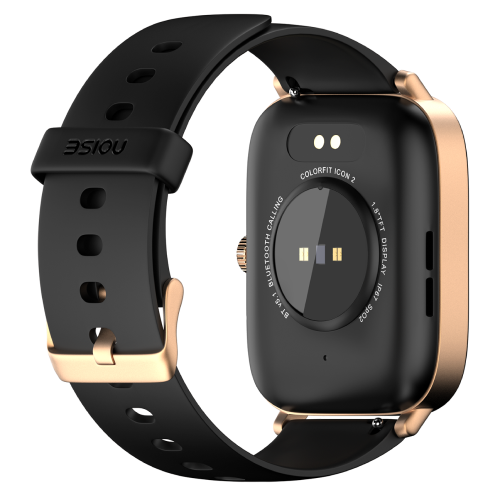
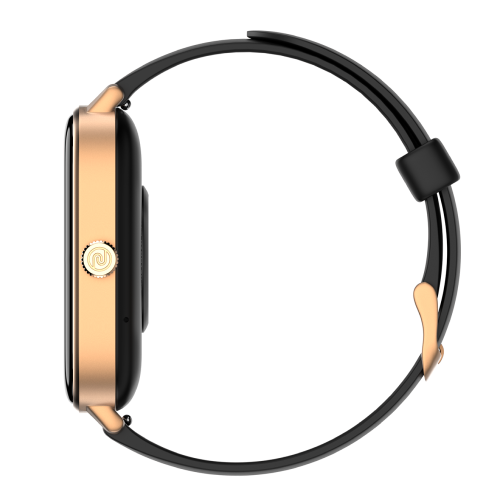
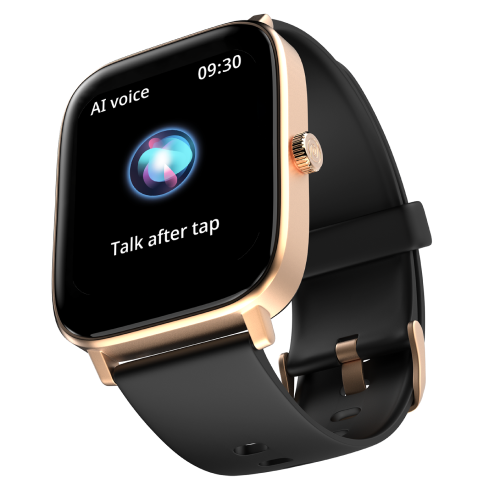
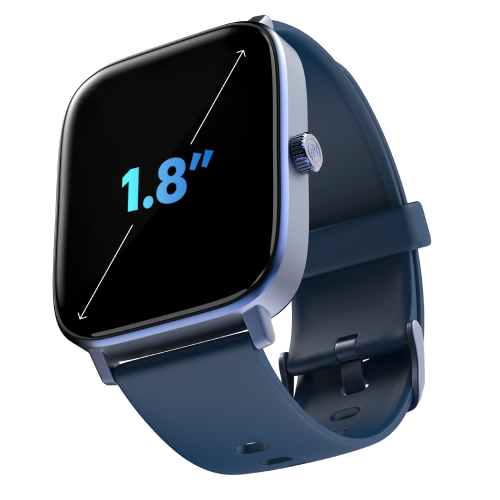
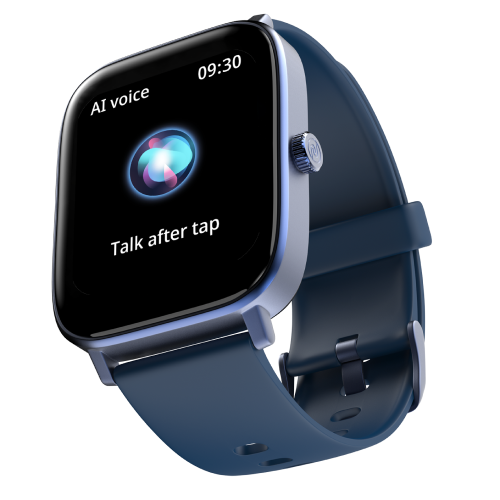
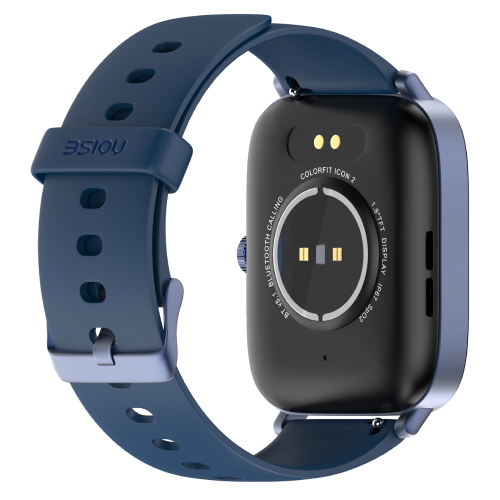
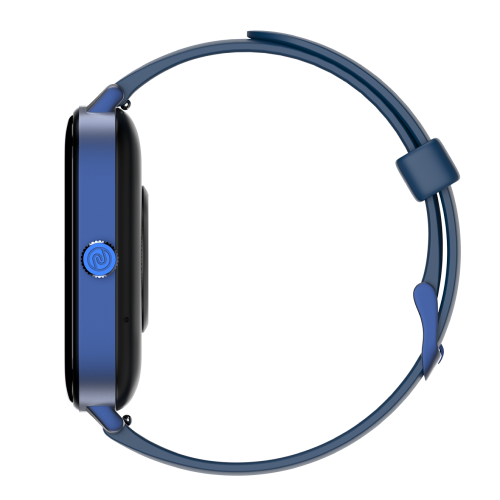
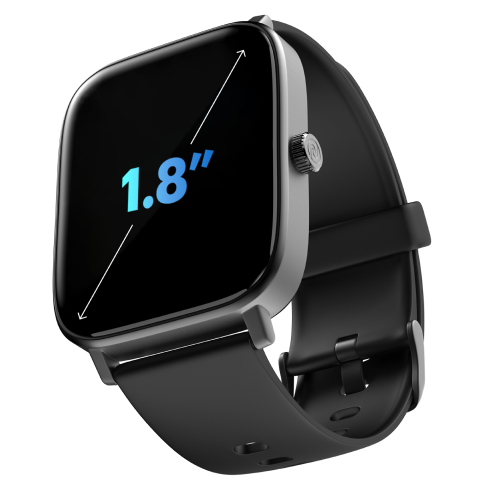
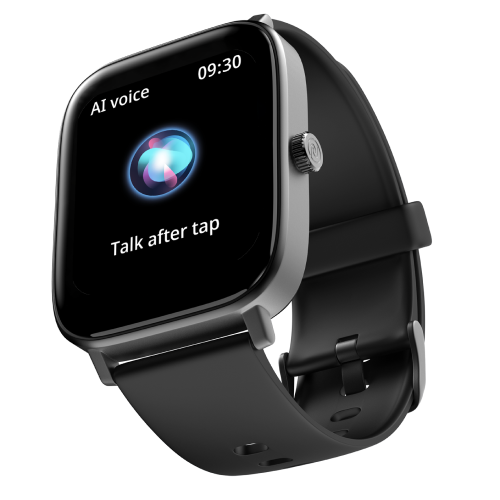
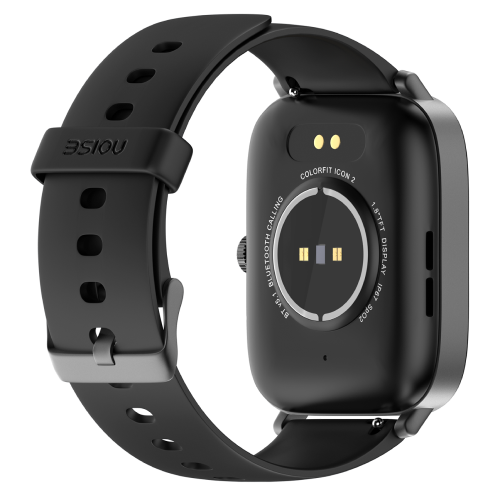
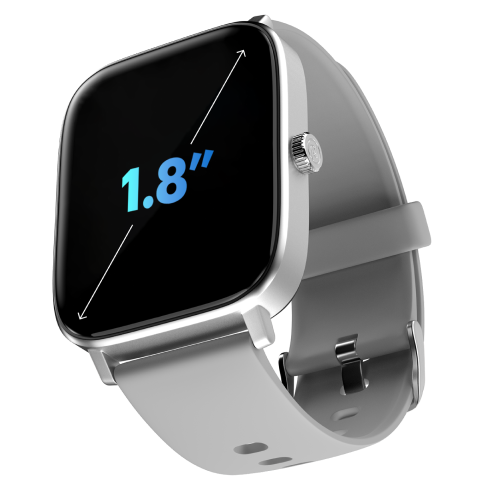
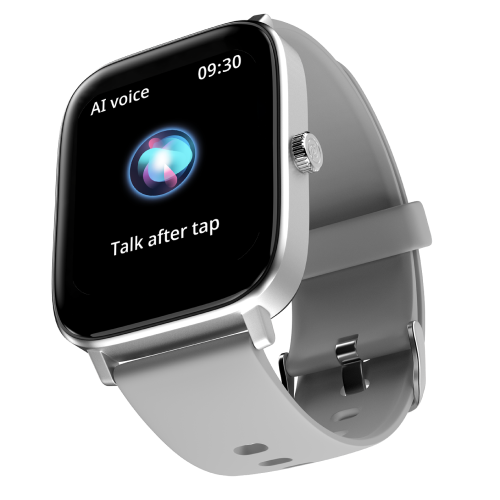
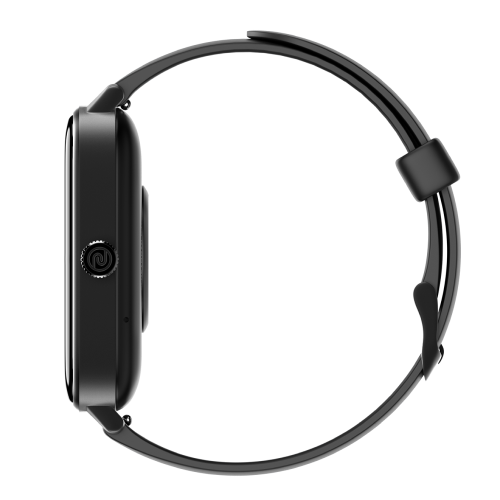
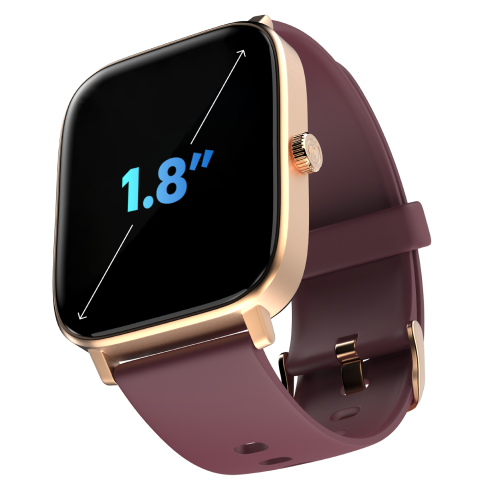
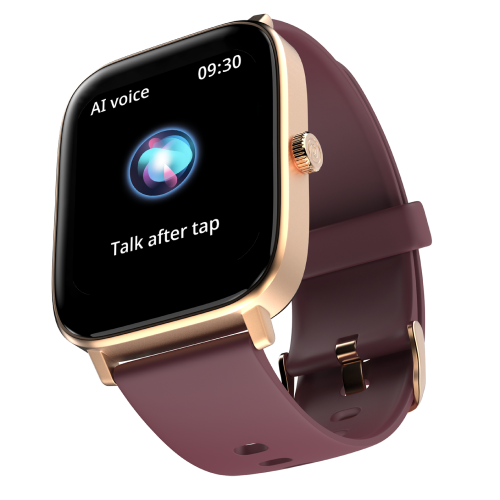
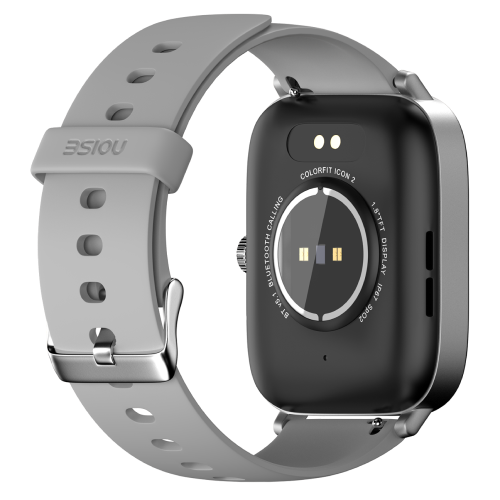
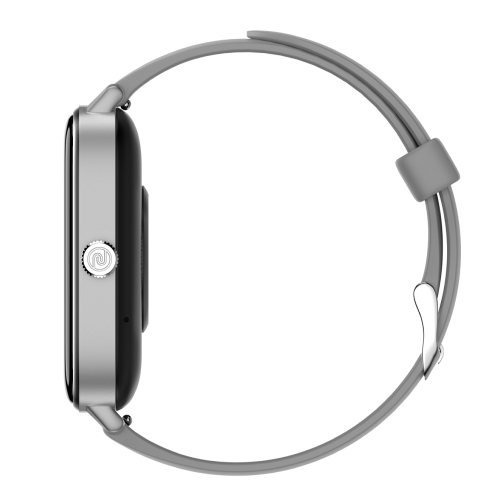
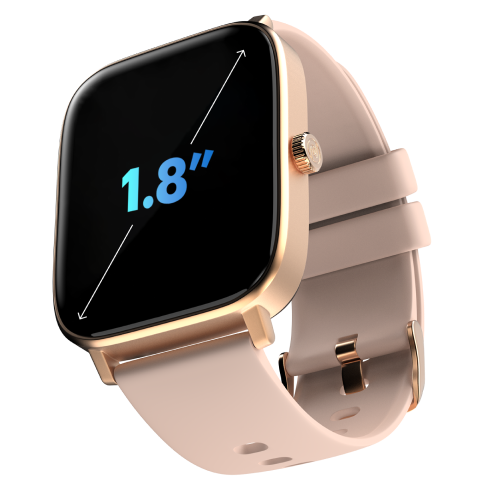
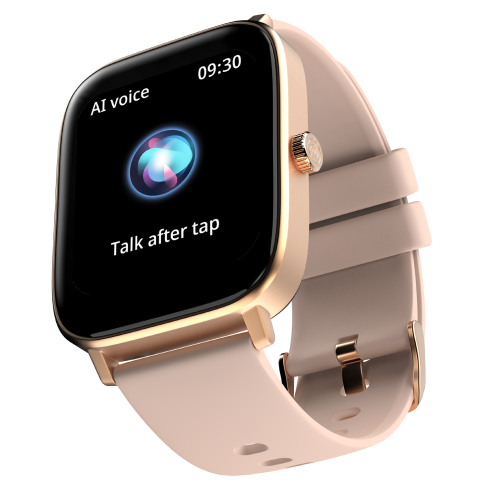
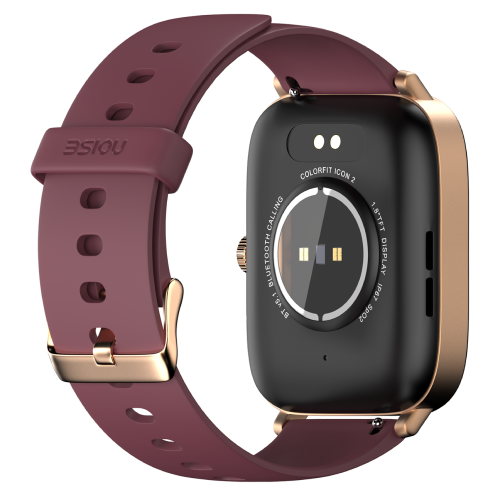
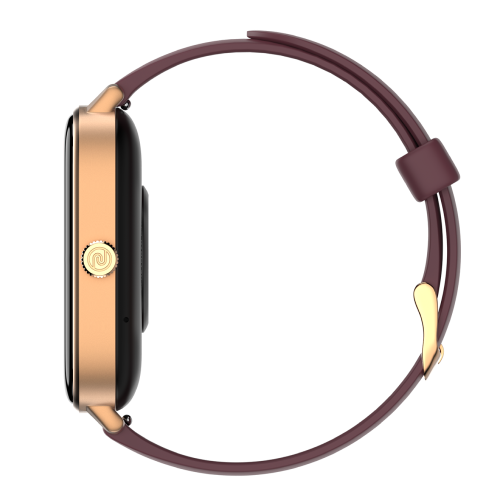
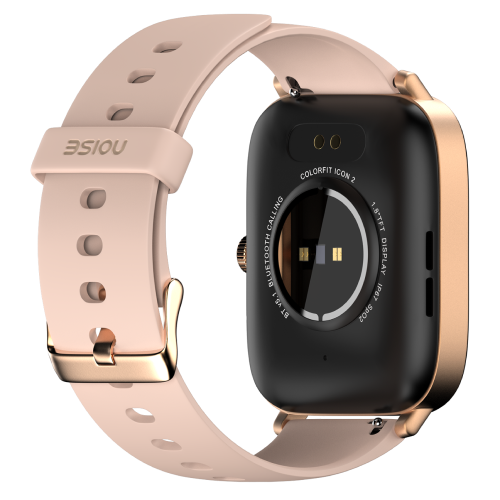
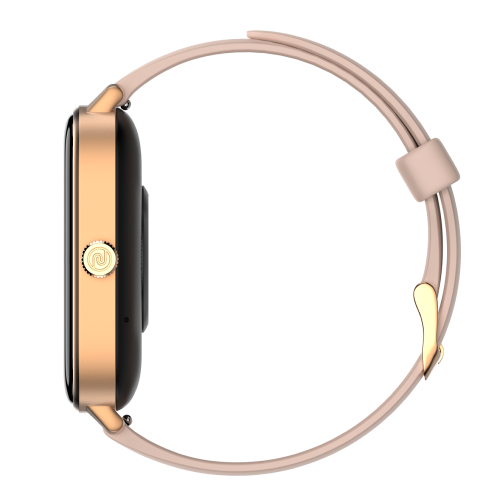


Meet the Noise Colorfit Icon 2 Smart Watch with advanced calling & AI voice assistant with 4.5cm(1.8") display, 100+ watch faces, 60 sports modes, 7 days battery life, Noise Health Suite™ & other hygiene features.
Customer Rating
4.77 out of 5.0 stars based on 39 reviews
Quick Specifications
| Bluetooth Version | v5.1 |
|---|---|
| System Requirement | iOS 8.0 + or Android 4.4 + |
| Display technology | LCD |
| BT Calling | Caller name information |
| Screen Size | 1.8” |
| Heart rate sensor | Yes |
| SpO2 sensor | Yes |
| Typical Usage Time | Up to 4 days |
| Standby Time | Up to 15 days |
| Charging Time | Up to 2 hours |
Specifications
| Country of Origin | India |
|---|---|
| Package Contents | 1 device, 1 charging cable, 1 user manual, warranty card |
| Marketed & Imported By | Nexxbase Marketing Pvt. Ltd, Khasra No-146/25/2/1, Jail Road Badshahpur, Gurugram Haryana-122101 |
CONNECTIVITY
| System Requirement | |
| iOS 8 & + or Android 4.4 & + | |
| BT | |
| v5.1 |
DISPLAY
| Display technology | |
| LCD | |
| Size | |
| 4.57cm(1.8”) | |
| Resolution | |
| 240*280 | |
| Cloud-based watch faces | |
| Yes |
SENSORS
| Heart rate sensor | |
| Yes | |
| Accelerometer | |
| Yes | |
| SpO2 sensor | |
| Yes |
BATTERY & CHARGING
| Typical Usage Time | |
| 4 days | |
| Standby Time | |
| 15 days | |
| Capacity | |
| 260mAh | |
| Charging Time | |
| Up to 2 hours | |
| Charging Cable | |
| Yes |
PHYSICAL SPECIFICATION
| Watch Case Material | |
| Zinc alloy and Polycarbonate | |
| Weight | |
| 53.5 grams | |
| Dimension | |
| 44.5*36.5*11 mm | |
| Strap Size & Material | |
| 22mm & Silicone | |
| Water Resistance Rating | |
| IP67 |
HEALTH MONITORING FEATURES
| Heart rate monitor | |
| SpO2 monitor | |
| Step tracker | |
| Calories burned | |
| Distance travelled | |
| Activity history | |
| Sleep monitor | |
| Breathe | |
| Sports modes |
SMART FEATURES
| BT calling | |
| Caller name information | |
| Call rejection | |
| Find my phone | |
| Low Battery reminder | |
| Remote music control | |
| Remote camera control | |
| Stopwatch | |
| Timer | |
| Alarm | |
| Wake gesture | |
| Vibration alert | |
| Do not disturb mode | |
| Screen brightness | |
| Smart DND | |
| Built-in games | |
| OTA upgrade |
FAQs
What kind of display does the ColorFit Icon 2 have and how do I adjust it?
The ColorFit Icon 2 has a full-touch 4.57cm (1.8") TFT LCD screen with a 240x280 pixel resolution and up to 500 nits of brightness, so it stays readable indoors and in daylight. To change the brightness, wake the screen, swipe up from the home screen, select Brightness and set the level that suits your surroundings.
Is the ColorFit Icon 2 waterproof, and can I swim with it?
The ColorFit Icon 2 carries an IP67 rating, meaning it resists dust and can withstand submersion up to 1.5 metres for up to 30 minutes, and it can be worn in the shower. It is not built for swimming, and you should avoid saunas, hot-water baths and ocean water, as heat and salt water can damage the device and band. Dry it thoroughly if it gets wet.
Can I take photos using the ColorFit Icon 2?
Yes. The ColorFit Icon 2 has a remote camera feature that lets you trigger your smartphone's camera shutter from the watch. Your phone and watch must be connected over Bluetooth and within range, and the camera app open on the phone. It is handy for group shots and selfies where you cannot reach the phone's button.
What notifications can I receive on the ColorFit Icon 2?
The ColorFit Icon 2 shows notifications for calls, SMS, calendar and email, plus popular apps including WhatsApp, Instagram, Facebook and Messenger, LinkedIn, Twitter, YouTube, Gmail, Outlook, Snapchat, Skype and Telegram. Notifications appear as long as the feature is enabled in the NoiseFit Track app, the watch and phone are within Bluetooth range, and the app is running in the background.
Does the ColorFit Icon 2 support Bluetooth calling and a voice assistant?
Yes. The ColorFit Icon 2 supports Bluetooth calling, so you can take and make calls from your wrist using its built-in mic and speaker, with a quick-dial pad, call history and favourite contacts. It also has an AI voice assistant that lets you run quick web searches, set reminders and give commands by voice, keeping you connected without reaching for your phone.
Does the ColorFit Icon 2 have in-built games?
Yes, the ColorFit Icon 2 comes with two in-built games that live on the watch itself, so you can play them directly from your wrist for a quick bit of entertainment without needing your phone. They are a light, fun addition alongside the watch's fitness and connectivity features rather than a core function.
Does the ColorFit Icon 2 have Find My Phone and raise-to-wake gesture control?
Yes to both. To locate a misplaced phone, wake the watch, swipe right from the home screen and select Find My Phone; it works only while the phone and watch are connected over Bluetooth and in range. The watch also has raise-to-wake gesture control, which turns on the display automatically when you lift your wrist to glance at it.
Can the ColorFit Icon 2 store music or control playback?
The ColorFit Icon 2 cannot store music on the watch itself. What it offers is remote music control: while your phone and watch are connected over Bluetooth and synced with the app, you can play, pause and skip tracks from your wrist. If your phone is also paired with a Bluetooth headset, the watch can control that playback too.
Can I use earbuds and the ColorFit Icon 2 with the same phone at once?
Yes. Your earbuds and the ColorFit Icon 2 can both stay paired to the same smartphone at the same time, since they connect over separate Bluetooth profiles. This means you can listen to music or take calls through your earbuds while the watch continues to show notifications, track your activity and sync data in the background.
How many watch faces does the ColorFit Icon 2 have and how do I change them?
The ColorFit Icon 2 offers 100+ watch faces, including cloud-based designs. To change one on the watch, touch and hold the home screen, then swipe to pick a face. From the NoiseFit Track app, open Watch Face, choose a design and tap Save. The app also lets you create a custom face using your own photo.
What sensors does the ColorFit Icon 2 have, and does it include GPS?
The ColorFit Icon 2 is equipped with a heart-rate sensor, an SpO2 (blood-oxygen) sensor and an accelerometer, which together power its heart-rate, blood-oxygen, sleep, step and sports tracking. It does not have built-in GPS, so it relies on your connected phone for any location-based data rather than recording routes on its own.
Does the ColorFit Icon 2 show social app alerts, and what if notifications stop?
Yes, the ColorFit Icon 2 displays push notifications from social apps once they are enabled in the NoiseFit Track app. If notifications stop arriving, it is usually Bluetooth: keep the watch and phone in range, ensure alerts are turned on in the app, keep the app running and locked in the background (especially on Android), and check that Do Not Disturb is switched off on the watch.
Can I see caller information and read messages on the ColorFit Icon 2?
Yes. Once the watch is synced with the NoiseFit Track app and within Bluetooth range, incoming caller information appears on screen — just enable the call notification feature in the app. You can also read new messages as they arrive and scroll back through previously received notifications, so you can check who contacted you without picking up your phone.
Which app does the ColorFit Icon 2 use and what can I do in it?
The ColorFit Icon 2 pairs with the NoiseFit Track app. Inside the app you can manage your profile under Settings > Profile, set health goals, and review your activity in the Daily Report section, which shows your workouts and health metrics. The app is also where you change watch faces and adjust notification and alert settings for the watch.
Can I change the units of measurement on the ColorFit Icon 2?
The units of measurement are set when you first configure the NoiseFit Track app and cannot be changed afterwards within the app. Because of this, it is worth choosing your preferred units — such as kilometres or miles — carefully during initial setup, so your distance, steps and other metrics display the way you want from the start.
What is the ColorFit Icon 2's battery life and how should I charge it?
The ColorFit Icon 2 has a 260mAh battery that lasts up to 7 days of typical use and up to 15 days on standby. It charges fully in about 2 hours using the magnetic cable and shows a '100% Charged' message when done. Use a low-power adapter or a laptop/PC USB port — avoid fast chargers, which can shorten the battery's life over time.
How do I check and extend the ColorFit Icon 2's battery life?
To check the battery level, wake the screen and swipe up from the home screen. To make a charge last longer, lower the display brightness and turn off continuous all-day heart-rate monitoring, since both draw meaningful power. Reducing how often notifications light up the screen also helps stretch the battery closer to its full week of use.
Which phones is the ColorFit Icon 2 compatible with?
The ColorFit Icon 2 works with both iPhone and Android devices. It supports iPhones running iOS 8.0 and above, and Android phones running version 4.4 and above. As long as your phone meets those requirements and has Bluetooth, you can install the NoiseFit Track app and pair the watch to sync data and receive notifications.
How do I set up my ColorFit Icon 2?
First make sure both your phone and the watch are charged and close together. Download the NoiseFit Track app and open it, then allow Bluetooth and location permissions when prompted. Enter your personal details and health goals, then go to the Add Device page, select the device and link the watch. Keep it near your phone while it pairs and syncs.
My ColorFit Icon 2 won't set up, sync or alert me — how do I fix it?
Most of these issues come down to Bluetooth. Keep the watch and phone within range and make sure the NoiseFit Track app is running and locked in the background (especially on Android). Confirm alerts are enabled in the app and that Do Not Disturb is off on the watch. If setup still fails, reset the watch from its System Settings and pair it again.
How do I restart, power off or reset my ColorFit Icon 2?
All three options live in the same place. Wake the watch, open Settings and go to System Settings. From there choose Reboot to restart the watch, Power Off to switch it off, or Reset to restore factory settings. Use Reboot for minor glitches and keep Reset as a last resort, since it clears your data and requires pairing the watch again.
How do the heart-rate and SpO2 features work on the ColorFit Icon 2?
The ColorFit Icon 2 measures heart rate both manually and automatically, and its SpO2 sensor gauges the oxygen level in your blood. For accurate readings, wear the watch snugly with no gap between the sensor and your wrist. Live values show on the watch, while the NoiseFit Track app stores the history for more detailed trends and analysis over time.
How does the ColorFit Icon 2 estimate calories burned?
The ColorFit Icon 2 estimates calories burned by combining several inputs: your heart rate, the duration of your activity, steps taken and distance covered, along with the personal details you enter in the app such as height, weight and age. Keeping those profile details accurate helps the watch produce a more realistic calorie figure for your workouts and daily movement.
What activity and sleep tracking does the ColorFit Icon 2 offer?
The ColorFit Icon 2 has an in-built pedometer for step counting and tracks your sleep even when it is not connected to the phone, syncing that data to the app once you reconnect; daily sleep can also be viewed on the watch itself. Note that it does not include dedicated female-health or menstrual-cycle tracking.
What is the strap size and how do I replace the ColorFit Icon 2 band?
The ColorFit Icon 2 uses a 22mm strap. To swap it, turn the watch over and use the quick-release mechanism on the underside of the band to detach and attach a new strap. Replacement straps can be purchased from the official Noise website, so you can change the look of your watch whenever you like.
How does the ColorFit Icon 2 sync its data?
The ColorFit Icon 2 syncs over Bluetooth with the NoiseFit Track app. As long as the watch and phone are within range and the app is running in the background, your health and activity data transfers automatically, so your steps, heart rate, sleep and workouts stay up to date in the app without you having to sync manually each time.
Does the ColorFit Icon 2 have a warranty and how do I register it?
Yes. The ColorFit Icon 2 comes with a 1-year manufacturing warranty valid from the date of delivery, covering manufacturing defects. You can register your warranty through the warranty registration link on the Noise website; keeping your purchase details and order information handy will make the registration and any future service claims quicker to process.