Noise Buds N1 Pro Truly Wireless Earbuds
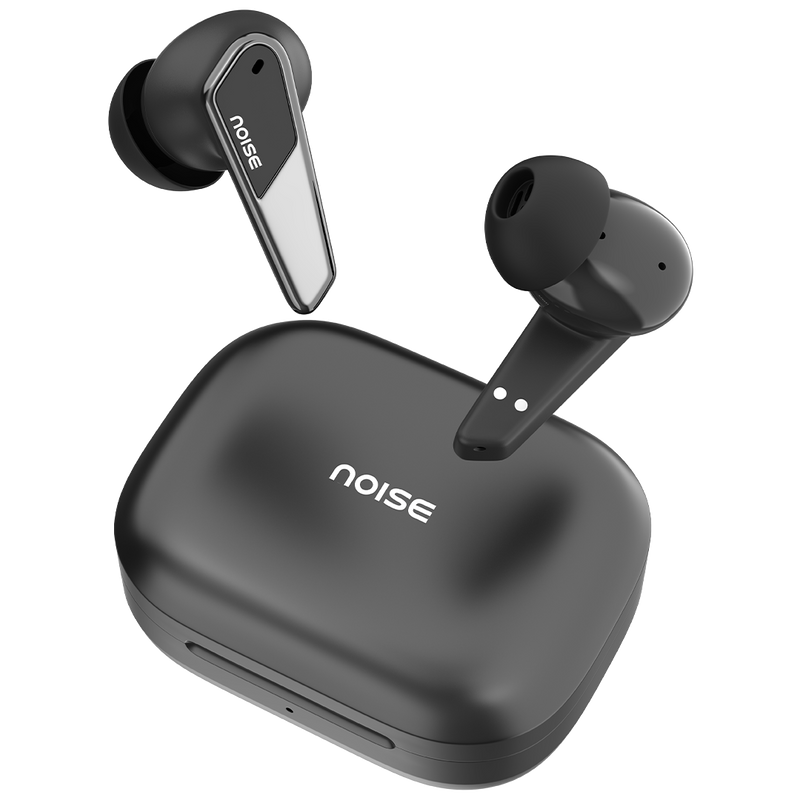
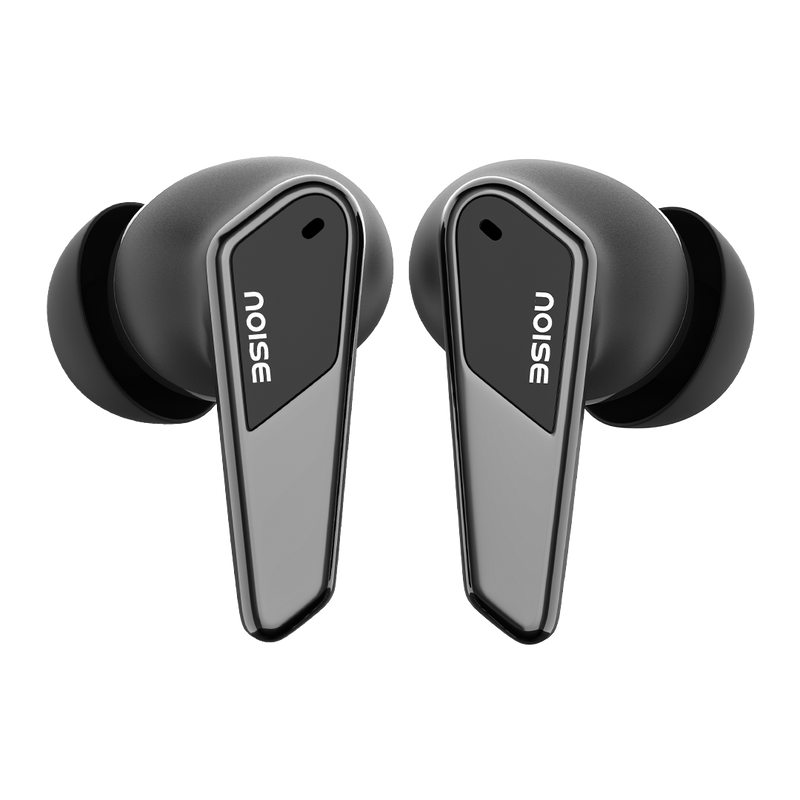
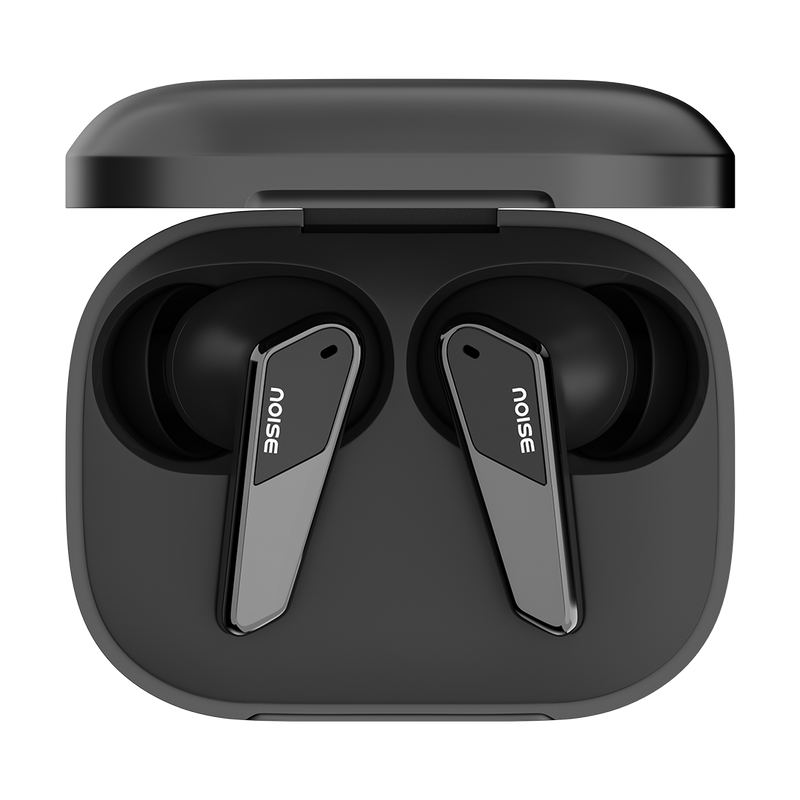
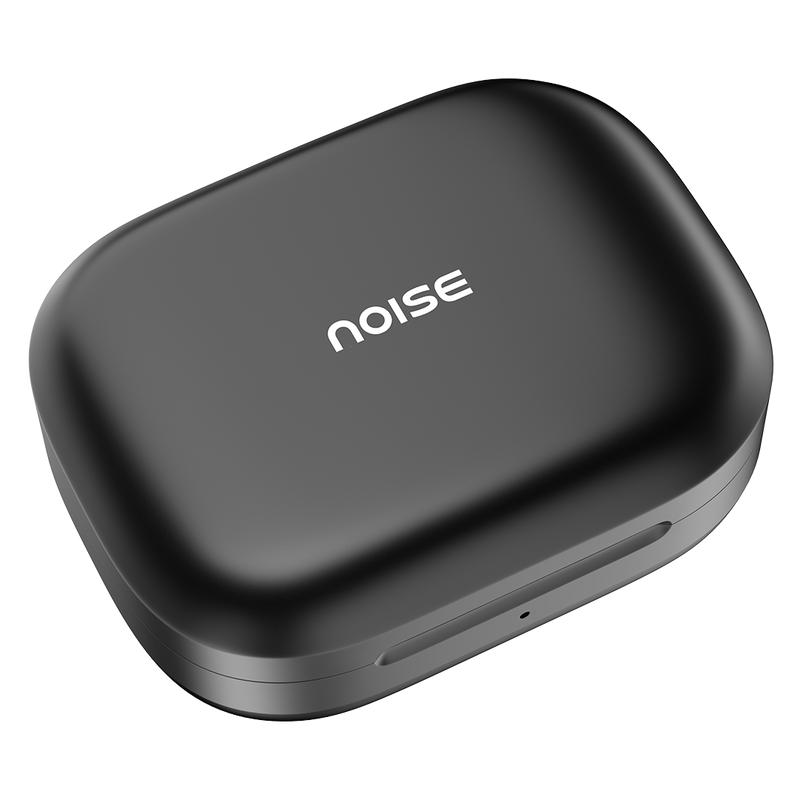
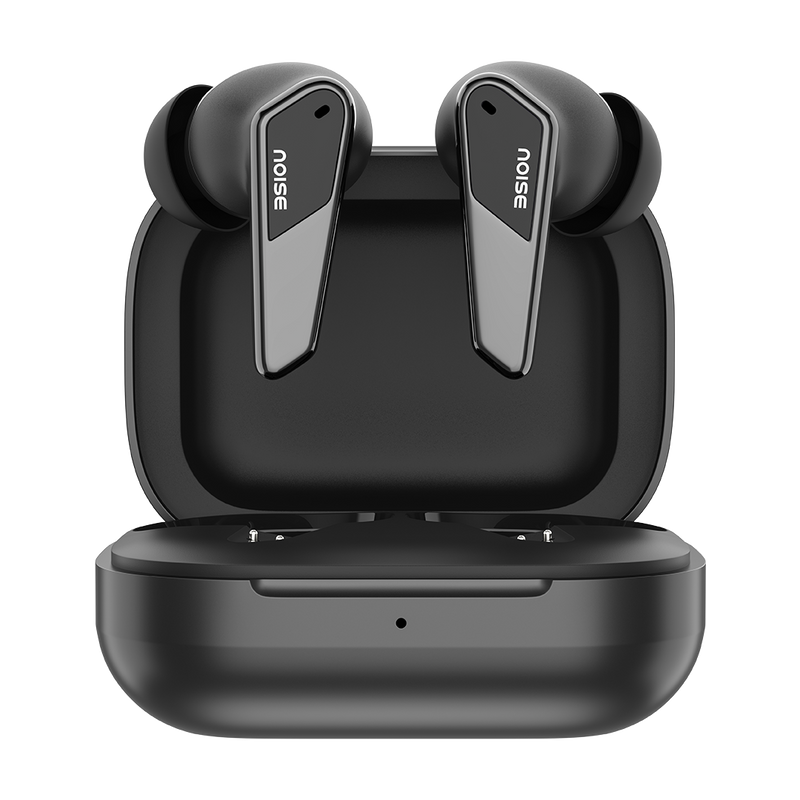
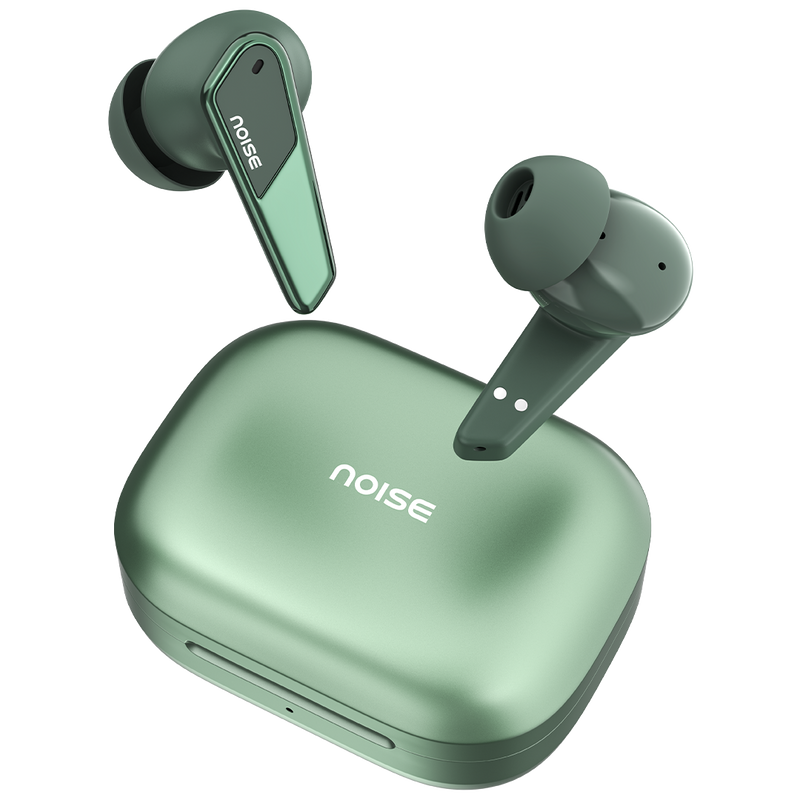
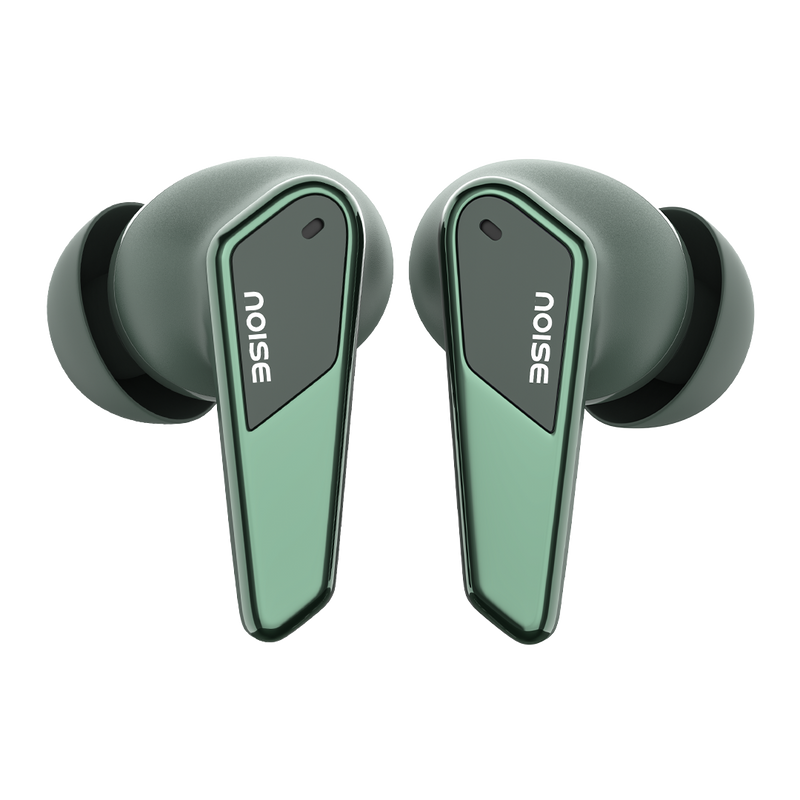
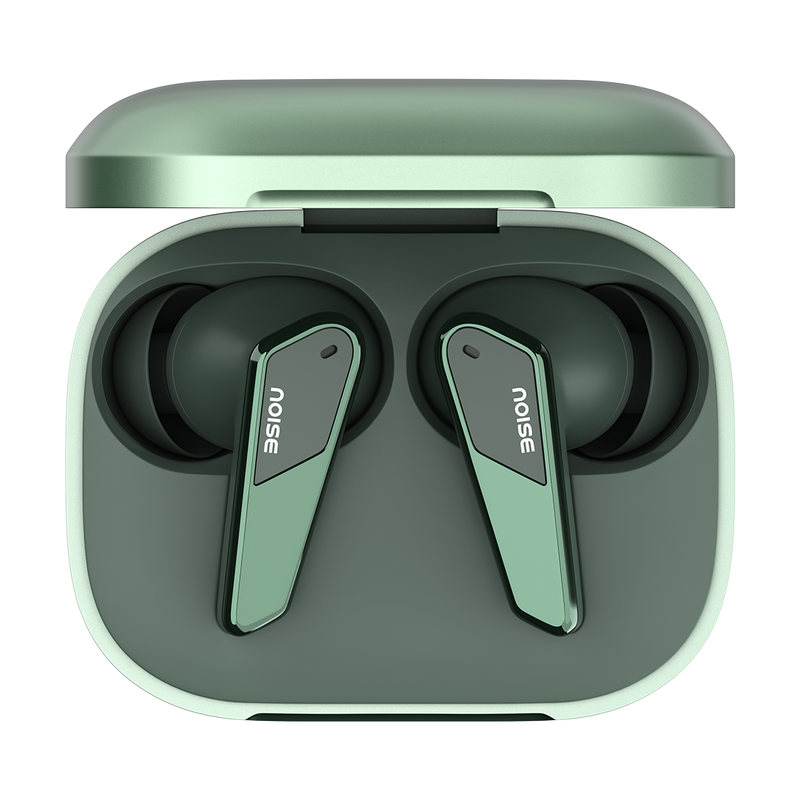
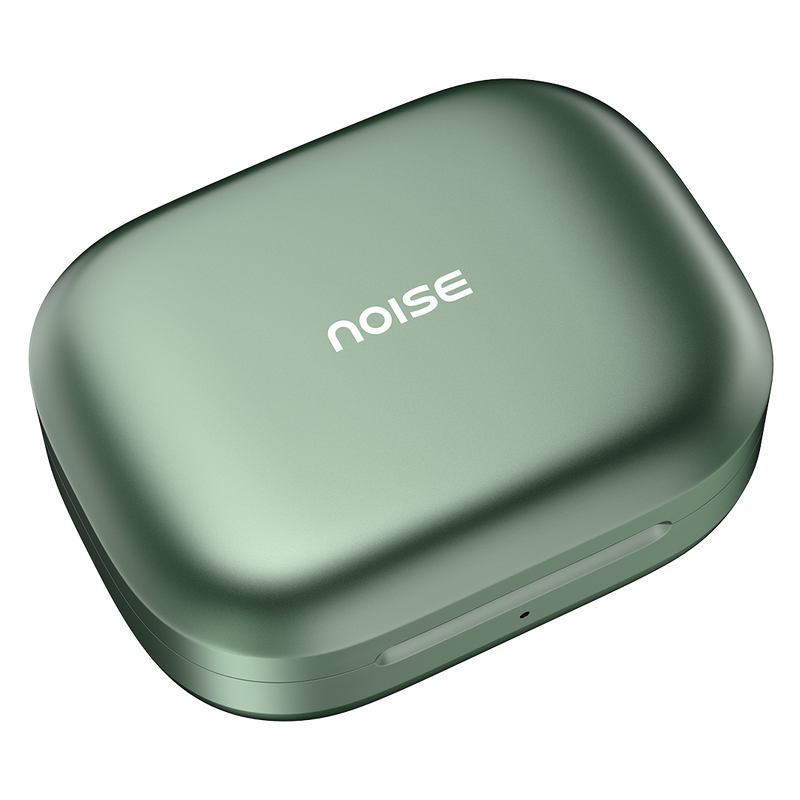
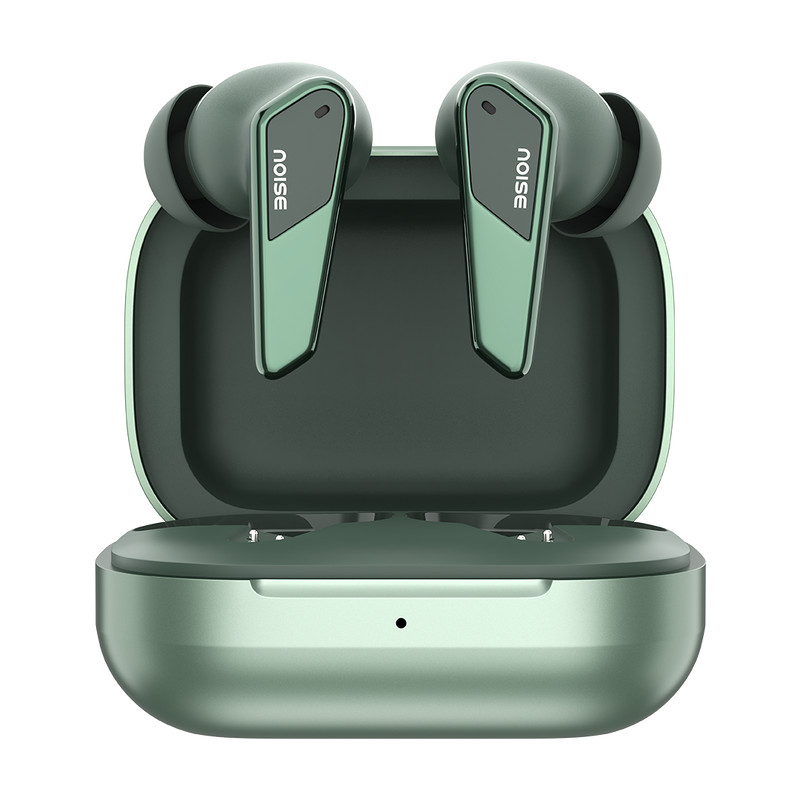
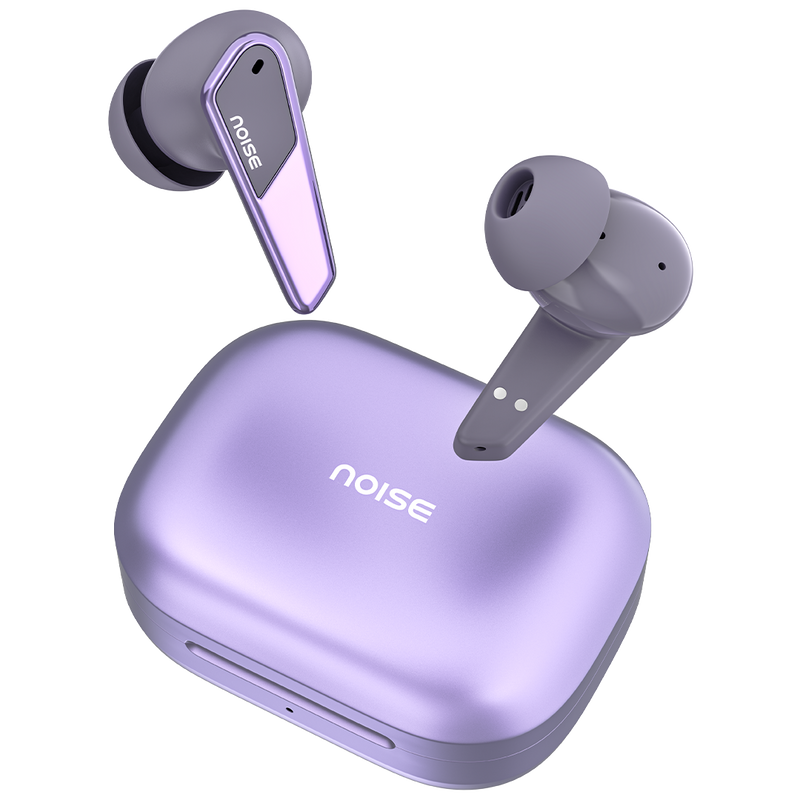
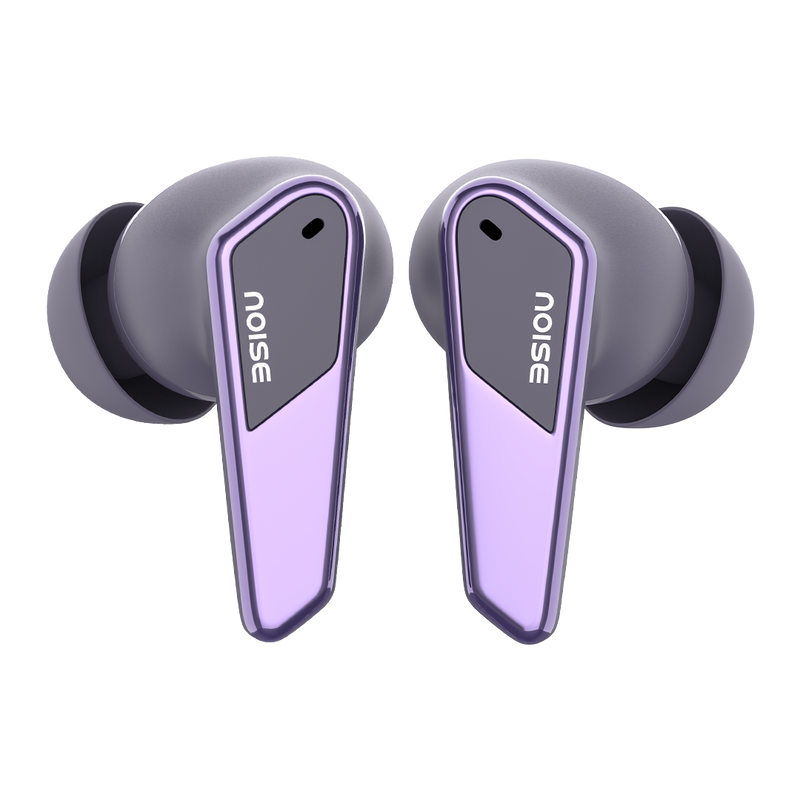
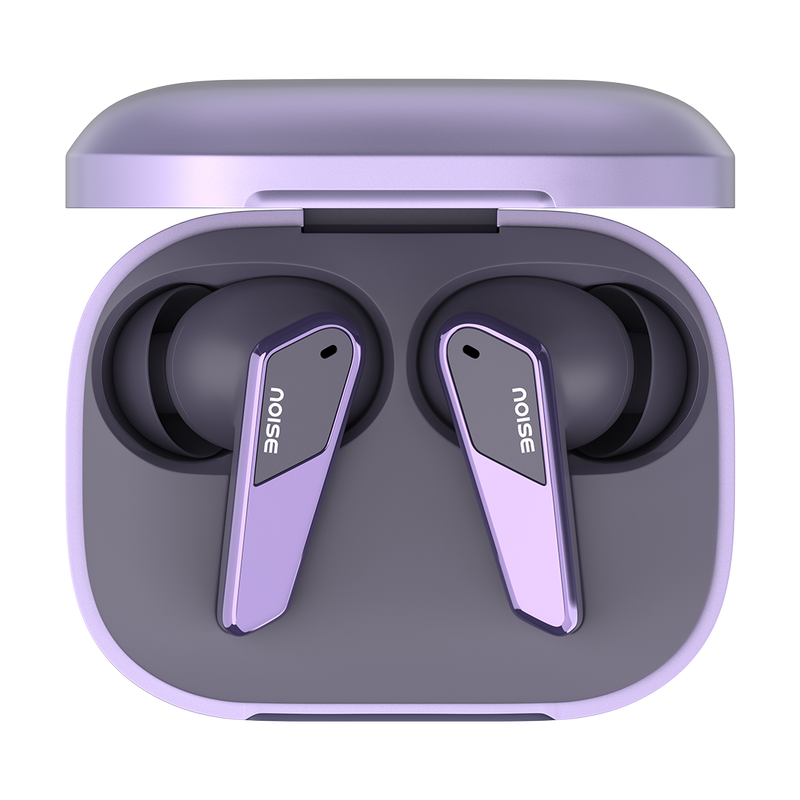
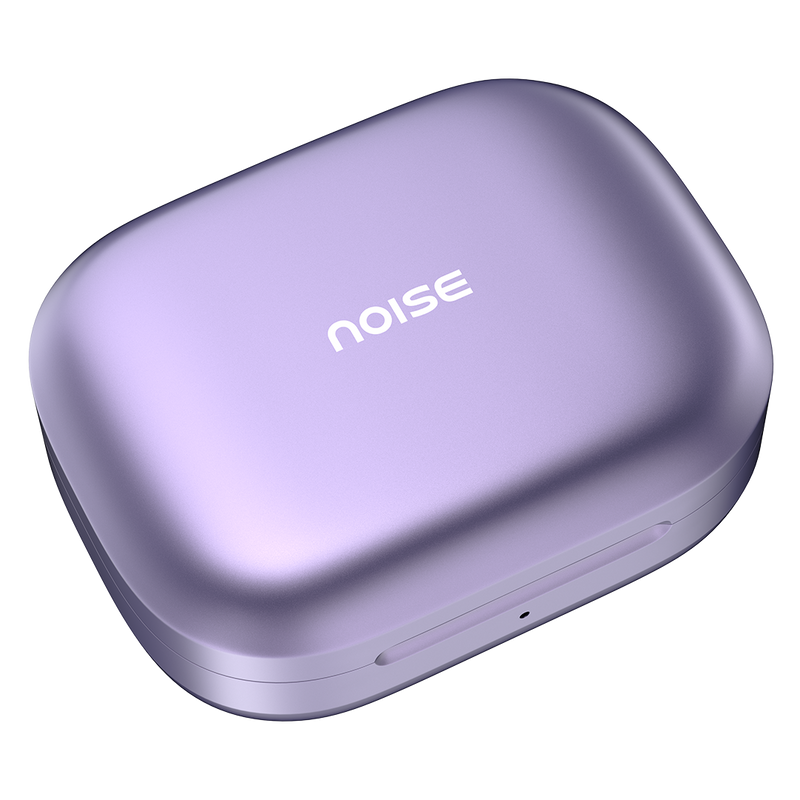
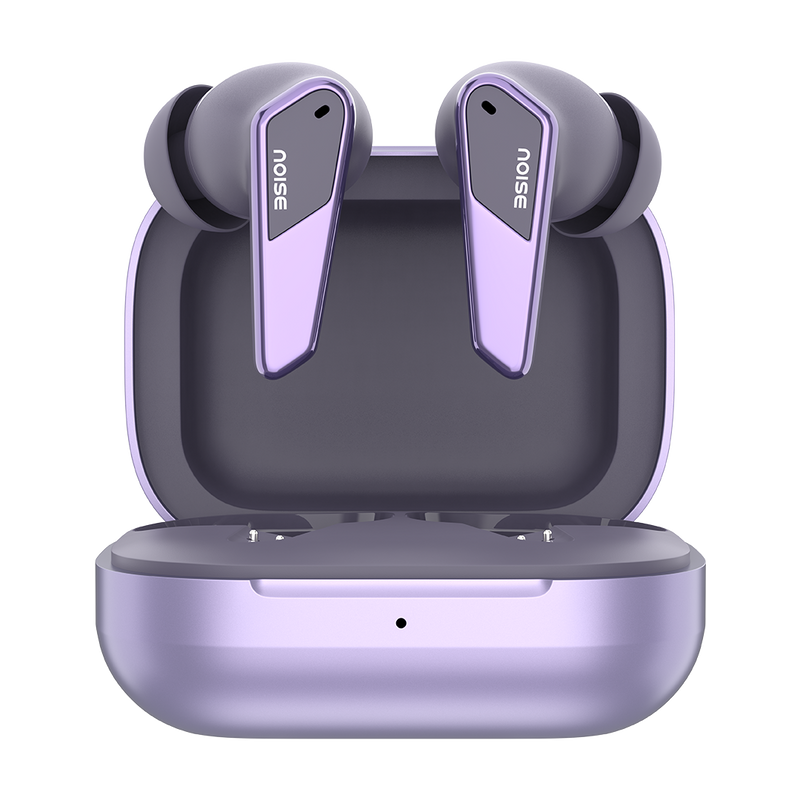
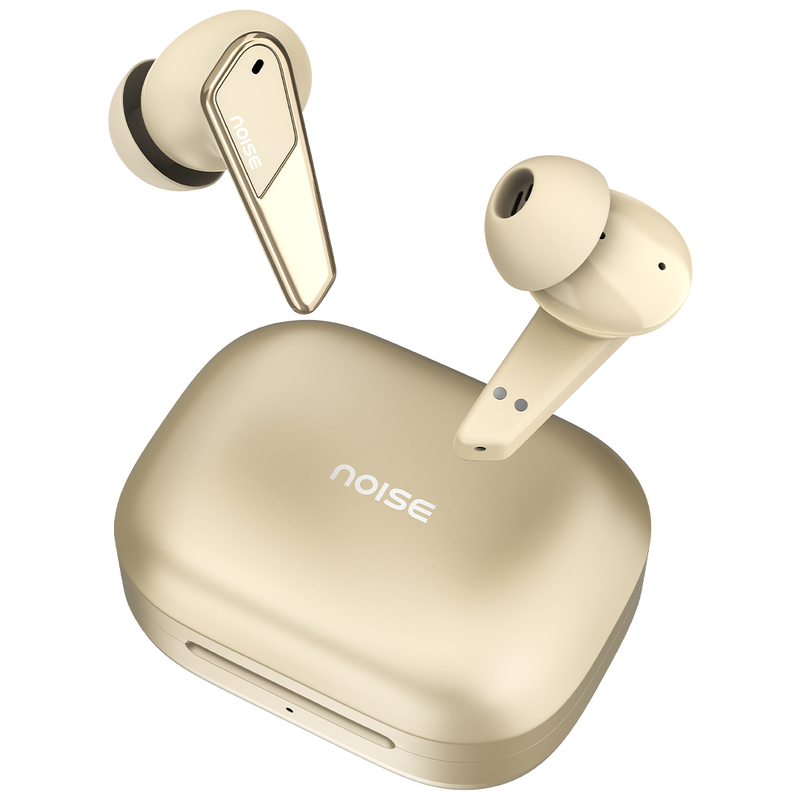
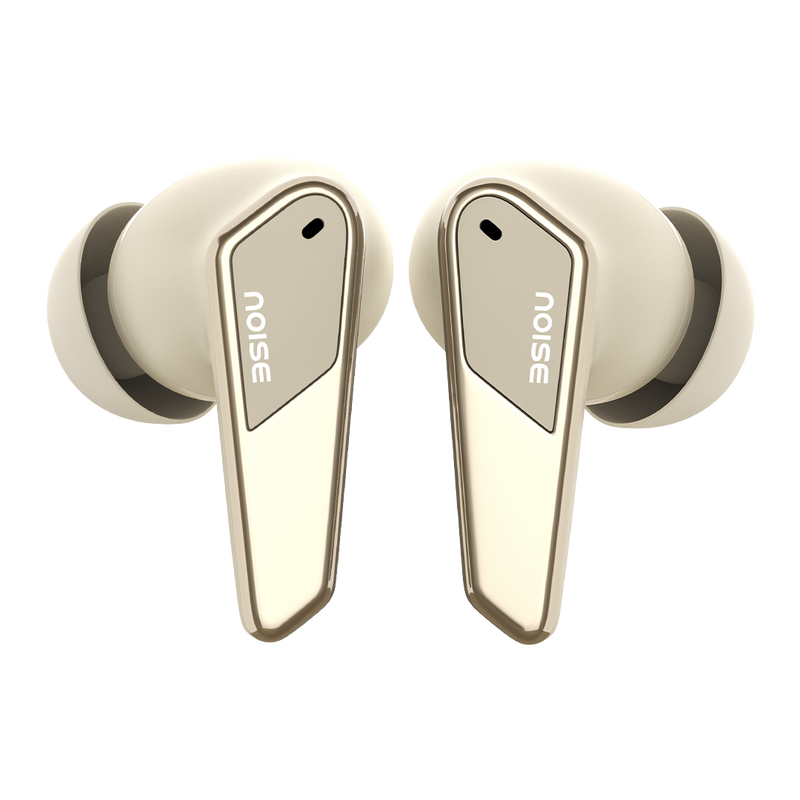
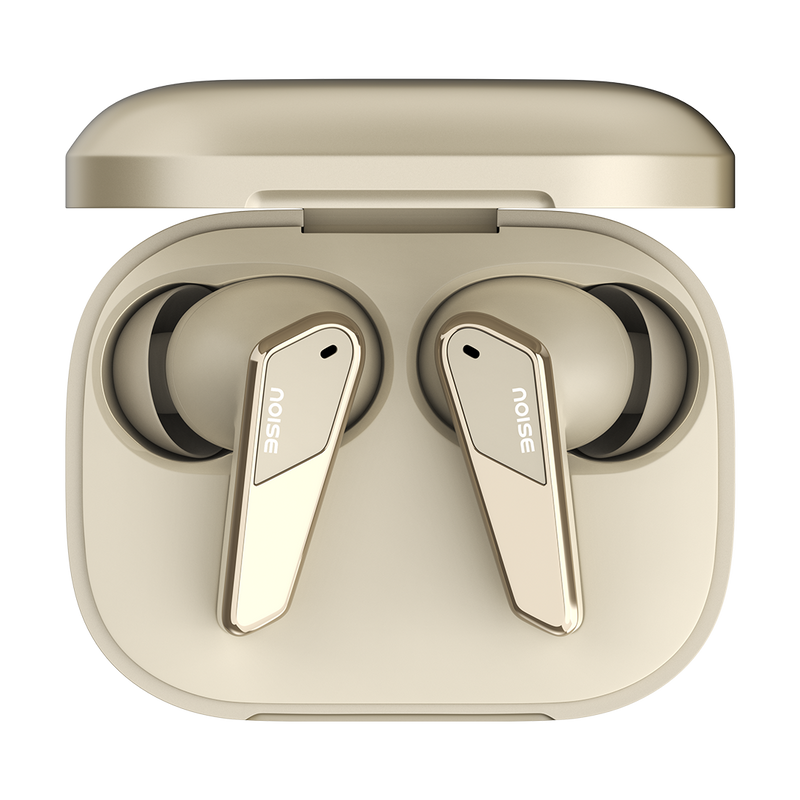
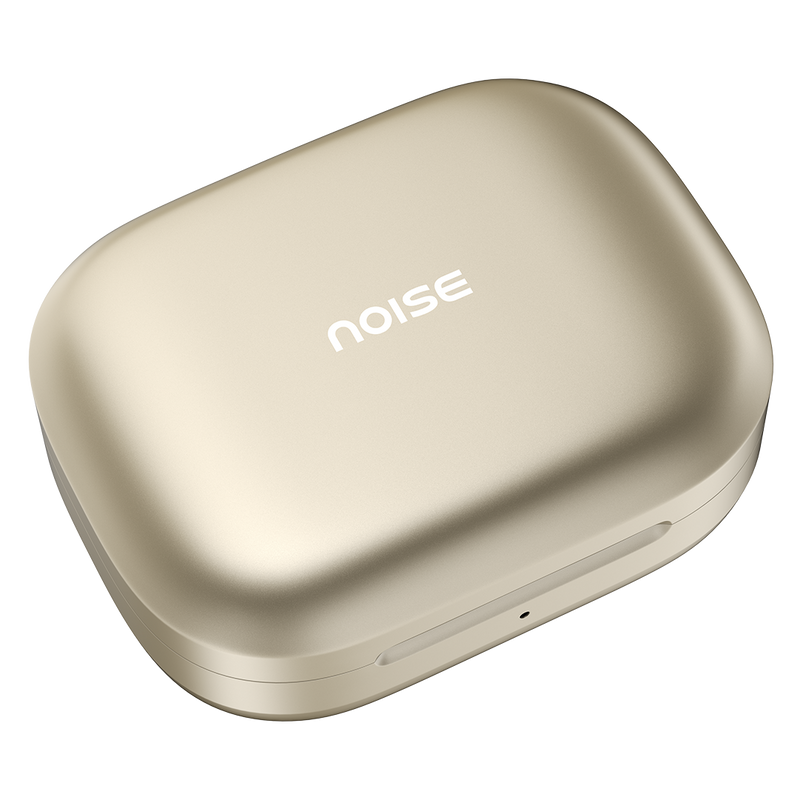
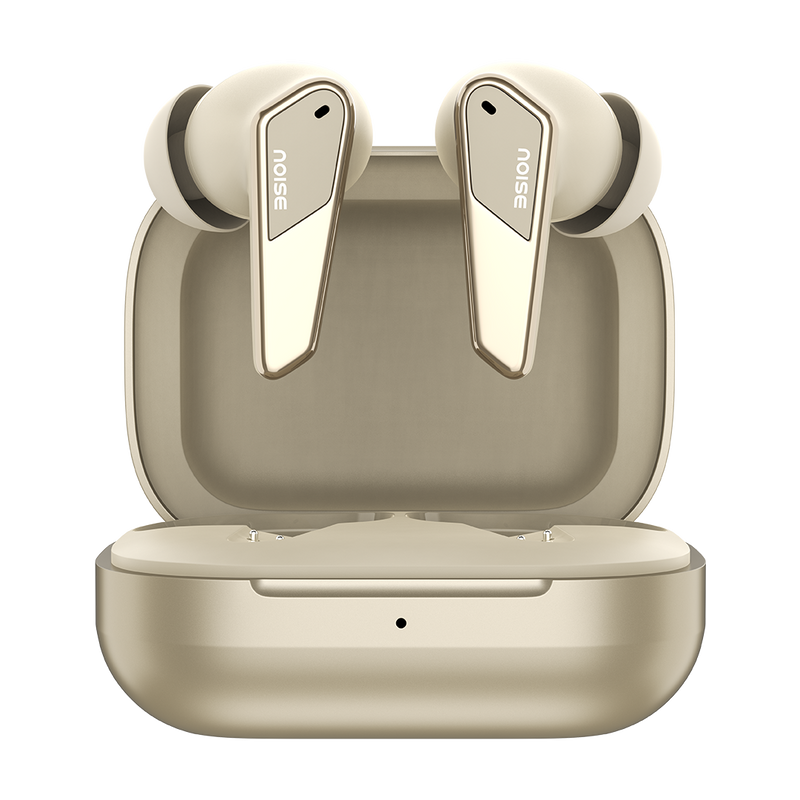
Buy Noise Buds N1 Pro truly wireless earbuds that comes with Powerful ANC Up to 32dB, Metallic Finish, Up to 60 Hours of Playtime, Quad Mic & many more features.
Customer Rating
4.9 out of 5.0 stars based on 72 reviews
Quick Specifications
| Playtime | Up to 60 hours |
|---|---|
| Charging Time | Up to 90 minutes |
| Fast Charging | Yes |
| BT | v5.3 |
| Wireless range | 10m |
| Auto pairing | Yes |
| Speaker driver | 11mm |
| Hands-free calling | Yes |
| Voice assistant | Siri, Google Assistant |
| Water resistance rating | IPX5 |
Specification
| Country of Origin | China |
|---|---|
| Package Contents | 1 device, 1 charging cable, 1 user manual, warranty card |
| Marketed & Imported By | Nexxbase Marketing Pvt. Ltd, Khasra No-146/25/2/1, Jail Road Badshahpur, Gurugram Haryana-122101 |
Audio
| Speaker driver | 11mm |
|---|
Connectivity
| BT | v5.3 |
|---|---|
| Wireless range | 10m |
| Auto pairing | Yes, connects with the last paired device |
| BT supported profile | A2DP, AVRCP, HFP, SPP, AVDTP |
| Compatibility | Android & iOS |
Battery Charging
| Playtime | Up to 60 hours |
|---|---|
| Charging Time | Up to 90mins |
| Fast Charging | Yes |
| Charging Port | C-type |
| Charging Indicator | Yes |
Physical Specification
| Weight | 39 grams |
|---|---|
| Dimensions | 4.3 x 5.6 x 2.8 cm |
| Water resistance rating | IPX5 |
Additional Features
| Instacharge™ | 10 minutes of charge = 200 minutes of playtime |
|---|---|
| Low latency | Up to 40ms |
| Hands-free calling | Yes |
| Voice assistant | Siri, Google Assistant |
| Dual device pairing | No |
FAQs
How do I control the Buds N1 Pro?
The Buds N1 Pro use touch-enabled controls on each earbud. A combination of single, double and triple taps and touch-and-hold gestures lets you play or pause music, skip tracks, adjust volume, answer or end calls, toggle ANC and summon your phone's voice assistant, so you can operate the earbuds without reaching for your phone.
How is the calling quality on the Buds N1 Pro?
The Buds N1 Pro use a quad-mic setup with Environmental Noise Cancellation (ENC) that filters out background noise so your voice comes through clearly on calls. As with any wireless earbuds, overall call quality still depends on having a good network signal and the level of noise in your surroundings.
Do the Buds N1 Pro announce the caller's name or number?
No, the Buds N1 Pro do not read out the caller's name or number. Instead you will hear a tone alert through the earbuds when a call comes in, and you can answer or reject it using the touch controls. To see exactly who is calling, glance at your phone screen before picking up.
Are the Buds N1 Pro waterproof or sweat-resistant?
The Buds N1 Pro carry an IPX5 rating, so they resist sweat and splashes during workouts and light rain, but they are not waterproof and should not be submerged or worn while swimming. Wipe each earbud dry and let it air out fully before returning it to the case or charging, to protect the contacts.
What noise cancellation do the Buds N1 Pro offer?
Yes. The Buds N1 Pro feature Active Noise Cancellation of up to 32dB that reduces ambient sound for more immersive listening. During calls, a quad-mic Environmental Noise Cancellation (ENC) system suppresses background noise so the person on the other end hears your voice clearly.
What colour options do the Buds N1 Pro come in?
The Buds N1 Pro come in four chrome-finish options: Chrome Black, Chrome Beige, Chrome Green and Chrome Purple, matching the on-page colour selector. Every colourway shares the same features, sound tuning and battery performance, so your choice is purely about the look you prefer.
What is the battery life and charging time of the Buds N1 Pro?
The Buds N1 Pro deliver up to 60 hours of total playtime with the charging case, with real-world runtime depending on volume and ANC use. Thanks to fast charging, a full top-up takes about 90 minutes, and a short charge provides enough backup for several hours of listening when you're pressed for time.
How do I charge the Buds N1 Pro, and what if they aren't charging?
Charge the Buds N1 Pro by connecting the case to a PC, laptop or any standard USB adapter with the supplied cable, then place the buds inside. If they will not charge, clean the charging contacts, make sure the buds are seated correctly and try a different port; if the issue persists, register a complaint at gonoise.com/pages/register-your-complaint.
How do I check the battery level of the Buds N1 Pro?
Once the Buds N1 Pro are paired, you can check their battery level on your smartphone: open the notification bar and look at the Bluetooth icon, where the connected earbuds' battery percentage is shown beneath it. Android phones and iPhones both display this, and iPhones can also show it in the battery widget.
What devices are the Buds N1 Pro compatible with?
The Buds N1 Pro work with virtually any Bluetooth device, including iPhones, Android smartphones, tablets, and laptops or computers that have Bluetooth. They connect over Bluetooth v5.3 for a stable, efficient link and remain backward compatible with devices on Bluetooth v4.0, so both newer and older hardware pair without any issue.
Can the Buds N1 Pro connect to two devices at once?
Yes. The Buds N1 Pro support dual-device pairing, so they can stay connected to two devices simultaneously — for example your laptop and your phone. You can listen to music on one device and switch instantly to take a call on the other without having to disconnect and manually re-pair each time.
What Bluetooth version and range do the Buds N1 Pro support?
The Buds N1 Pro run on Bluetooth v5.3 for a fast, power-efficient connection and stay backward compatible with Bluetooth v4.0 devices. They deliver a wireless range of up to 10 metres in open conditions; walls, furniture and other obstacles between the earbuds and your device will reduce the usable distance.
Can I use Siri or Google Assistant with the Buds N1 Pro?
Yes. The Buds N1 Pro let you summon your phone's native voice assistant — Siri on iPhone or Google Assistant on Android — using the assigned touch gesture. Once triggered, you can make calls, change tracks or ask questions hands-free while your phone stays in your pocket or bag.
How do I turn the Buds N1 Pro on and off?
The Buds N1 Pro power on automatically when you open the charging case and remove the earbuds, and they power off and begin recharging when you place them back in the case and close the lid. There is no separate power button — simply taking them out or putting them away handles it, which also helps preserve battery between uses.
How do I pair the Buds N1 Pro with my phone?
Keep the Buds N1 Pro and your phone close together. Open the charging case and take out the earbuds, which enter pairing mode automatically the first time. On your phone, open the Bluetooth menu, then search for and select 'Buds N1 Pro' to connect. After the first pairing they reconnect automatically to the last device whenever you take them out of the case.
What should I do if only one Buds N1 Pro earbud works, and how do I reset them?
If only one side plays, reset the earbuds: with both charged, remove 'Buds N1 Pro' from your phone's Bluetooth paired list, take both buds out of the case and long-press both for 10 seconds until the red and white LEDs blink, then place them back in the case and pair again. If the fault persists, raise a support ticket at support.gonoise.com.
Do the Buds N1 Pro have a warranty and how do I register it?
Yes. The Buds N1 Pro come with a 1-year manufacturer's warranty covering manufacturing defects, calculated from the date of delivery. To activate coverage, register your product at gonoise.com/pages/warranty-registration and keep your order details or invoice handy in case you need to raise a service request during the warranty period.
