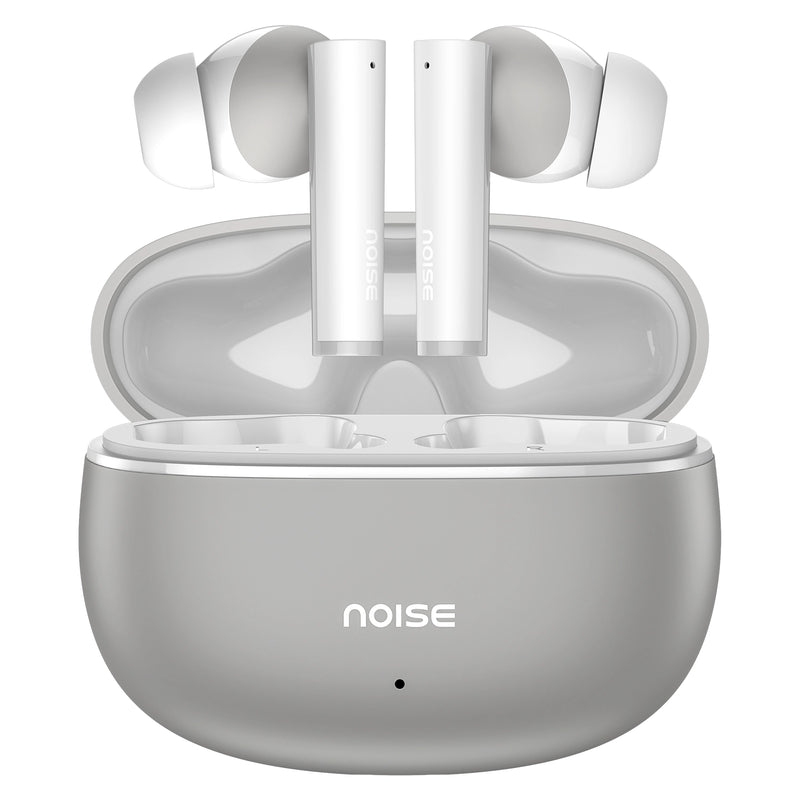
Noise Buds Apex Truly Wireless Bluetooth Earbuds - Blue Tokai
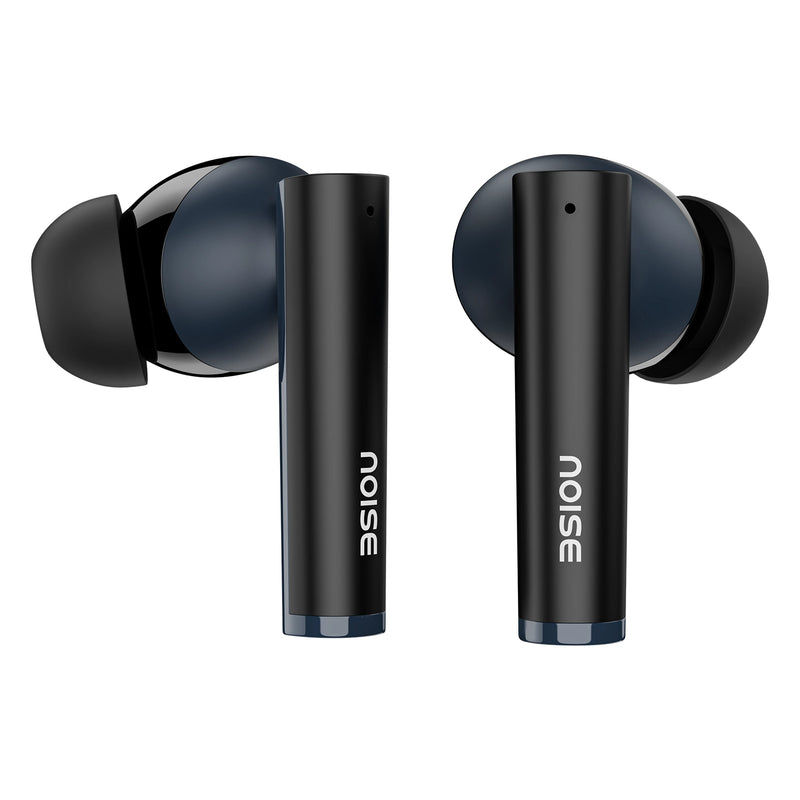
Specifications
| Country of Origin | China |
|---|---|
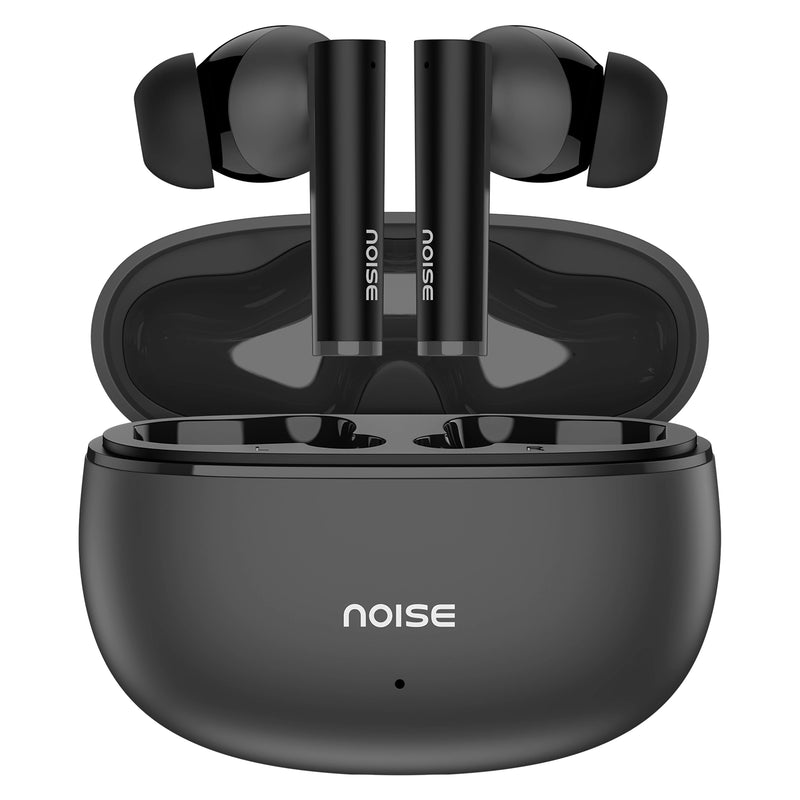
| Package Contents | 1 device, 1 charging cable, 1 user manual, warranty card |
| Marketed & Imported By | 15TH FLOOR, DLF CITY PHASE 5, TWO HORIZON CENTRE, GOLF COURSE ROAD, SECTOR 43, GURUGRAM, HARYANA - 122102, INDIA. |
Audio
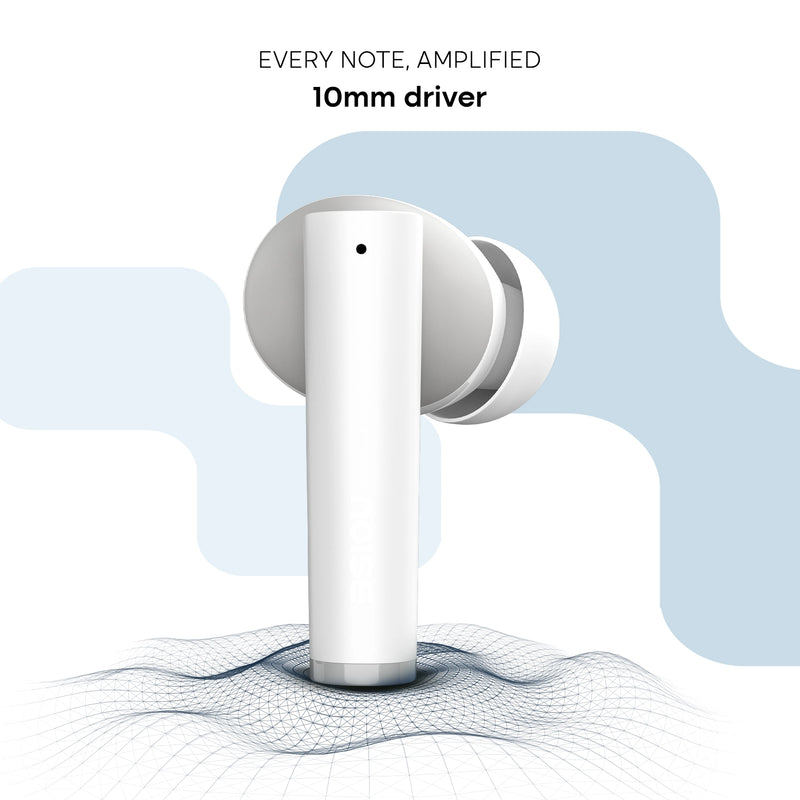
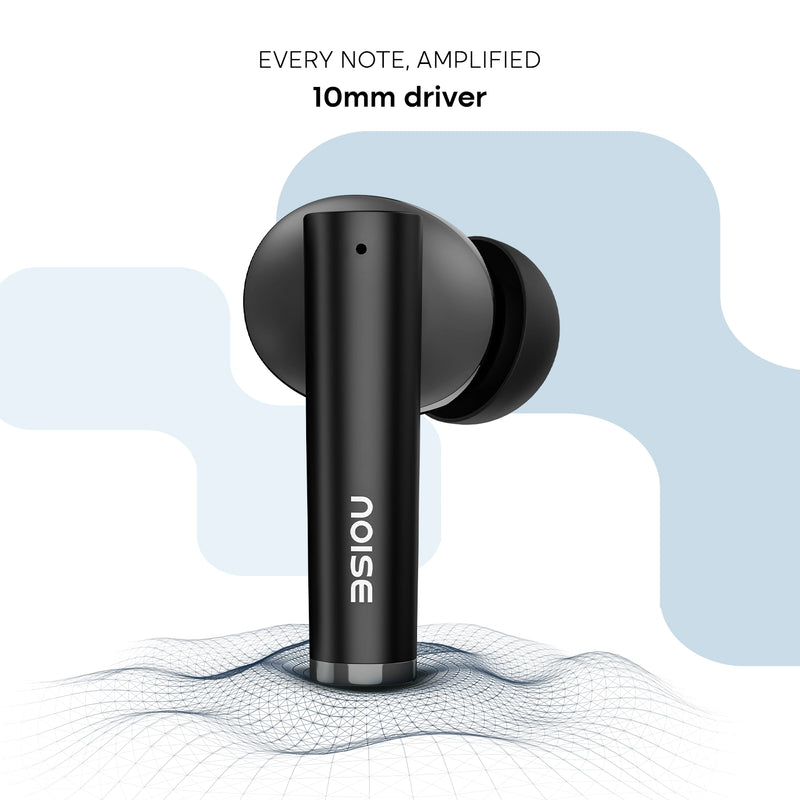
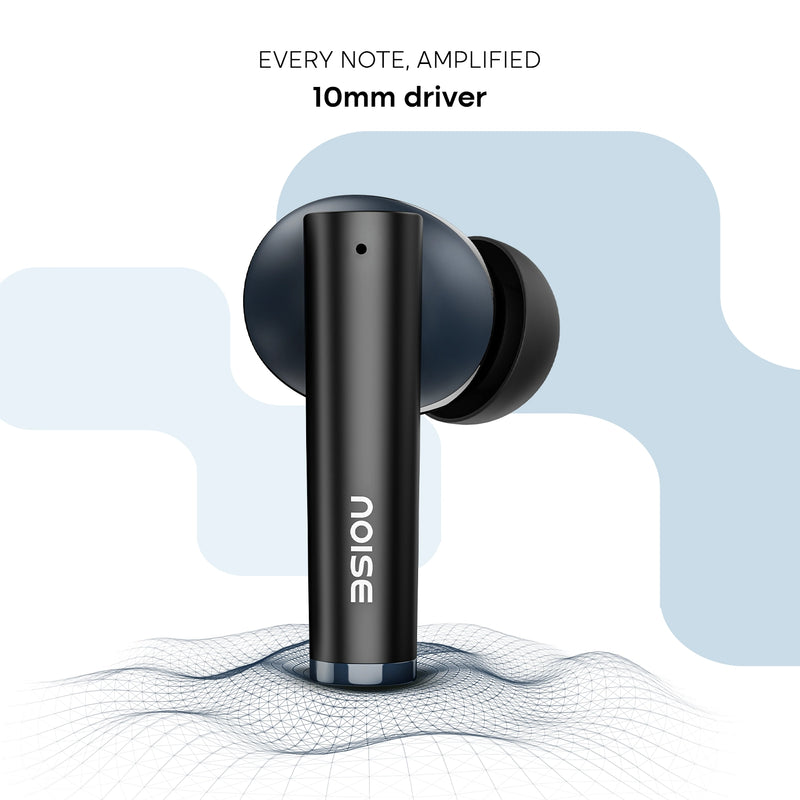
| Speaker driver | 10mm |
|---|---|
| HD Calling | Yes |
Connectivity
| BT | v5.3 |
|---|---|
| Wireless range | 10m |
| Auto pairing | Yes, connects with the last paired device |
| BT supported profile | A2DP, AVRCP, HFP, SPP, AVDTP |
| Compatibility | Android & iOS |
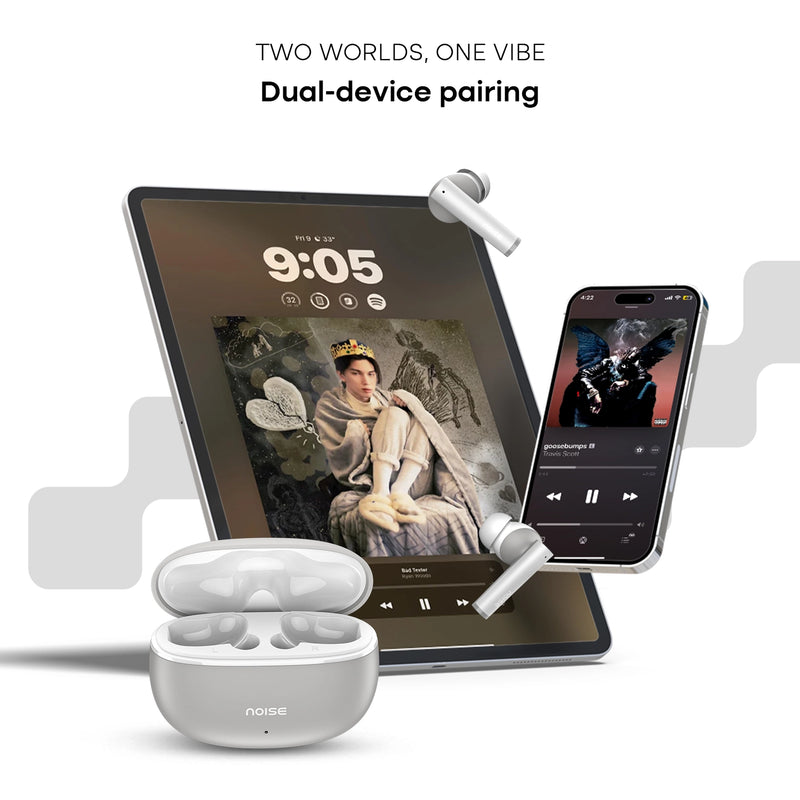
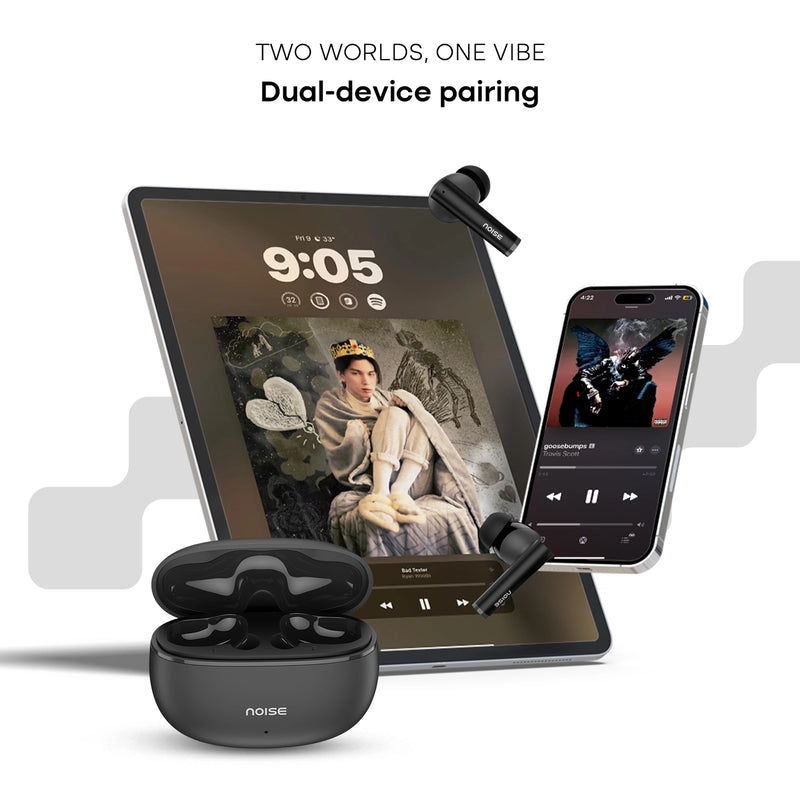
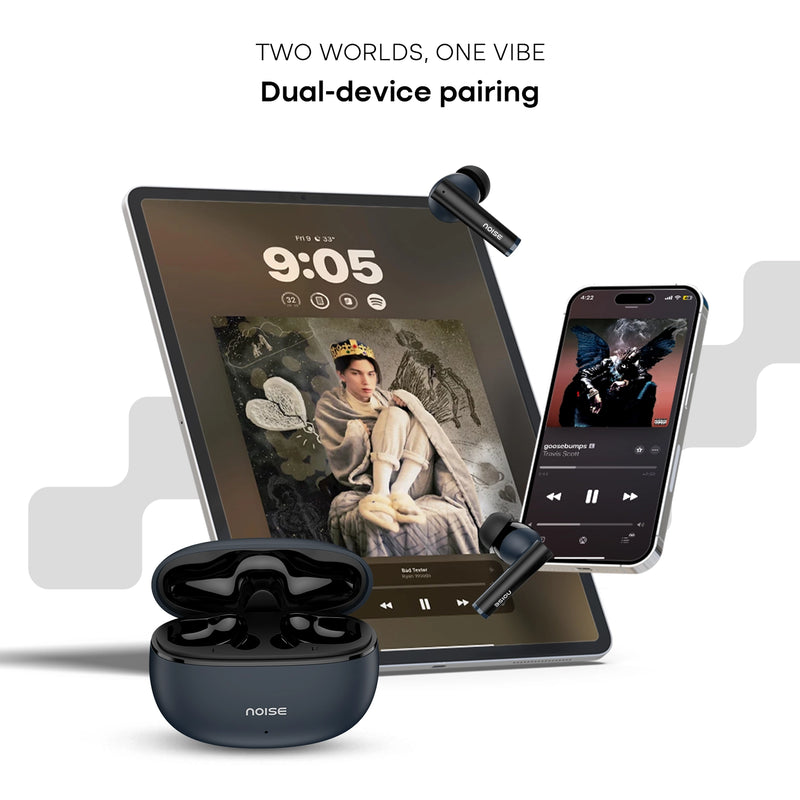
| Dual Pairing | Yes |
| Hyper Sync | Yes |
Battery Charging
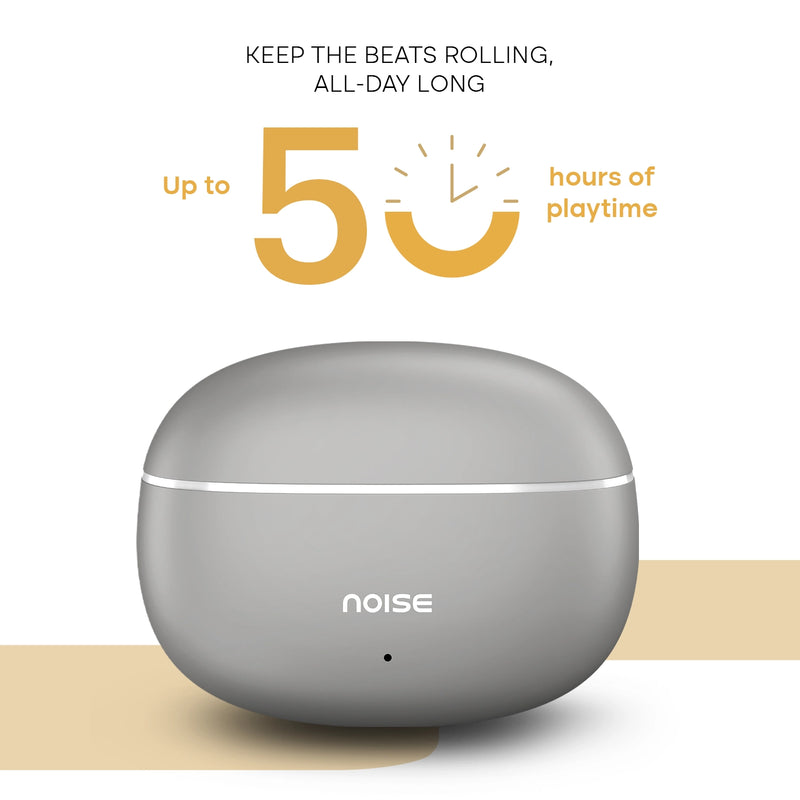
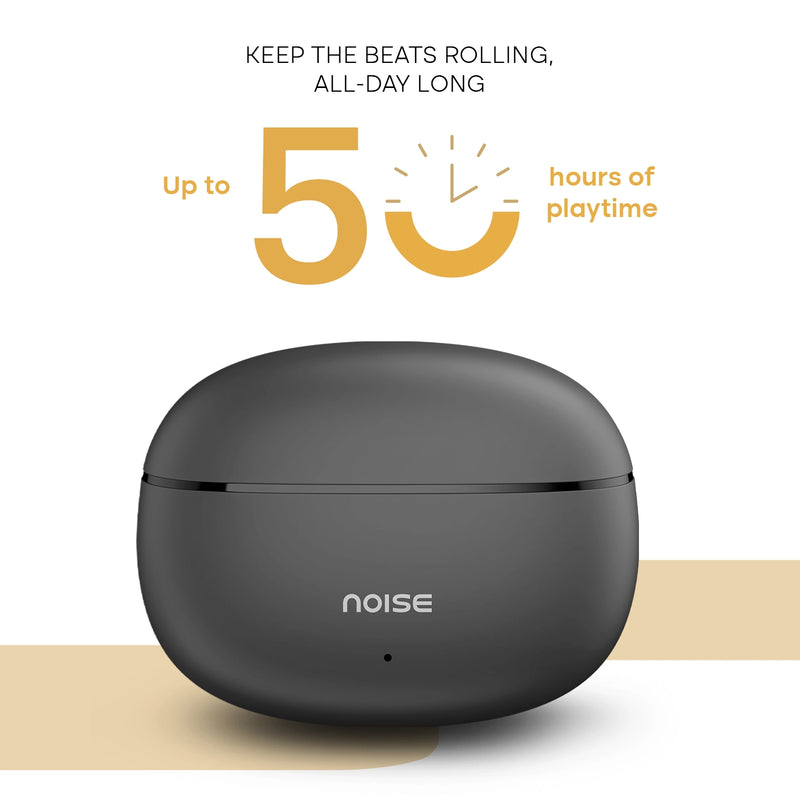
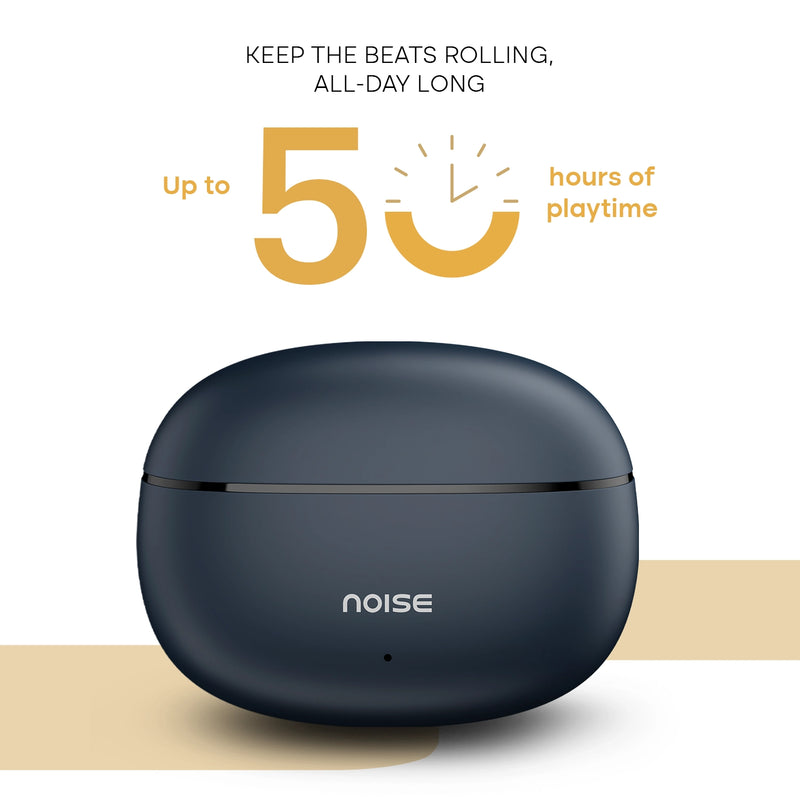
| Playtime | Up to 50 hours |
|---|---|
| Charging time | 90 minutes |
| Fast Charging | Yes |
| Charging Port | Type-C |
| Charging Indicator | Yes |
Physical Specification
| Water resistance rating | IPX5 |
|---|
Additional Features
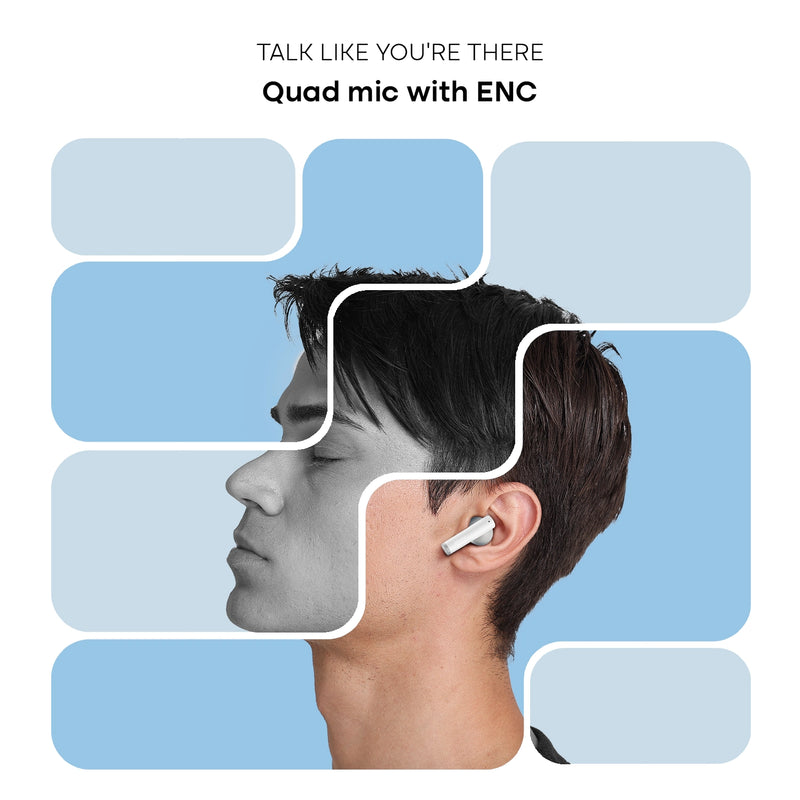
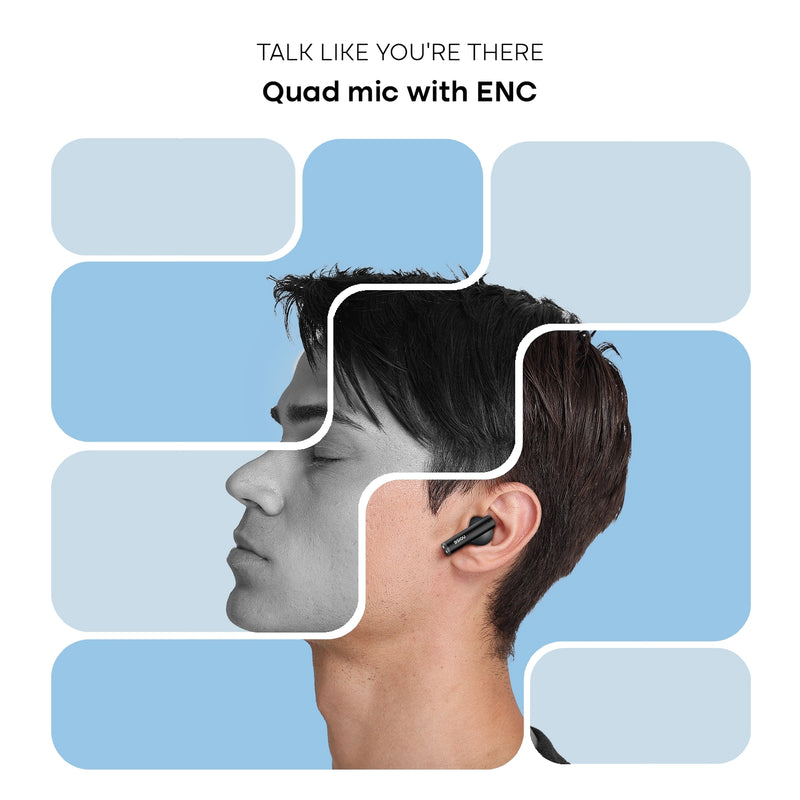
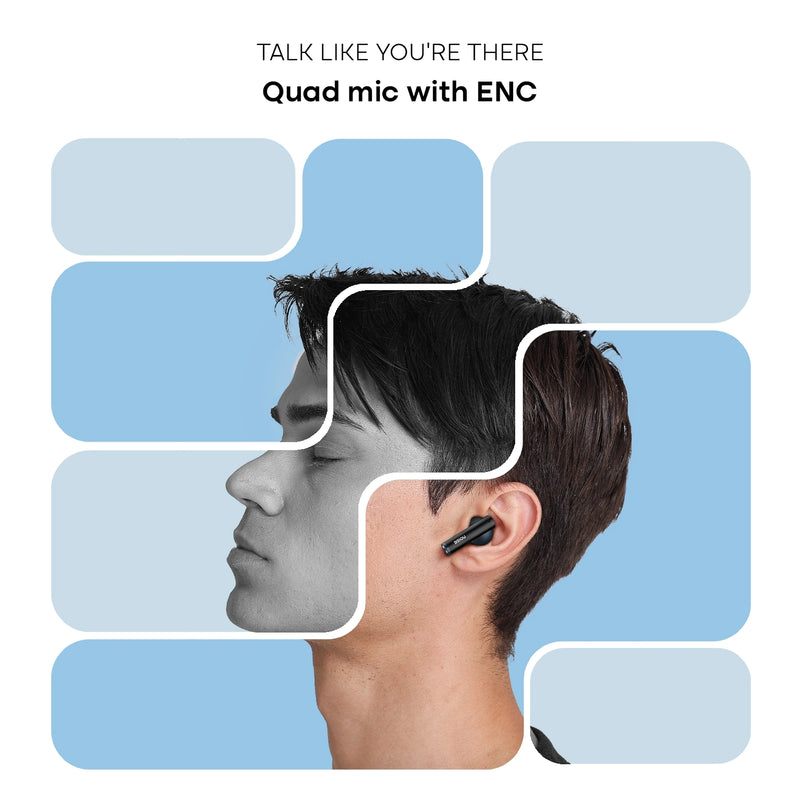
| Quad mic with ENC | |
| Hands-free calling | |
| Voice assistant support | Siri, Google Assistant |
|---|---|
| Dual device pairing | |
| Hyper Sync™ for seamless auto-connection | |
FAQs
ABOUT THE PRODUCT
How do I control the earphones?
The control functions on the earphones are touch-enabled.
How is the calling quality?
Buds Apex offers HD calling supported by a quad mic ENC setup for crystal-clear calls, though actual performance may vary with network quality.
Does it announce the caller's name or number on incoming calls?
No, it doesn’t. You will get tone alerts on your earbuds for incoming calls.
Are Buds Apex waterproof?
They have an IPX5 water-resistant rating, but must be fully dried before reuse.
Is noise cancellation available?
Yes, there is environmental noise cancellation (ENC) during calls via the quad mic setup.
What are the colour options?
Colour variants to be updated on product listing page.
COMPATIBILITY
Are Buds Apex compatible with iPhones?
Yes.
Are Buds Apex compatible with Android smartphones?
Yes.
Can Buds Apex be connected to a laptop/computer?
Yes, if the device supports BT connectivity.
Can Buds Apex be connected to more than one device at a time?
Yes, Buds Apex supports dual-device pairing.
Do they support BT 4.0?
Yes, backward compatible with BT v4.0, though best performance is on BT v5.3.
What is the BT range of the phone?
Up to 10 meters without obstacles.
Can I use Siri/Google Assistant?
Yes.
BATTERY AND CHARGING
What is the battery backup?
Up to 50 hours.
How much time does it take to charge?
Around 90 minutes for a full charge.
What if the earphones are not charging?
Please visit:https://www.gonoise.com/pages/register-your-complaint
How do I check the Buds Apex battery level?
Check the BT icon on your smartphone's notification bar.
Can I charge Buds Apex with my PC/laptop?
Yes.
GETTING STARTED
How do I turn the Buds Apex on and off?
They turn on when removed from the case and off when placed back and the lid is closed.
How do I pair Buds Apex with my smartphone?
Open the charging case, remove the earbuds, then select Buds Apex in your BT settings.
TROUBLESHOOTING
Only one side is working. What should I do?
Raise a ticket at: support.gonoise.com
How do I reset Buds Apex?
Delete the pairing from your device, then press and hold both earbuds for 10 seconds until red and white LEDs blink. Place back in case and re-pair
WARRANTY REGISTRATION
Is there a warranty for this product?
Yes, 1-year manufacturing warranty from the delivery date.
Where do I register for the product warranty?
Are Buds Apex compatible with iPhones?Yes.Are Buds Apex compatible with Android smartphones?Yes.Can Buds Apex be connected to a laptop/computer?Yes, if the device supports BT connectivity.Can Buds Apex be connected to more than one device at a time?Yes, Buds Apex supports dual-device pairing.Do they support BT 4.0?Yes, backward compatible with BT v4.0, though best performance is on BT v5.3.What is the BT range of the phone?Up to 10 meters without obstacles.Can I use Siri/Google Assistant?Yes.
,What is the battery backup?Up to 50 hours.How much time does it take to charge?Around 90 minutes for a full charge.What if the earphones are not charging?Please visit:https://www.gonoise.com/pages/register-your-complaintHow do I check the Buds Apex battery level?Check the BT icon on your smartphone's notification bar.Can I charge Buds Apex with my PC/laptop?Yes.
,How do I turn the Buds Apex on and off?They turn on when removed from the case and off when placed back and the lid is closed.How do I pair Buds Apex with my smartphone?Open the charging case, remove the earbuds, then select Buds Apex in your BT settings.
,Only one side is working. What should I do?Raise a ticket at: support.gonoise.comHow do I reset Buds Apex?Delete the pairing from your device, then press and hold both earbuds for 10 seconds until red and white LEDs blink. Place back in case and re-pair
,Is there a warranty for this product?Yes, 1-year manufacturing warranty from the delivery date.Where do I register for the product warranty?Visit: https://www.gonoise.com/pages/warranty-registration