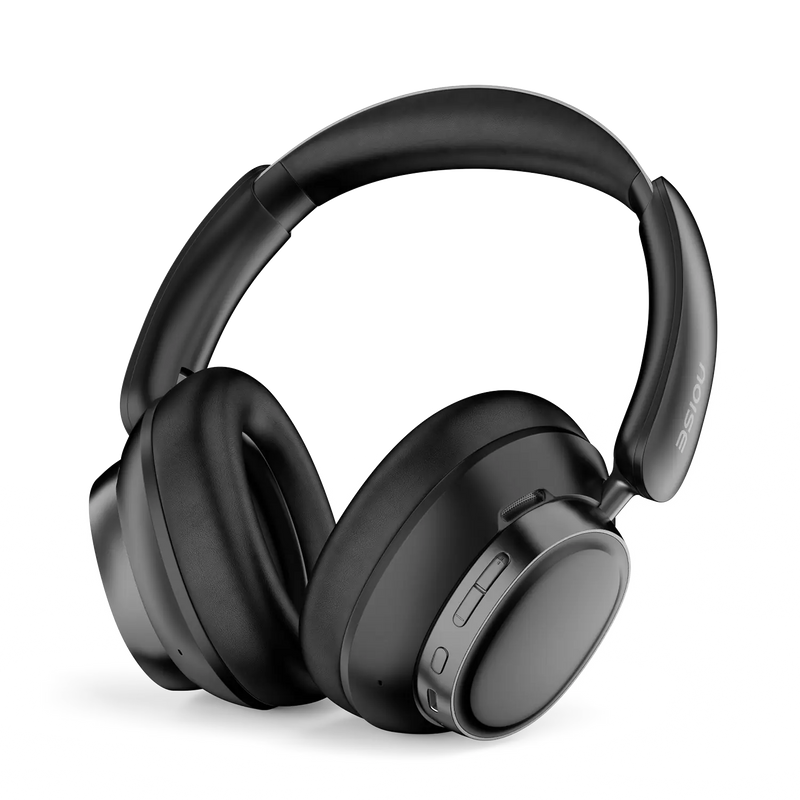
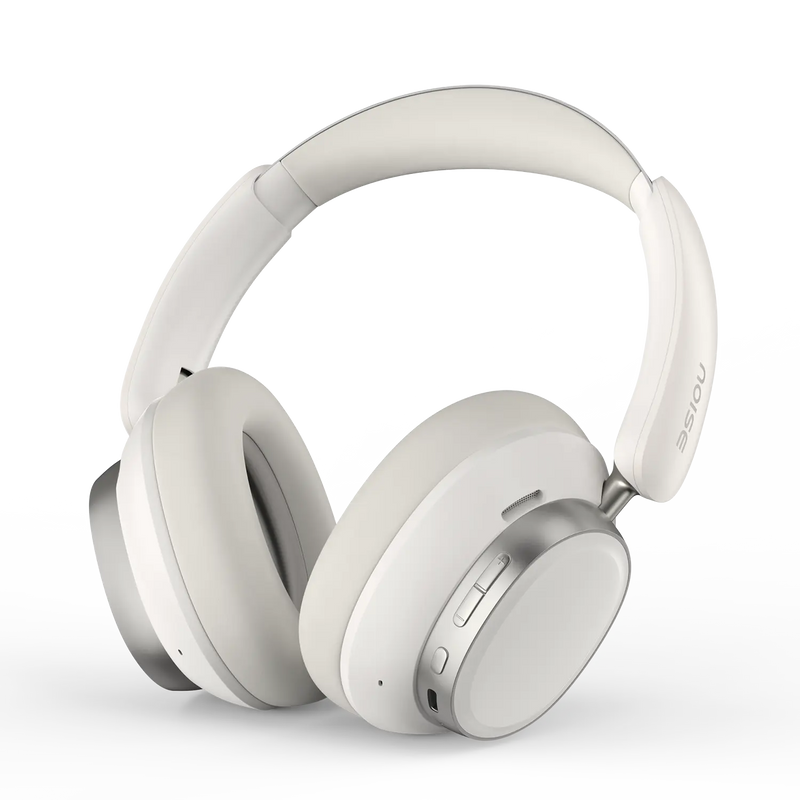
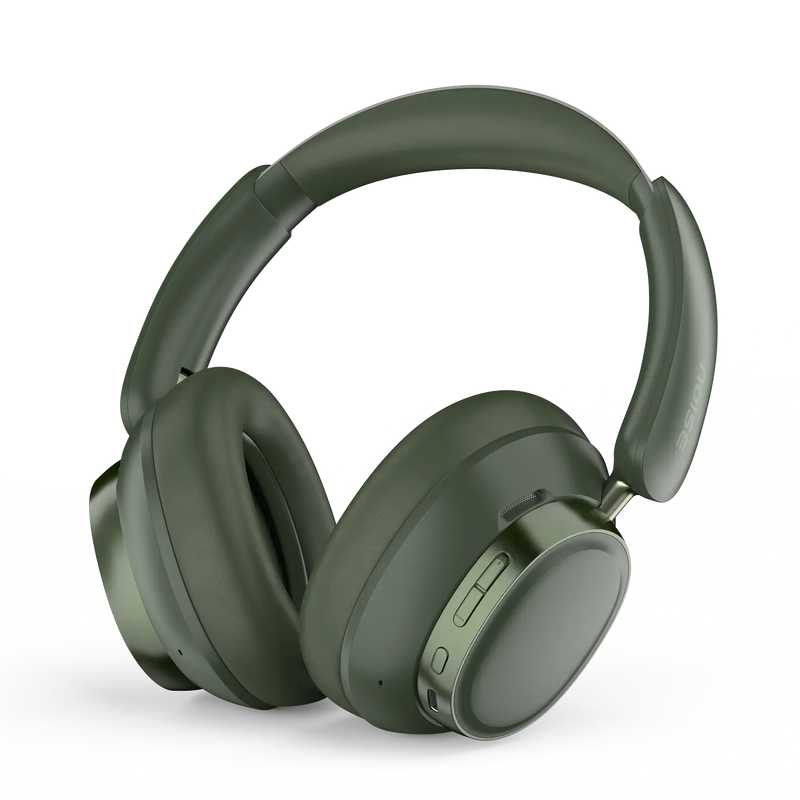
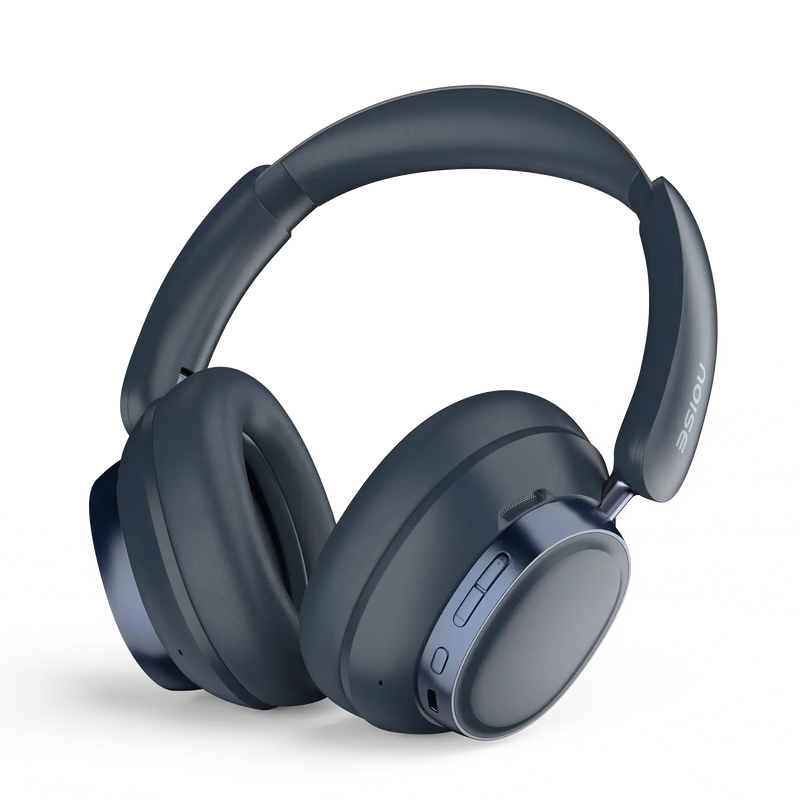
Experience premium wireless audio with the Noise Airwave Max 6 – featuring Adaptive ANC, LDAC high-resolution audio, and an extraordinary 120 hours of playtime for the ultimate listening experience.
Key Features:
Perfect For: Audiophiles, gamers, commuters, and professionals who demand premium sound quality with all-day battery life. Ideal for travel, work, and workouts.
Premium audio. Adaptive ANC. 120 hours of freedom.
4.74 out of 5.0 stars based on 92 reviews
| Wireless Range | 10 m |
|---|---|
| Auto Pairing | Yes |
| Compatibility | Android & iOS |
| Playtime | Up to 120 hours |
| Charging Port | C-type |
| Water Resistance | IPX5 |
| Fast Charge (Instacharge) | 10 minutes charge = 15 hours playback (at 60% volume |
| Country of Origin | Vietnam |
|---|---|
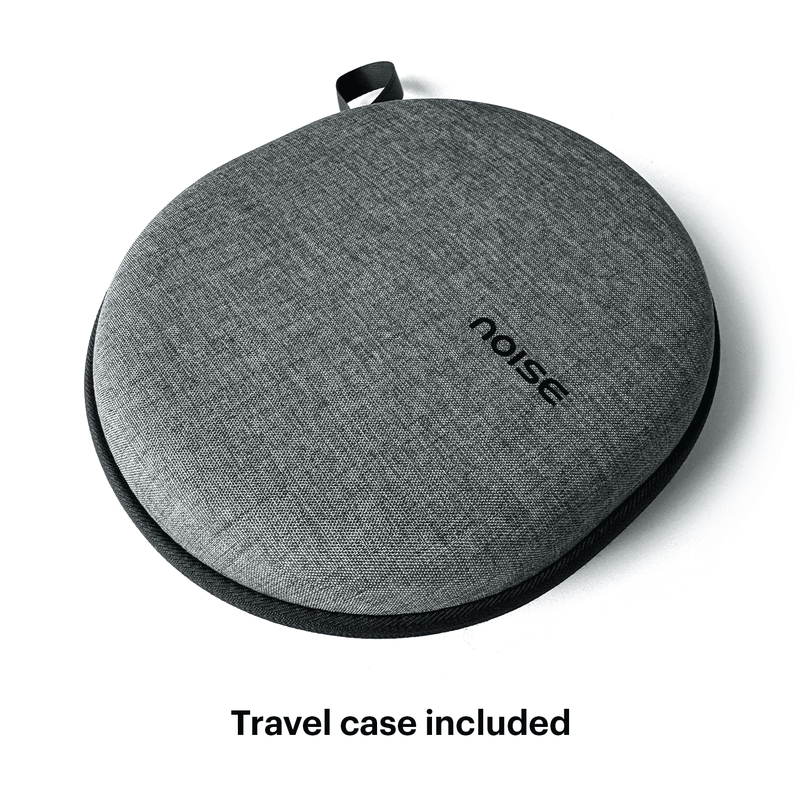
| Package Contents | 1 set of Airwave Max 6 headphones, 1 charging cable, AUX-IN wired cable, user manual, warranty card, zipper case |
| Marketed & Imported By | Nexxbase Marketing Pvt. Ltd, 15th floor, DLF City Phase 5, Two Horizon Centre, Golf Course Road, Sector 43, Gurugram, Haryana - 122002, India |
| Speaker driver | 40mm + 12mm Dual Driver |
|---|
| Wireless range | Up to 10m |
|---|---|
| Auto pairing | Yes, connects with the last paired device |
| Supported profiles | HSP,HFP, AVRCP, A2DP, BLE, SPP, SBC, AAC, LDAC |
| Compatibility | Android & iOS |
| Playtime | Up to 120 hours of playtime |
|---|---|
| Charging Time | 2 hours |
| Charging Port | C-type |
| Charging Indicator | Yes |
| Weight | 304 grams |
|---|---|
| Dimensions | 17.6 x 19.1 cm |
| Instacharge™ | 10 minutes charge = 15 hours of playtime with ANC off at 60% volume |
|---|---|
| Low latency | |
| Environmental Noise Cancellation | Yes |
| In-ear detection | No |
| Hands-free calling | Yes |
| Voice assistant | Siri, Google Assistant |
| Dual device pairing | No |
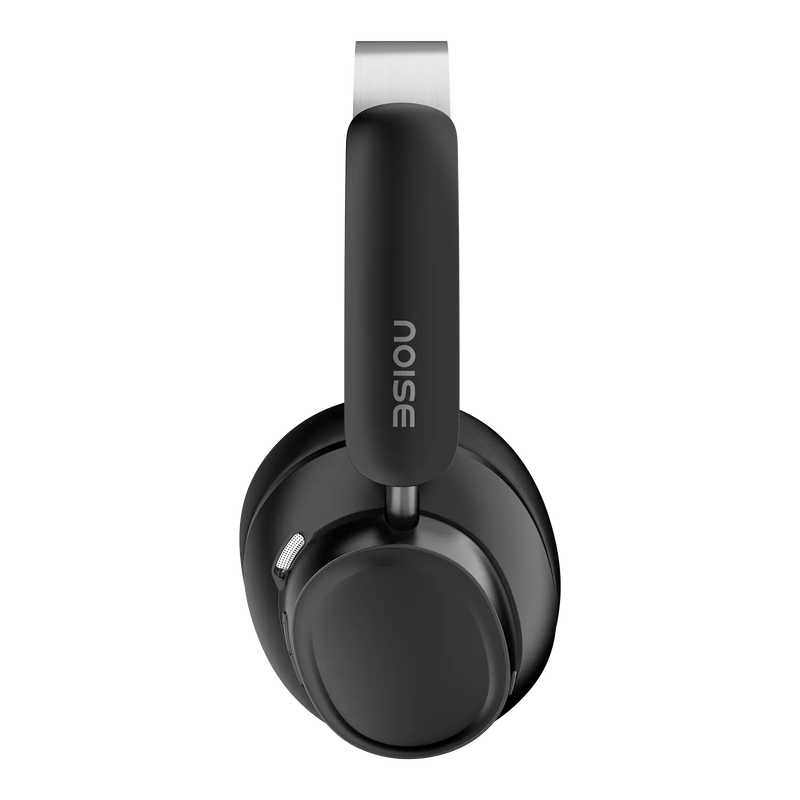
Airwave Max 6 are controlled through a multi-function button plus dedicated controls on the earcup. A single, double or long press lets you play or pause, skip tracks, answer or end calls and switch listening modes, while the mode button cycles ANC, Adaptive ANC and Transparency.
Yes. Airwave Max 6 feature Quad-mic ENC with wind cancellation, using four microphones to suppress background and wind noise so your voice is captured clearly on calls. This is especially useful outdoors or in windy conditions where single-mic headphones tend to sound muffled.
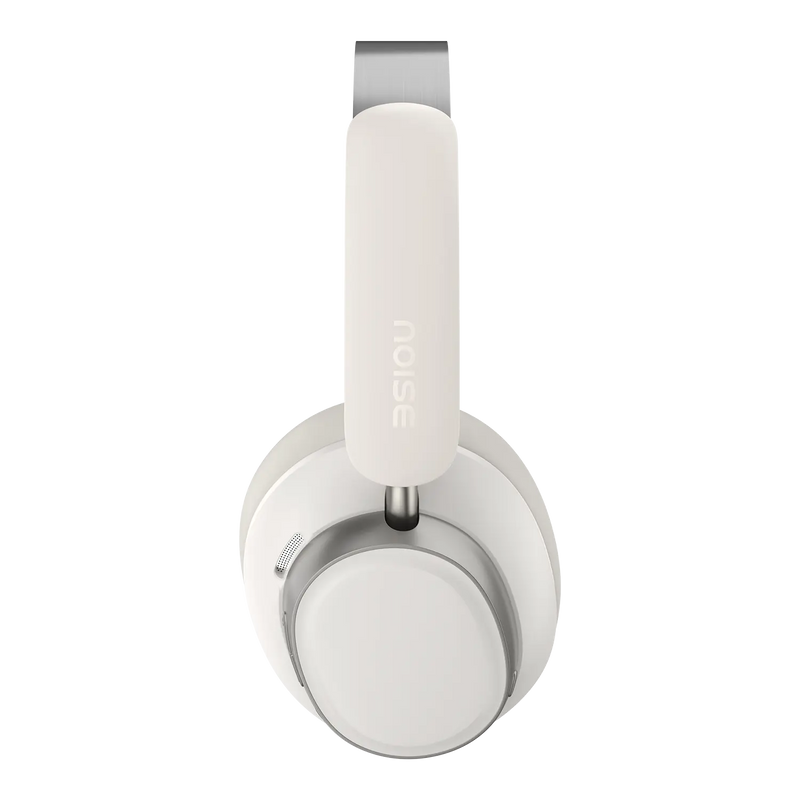
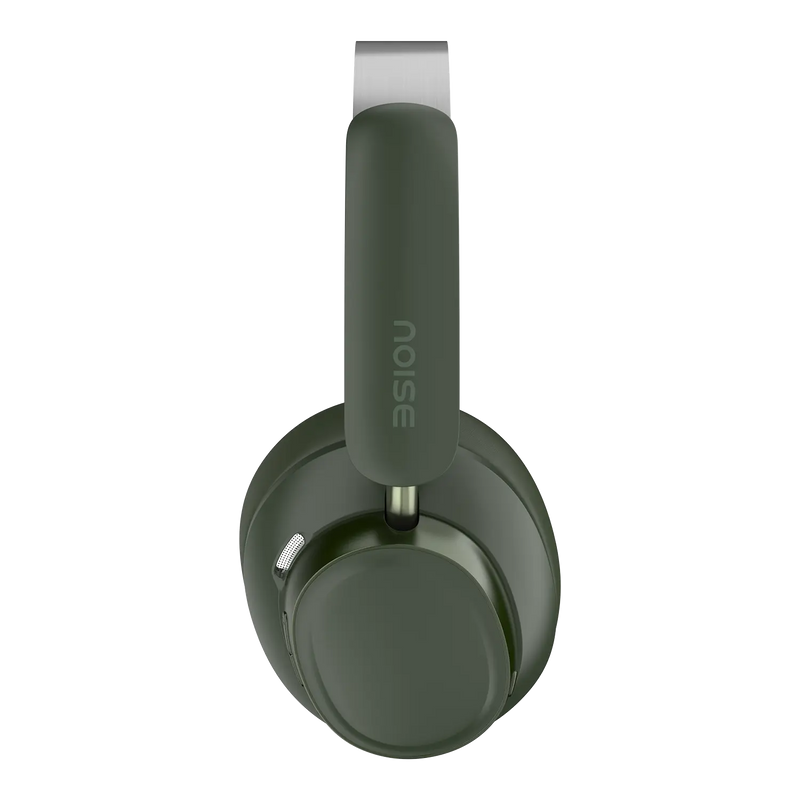
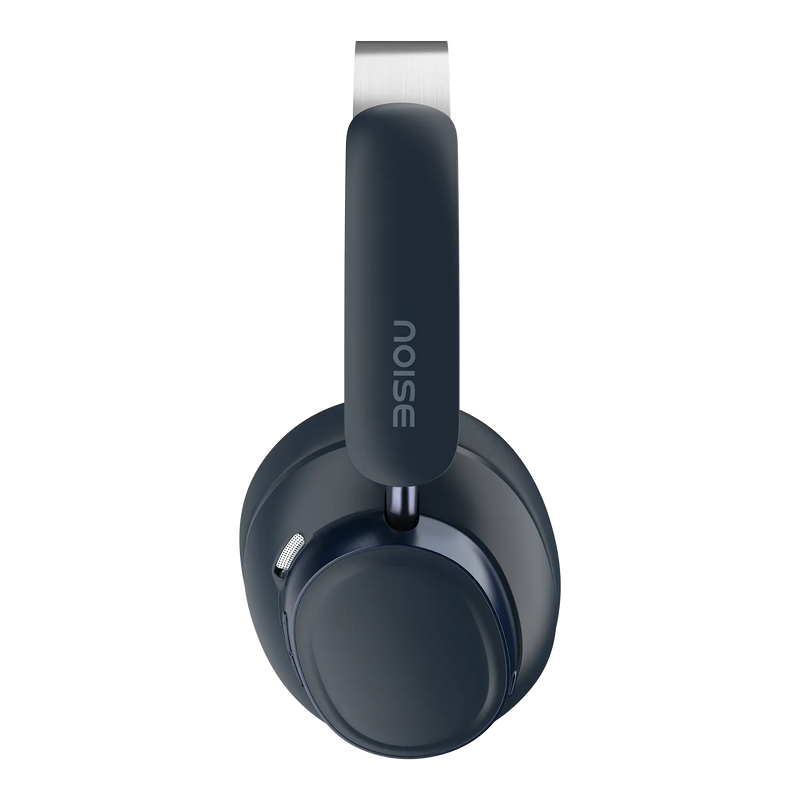
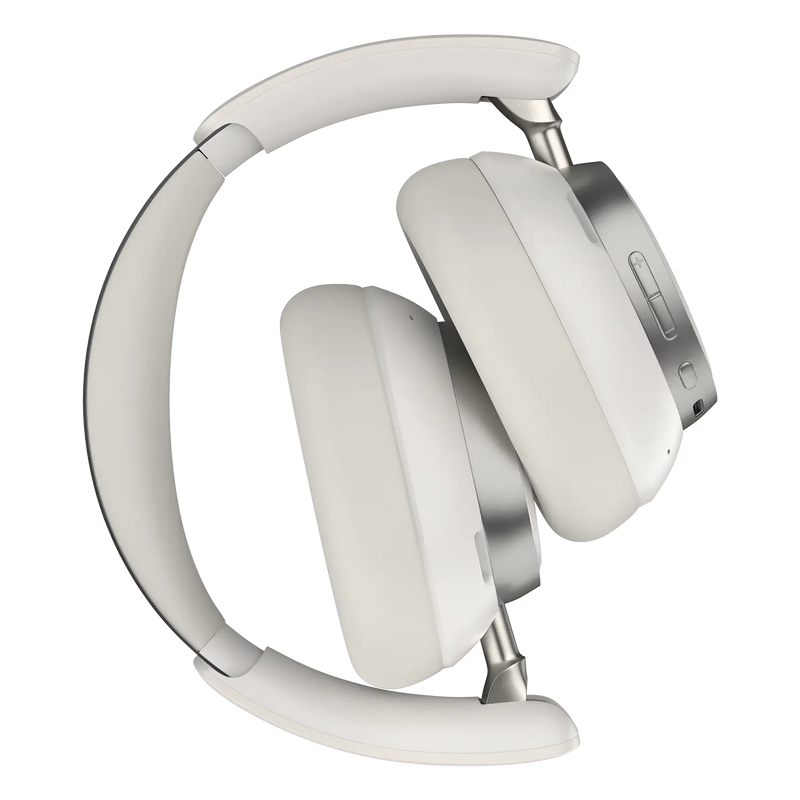
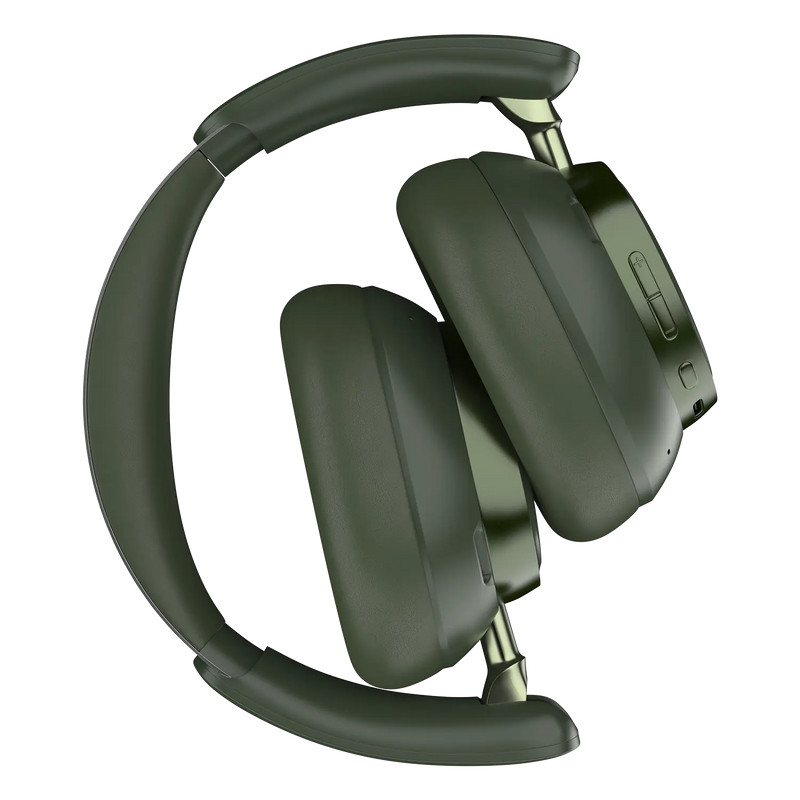
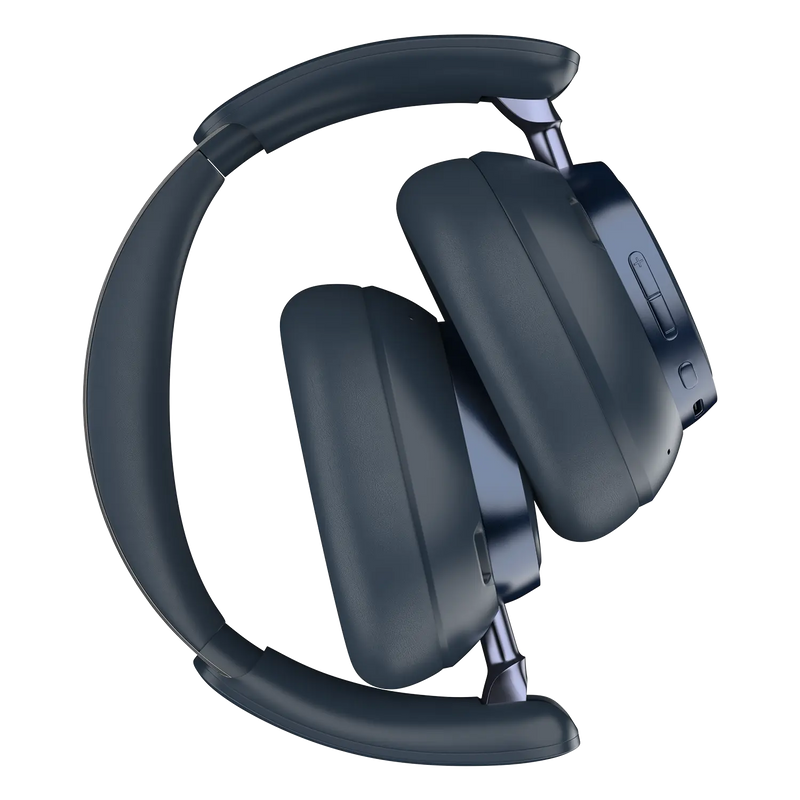
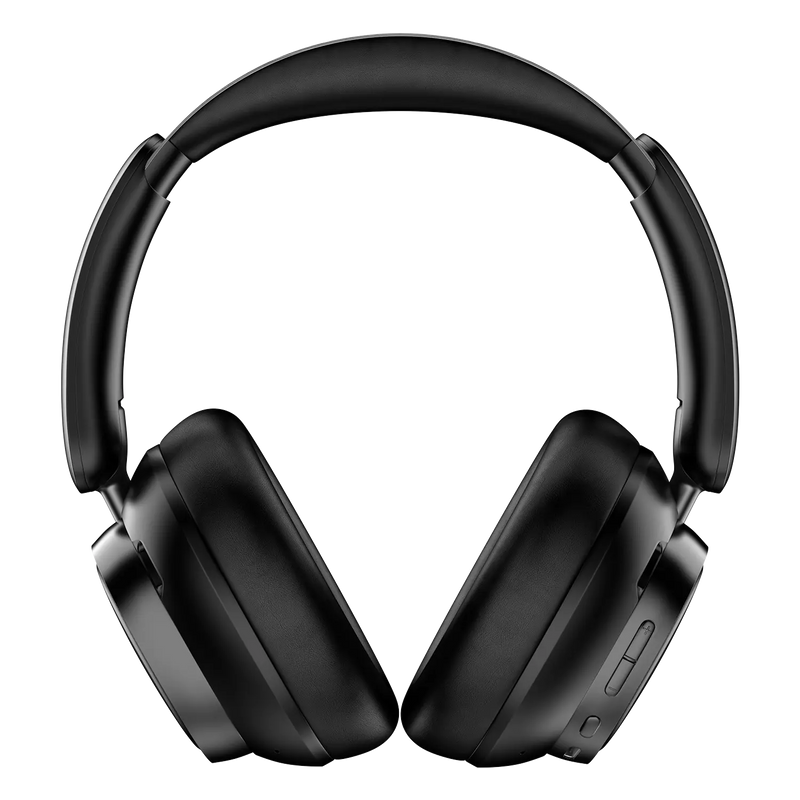
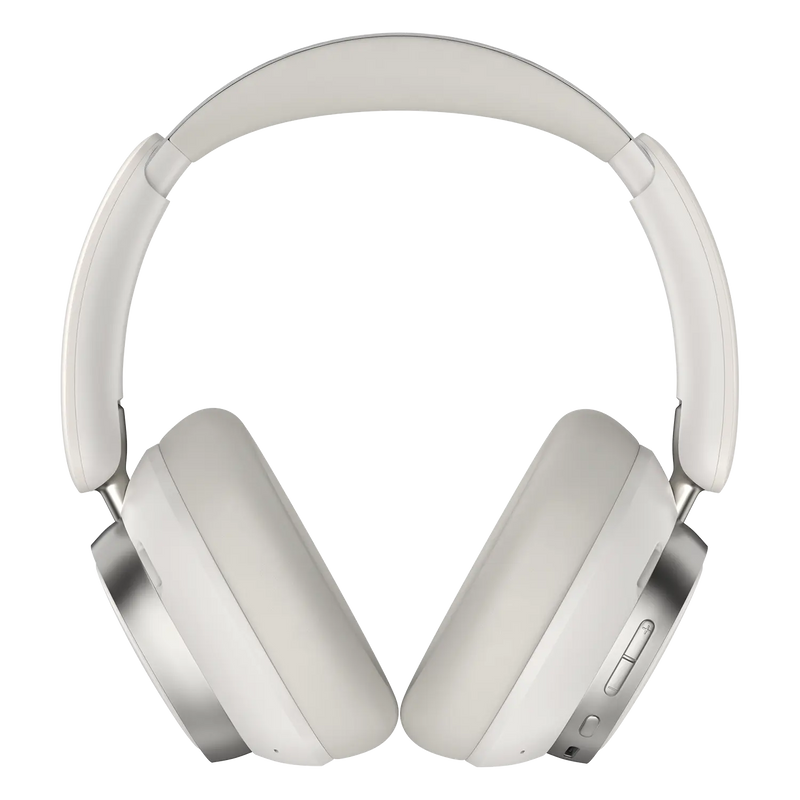
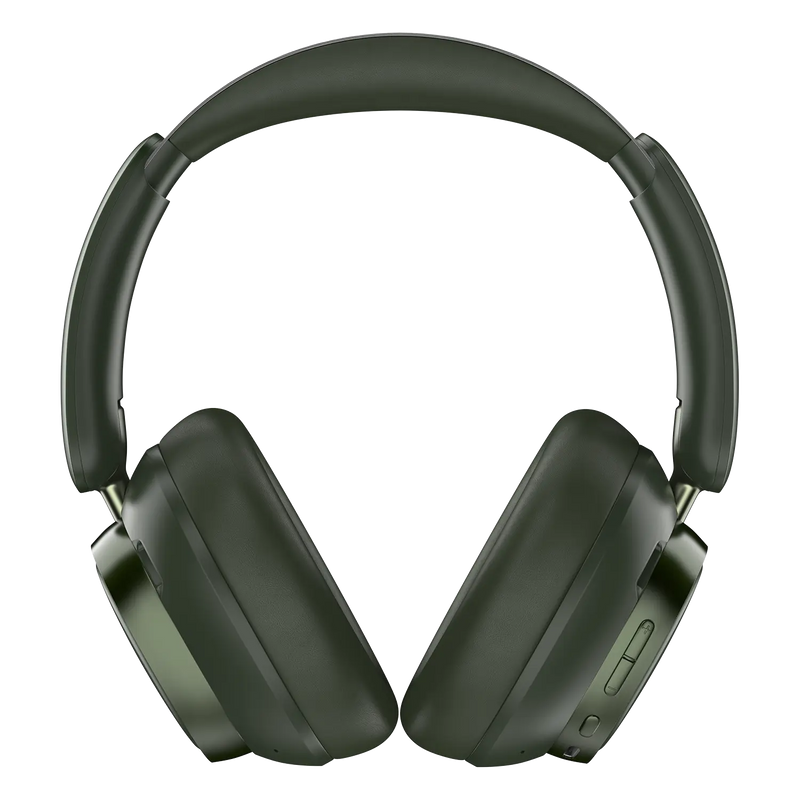
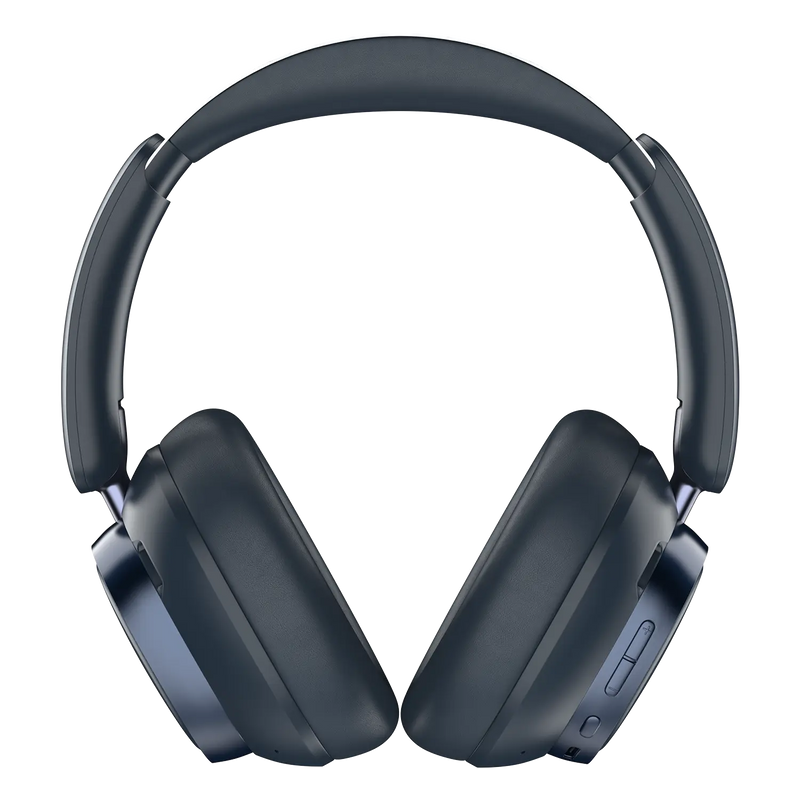
Airwave Max 6 are available in four colours: Dune White, Forest Green, Carbon Black and Cobalt Blue. Every colour carries identical audio features and battery life, so your choice is purely aesthetic. You can preview each finish and check availability on the official Noise product page.
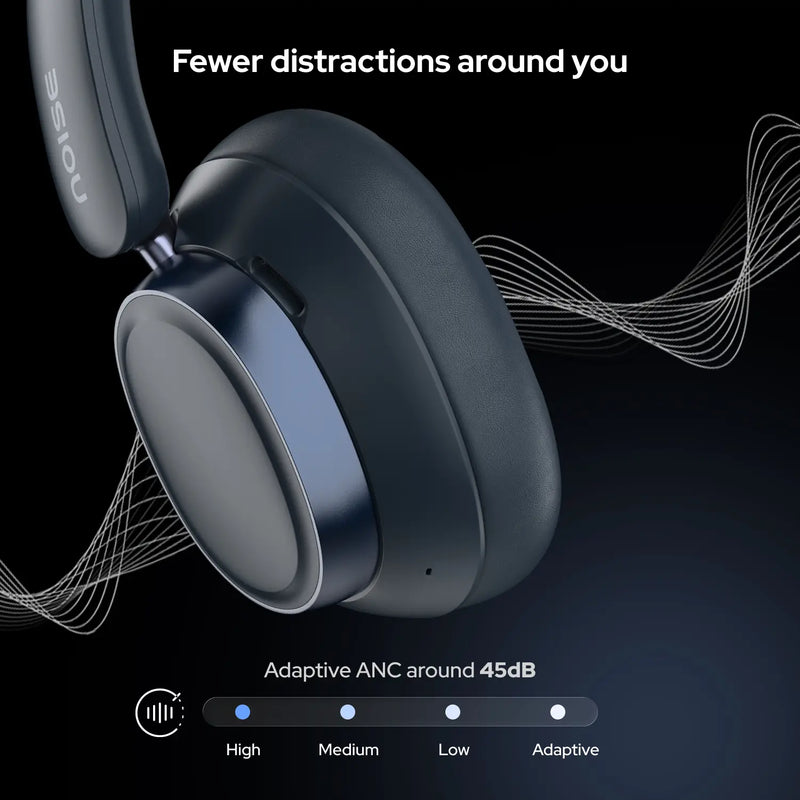
Press the mode switch button on the earcup to cycle between Active Noise Cancellation, Adaptive ANC and Normal/Transparency mode. Adaptive ANC automatically adjusts cancellation to your surroundings, while Transparency lets ambient sound in so you can stay aware of traffic or announcements.
Hi-Res LDAC is an advanced Bluetooth audio codec that streams music at a much higher bitrate than standard codecs, delivering studio-quality sound with fuller detail, deeper bass and greater precision. On Airwave Max 6 it lets you hear tracks closer to how they were mastered, provided your phone and streaming source also support LDAC.
Spatial Audio creates a three-dimensional soundstage that makes music and video feel more immersive, as if the sound is coming from around you rather than flatly from the earcups. It adds a sense of space and depth, making Airwave Max 6 feel closer to a live or cinema listening experience.
The Airwave Max 6 box typically includes the headphones, a charging cable, an audio cable where applicable, a user manual and a warranty card. For the exact accessories shipped with your unit, refer to the pack contents listed on the official Noise product page.
Yes. Airwave Max 6 pair with laptops and computers over Bluetooth, and the Quad-mic ENC with wind cancellation keeps your voice clear on video calls and online meetings. Once connected, select the headphones as both the audio output and microphone in your meeting app's settings.
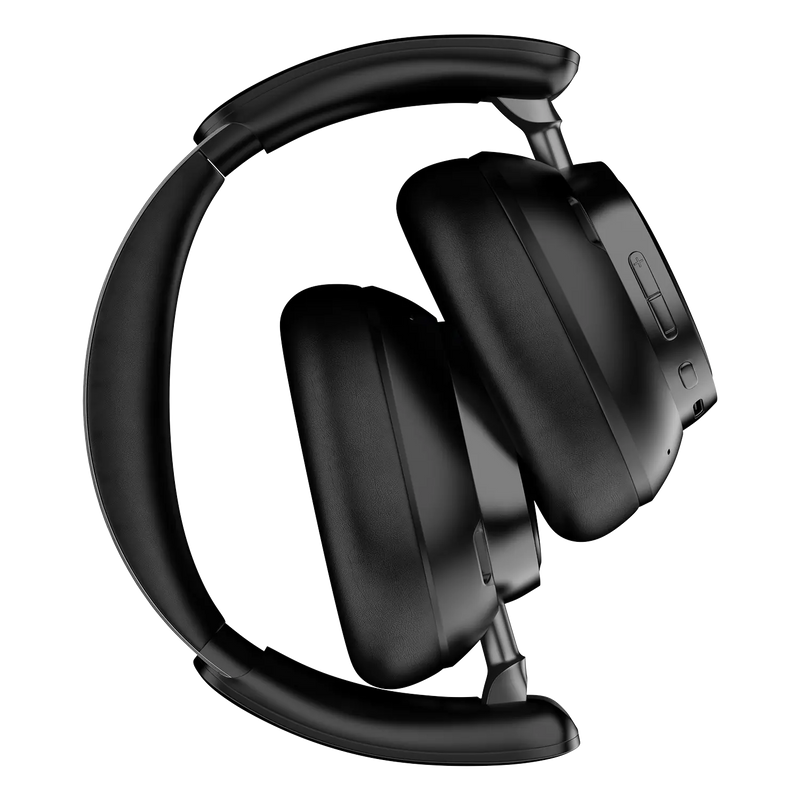
Airwave Max 6 are designed for portability with a lightweight over-ear build. For details on folding, the included carry pouch or case and travel dimensions, check the pack contents and specifications on the official Noise product page before you buy.
Yes. Airwave Max 6 are compatible with both iPhone (iOS) and Android smartphones over Bluetooth, and connect to laptops, tablets and computers with Bluetooth as well. No dedicated app is required to start listening — pair once from your device's Bluetooth menu and you are ready to go.
Airwave Max 6 are best paired over Bluetooth v6.0 for a fast, stable link, and also support phones on older versions such as Bluetooth v4.0. The wireless range is up to 10 metres in open space; walls and obstacles between the headphones and your device will reduce the effective range.
Yes. Airwave Max 6 let you call up your phone's voice assistant — Siri on iPhone or Google Assistant on Android — from the headphones, so you can make calls, set reminders, check the weather or control playback hands-free without reaching for your phone.
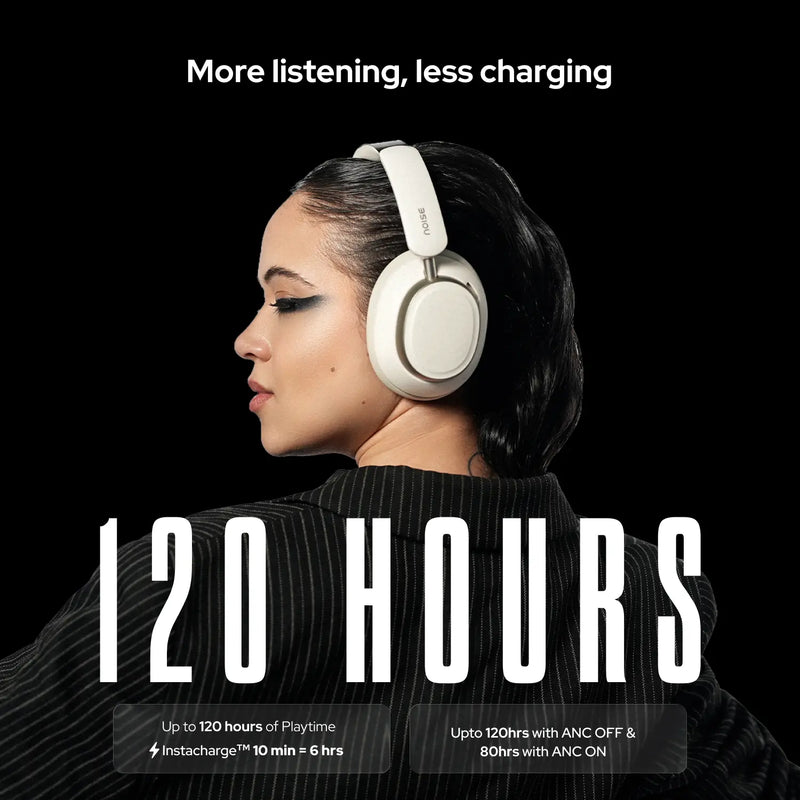
Airwave Max 6 deliver up to 120 hours of playback with ANC off at 60% volume, and recharge fully in about 2 hours. With Instacharge, a 10-minute charge gives up to 15 hours of playback. You can charge from a PC, laptop or any 5V/1A charger using the supplied cable.
Check that the charging cable and adapter work, use a 5V/1A source or a PC USB port, and make sure the port on the headphones is clean. Allow a few minutes for charging to begin. If they still do not charge, raise a request at gonoise.com/pages/register-your-complaint.
Press and hold the power button for about 2 seconds to switch the headphones on or off. When switched on, they enter pairing mode the first time or reconnect automatically to your last paired device. The LED indicator confirms the power state while turning on or off.
Before pairing, ensure your Airwave Max 6 and the device are next to each other. Press and hold the power button for 2 seconds to turn on the headphones. The LED will flash white indicating that the headphones are in pairing mode. Turn on the Bluetooth of your device and go to the Bluetooth menu. Search and select Airwave Max 6 to pair. The LED will turn off once paired. Your Airwave Max 6 Bluetooth headphones are now ready to use.
Note: The headphones will automatically connect to the last paired devices.
If only one earcup plays audio, first check the balance setting on your phone is centred, then power the headphones off and on and reconnect. A reset (holding + and - together for 7 seconds) usually restores both sides. If it persists, raise a ticket at support.gonoise.com.
To reset Airwave Max 6, press and hold the + and - buttons simultaneously for about 7 seconds until a prompt confirms the headphones have been reset. After resetting, remove the old Bluetooth entry from your phone and pair again from scratch to restore a clean connection.a
Yes. Airwave Max 6 come with a 1-year manufacturing warranty from the date of delivery, covering manufacturing defects under normal use. Register at gonoise.com/pages/warranty-registration and keep your order invoice, as it may be needed when you make a warranty claim.