Noise Airwave Max 2 Wireless Headphone
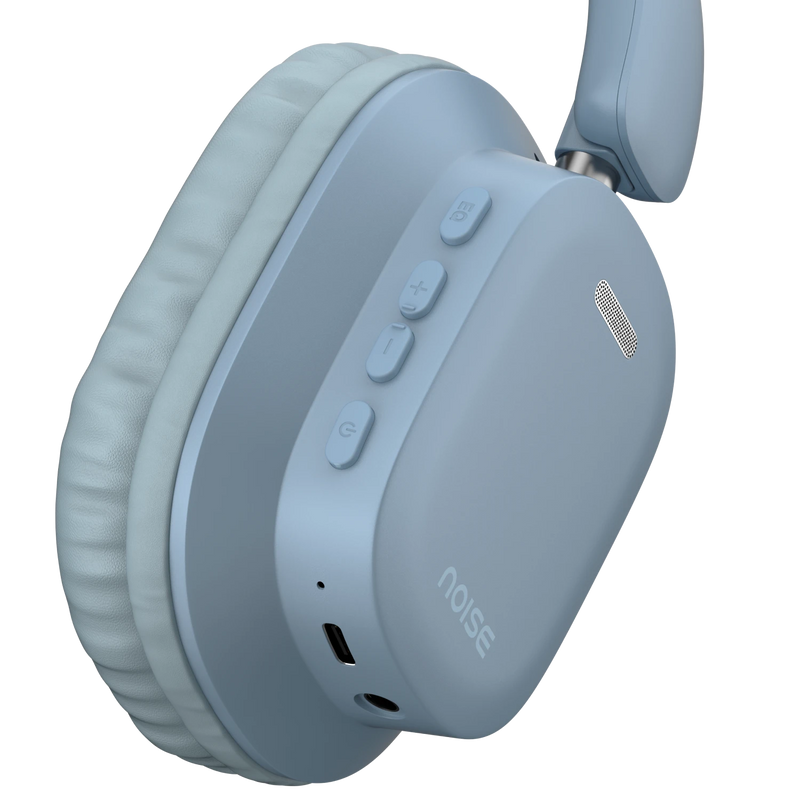
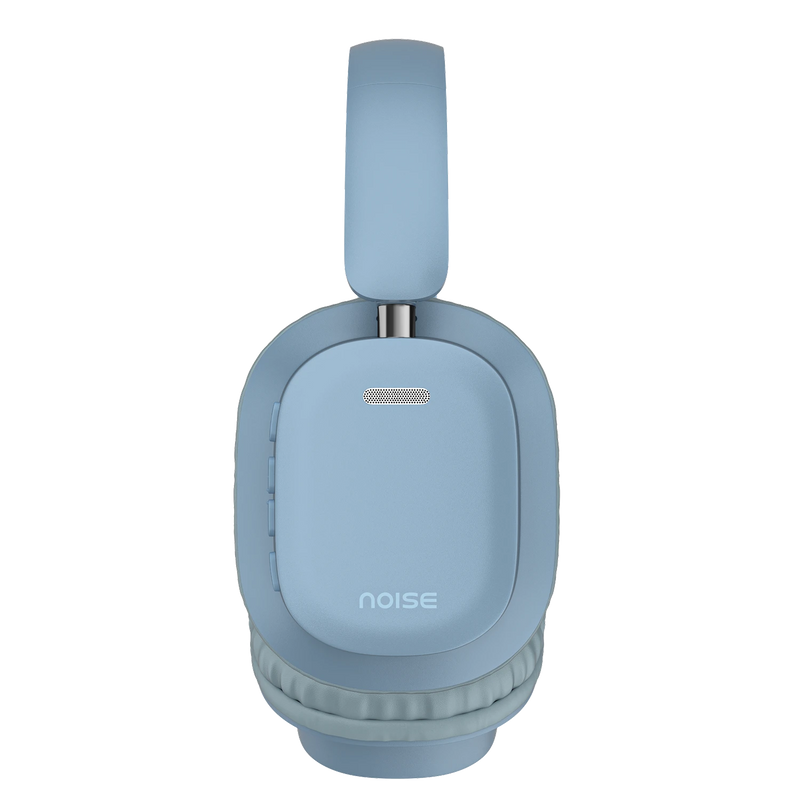
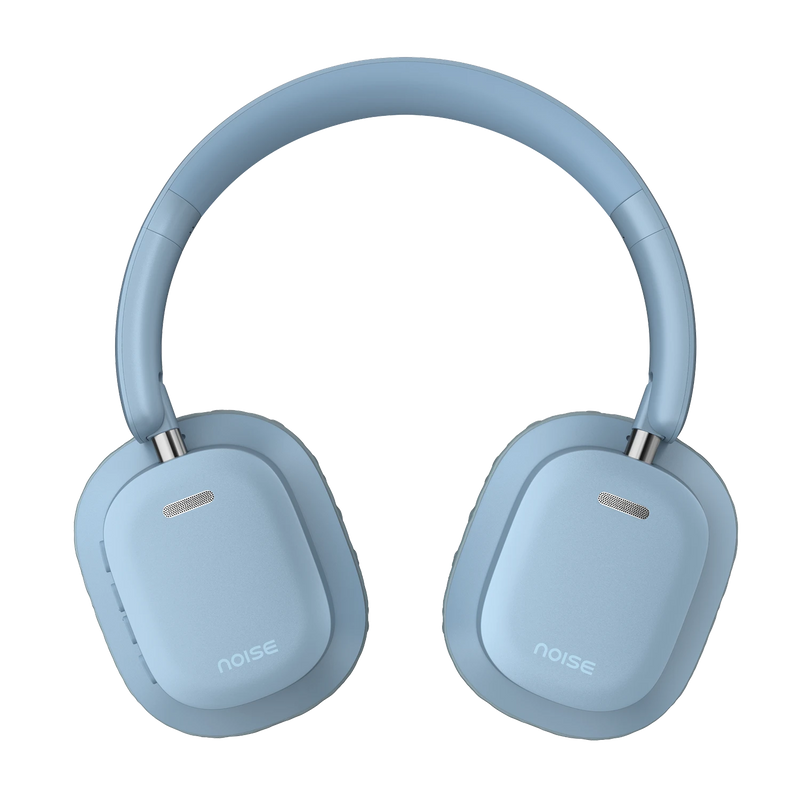
Quick Specifications
| Bass | Yes |
|---|---|
| Preset EQ modes | Bass, Vocals, and Balanced |
| Playtime | Up to 50 hours |
| Fast Charging | Yes (Instacharge™: 10 min = 180 min playtime) |
| BT | v5.3 |
| Speaker driver | 40mm |
| Dual device pairing | Yes |
| Low latency | Up to 40ms |
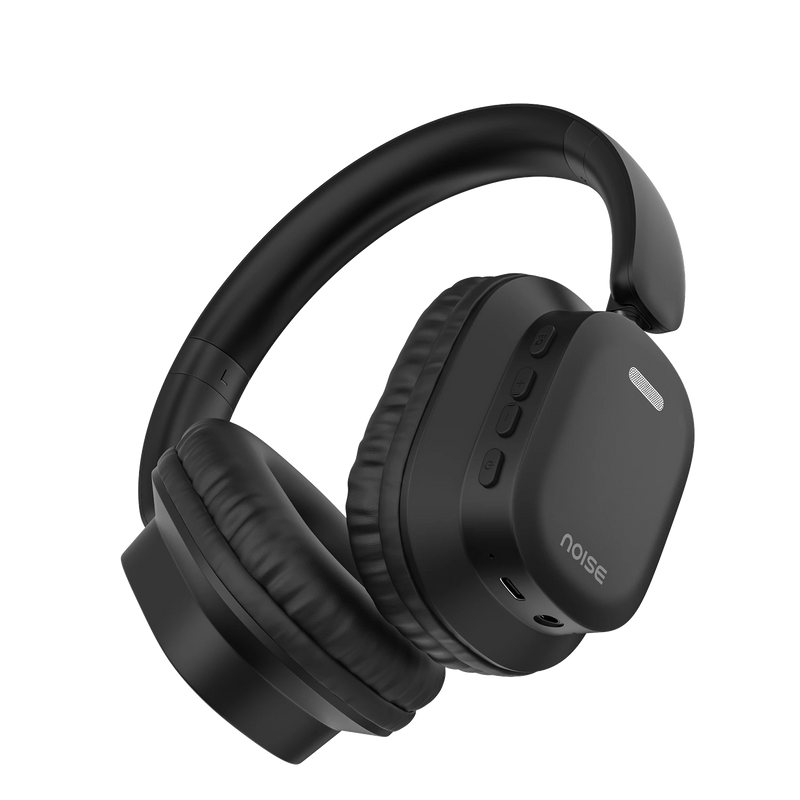
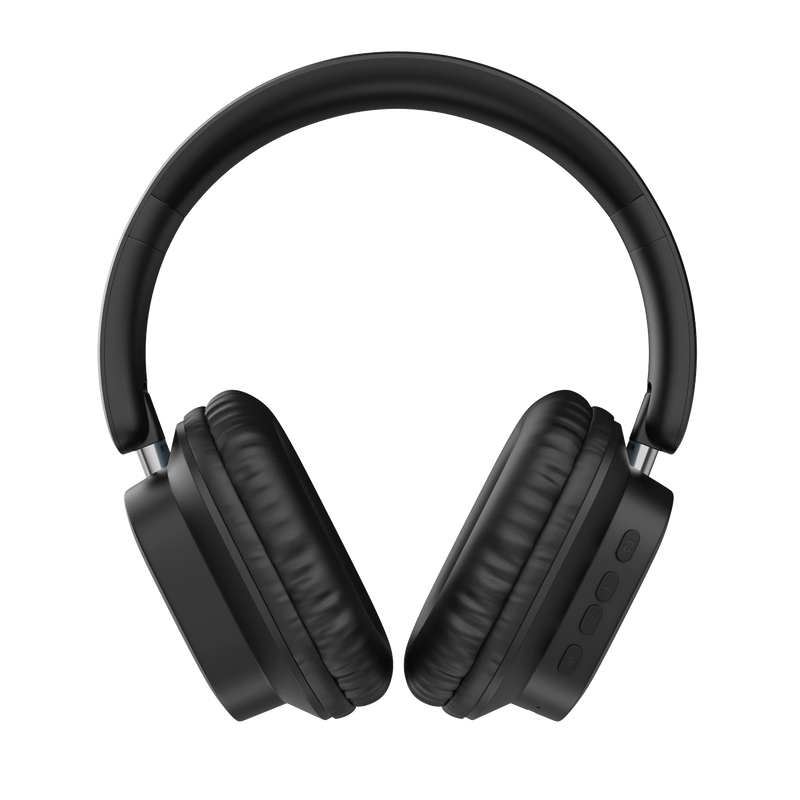
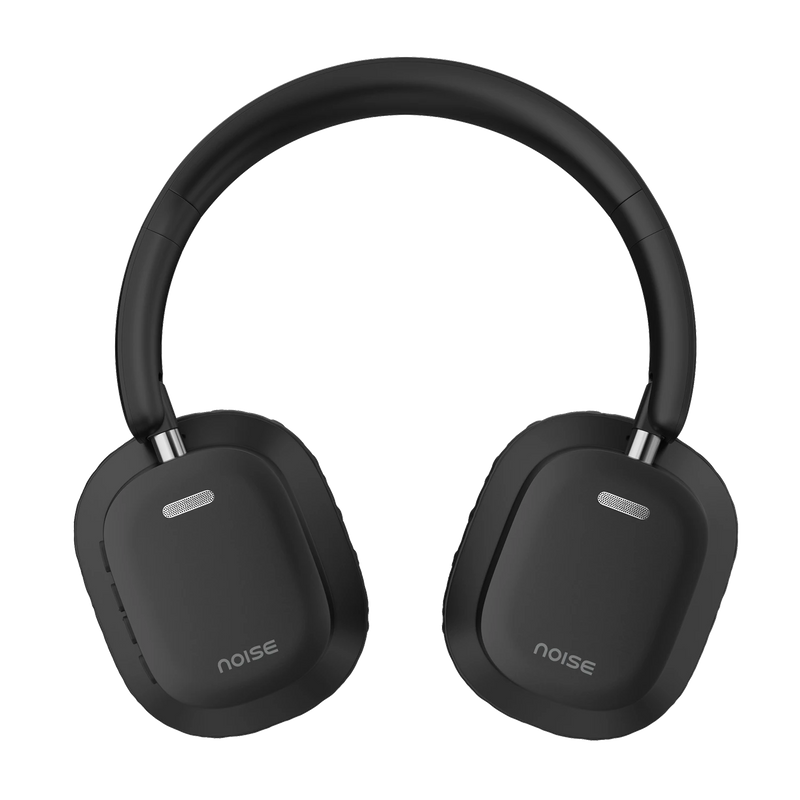
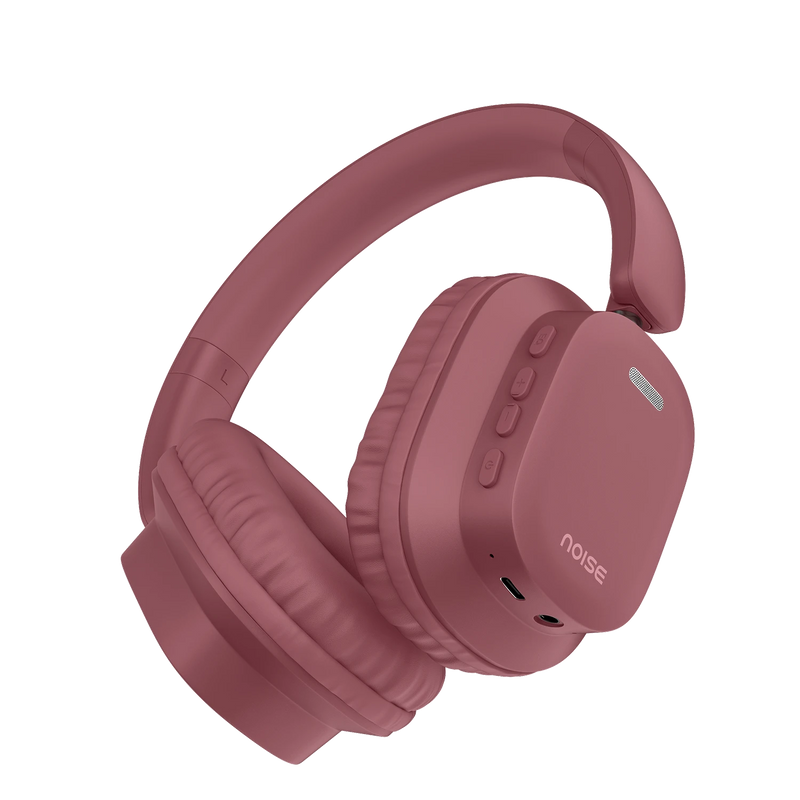
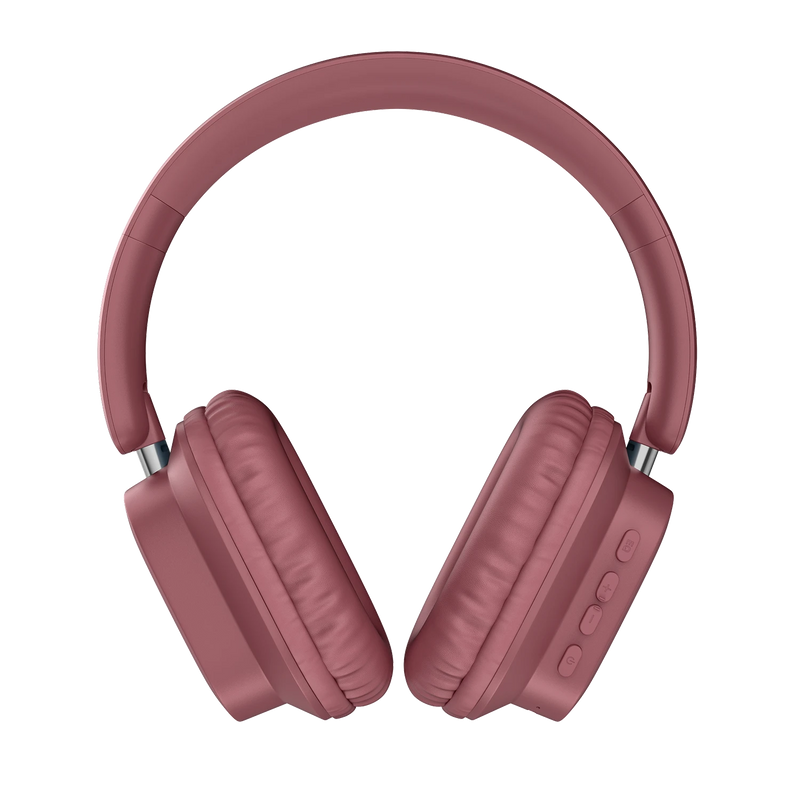
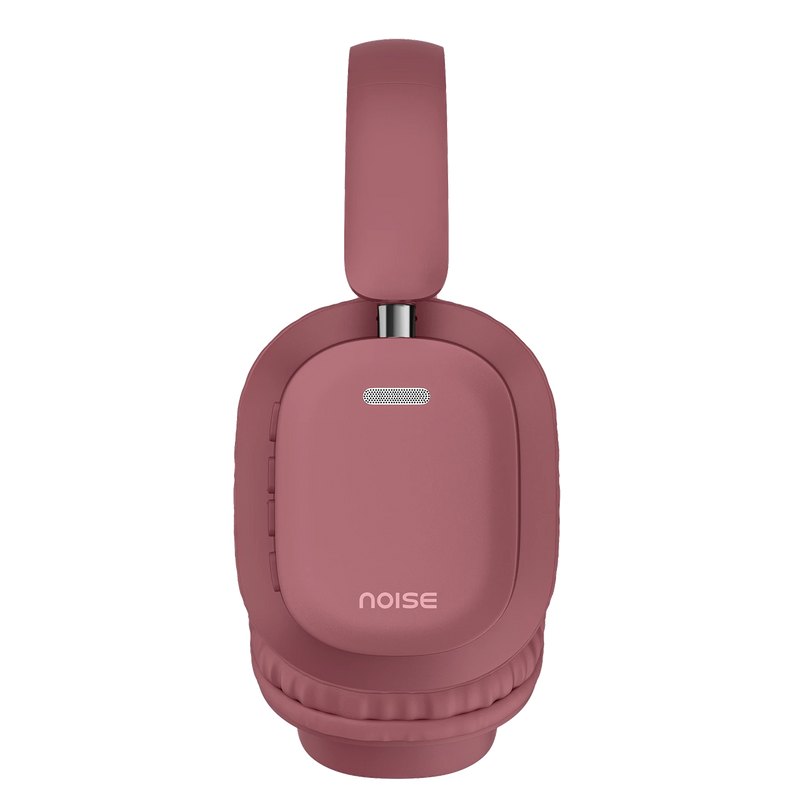
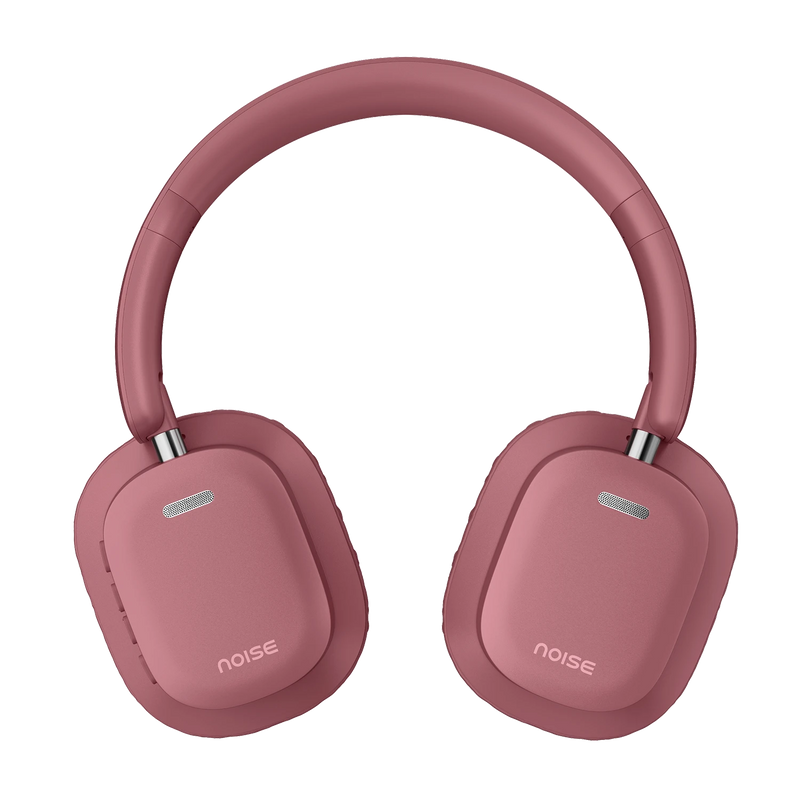
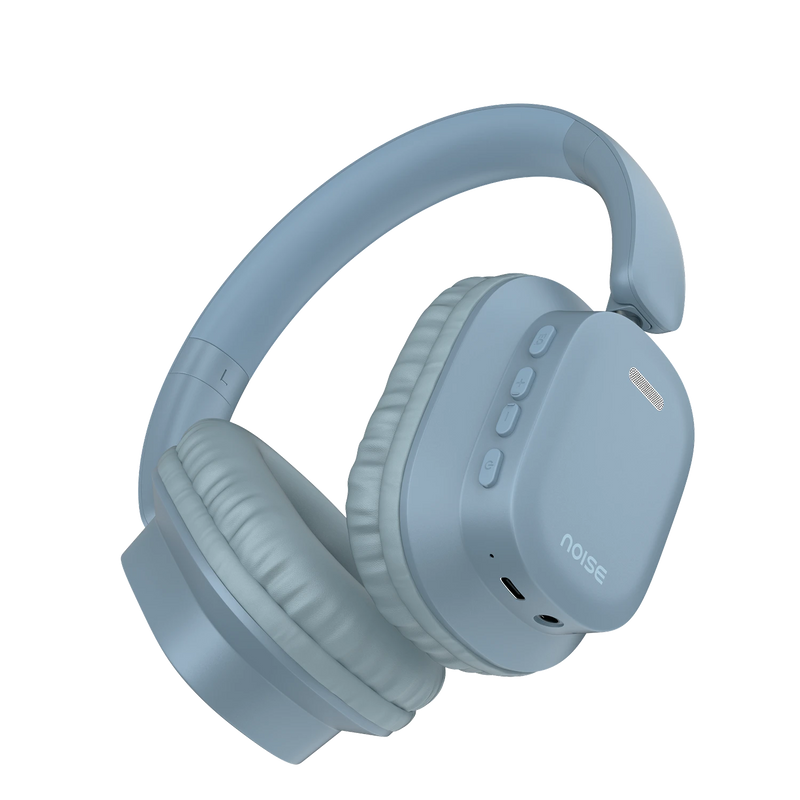
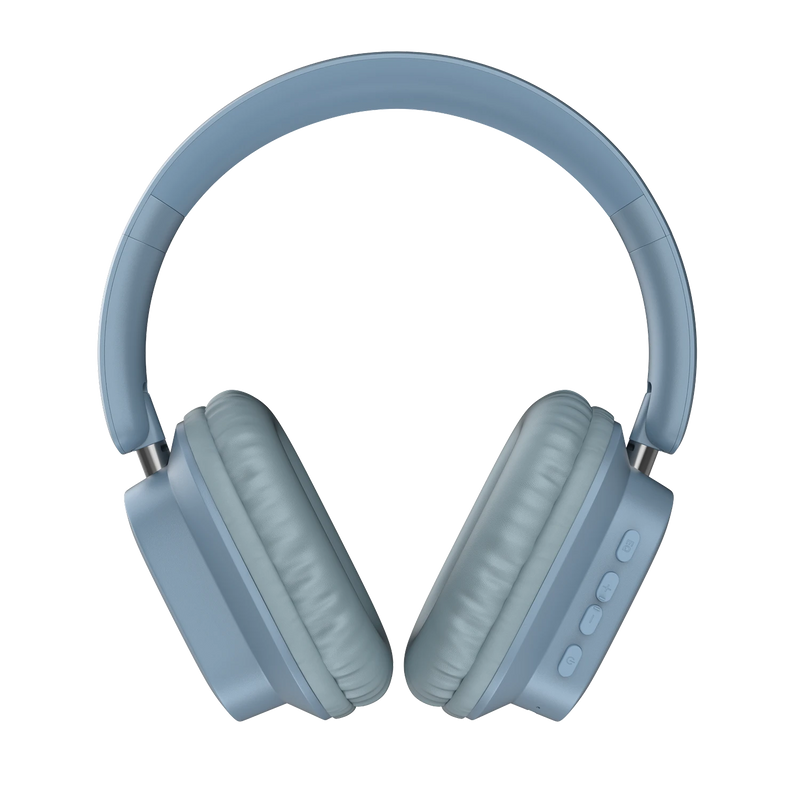
| Colors | Bold Black, Serene Blue, Burgundy |
| Charging time | 1.5 hours |
| Dual-device pairing | Yes |
Specification
| Country of Origin | P.R.C. |
|---|---|
| Package Contents | 1 set of Airwave Max 2 headphones, charging cable, aux cable, 1 user manual, 1 warranty card |
| Marketed & Imported By | Nexxbase Marketing Pvt. Ltd, Khasra No-146/25/2/1, Jail Road Badshahpur, Gurugram Haryana-122101 |
AUDIO
| Speaker driver | 40mm |
|---|---|
| EQ modes | 3 presets (Bass, Vocals, Balanced) |
CONNECTIVITY
| BT | v5.3 |
|---|---|
| Wireless range | 10m |
| Auto pairing | Yes |
| Supported profiles | Compatibility: Android & iOS |
BATTERY & CHARGING
| Playtime | Up to 50 hours |
|---|---|
| Charging Time | 1.5 hours |
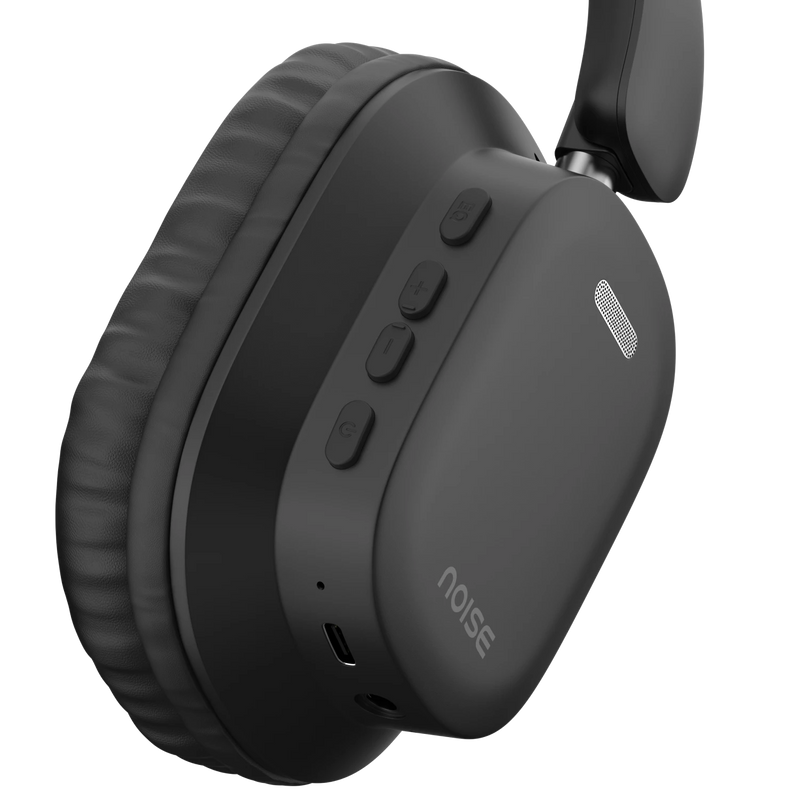
| Charging Port | Type-C |
| Charging Indicator | Yes |
PHYSICAL SPECIFICATION
| Weight | 202 grams |
|---|---|
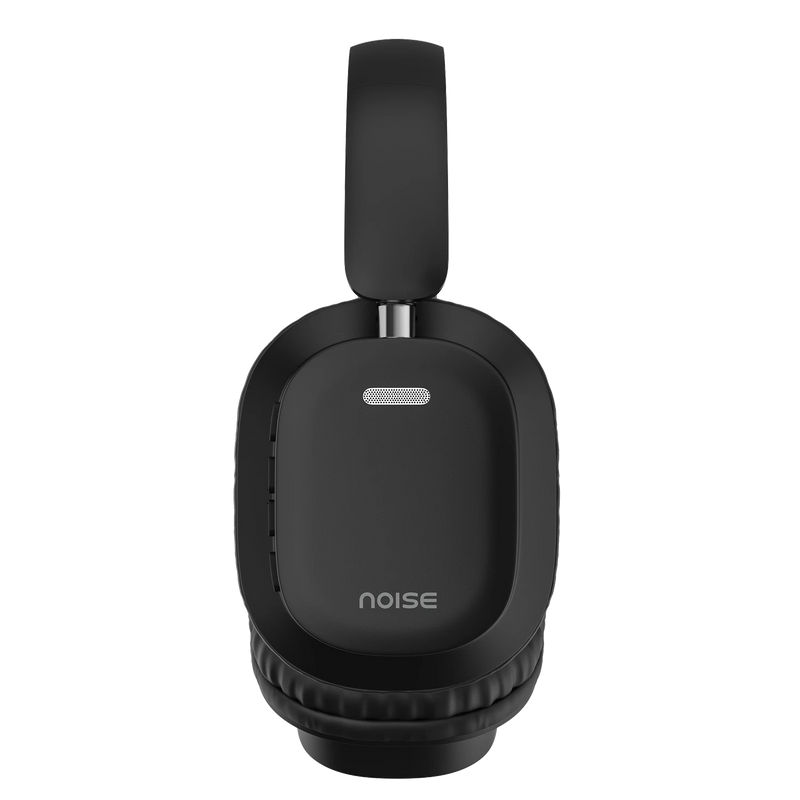
| Dimensions | 19.5 x 17.5 x 8 cm |
ADDITIONAL FEATURES
| Instacharge™ | 10 minutes of charge = 180 minutes of playtime |
|---|---|
| Low latency | Up to 40ms |
| Durafold Tech | Yes |
| Dual device pairing | Yes |
FAQs
ABOUT THE PRODUCT
How do I control the headphones?
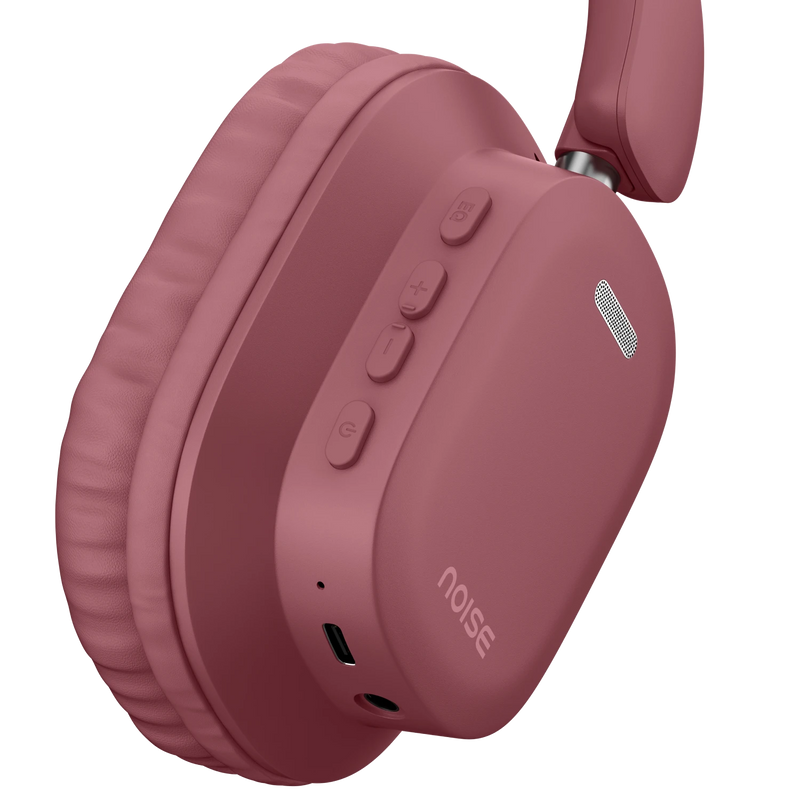
You can control the functions through buttons on your headphones.
Does the Airwave Max 2 have different sound modes?
Yes, it comes with three preset EQ modes: Bass, Vocals, and Balanced, so you can switch the sound to match what you're listening to.
What is Durafold Tech?
Durafold Tech is a durability-focused build that helps the headphones handle everyday use: bags, desks, and daily handling without losing shape.
What are the colour options?
Airwave Max 2 comes in 3 colours: Bold Black, Serene Blue, and Burgundy.
COMPATIBILITY
Is Airwave Max 2 compatible with iPhones?
Yes, they are compatible with iPhones.
Is Airwave Max 2 compatible with Android smartphones?
Yes, the headphones are compatible with Android smartphones.
Can Airwave Max 2 be connected to a laptop/computer?
Yes, it can be connected to a laptop/computer via Bluetooth.
Can Airwave Max 2 be connected to more than one device at a time?
Yes, Airwave Max 2 supports dual device pairing.
What is the BT range of the headphones?
10 metres
Can I use Siri/Google Assistant?
Yes
BATTERY & CHARGING
What is the battery backup?
The total battery backup of the headphones is up to 50 hours.
How much time does it take to charge?
For a full charge, it takes up about 1.5 hours.
Does Airwave Max 2 have a fast charging provision?
Yes, it comes with Instacharge™: 10 minutes of charge gives you 180 minutes of playtime.
In case the headphones are not charging, what do I do?
You can reach out to us at the following link: https://www.gonoise.com/pages/register-your-complaint
Can I charge Airwave Max 2 with my PC/laptop?
Yes, via any 5V/1A charger
GETTING STARTED
How do I turn the Airwave Max 2 on and off?
Press and hold the power button for 3 seconds to power on or off.
How to pair Airwave Max 2 with my smartphone?
Before pairing, ensure your Airwave Max 2 and the device are next to each other. Turn on the headphones and they will enter pairing mode. Turn on the Bluetooth of your device and go to the Bluetooth menu. Search and select Airwave Max 2 to pair. Your Airwave Max 2 headphones are now ready to use.
Note: The headphones will automatically connect to the last paired device.
TROUBLESHOOTING
Only one side is working, what do I do?
Please raise a support ticket at support.gonoise.com.
How do I reset Airwave Max 2?
Press and hold the volume+ and volume- buttons for about 5 seconds to reset your device.
WARRANTY REGISTRATION
Is there a warranty for this product?
Yes, there is a 1-year manufacturing warranty from the date of delivery of the product.
Where do I register for the product warranty?
Please follow the link to register for the warranty. https://www.gonoise.com/pages/warranty-registration
Is Airwave Max 2 compatible with iPhones? Yes, they are compatible with iPhones.Is Airwave Max 2 compatible with Android smartphones? Yes, the headphones are compatible with Android smartphones.Can Airwave Max 2 be connected to a laptop/computer? Yes, it can be connected to a laptop/computer via Bluetooth.Can Airwave Max 2 be connected to more than one device at a time? Yes, Airwave Max 2 supports dual device pairing.What is the BT range of the headphones? 10 metres Can I use Siri/Google Assistant?Yes
,What is the battery backup? The total battery backup of the headphones is up to 50 hours. How much time does it take to charge? For a full charge, it takes up about 1.5 hours.Does Airwave Max 2 have a fast charging provision? Yes, it comes with Instacharge™: 10 minutes of charge gives you 180 minutes of playtime.In case the headphones are not charging, what do I do? You can reach out to us at the following link: https://www.gonoise.com/pages/register-your-complaintCan I charge Airwave Max 2 with my PC/laptop?Yes, via any 5V/1A charger
,How do I turn the Airwave Max 2 on and off? Press and hold the power button for 3 seconds to power on or off. How to pair Airwave Max 2 with my smartphone? Before pairing, ensure your Airwave Max 2 and the device are next to each other. Turn on the headphones and they will enter pairing mode. Turn on the Bluetooth of your device and go to the Bluetooth menu. Search and select Airwave Max 2 to pair. Your Airwave Max 2 headphones are now ready to use.Note: The headphones will automatically connect to the last paired device.
,Only one side is working, what do I do? Please raise a support ticket at support.gonoise.com.How do I reset Airwave Max 2? Press and hold the volume+ and volume- buttons for about 5 seconds to reset your device.
,Is there a warranty for this product? Yes, there is a 1-year manufacturing warranty from the date of delivery of the product.Where do I register for the product warranty? Please follow the link to register for the warranty. https://www.gonoise.com/pages/warranty-registration