Noise Air Clips Pro OWS Open Ear Headphone
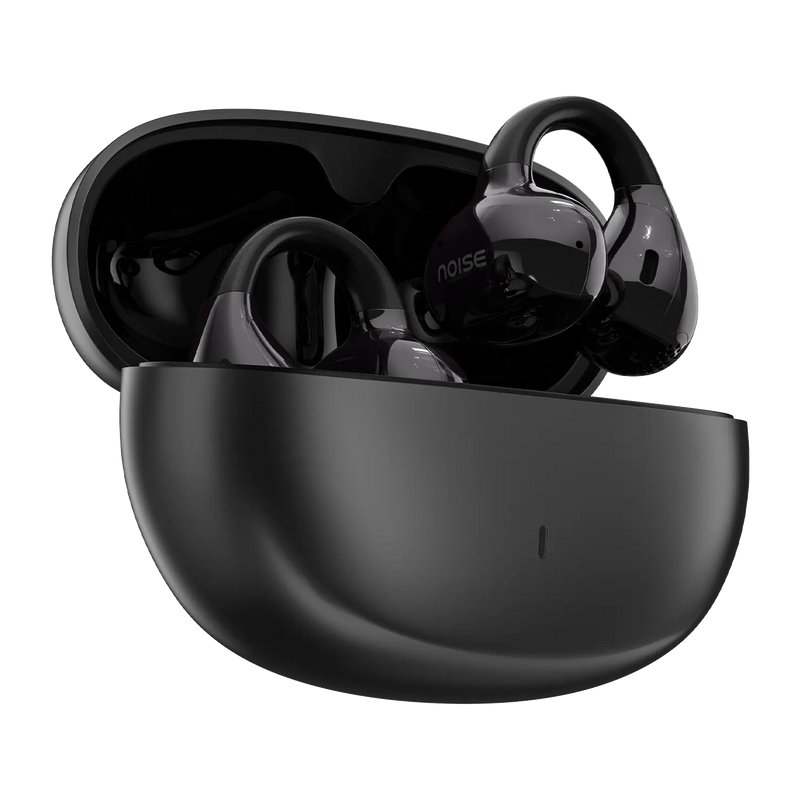
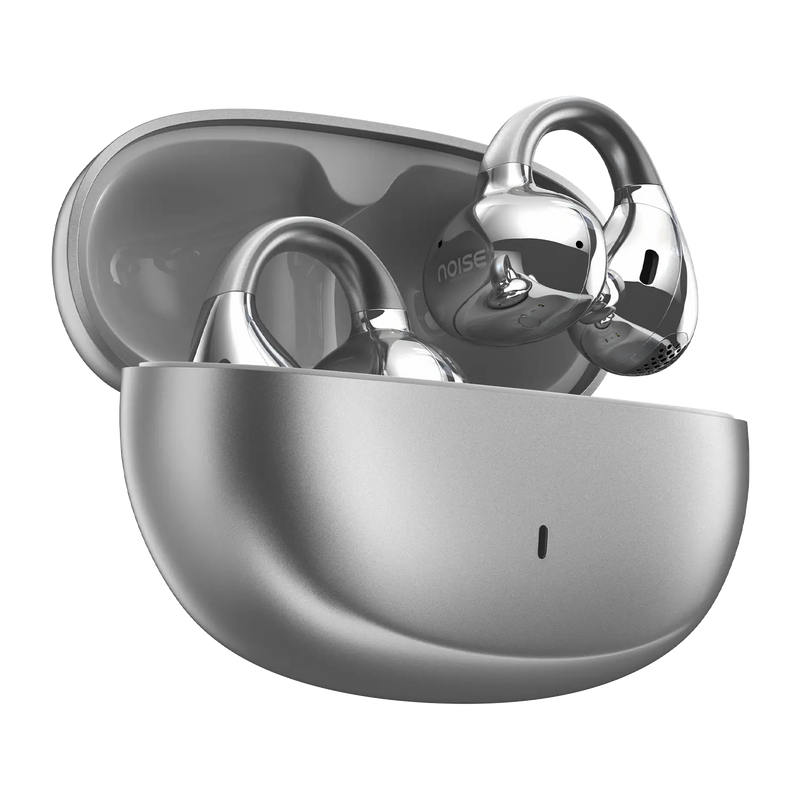
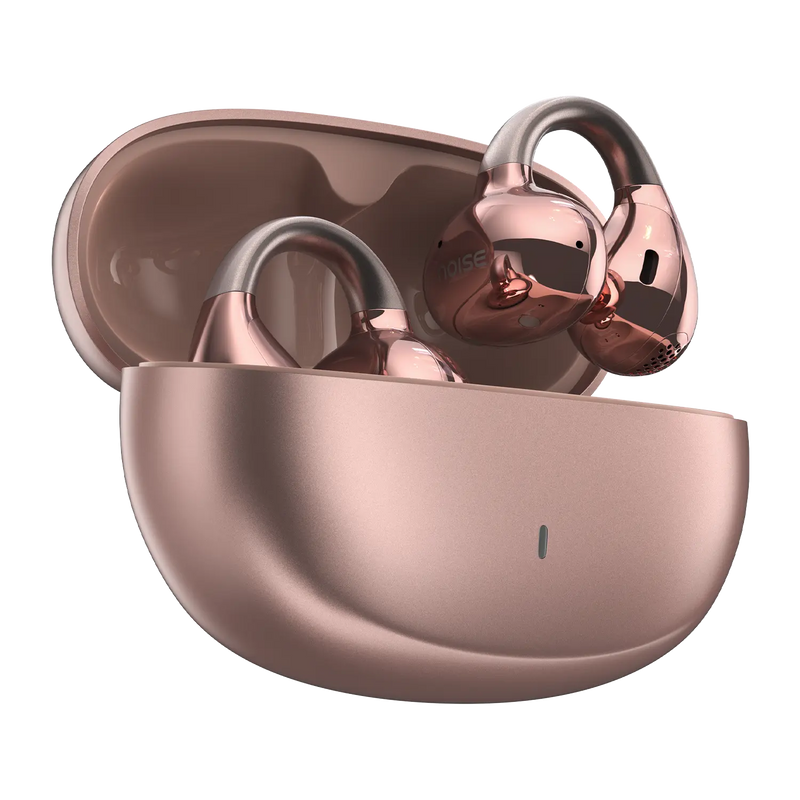
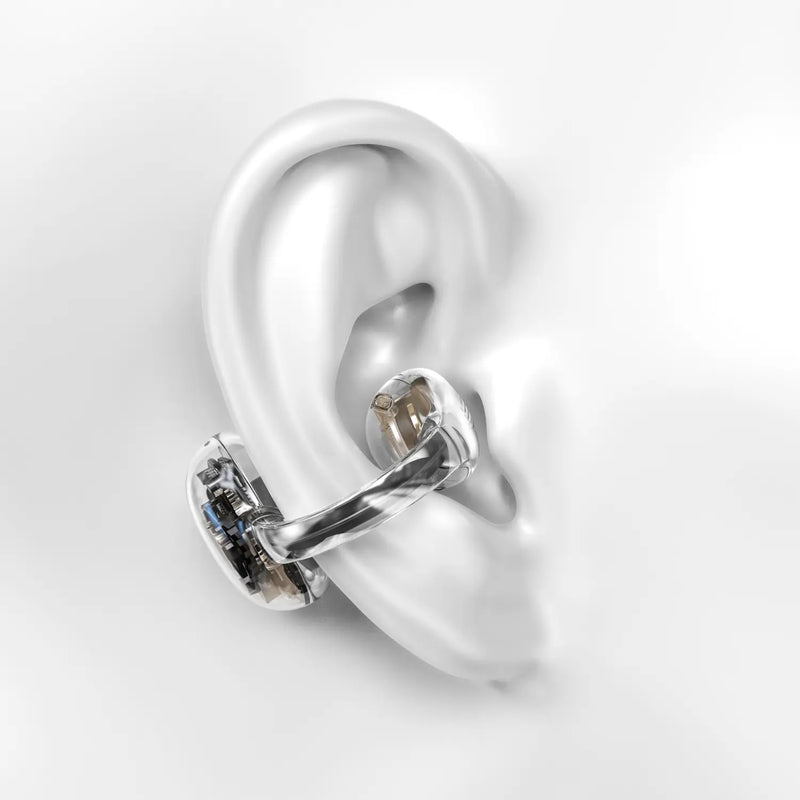
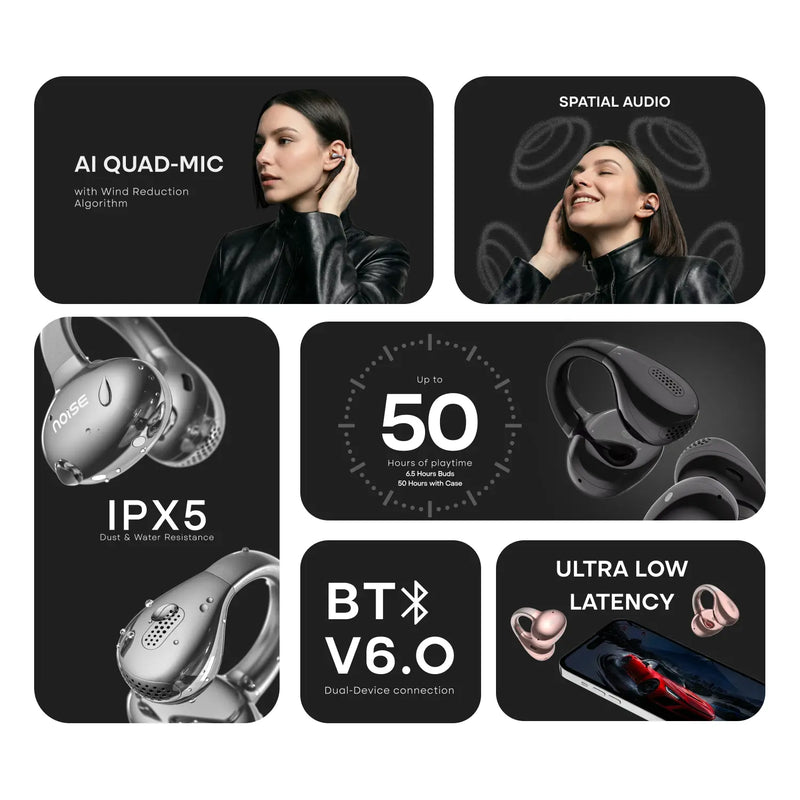
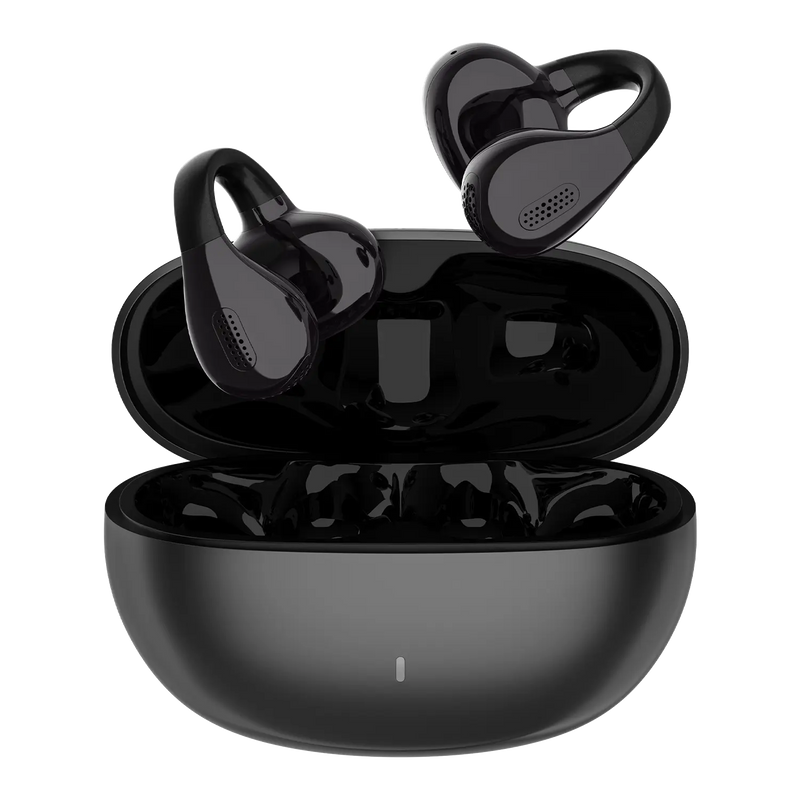
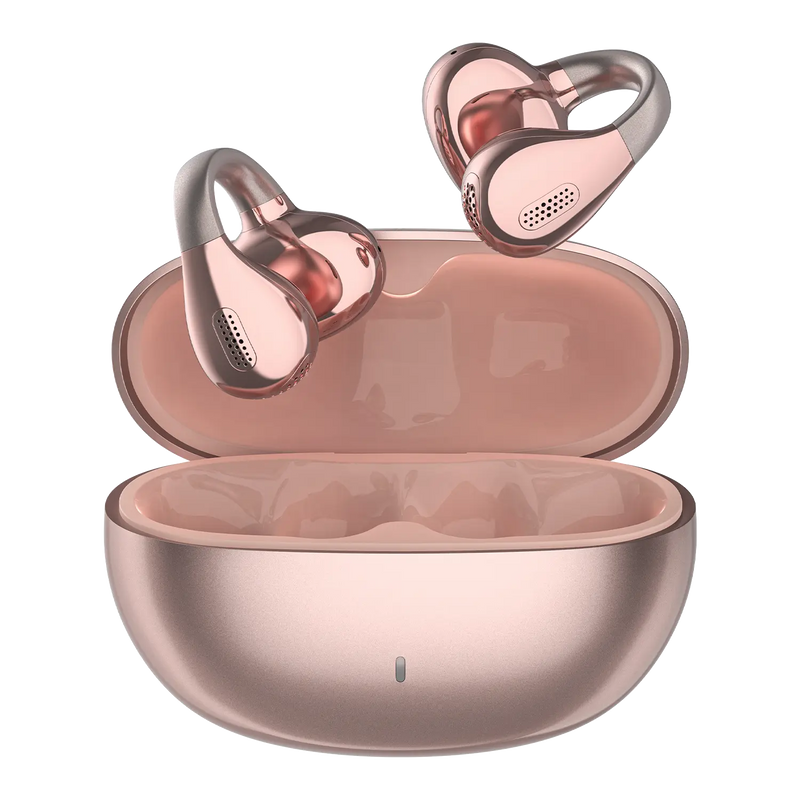
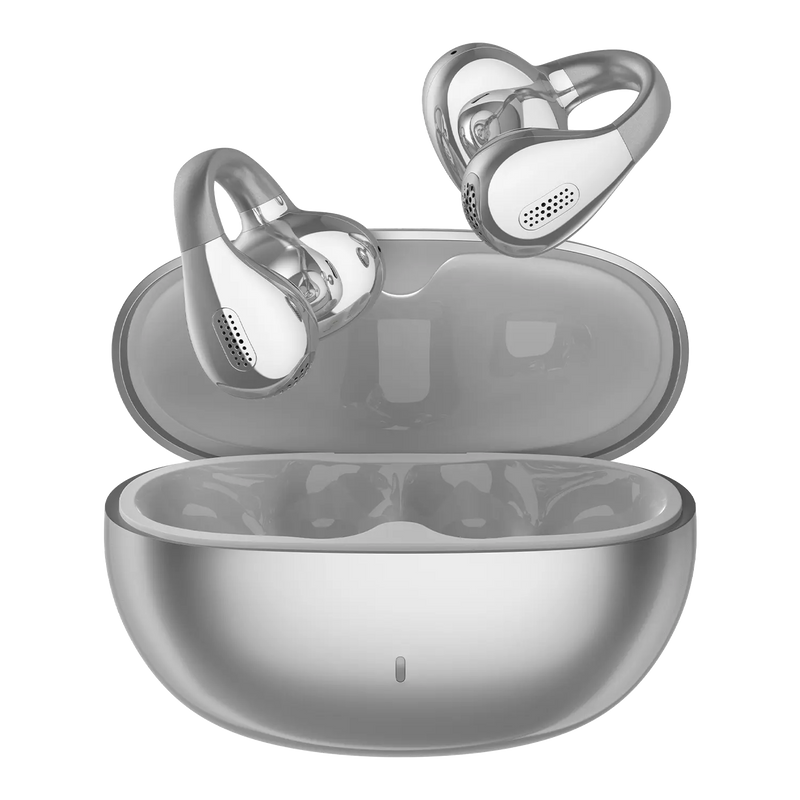
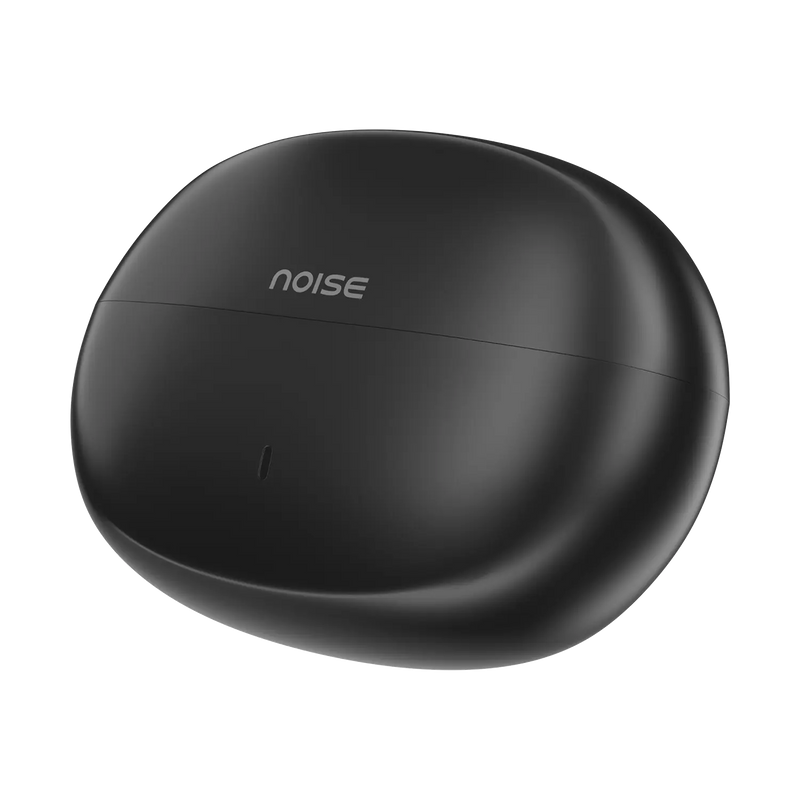
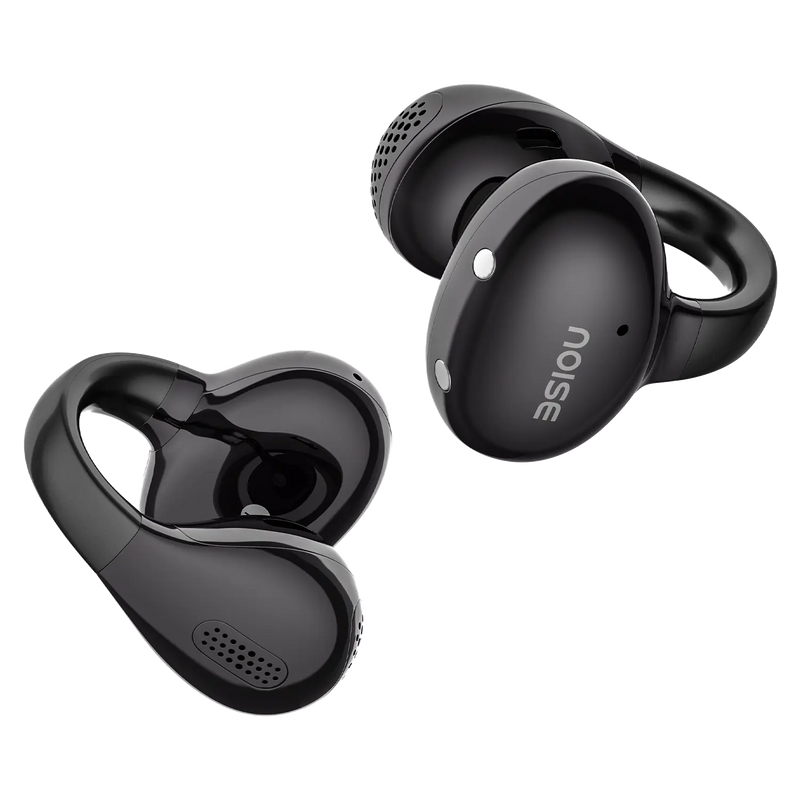
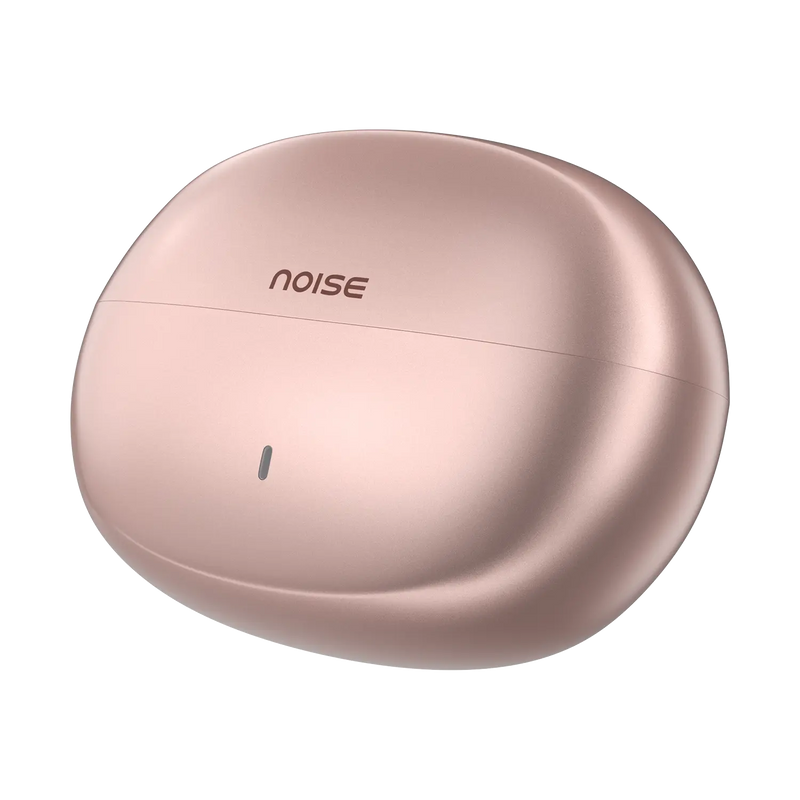
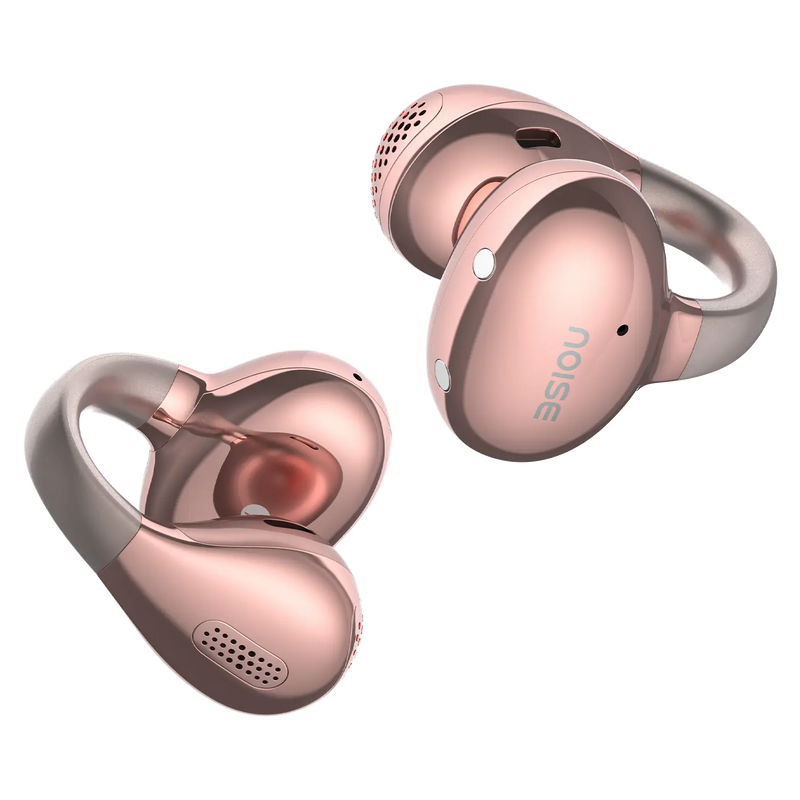
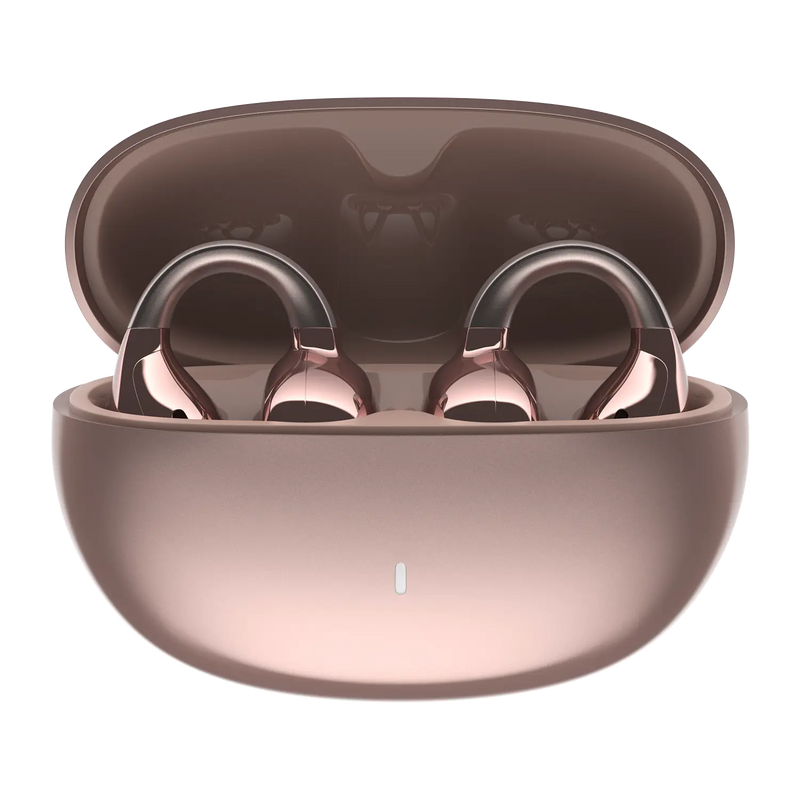
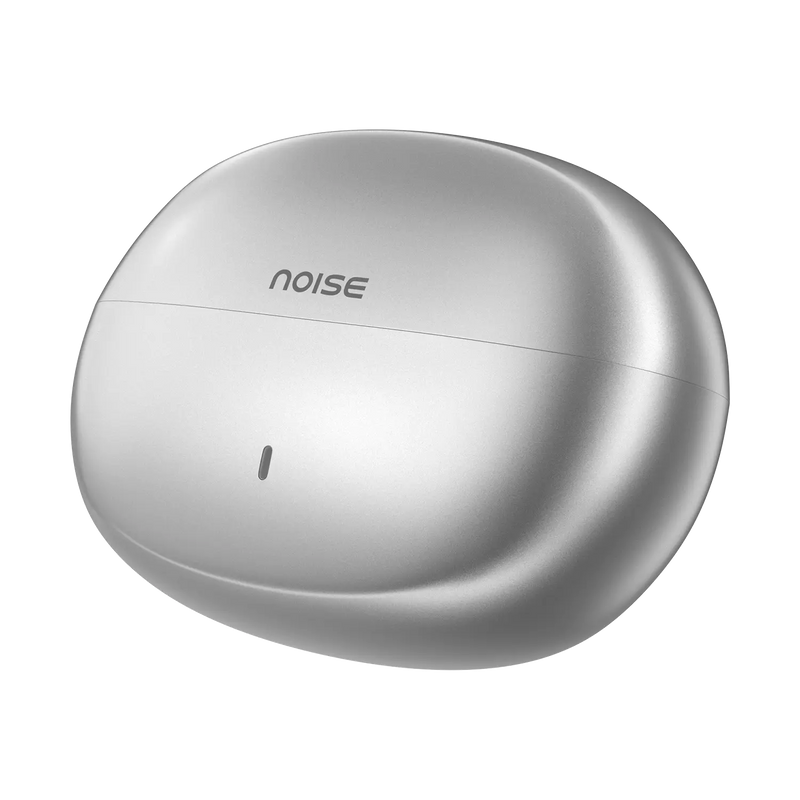
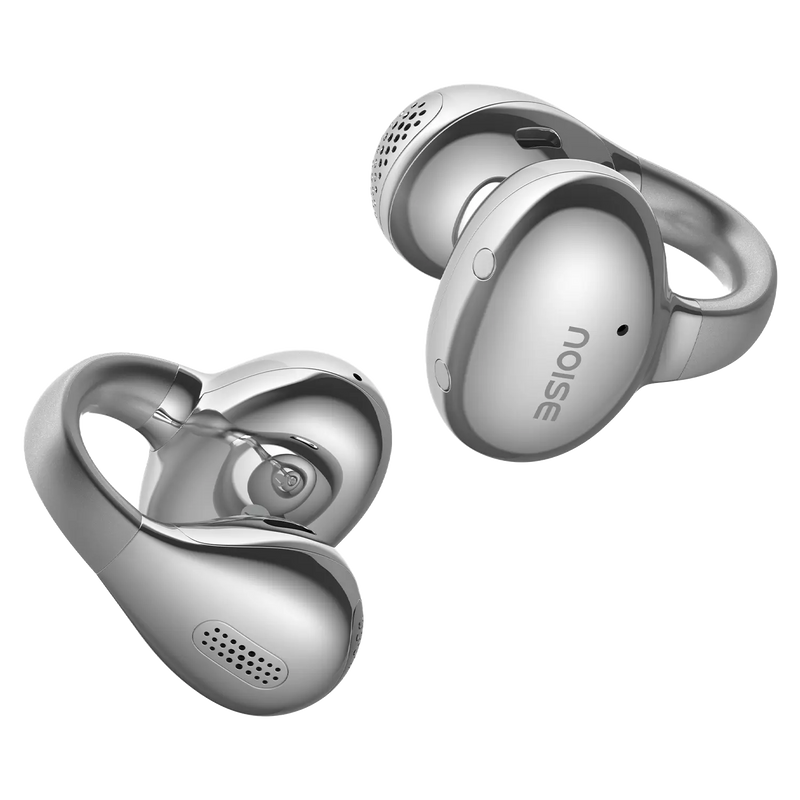
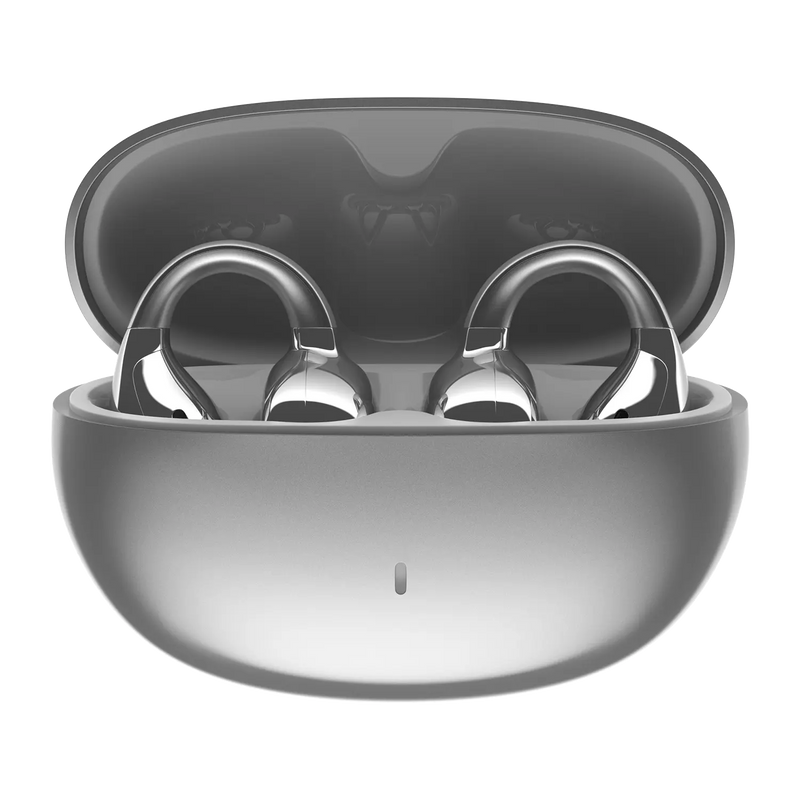
Experience ultimate open-ear listening with the Noise Air Clips Pro OWS – featuring AI-powered audio, 360° spatial awareness, and an industry-leading 50 hours of playtime.
Key Features:
- 50 Hours Total Playtime – Extended battery life for days of uninterrupted listening
- 360° Head-Tracking Spatial Audio – Immersive, AI-powered audio that moves with you for a cinematic sound experience
- AI-Powered Bass – Intelligent bass enhancement for rich, powerful sound
- Airwave Situational Awareness – Stay aware of your surroundings while enjoying music — ideal for outdoor safety
- 11mm Drivers – Precise, detailed audio reproduction
- ENC Microphones – Environmental Noise Cancellation for crystal-clear calls
- Fast Charging – 10 minutes of charging gives 3.3 hours of playtime
- Dual Device Pairing – Seamlessly switch between two devices
- IPX4 Water Resistance – Sweat and splash-proof for workouts
- Skin-Friendly TPU – Ergonomic, comfortable fit for all-day wear
- Full Touch Controls – Intuitive gesture controls for music and calls
- Voice Assistant – Siri & Google Assistant support
- 3 Colors – Cosmic Black, Orbit Silver, Nebula Rose.
Perfect For: Runners, cyclists, commuters, and outdoor enthusiasts who need situational awareness while enjoying premium audio. Customer Approved: Rated 4.6★ by verified buyers. Open ears. Immersive sound. 50 hours of freedom.
Customer Rating
4.8 out of 5.0 stars based on 117 reviews
Quick Specifications
| Playtime | Up to 50 hours |
|---|---|
| BT | V6.0 |
| Wireless range | 10m |
| Auto pairing | Yes |
| Speaker driver | 11mm |
| AirWave™ technology | Yes |
| Dual device pairing | Yes |
| Responsive touch controls | Yes |
| Hands-free calling | Yes |
| Voice assistant | Siri, Google Assistant |
| In-ear detection | No |
Specifications
| Country of Origin | P.R.C. |
|---|---|
| Package Contents | 1 device, 1 charging cable, 1 user manual, warranty card |
| Marketed & Imported By | Nexxbase Marketing Pvt. Ltd.15th floor, DLF City Phase 5, Two Horizon Centre, Golf Course Road, Sector 43, Gurugram, Haryana - 122002 (INDIA) |
Audio
| Speaker driver | 11mm |
|---|
Connectivity
| BT | v6.0 |
|---|---|
| Wireless range | 10m |
| Auto pairing | Yes, it connects with the last paired device |
| BT supported profile | A2DP, HFP, AVRCP |
| Compatibility | Android & iOS |
Battery Charging
| Playtime | Up to 50 hours |
|---|---|
| Charging Port | C-type |
| Charging Indicator | Yes |
Physical Specification
| Weight | 6 grams |
|---|---|
| Dimensions | 5.8 x 5.4 x 3 cm |
| Water resistance rating | IPX5 |
Additional Features
| AirWave™ technology | Yes |
|---|---|
| Dual device pairing | Yes |
| Responsive touch controls | Yes |
| Hands-free calling | Yes |
| Voice assistant | Siri, Google Assistant |
| In-ear detection | No |
FAQs
How do I control Air Clips Pro?
Air Clips Pro is fully touch-enabled. Tap and hold gestures on each earbud let you play or pause music, skip tracks, answer or end calls, adjust volume and summon your voice assistant, so you can operate it without reaching for your phone. Control mapping is fixed on the device.
How is the call quality?
Call clarity on Air Clips Pro depends on your network strength and surrounding noise, but the built-in microphones with noise reduction help isolate your voice so callers hear you clearly. For the best experience, use it in a reasonably quiet spot with a stable Bluetooth connection to your phone.
Will incoming calls announce the caller's name or number?
No, Air Clips Pro does not read out the caller's name or number. Instead you will hear a tone alert on the earbuds whenever a call comes in, and the caller details remain visible on your paired phone screen so you can decide whether to answer using the touch controls.
Is Air Clips Pro waterproof?
Air Clips Pro carry an IPX5 rating, which means it is water- and sweat-resistant enough for workouts, rain and everyday splashes, but not waterproof. Do not swim, shower or submerge it, and always wipe it fully dry before placing it back in the charging case. (VERIFY IP rating vs product meta description — see Spec Flags tab)
Is noise cancellation available?
Yes. Air Clips Pro feature Environmental Noise Cancellation (ENC) on calls, which reduces background sound so your calls come through cleaner. This helps in noisy environments such as offices, streets or public transport. Note that noise cancellation behaviour applies during calls as described on the product page.
What colour options does Air Clips Pro come in?
Air Clips Pro is available in 2 colour options: Orbit Silver, Nebula Rose and Cosmic Black. All colourways carry the same features and specifications, so you can choose purely on style. You can view each finish and check current availability on the official Noise website product page.
What is included in the Air Clips Pro box?
The Air Clips Pro box typically includes the earbuds, the charging case, a charging cable, a user manual and a warranty card. Additional ear tips may be included on in-ear models. Check the pack contents listed on the official product page for the exact accessories shipped with your unit.
Can I use Air Clips Pro for workouts and running?
Yes. With an IPX5 sweat- and splash-resistant rating and a secure open-ear (OWS) headphones fit, Air Clips Pro is well suited to gym sessions, running and outdoor workouts. Wipe it dry after sweaty use and avoid full submersion. The lightweight design keeps it stable during movement. (VERIFY IP rating vs product meta description — see Spec Flags tab)
Is Air Clips Pro compatible with iPhone and Android phones?
Yes. Air Clips Pro is compatible with both iPhone (iOS) and Android smartphones over Bluetooth, and also pair with Bluetooth-enabled laptops, tablets and computers. Once paired, it is ready to use for calls and music across your devices without any additional app required.
Can Air Clips Pro connect to a laptop or computer?
Yes. Air Clips Pro can connect to any laptop, desktop or tablet that has Bluetooth, exactly as it does to a phone. Put the earbuds in pairing mode, open the Bluetooth menu on your computer, and select Air Clips Pro from the list to use it for calls, meetings and media.
Can Air Clips Pro connect to two devices at once?
Yes. Air Clips Pro support dual-device pairing, so it can stay connected to two devices at the same time — for example your phone and laptop — and switch audio between them. This lets you take a call on your phone while working, without re-pairing each time you swap devices.
Which Bluetooth version does Air Clips Pro use and what is the range?
Air Clips Pro is best paired over Bluetooth v6.0 for a fast, stable connection, and it also work with phones on older versions such as Bluetooth v4.0. The wireless range is up to 10 metres in open space; walls and obstacles between the earbuds and your device will reduce it.
Can I use Siri or Google Assistant?
Yes. Air Clips Pro let you trigger your phone's voice assistant — Siri on iPhone or Google Assistant on Android — directly from the earbuds using a touch gesture. You can then ask for directions, set reminders, make calls or control playback hands-free without unlocking your phone.
What is the battery backup?
Air Clips Pro deliver up to 50 hours with the case, combining playtime from the earbuds with the extra charges stored in the case. Actual backup varies with volume level and whether noise cancellation is on. The case tops the earbuds up multiple times, so a full case comfortably covers several days of typical use.
How long does it take to charge, and can I charge it from a PC?
Air Clips Pro take about 90 minutes for the earbuds and 90 minutes for the case. You can charge the case from any standard USB source, including a PC or laptop port, and fast charging gives you a quick top-up of playtime from a short charge. Use a low-power 5V adapter or USB port rather than a high-wattage fast charger.
What should I do if Air Clips Pro is not charging?
First make sure the charging pins on the earbuds and case are clean and dry, the case itself has charge, and the cable and adapter work. Reseat the earbuds so the magnets click into place. If it still does not charge, raise a request at gonoise.com/pages/register-your-complaint.
How do I check the Air Clips Pro battery level?
When Air Clips Pro is connected, your phone shows the earbud and case battery level in the Bluetooth section and in the notification bar next to the Bluetooth icon. On iPhone you can also add the battery widget. This lets you see at a glance when it is time to recharge.
How can I get the longest battery life from Air Clips Pro?
To maximise playtime, keep the earbuds in the case when not in use so they stay topped up, listen at moderate volume, and switch off noise cancellation when you do not need it. Keeping the case charged means the earbuds recharge automatically between sessions for uninterrupted use.
How do I turn Air Clips Pro on and off?
Air Clips Pro power on automatically the moment you open the case and lift the earbuds out, and power off automatically once you place it back in the case and close the lid. Because it is automatic, there is no separate power button to press — simply opening or closing the case manages it for you.
How do I pair Air Clips Pro with my smartphone?
Before pairing, make sure that your Air Clips Pro and the mobile device are next to each other. Open the charging case and take out the Air Clips Pro from the charging case. Go to the Bluetooth menu on your phone. Search and select Noise Air Clips Pro. Your Air Clips Pro is now ready to use.
Note: The Air Clips Pro will automatically connect to the last paired devices.
What should I do if only one earbud is working?
If only one side plays, place both earbuds back in the case, make sure both are charging, then reset Air Clips Pro and re-pair. Deleting the old Bluetooth entry from your phone before re-pairing usually restores stereo. If the issue persists, raise a support ticket at support.gonoise.com.
How do I reset Noise Air Clips Pro?
To reset your Air Clips Pro make sure it’s fully charged. From your Bluetooth settings, delete/remove Noise Air Clips Pro from the list of paired devices.
Next, put the Air Clips Pro inside the charging case. Press and hold the charging case button for 7 seconds. Orange LED will start blinking indicating that the buds have been reset.
Now, place the Air Clips Pro inside the charging case and repeat the pairing process.
Is there a warranty, and how do I register it?
Yes. Air Clips Pro come with a 1-year manufacturing warranty from the date of delivery, covering manufacturing defects under normal use. Register your product at gonoise.com/pages/warranty-registration and keep your order invoice handy, as it may be requested when you claim warranty service.